BeFunky-collage-1 (2) (1)

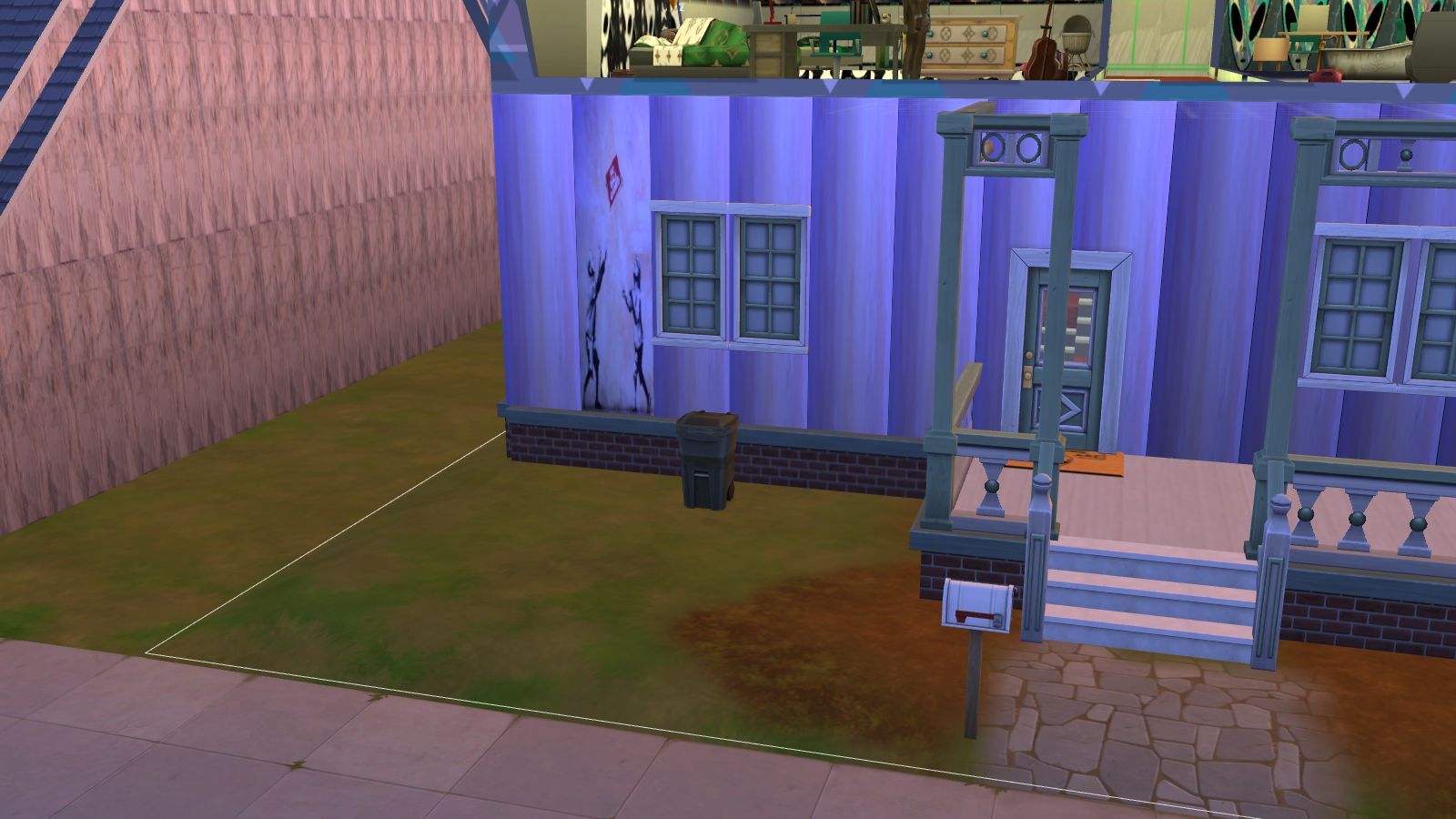
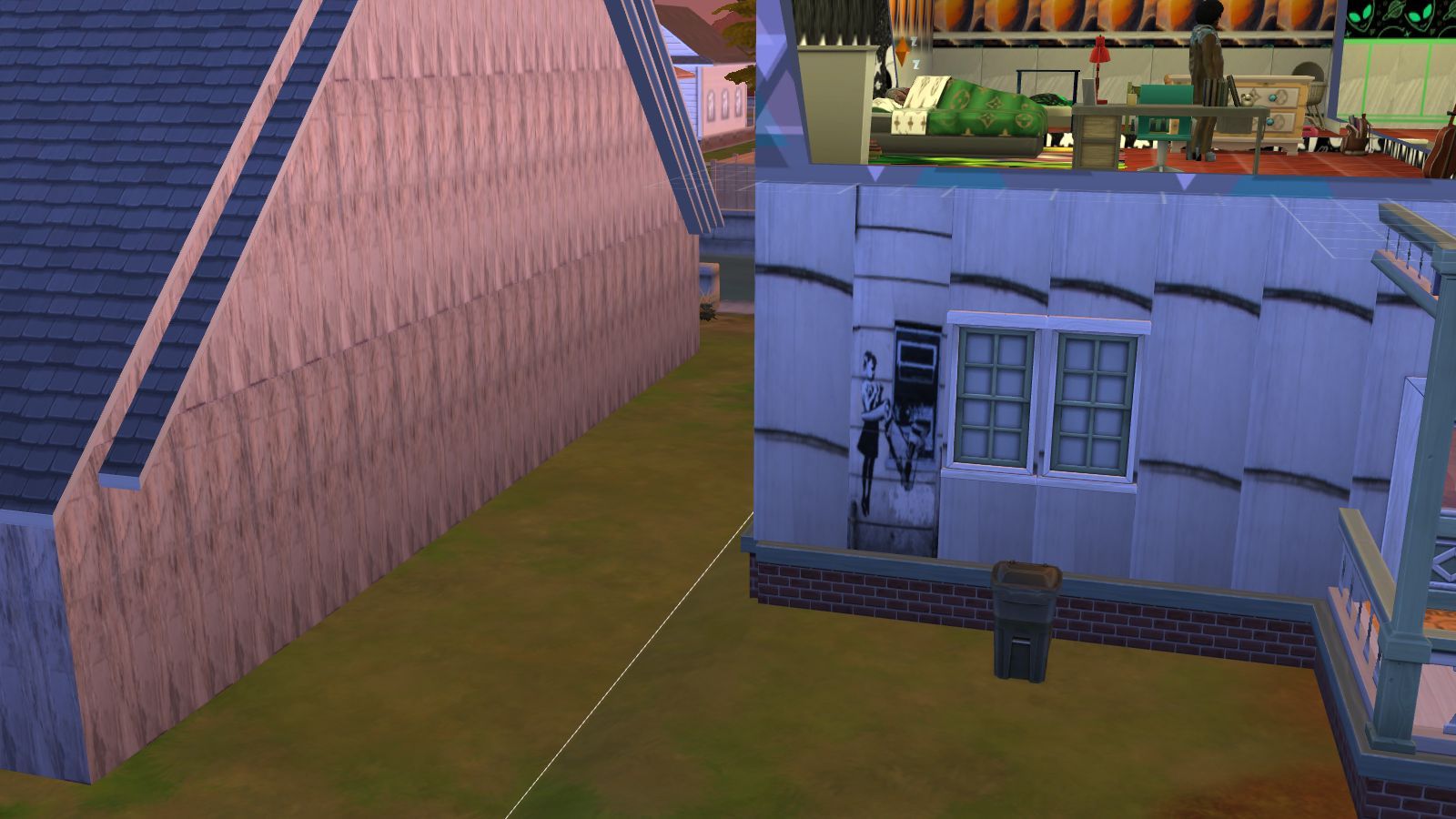
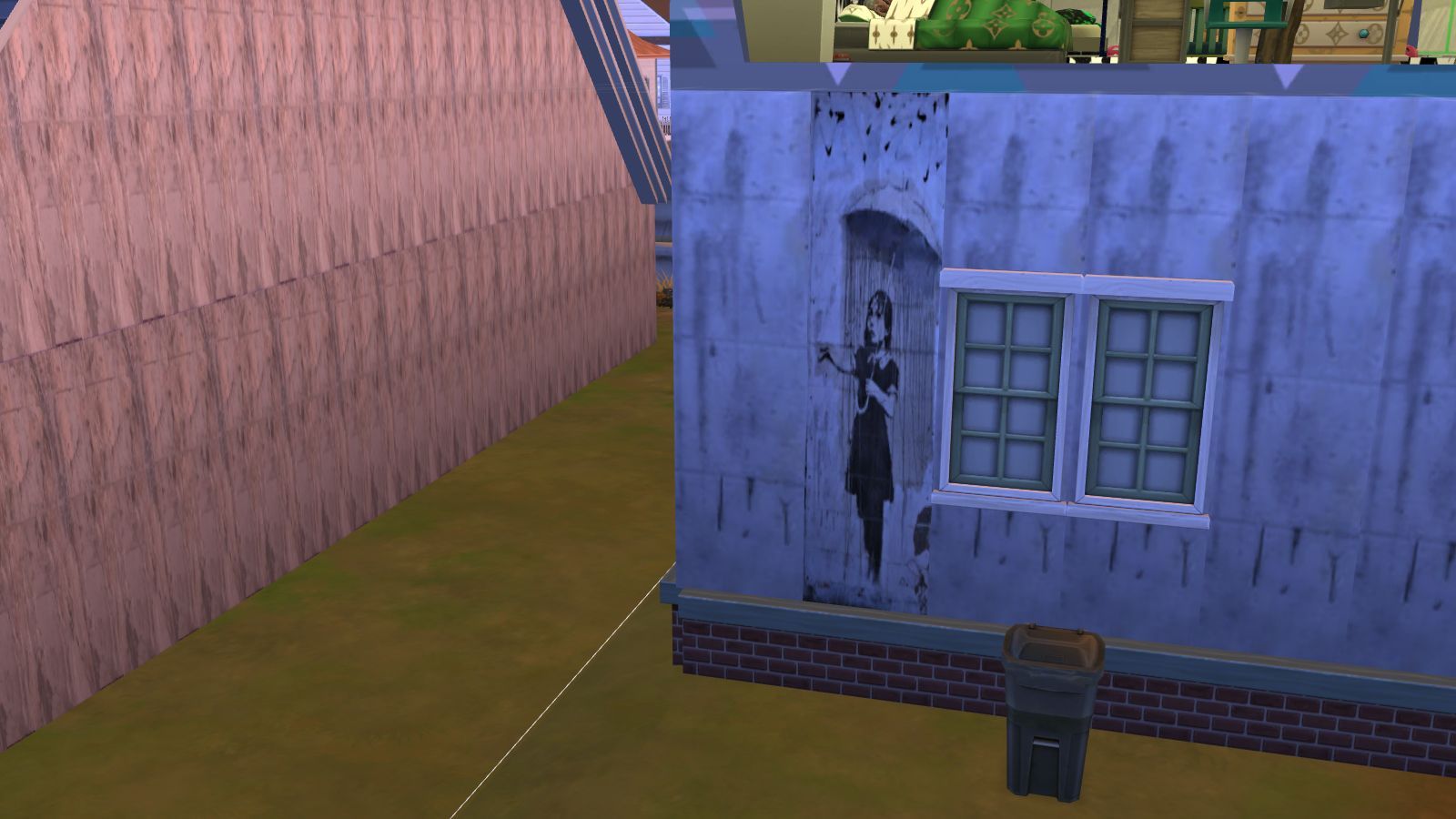
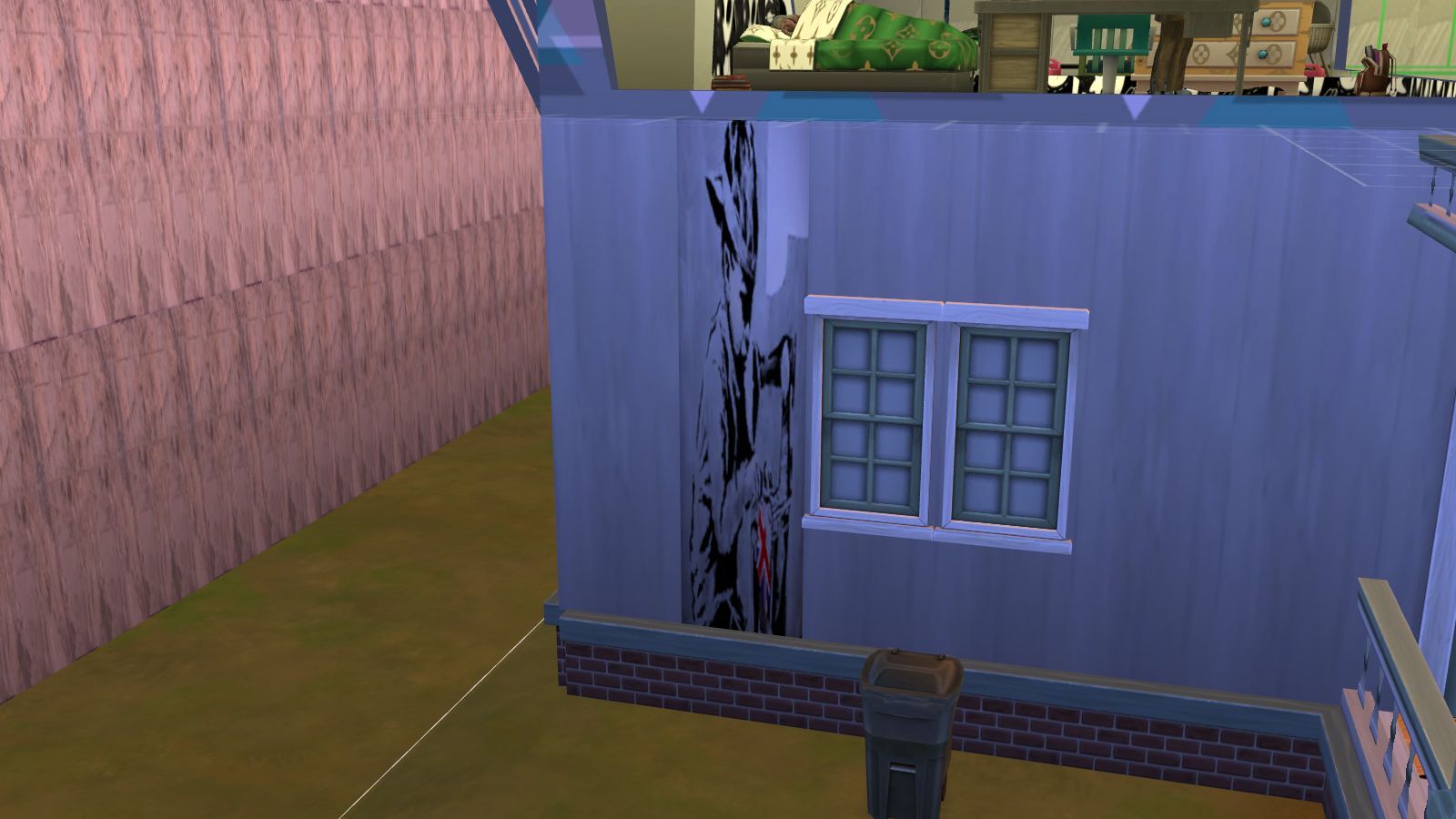
Sims 4 Custom Content – Banksy Walls

About
Downloads
Gallery
Instructions

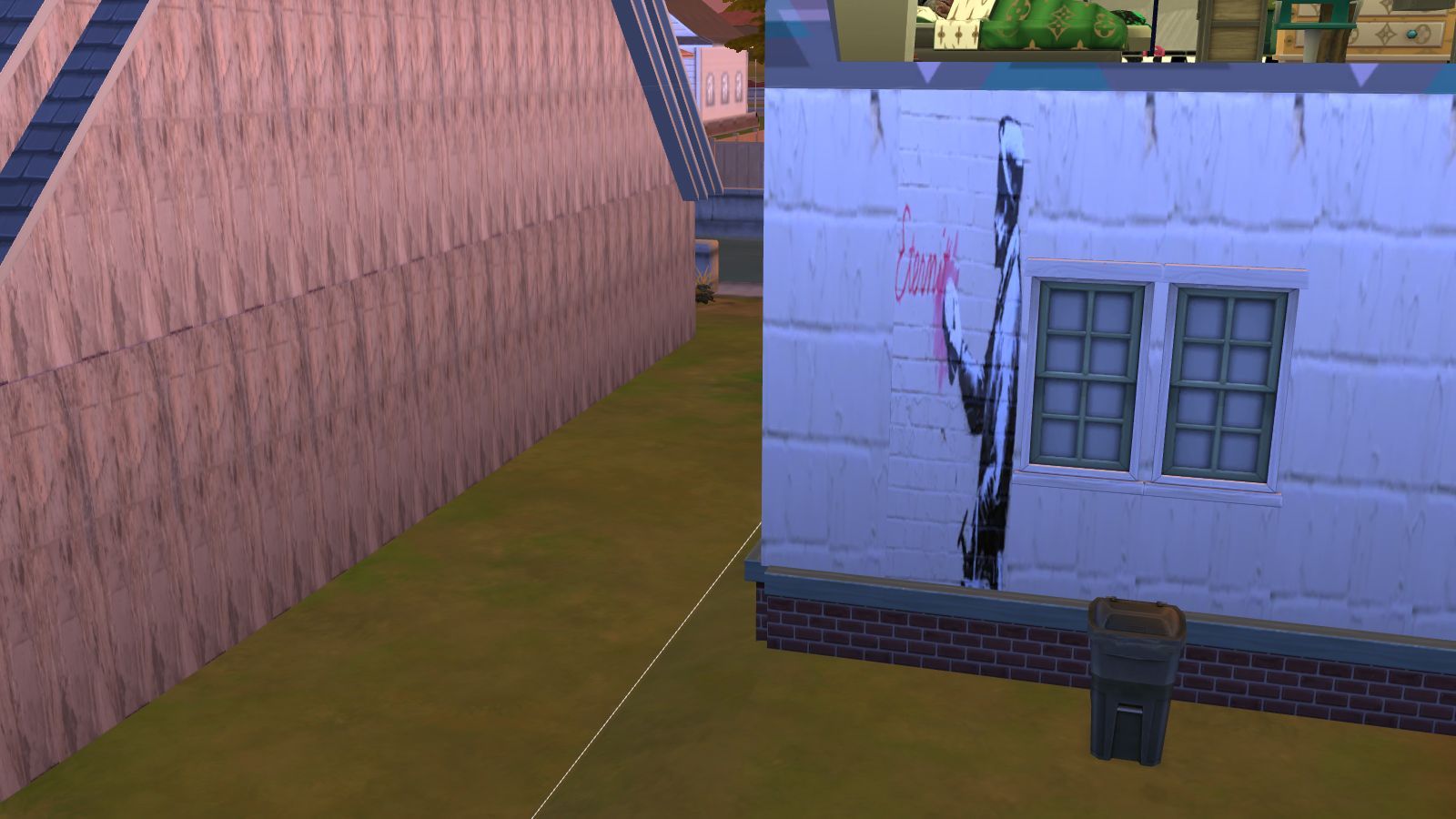
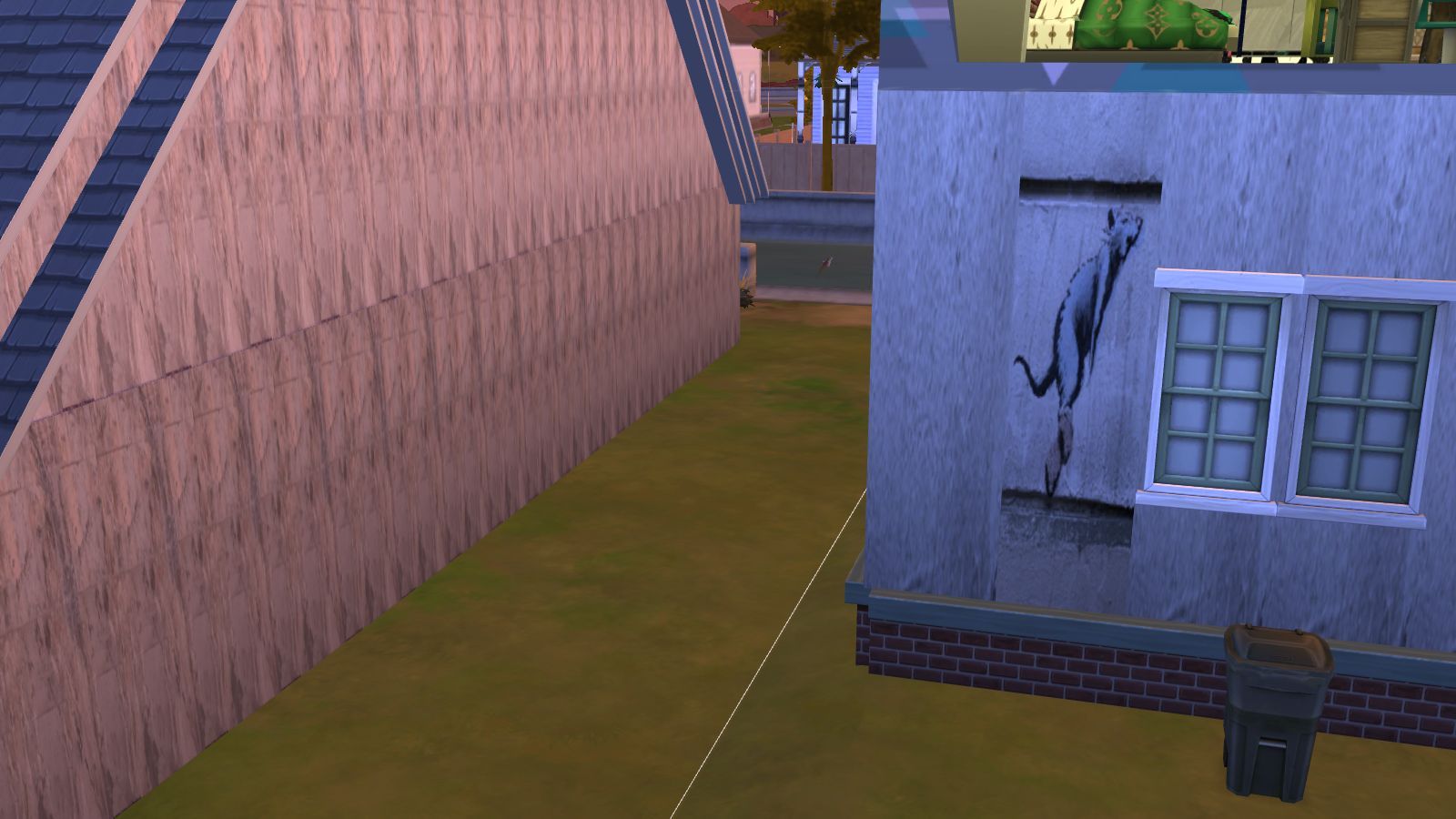
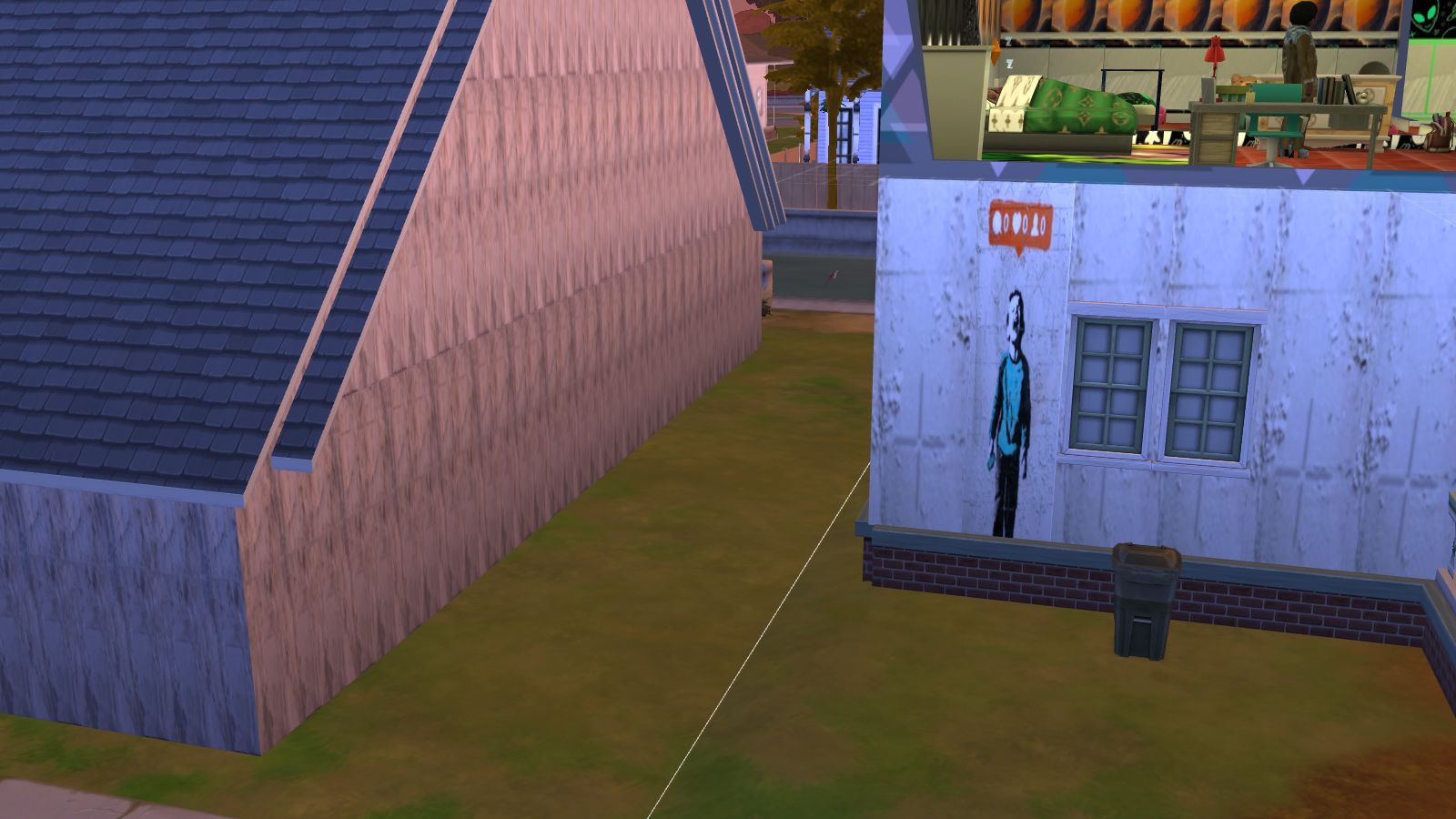
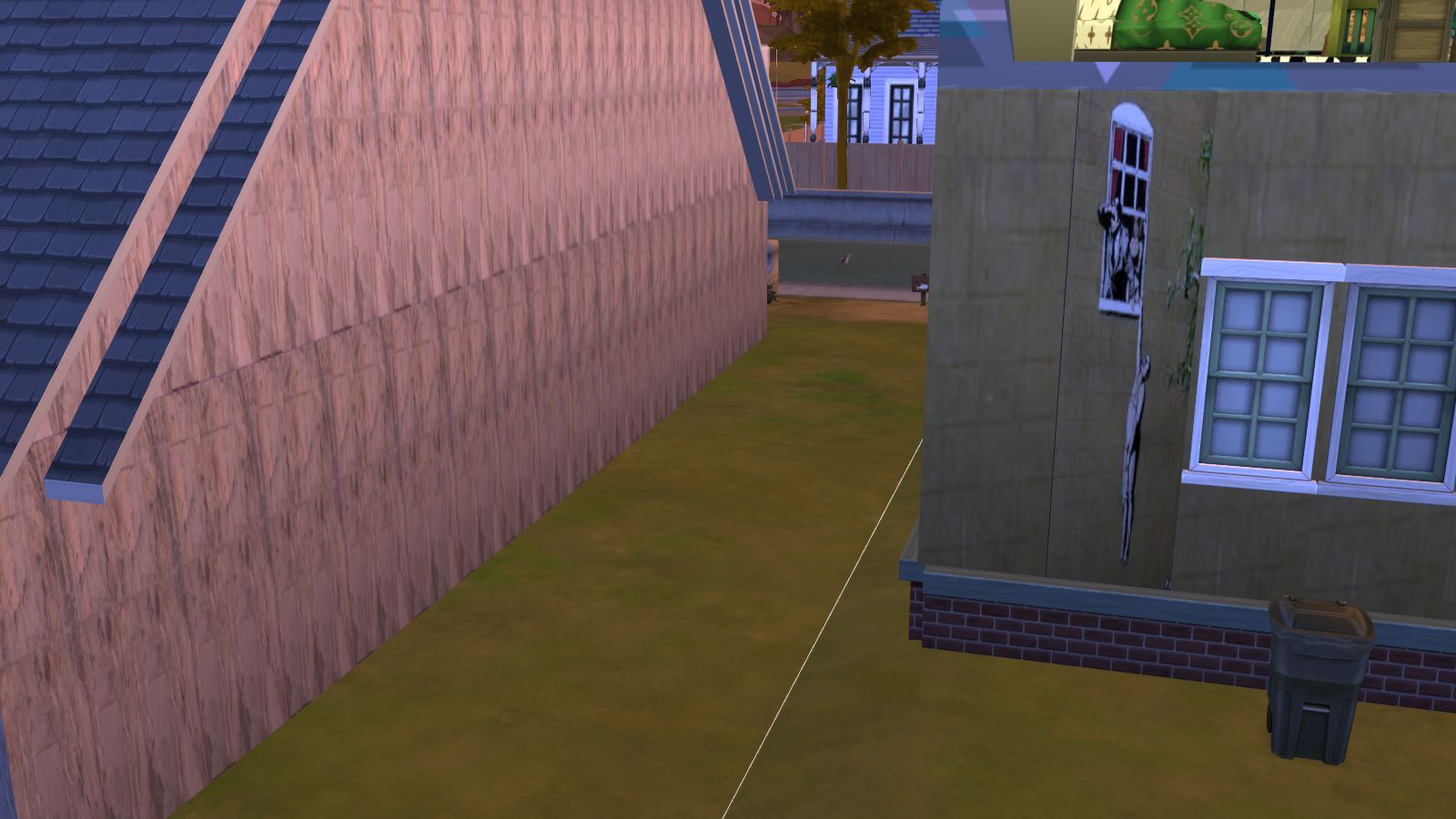
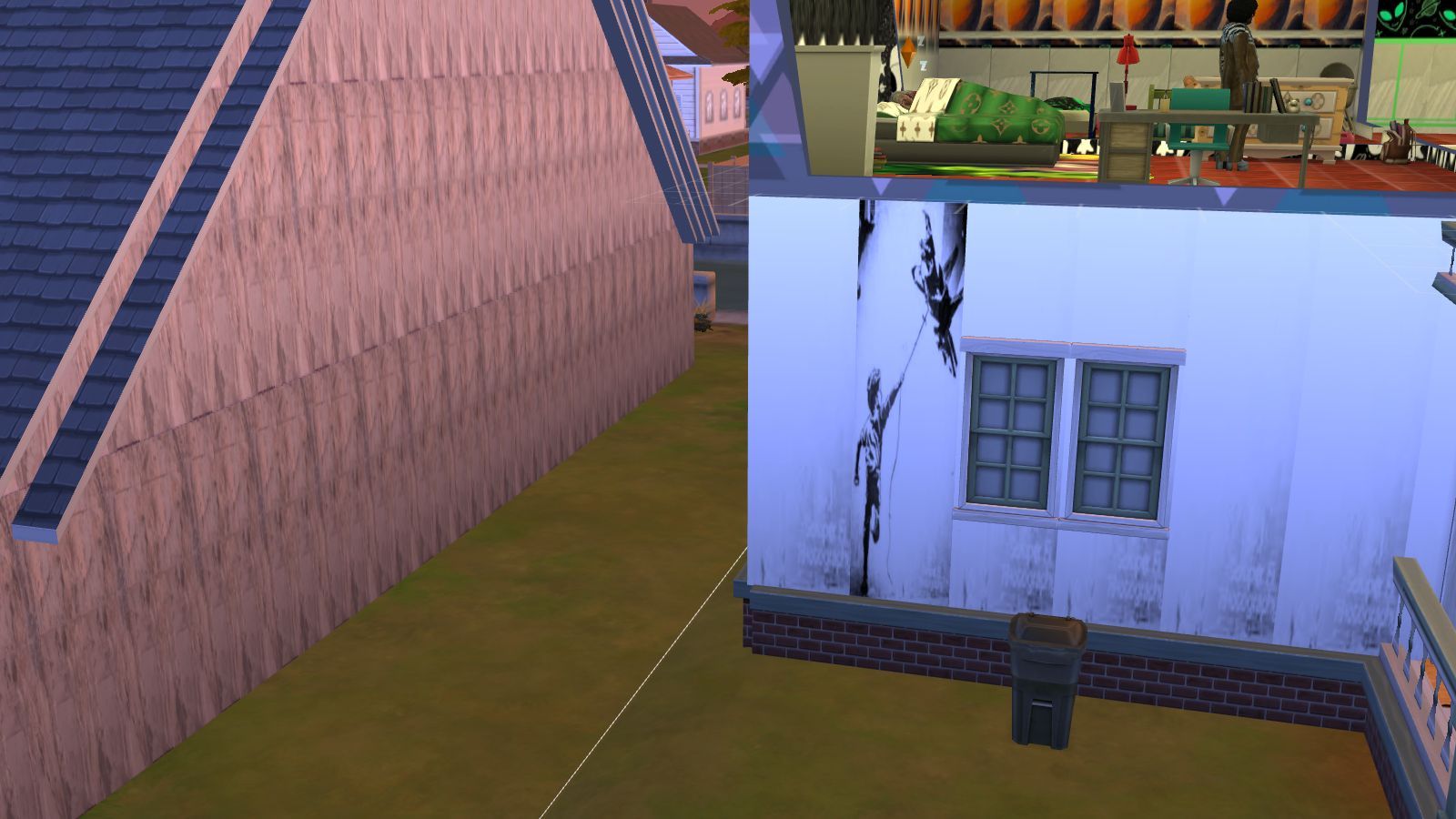
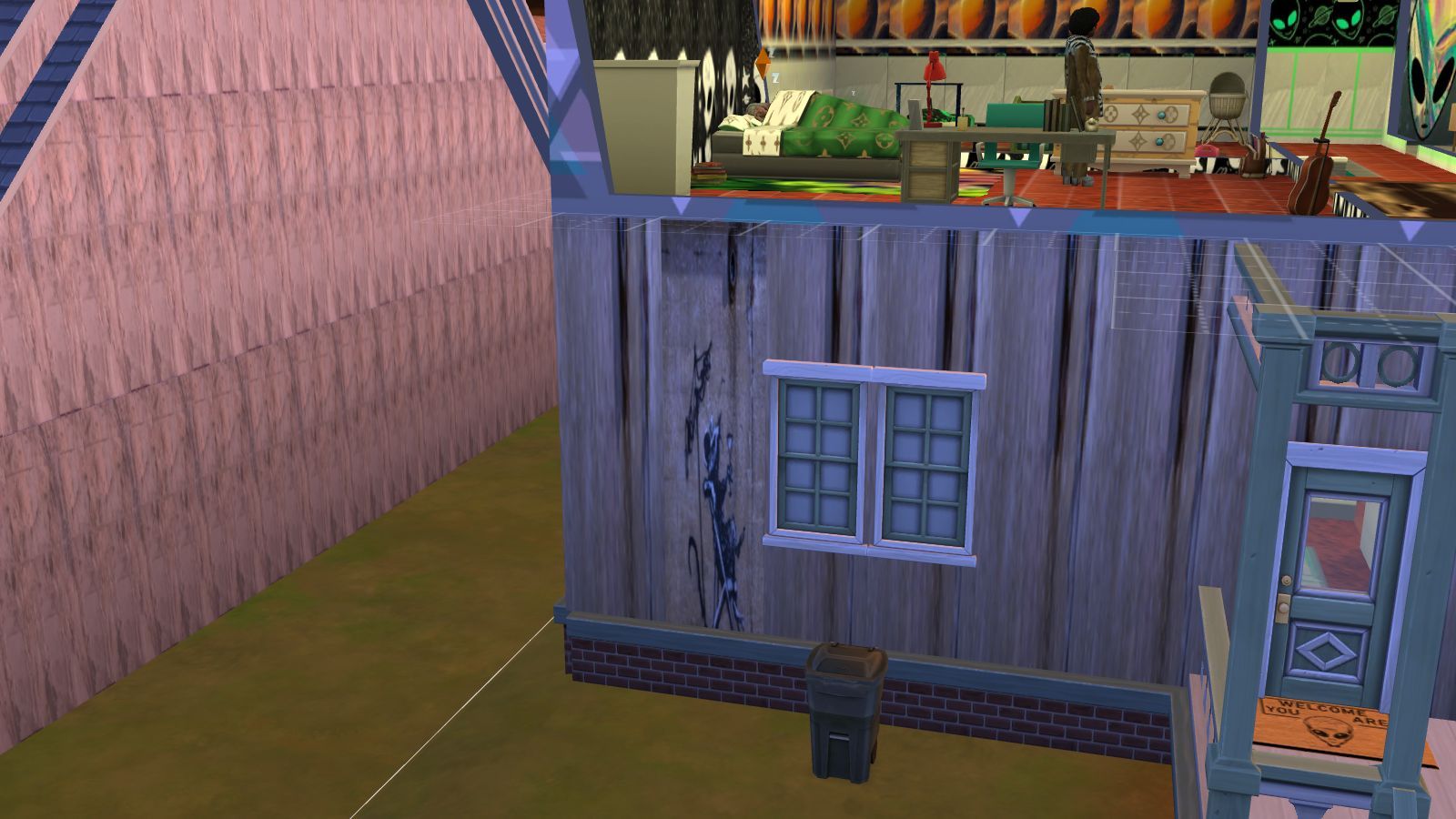
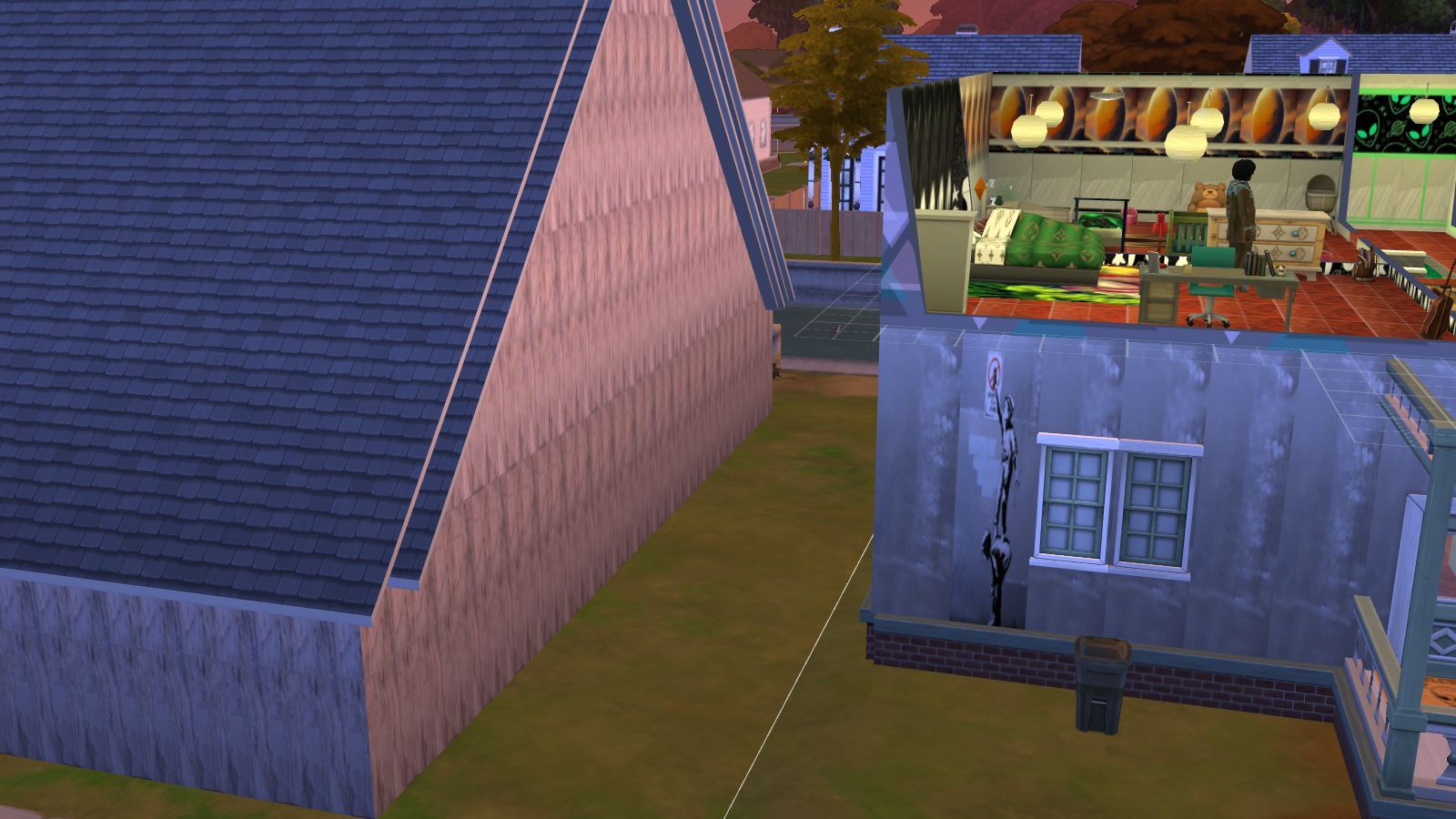
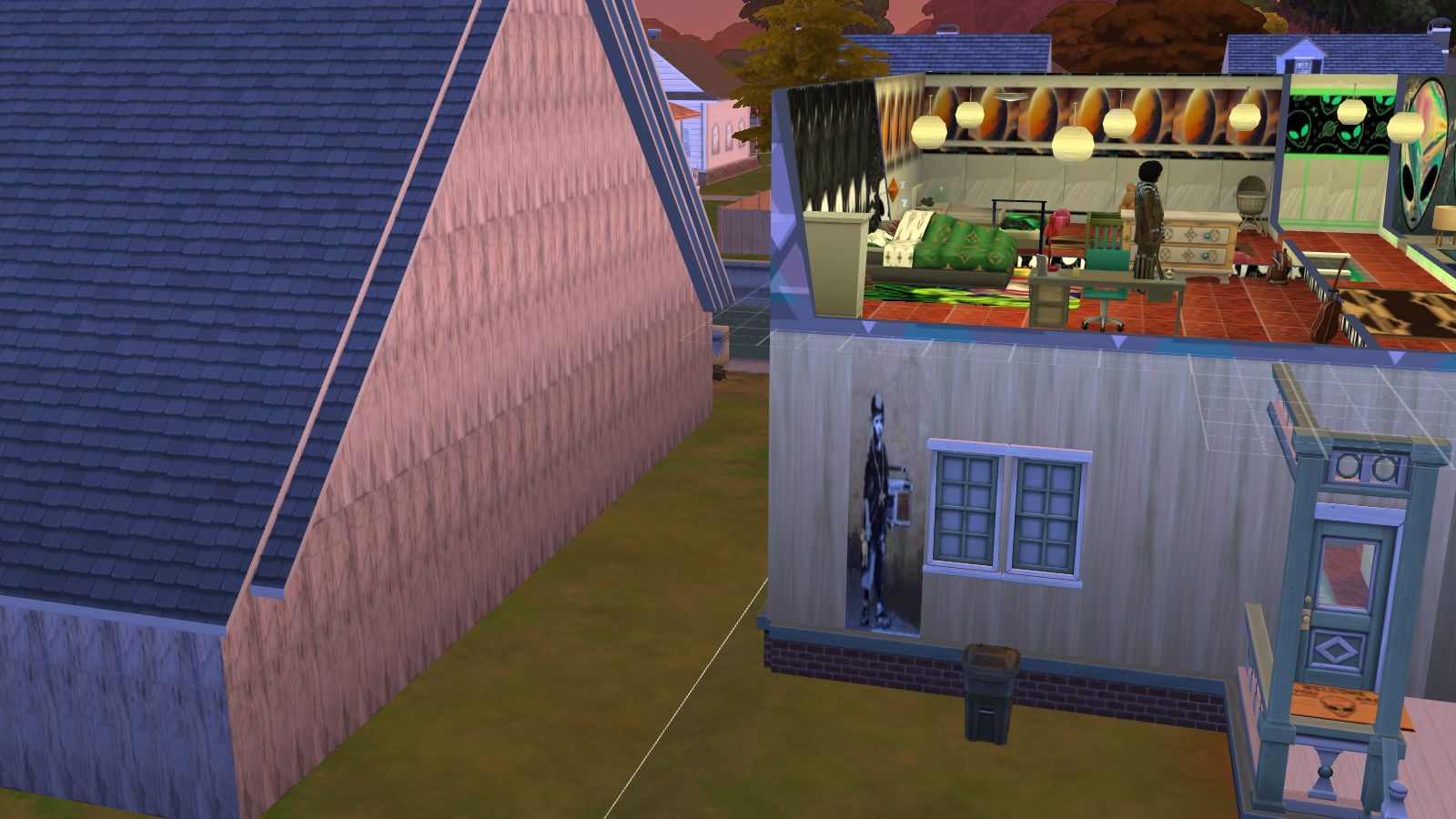
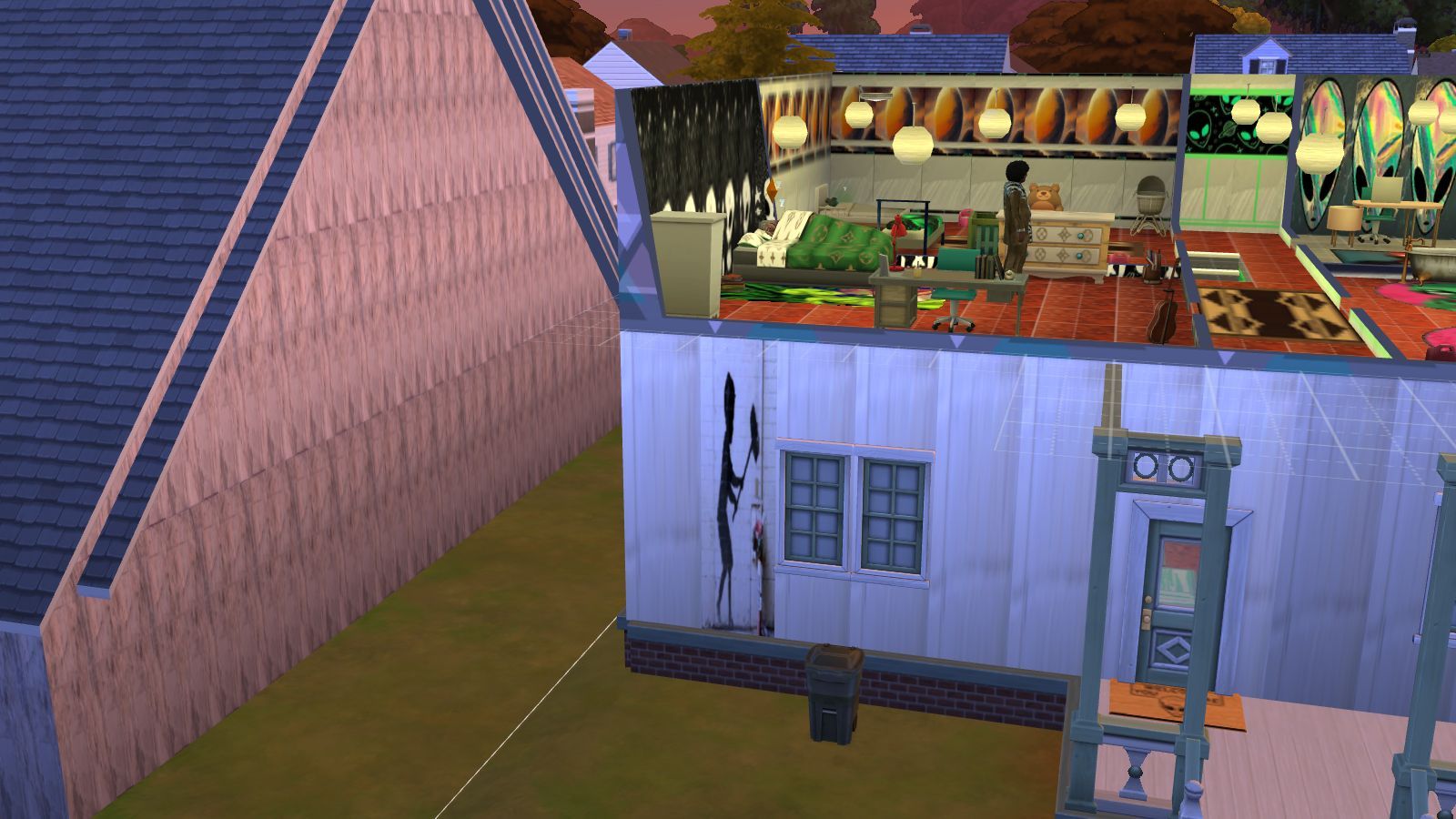
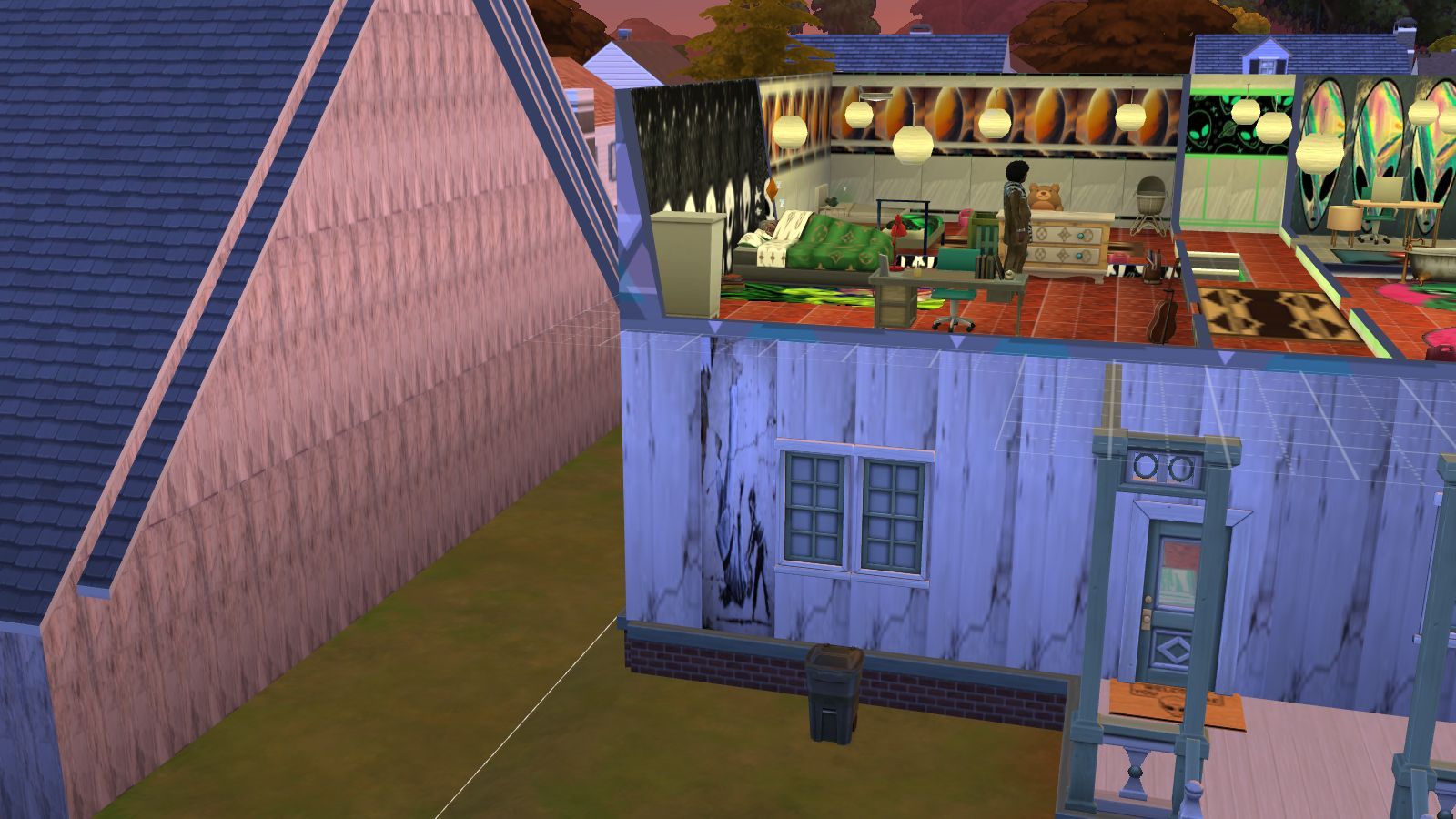
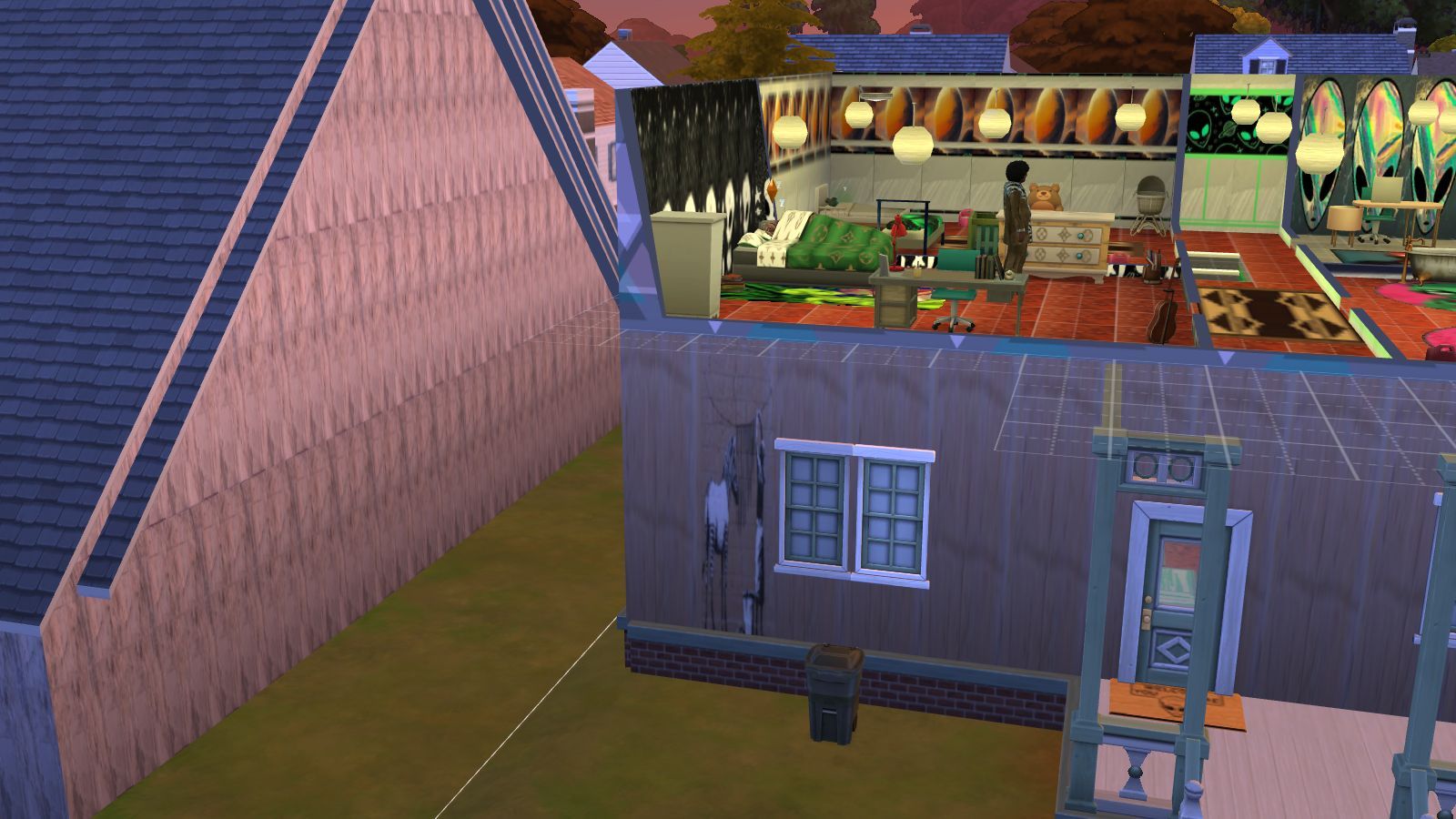
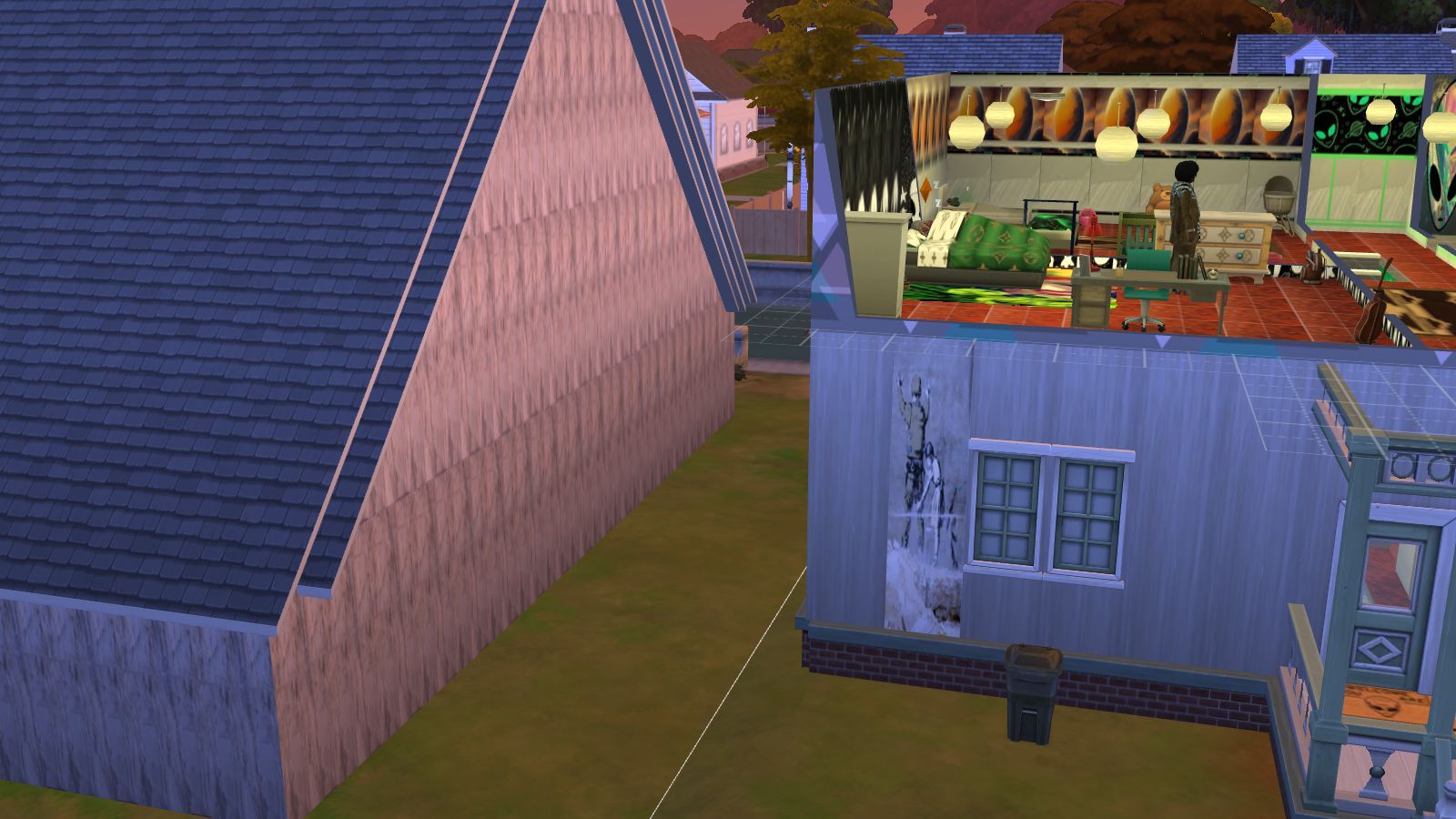
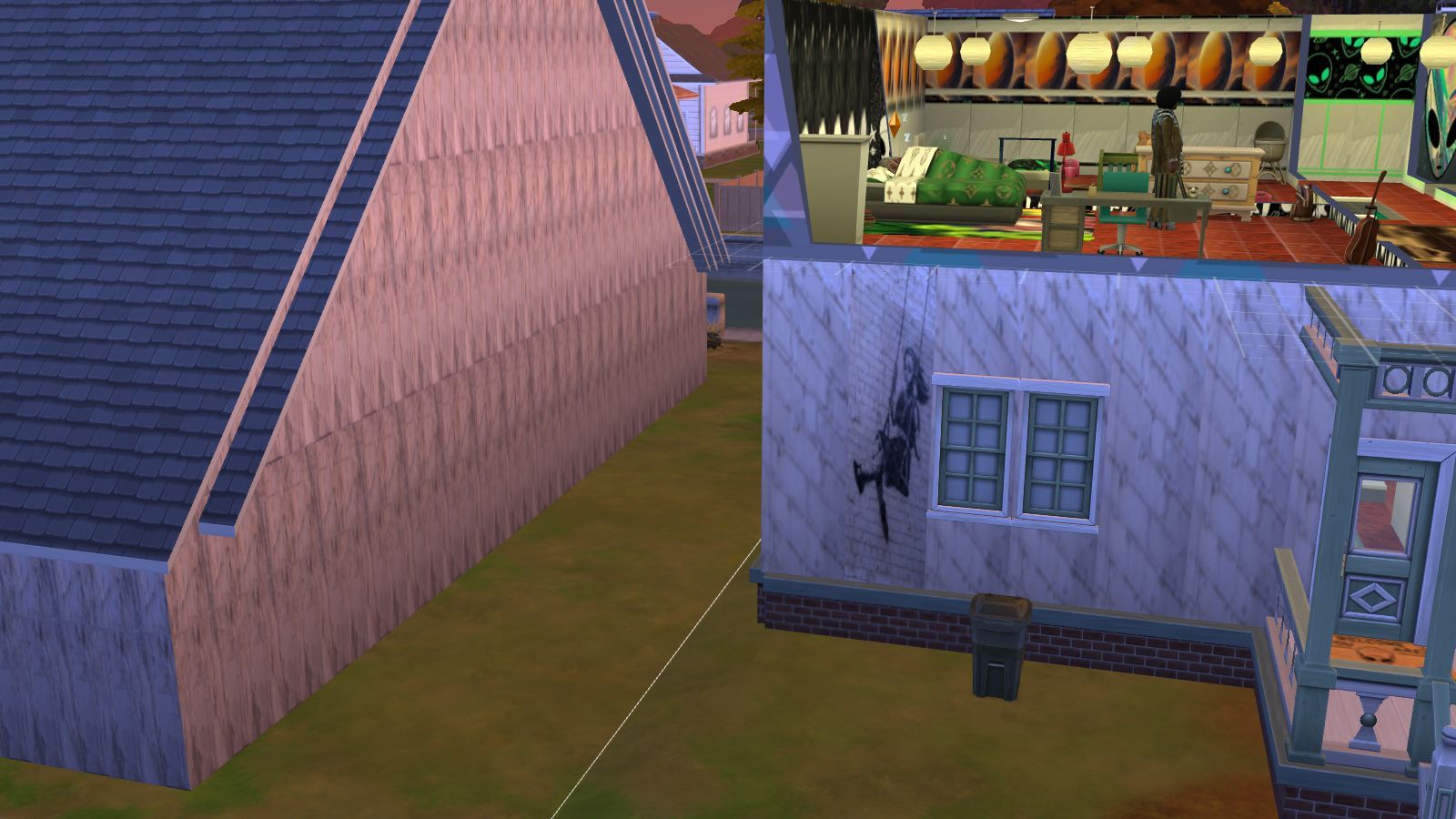
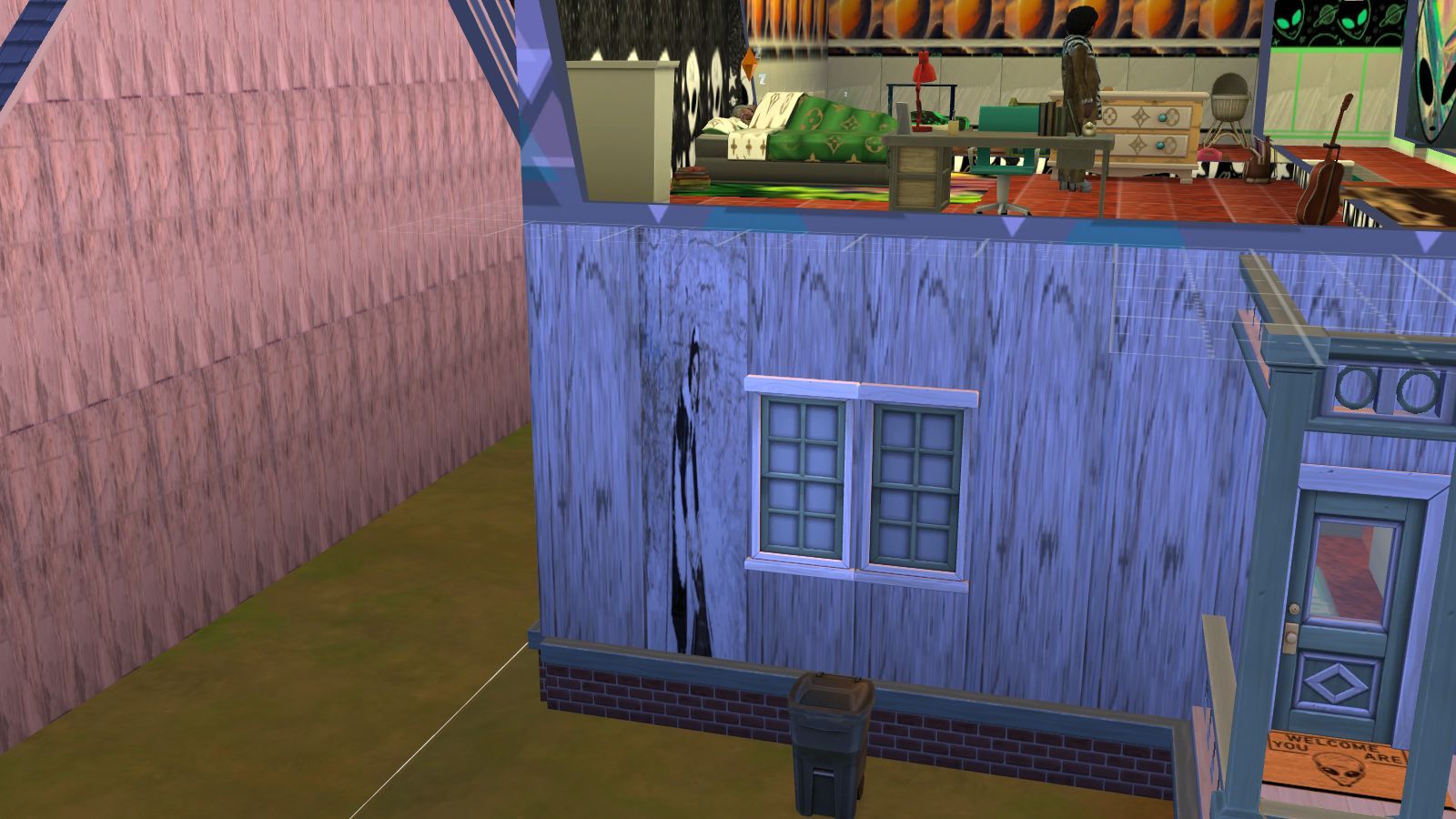
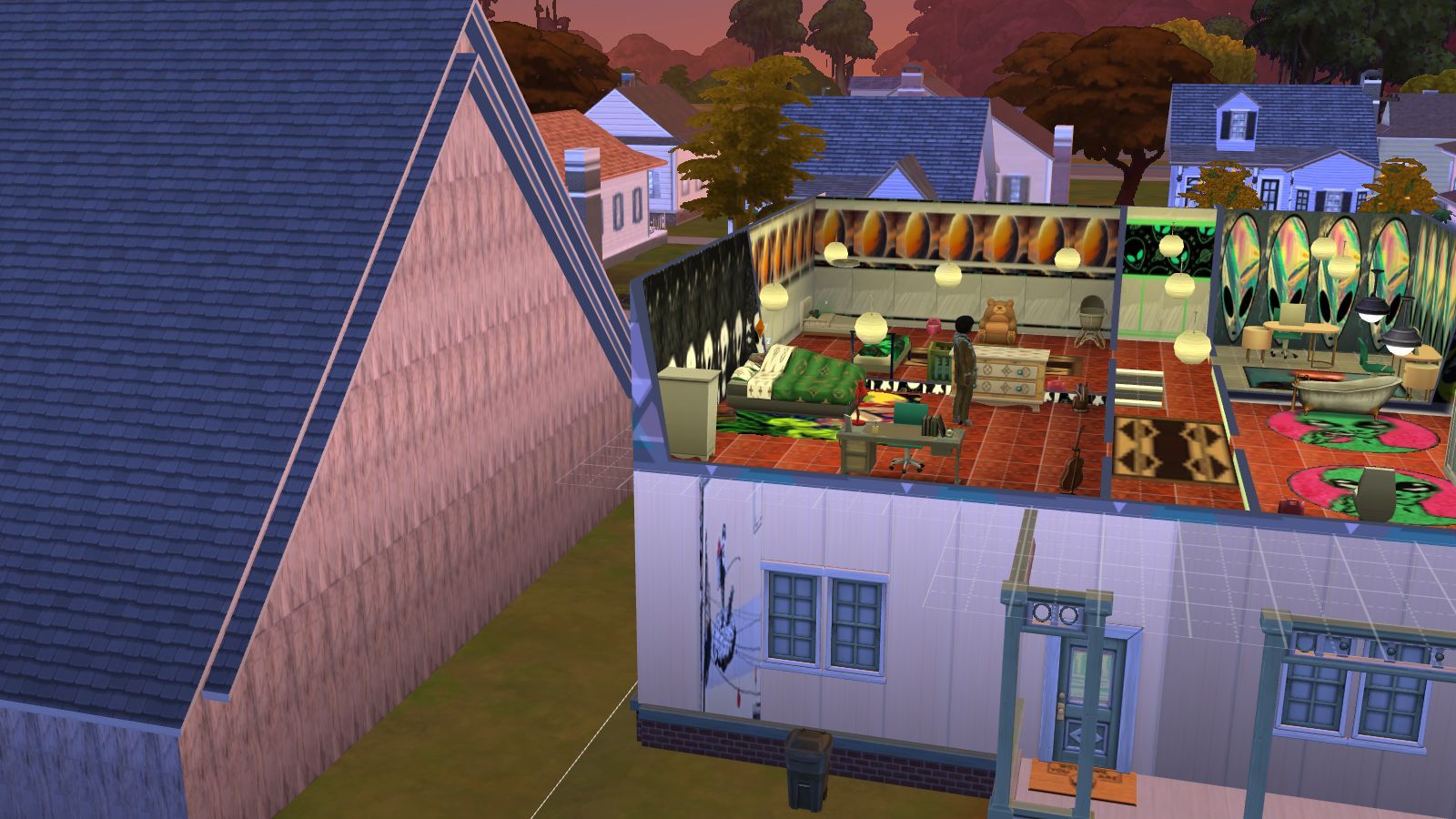
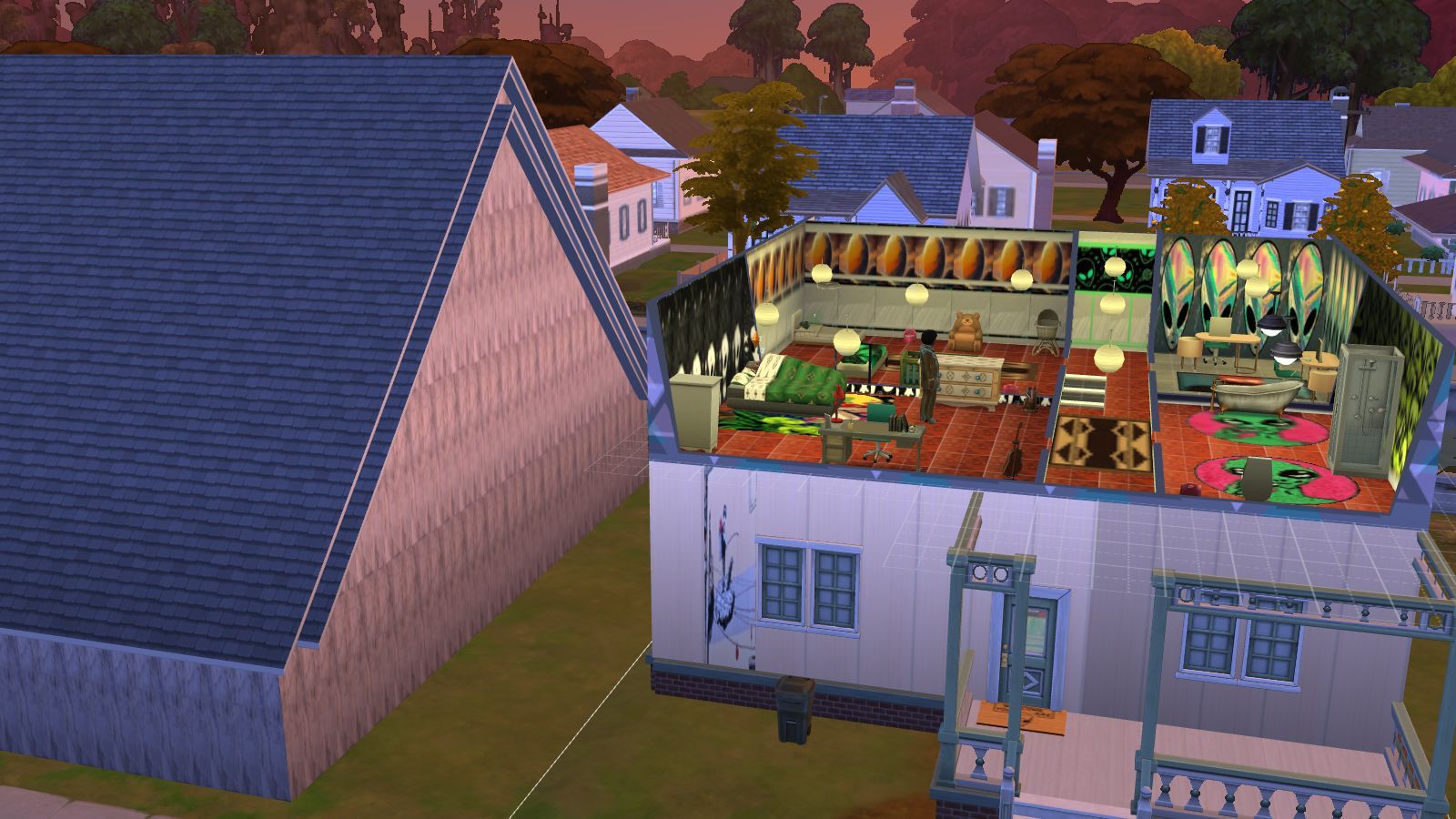
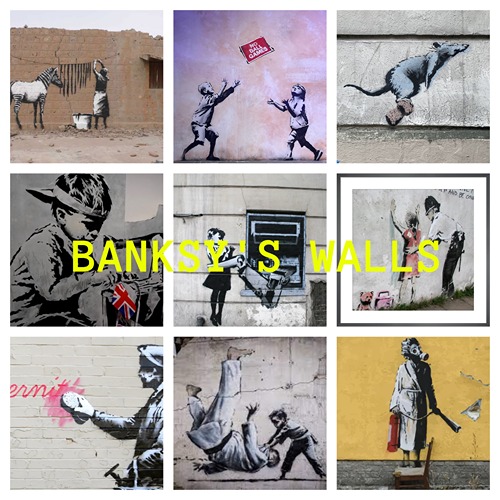
A set of Graffiti art from non other than Banksy a street art artist from here in the UK. He does political and social pieces and is a anonymous person who does his work in the middle of the night and has some sort of statement behind it. There are 30 art pieces and 30 wall covers to match in case you just wanted one strip as demonstrated in the gallery but it's your game. 

INSTRUCTIONS

You will get a Sims 4 Package files in the folder. 

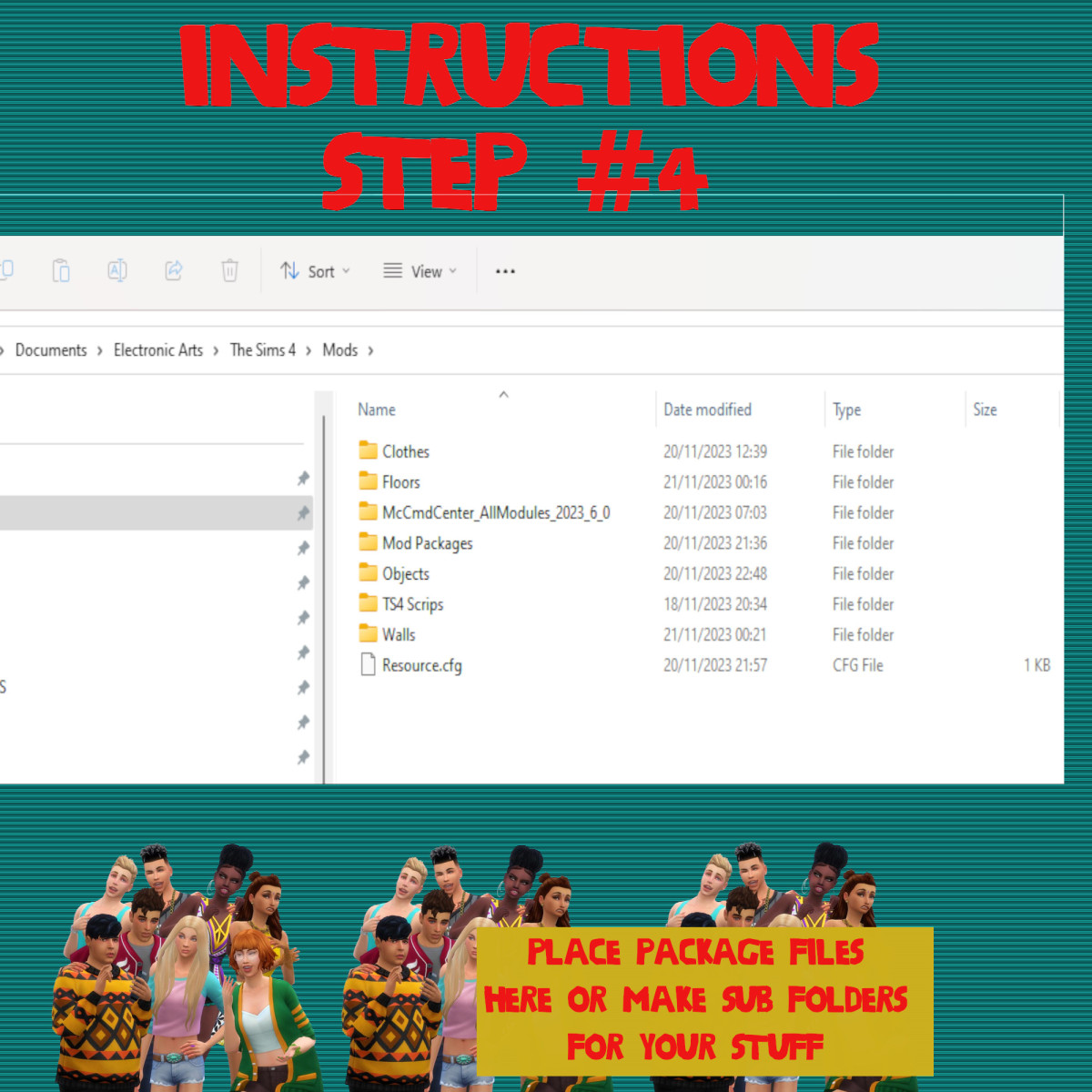
WHERE TO PUT SIMS 4 PACKAGE FILES

Sims 4 Packages goes in the following place. 

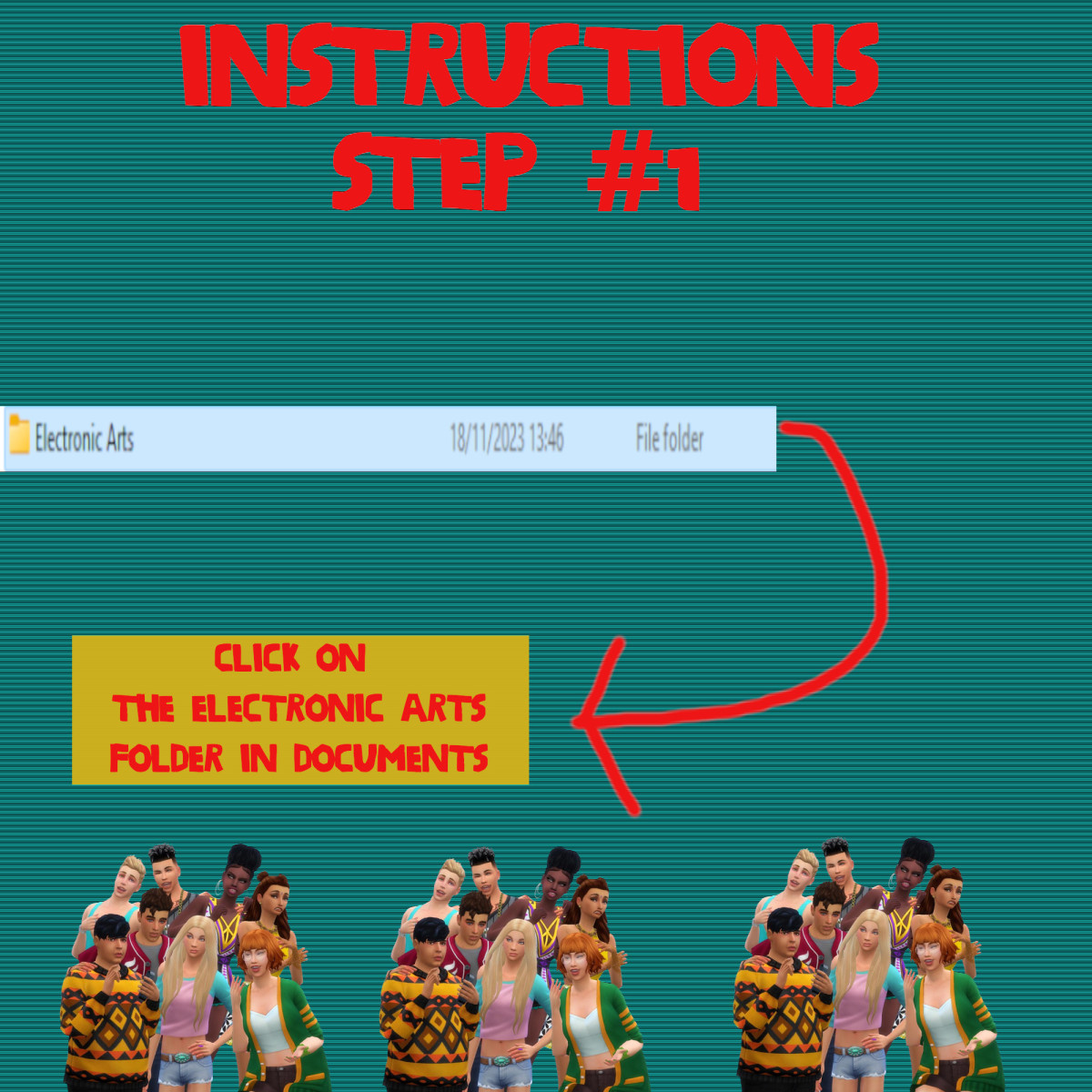
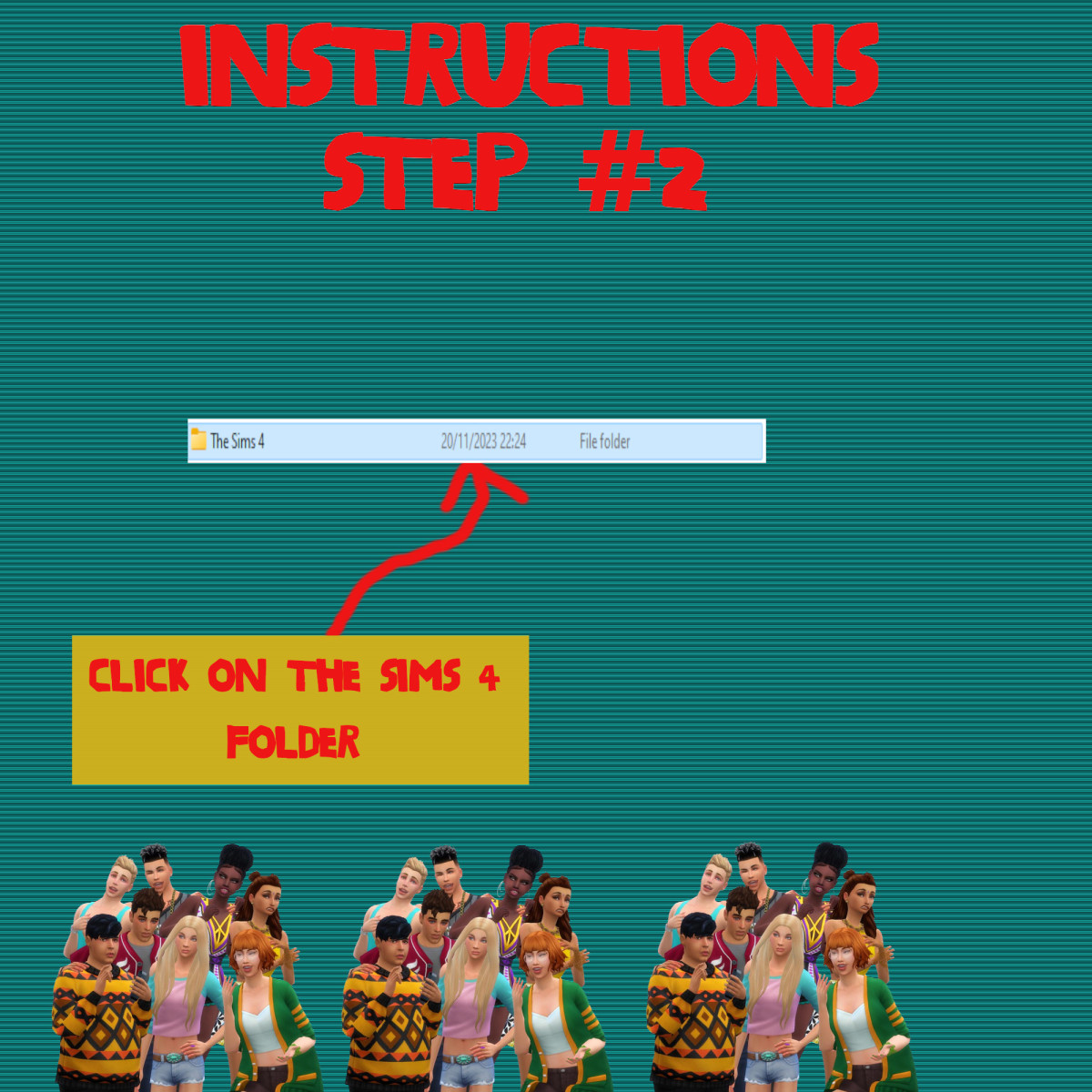
Documents>Electronic Arts>Sims 4>Mods>Packages

Please note if you haven't got a Mods folder then make one and place it in the Electronic Arts folder in Documents. Copy and paste or move Package files in the Mods folder.

GRAYS-HOUSEHOLD-2-1 (1)

Sims 4 Custom Content – Sims; The Vertigos Household

About
Downloads
Gallery
Instructions
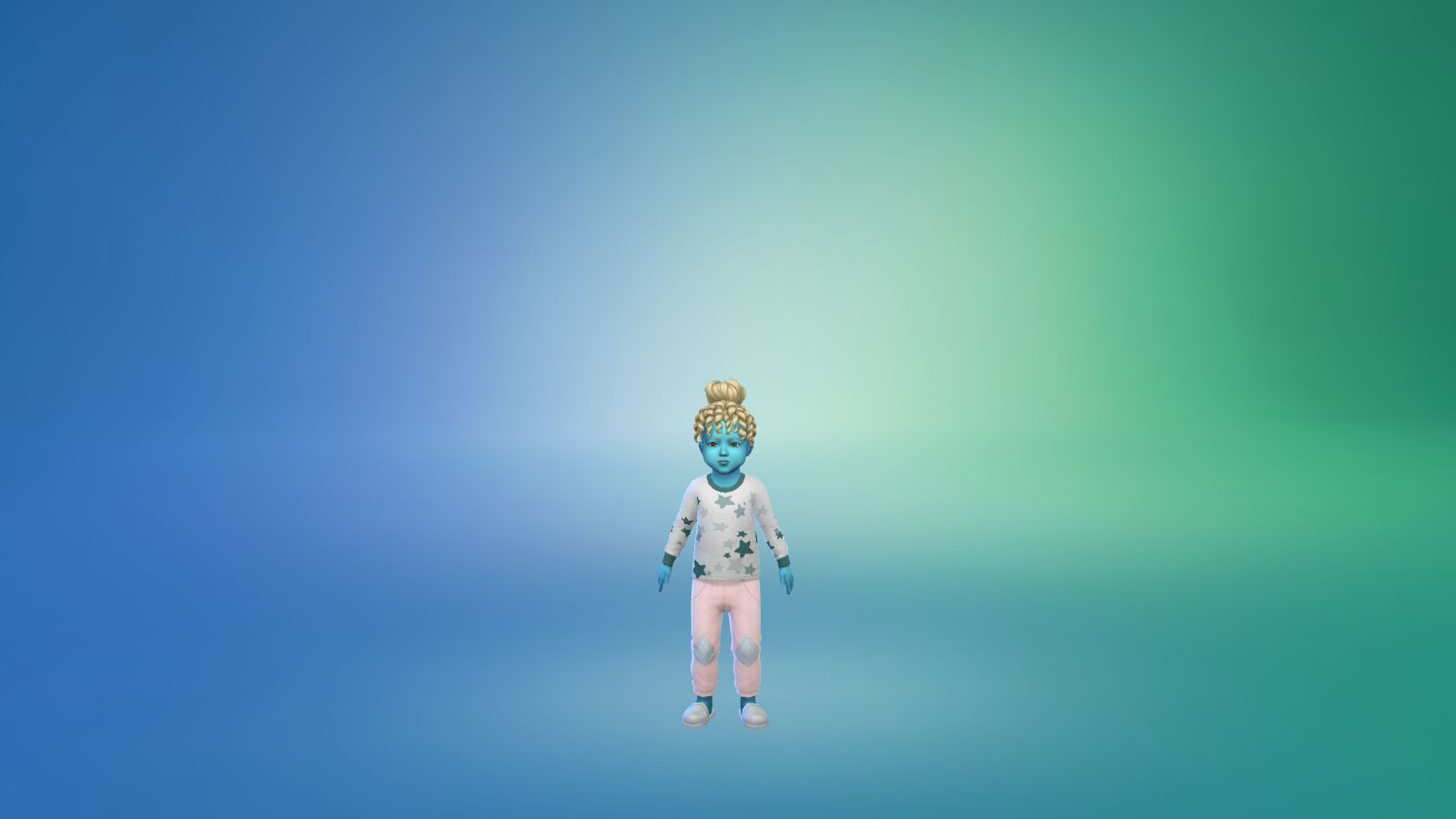
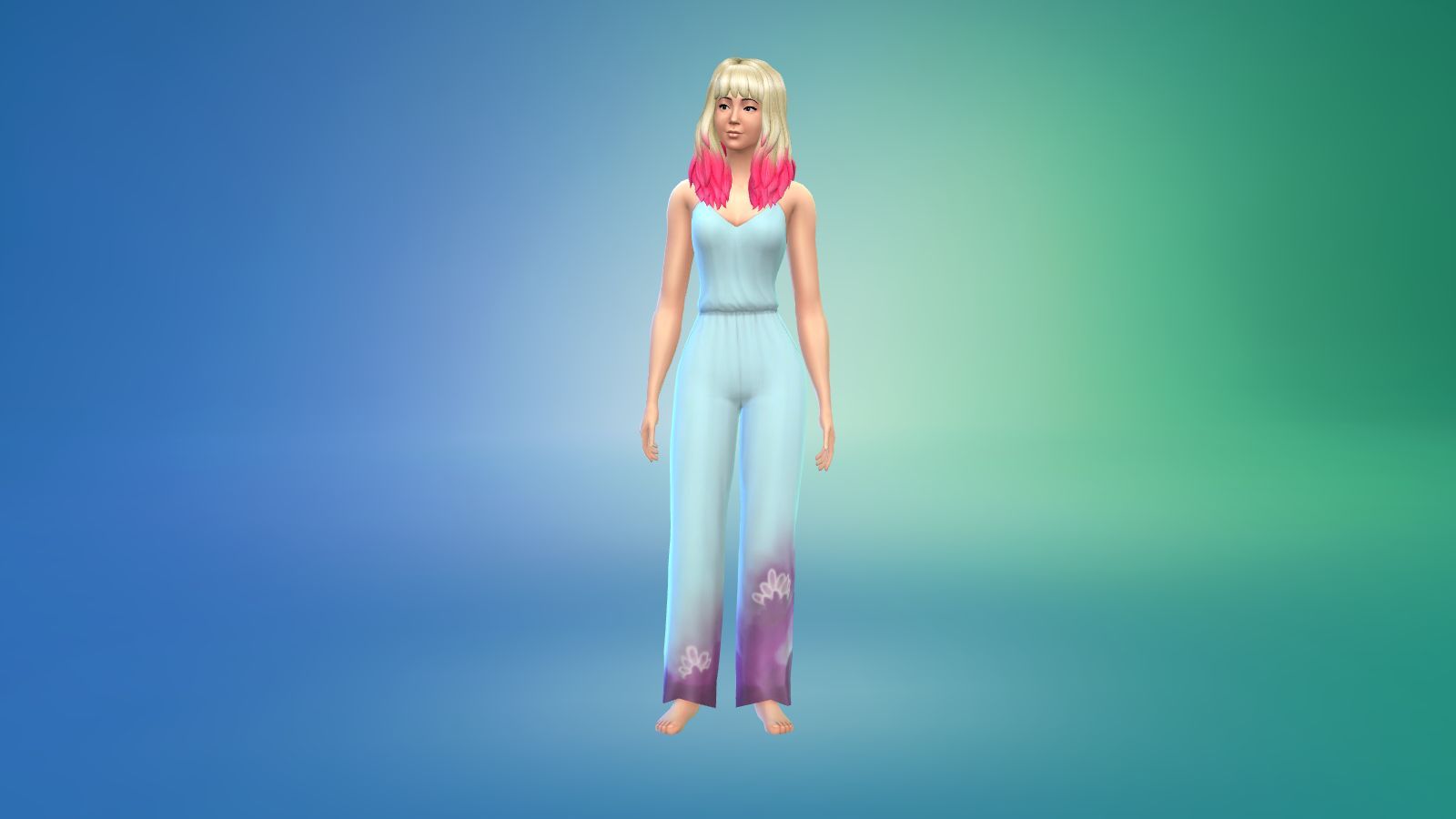
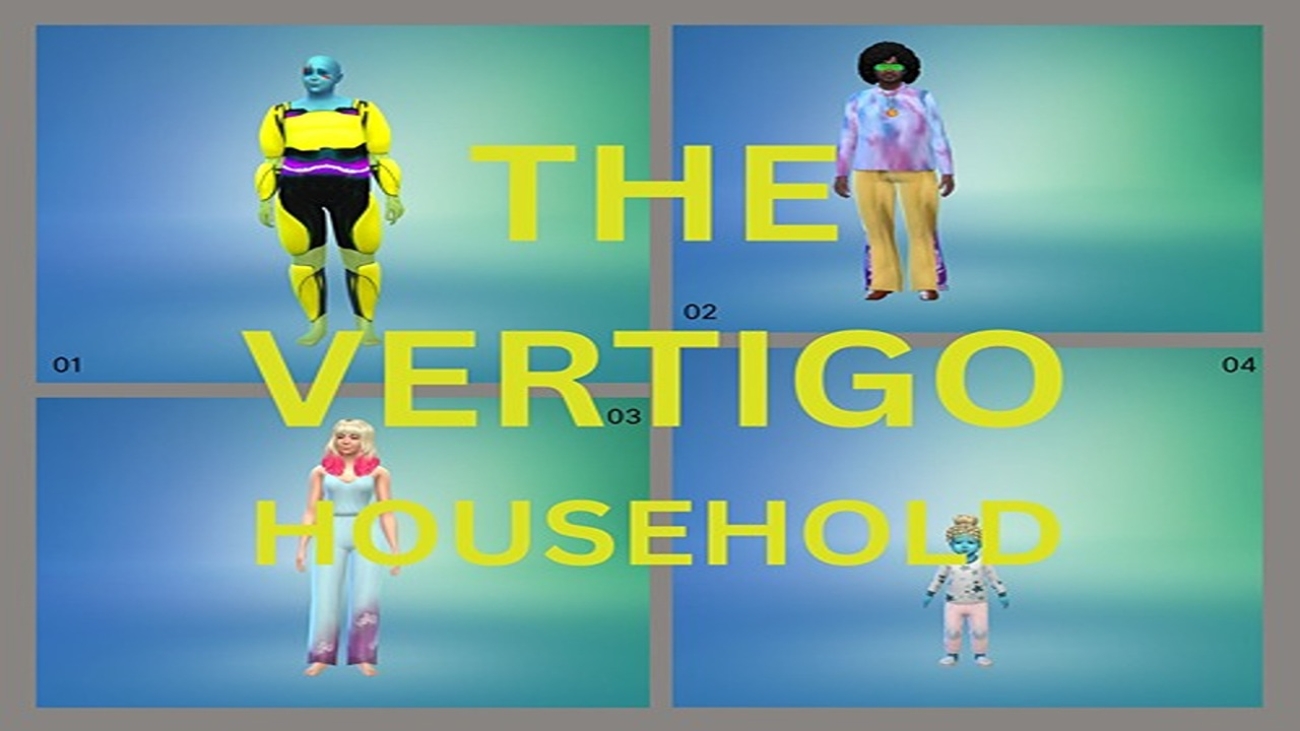
A alien household with two aliens one male and one female toddler and a human female who is his wife at the moment in my game. They both work as entertainers and have high skills in guitar and violin and piano and parenting skills medium, the alien is also quite a handy man too. I was going to build their carers and skills right  up but I thought you might want to do that as they are going up the ranks but the male alien has mastered the piano as he's a keyboardist in my game.    
 
PLEASE NOTE 
 
I built the game with custom content and I have all the main expansion packs, stuff and game packs so if you want the rooms looking like what you see in the pictures then please download this pack with all the content including the lot and other stuff like objects and outfits. It can be found on the Sims 4 Downloads main page in the main menu under Other Stuff>Game Lounge>Sims 4 Downloads>Bundle Packs on this website or the link below. Also have most of the expansions packs and stuff by Electronic Arts.


INSTRUCTIONS

You will get a tray folder and packages folders that need to be put in a certain place.

WHERE TO PUT TRAY FILES

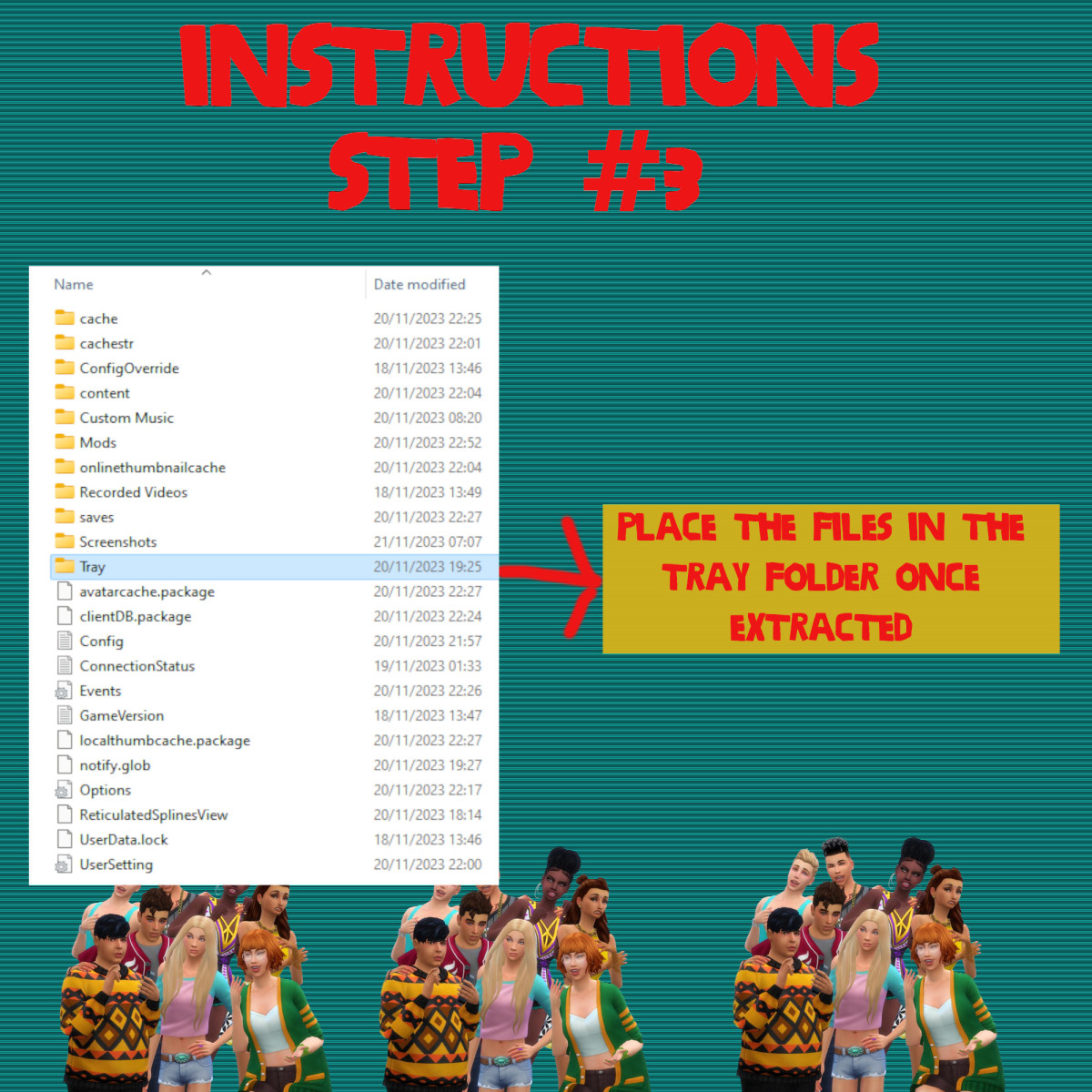
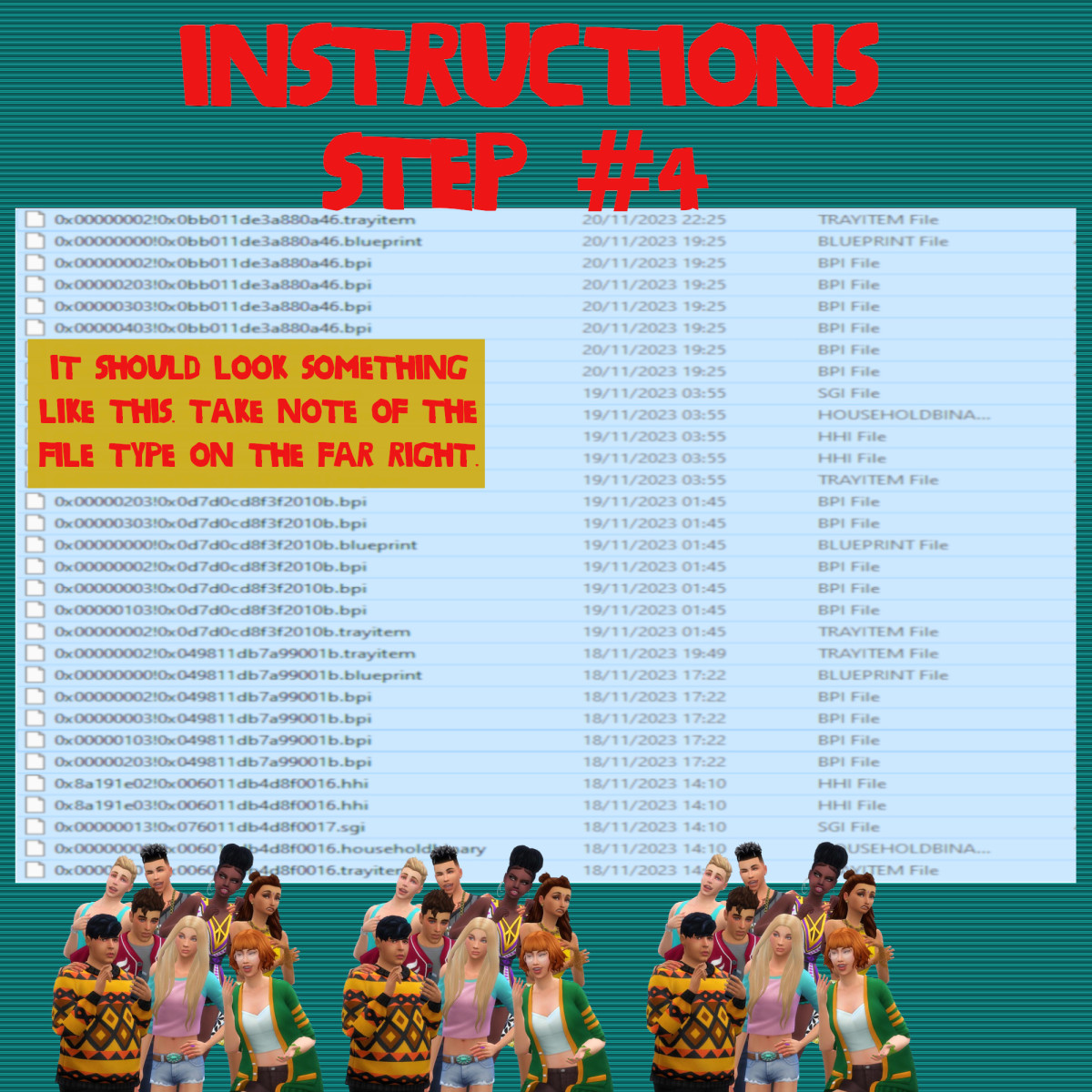
Sims 4 tray folder needs to be extracted and the files should go in Documents>Electronic Arts>Sims 4>Tray. It makes up the lot and household and doesn't come with the patterns. If you want the lot as seen on the photos and video please read the note in the about section of this page.

WHERE TO PUT SIMS 4 PACKAGE FILES

Sims 4 Packages goes in the following place. 

Documents>Electronic Arts>Sims 4>Mods>Packages

Please note if you haven't got a Mods folder then make one and place it in the Electronic Arts folder in Documents. Copy and paste or move Package files in the Mods folder.

03-23-24_11-46-26 PM

Sims 4 Custom Content – Gray’s Lot

About
Downloads
Gallery
Instructions
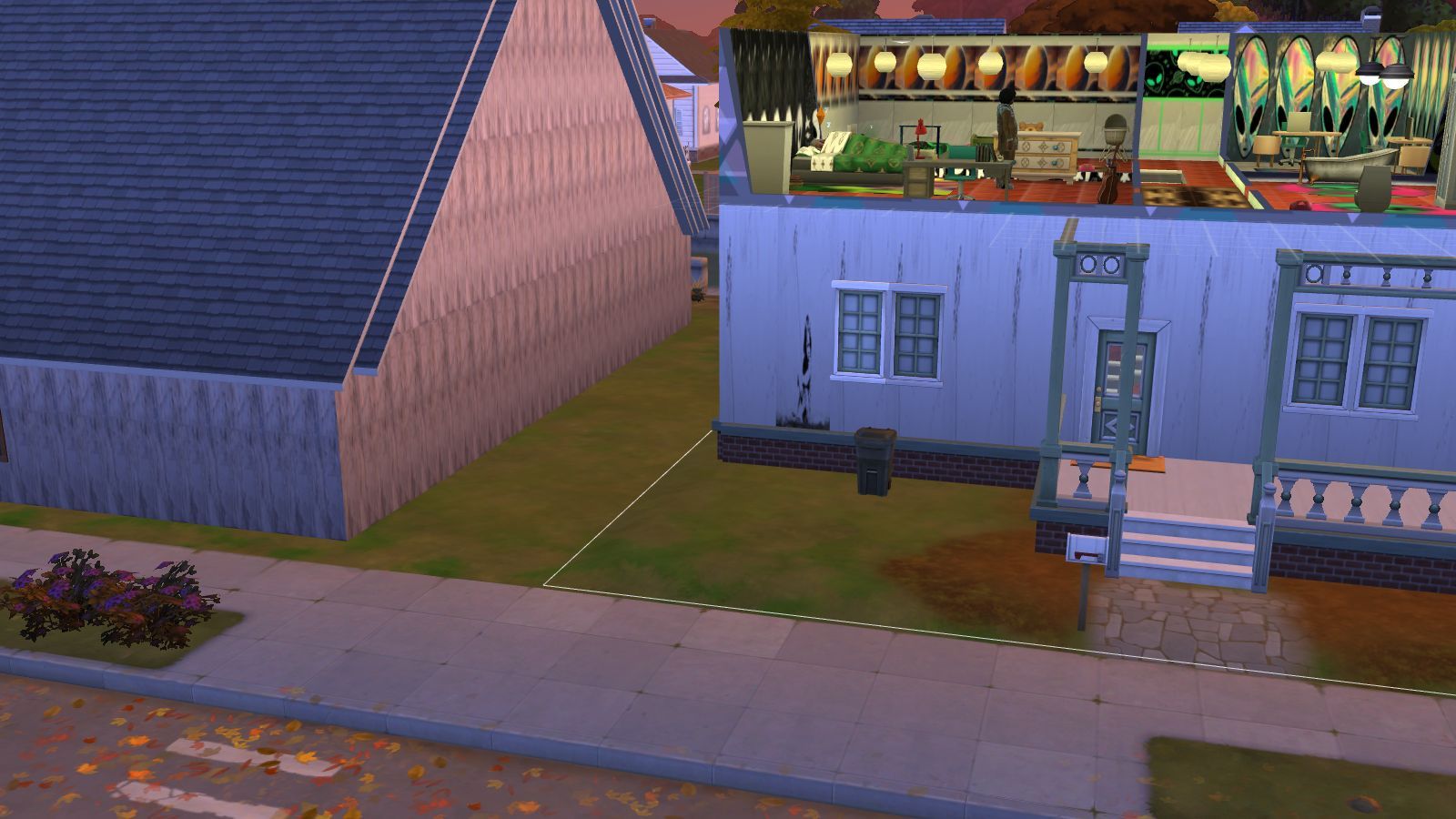
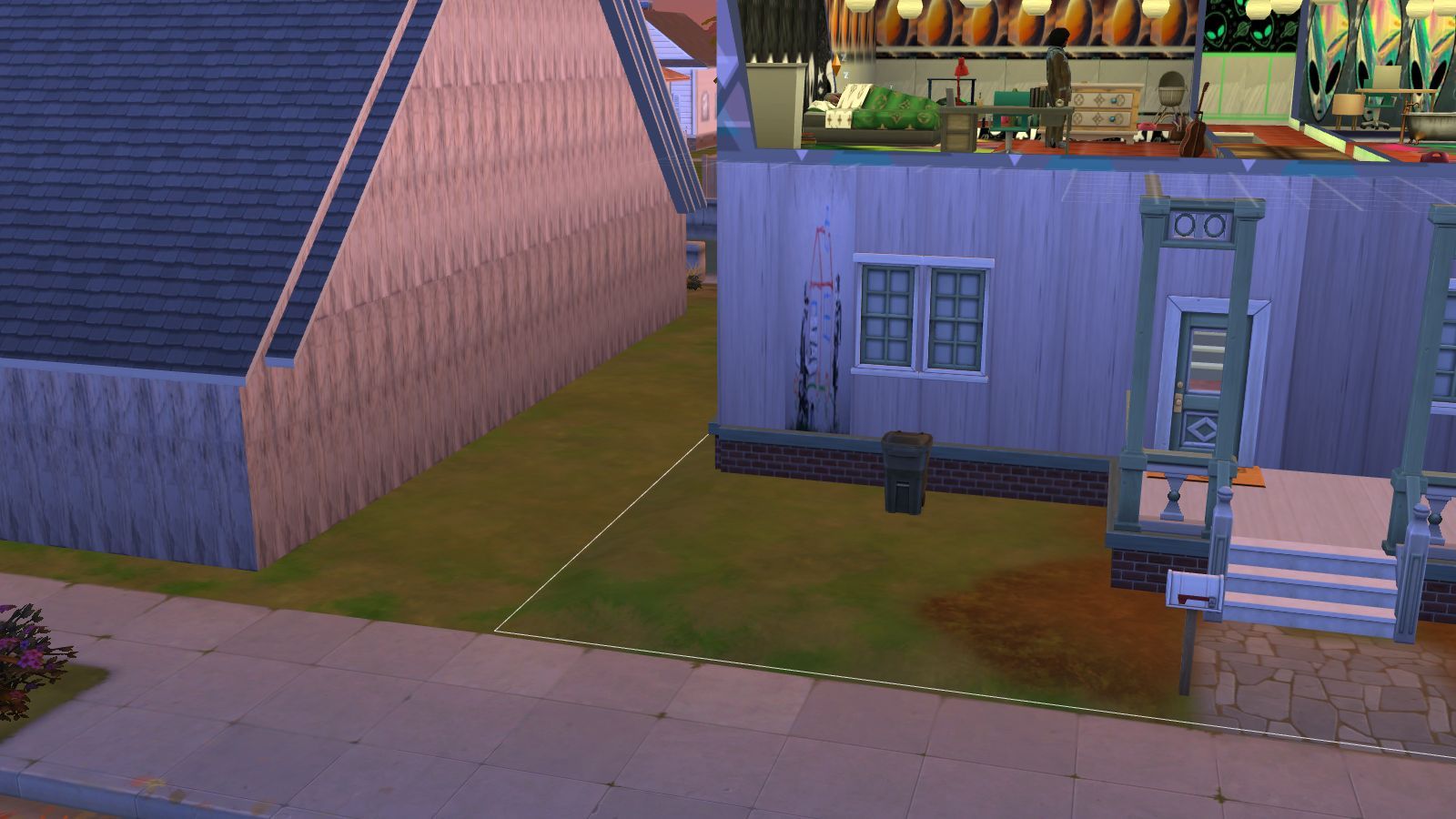
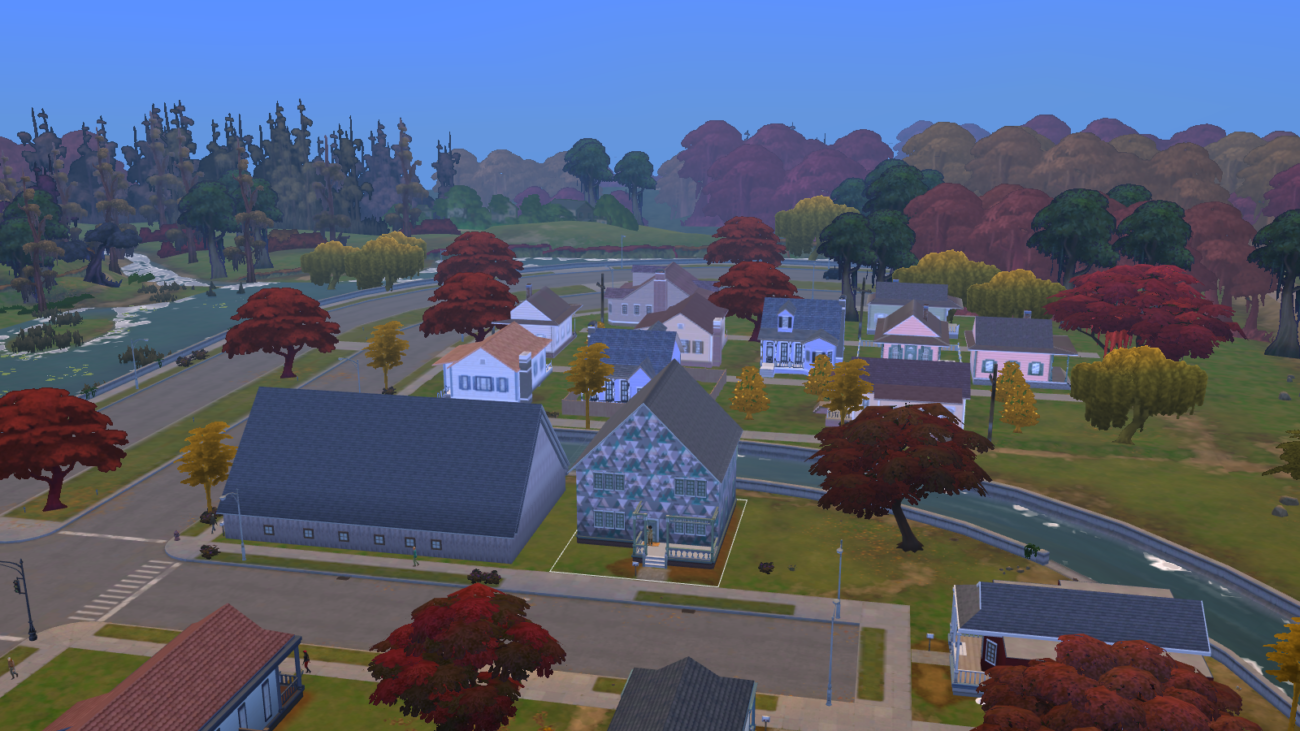
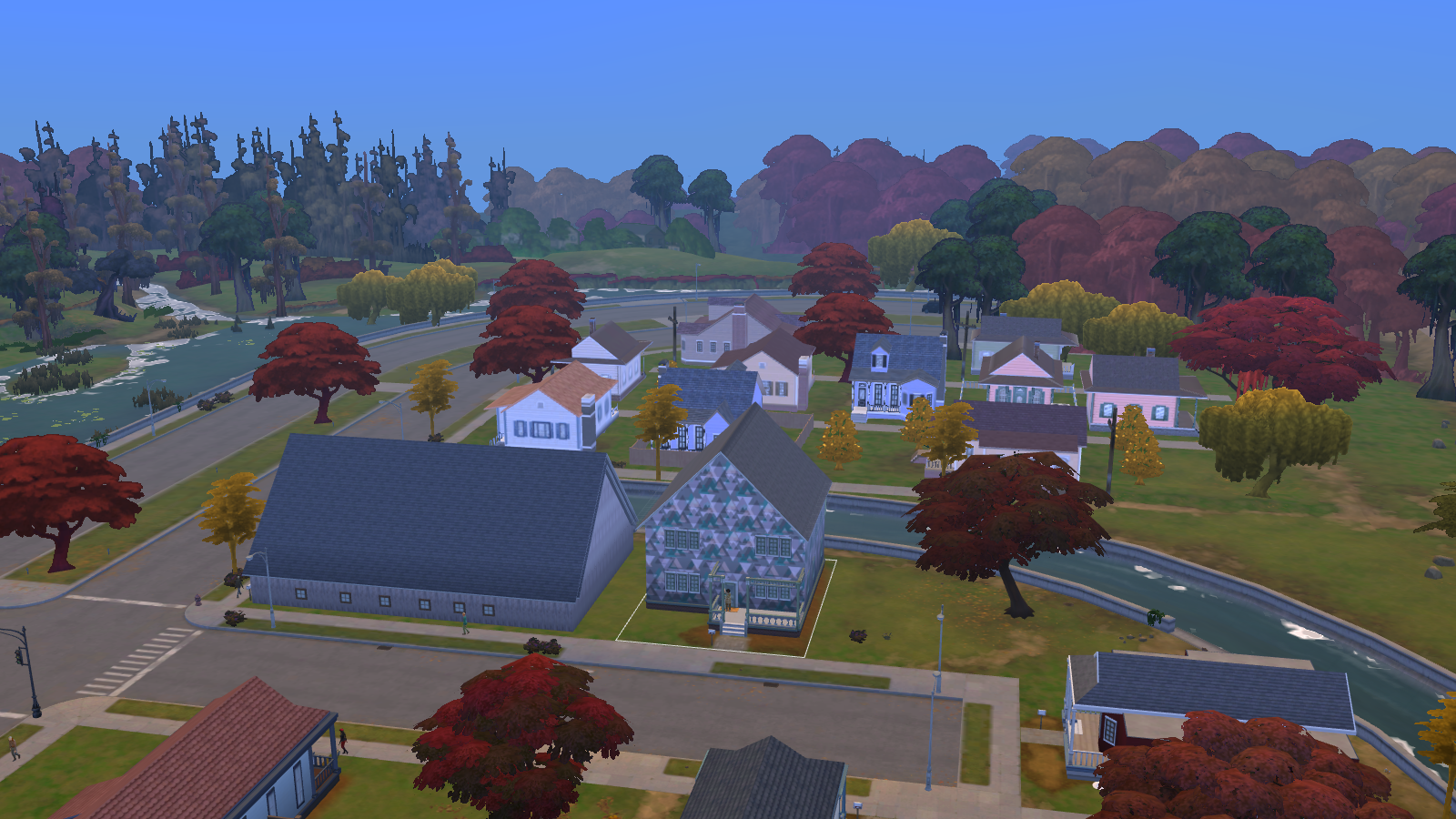
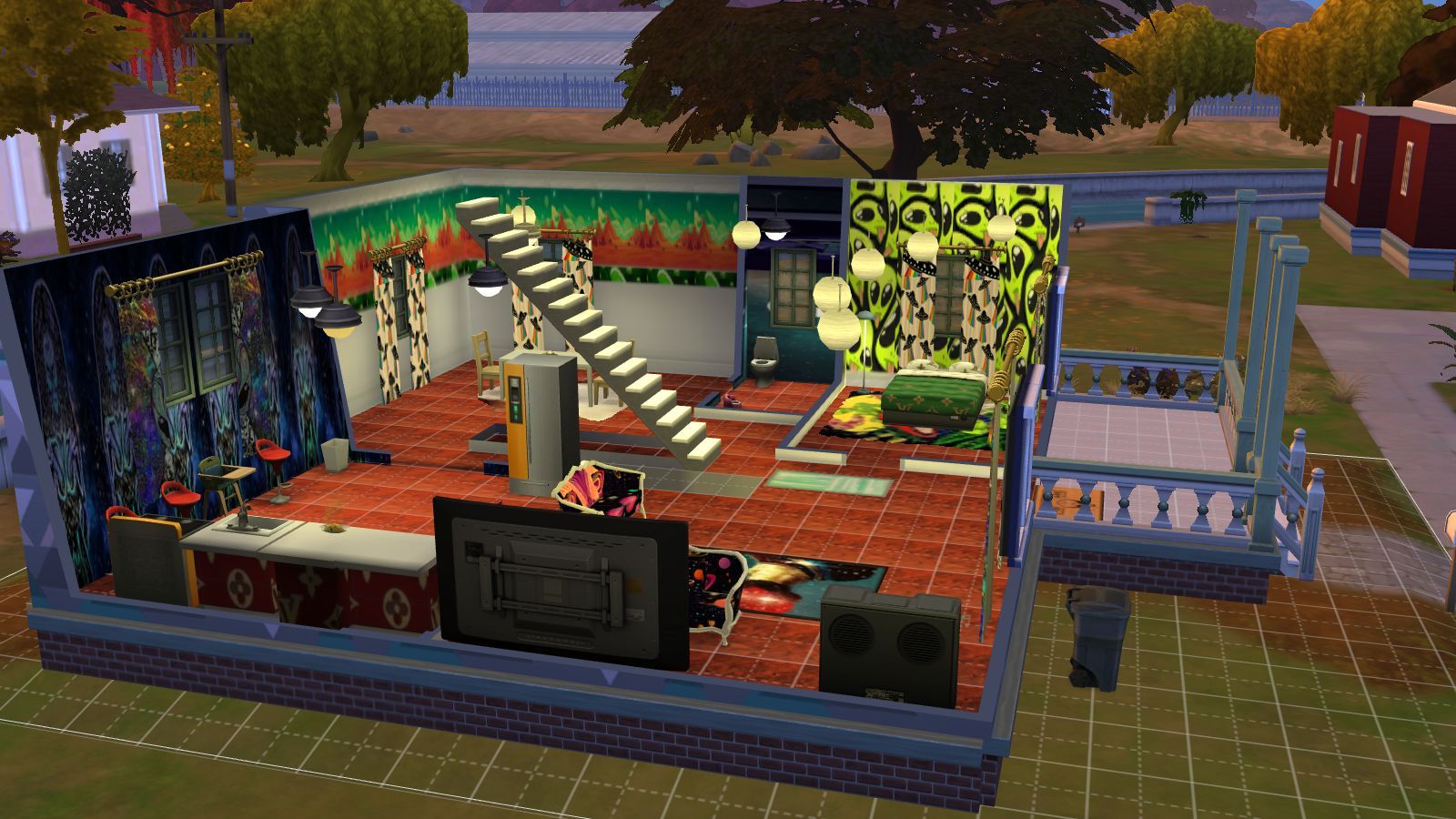
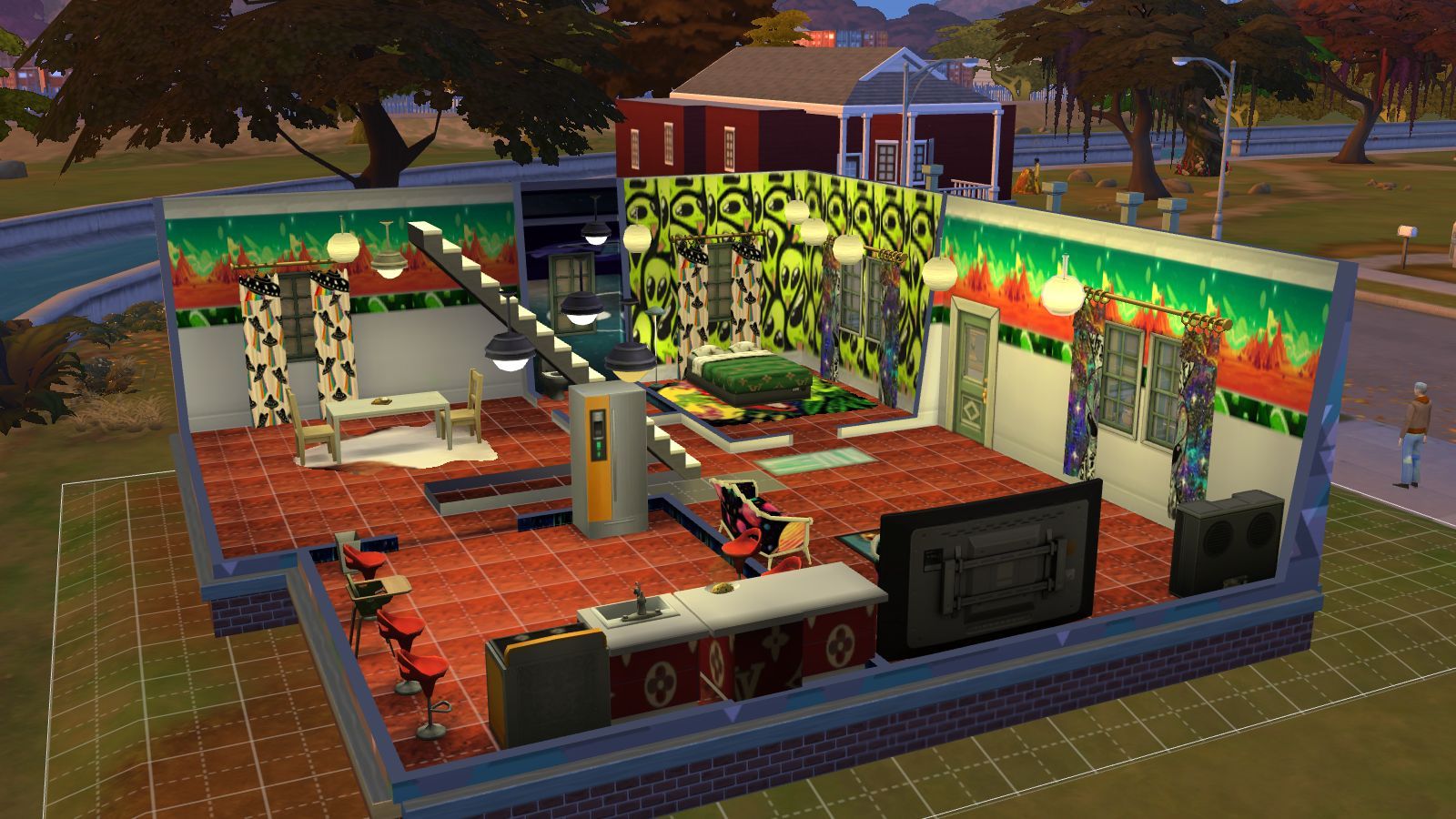
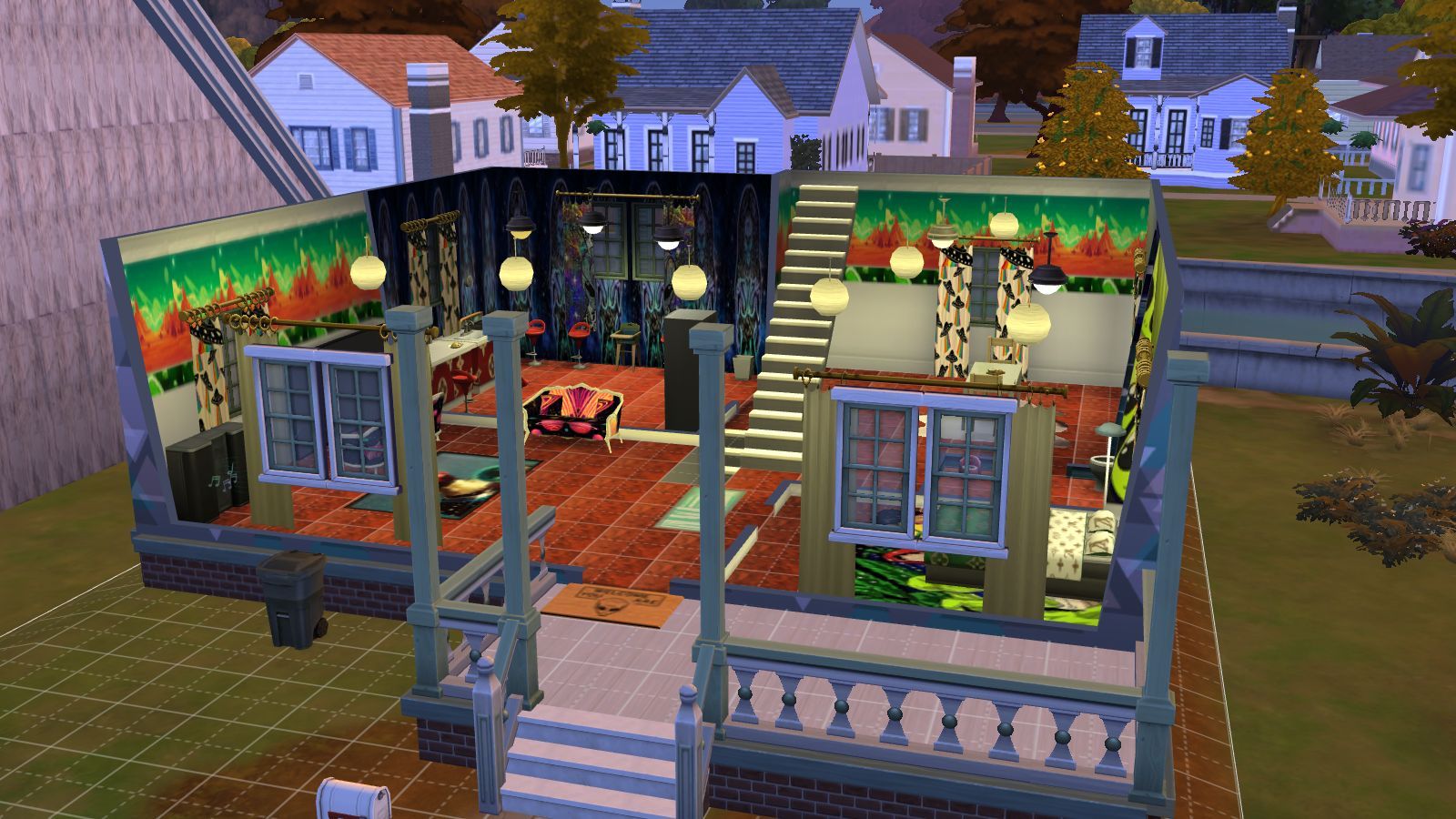
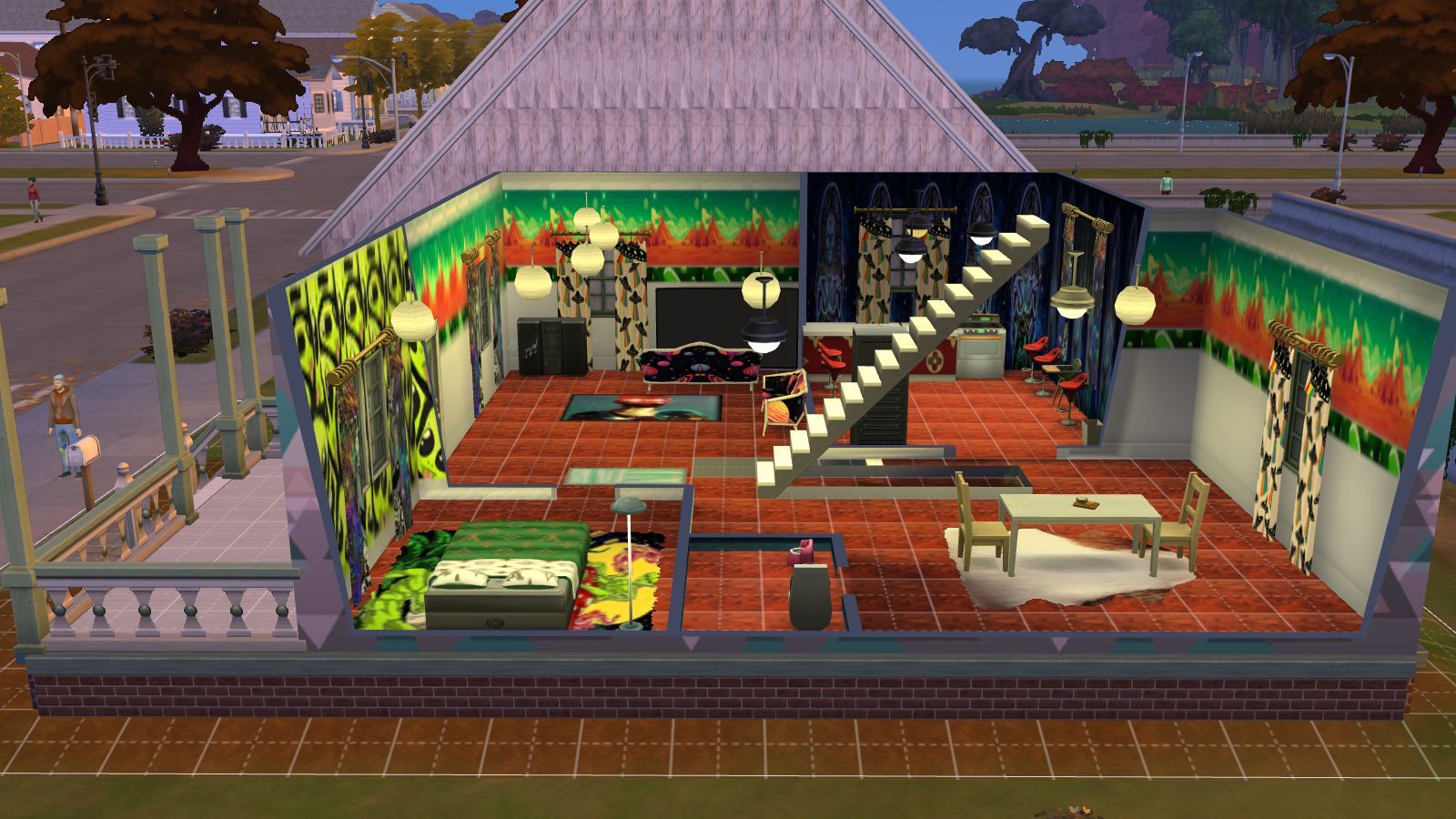
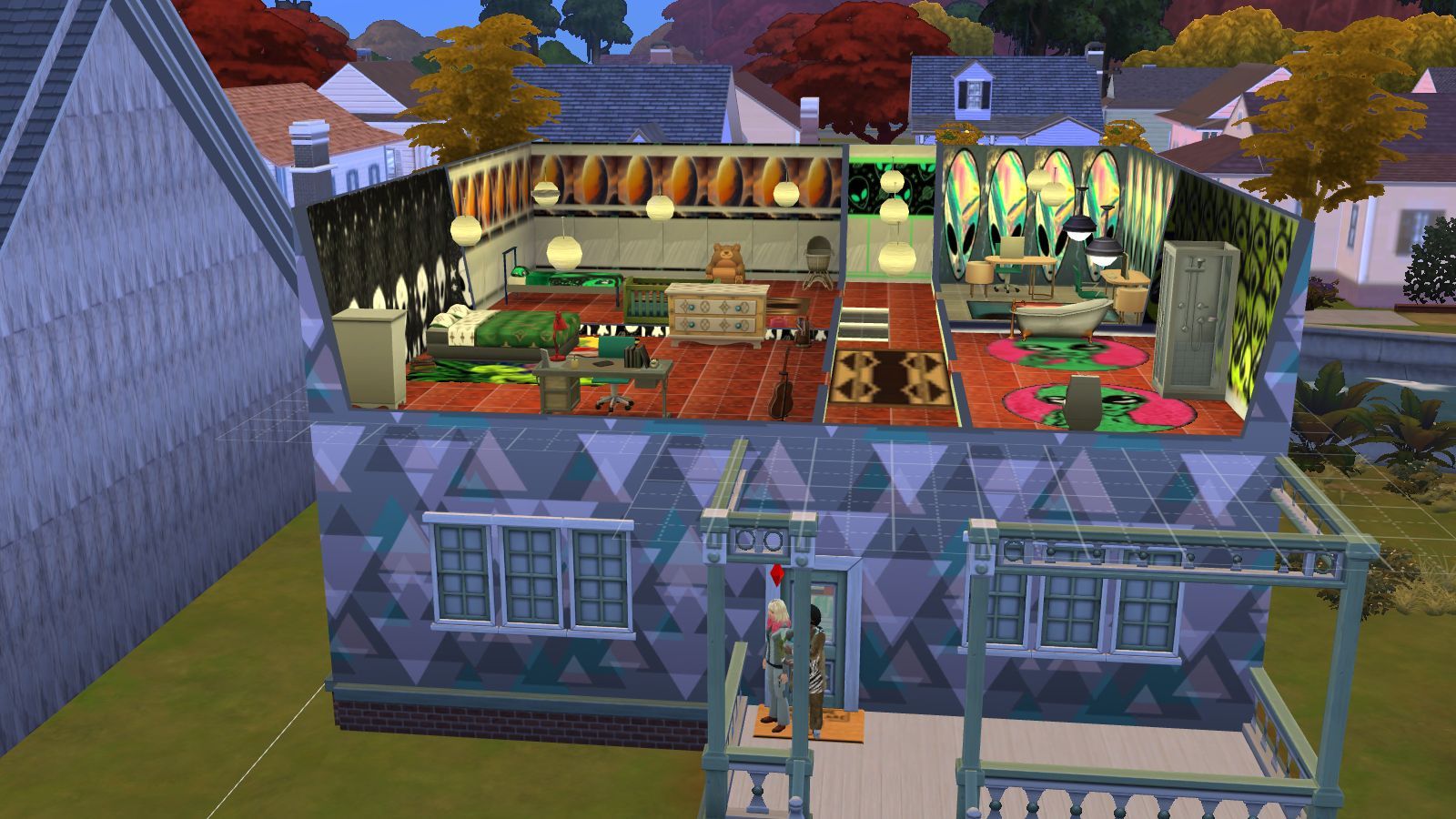
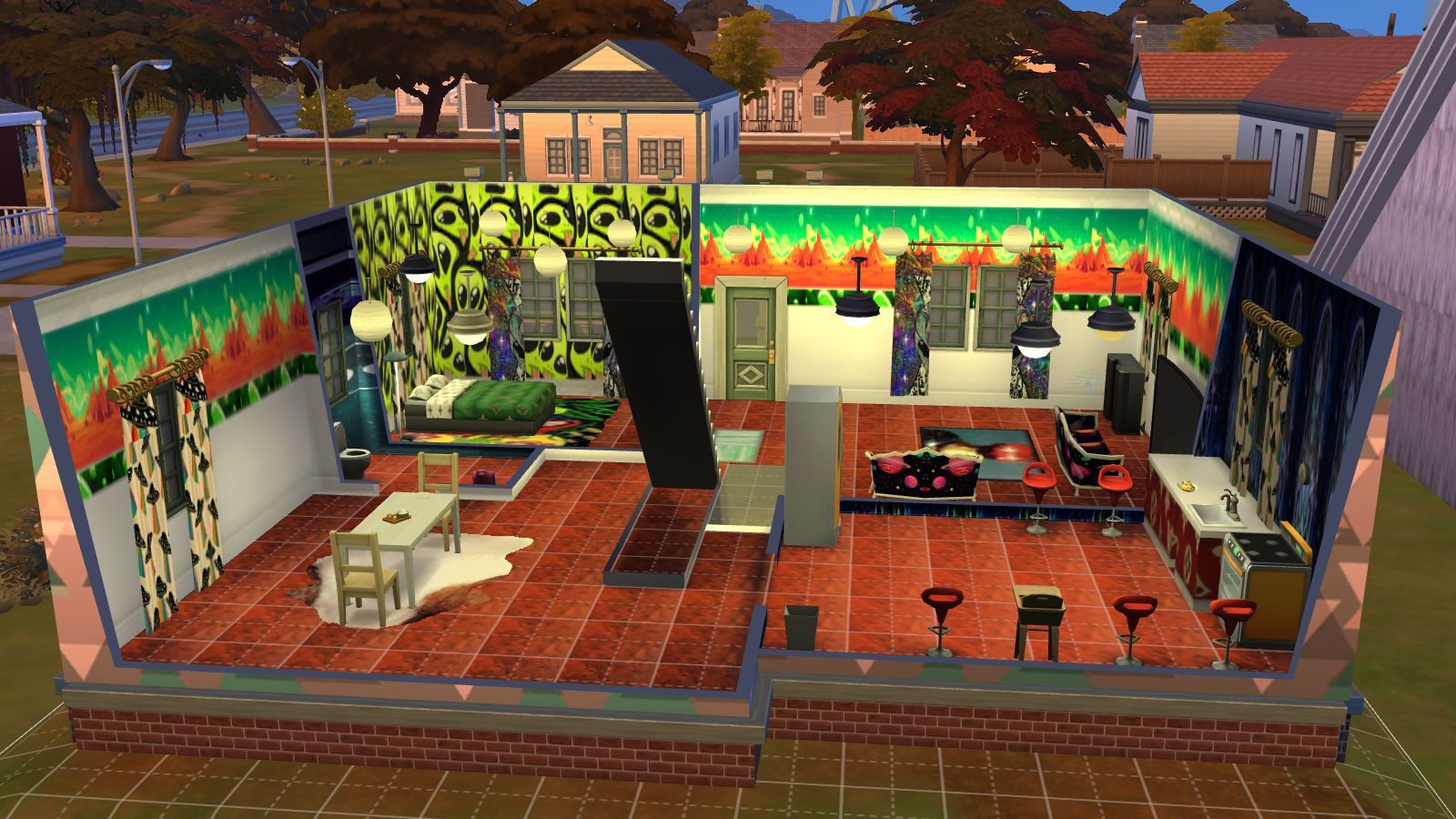
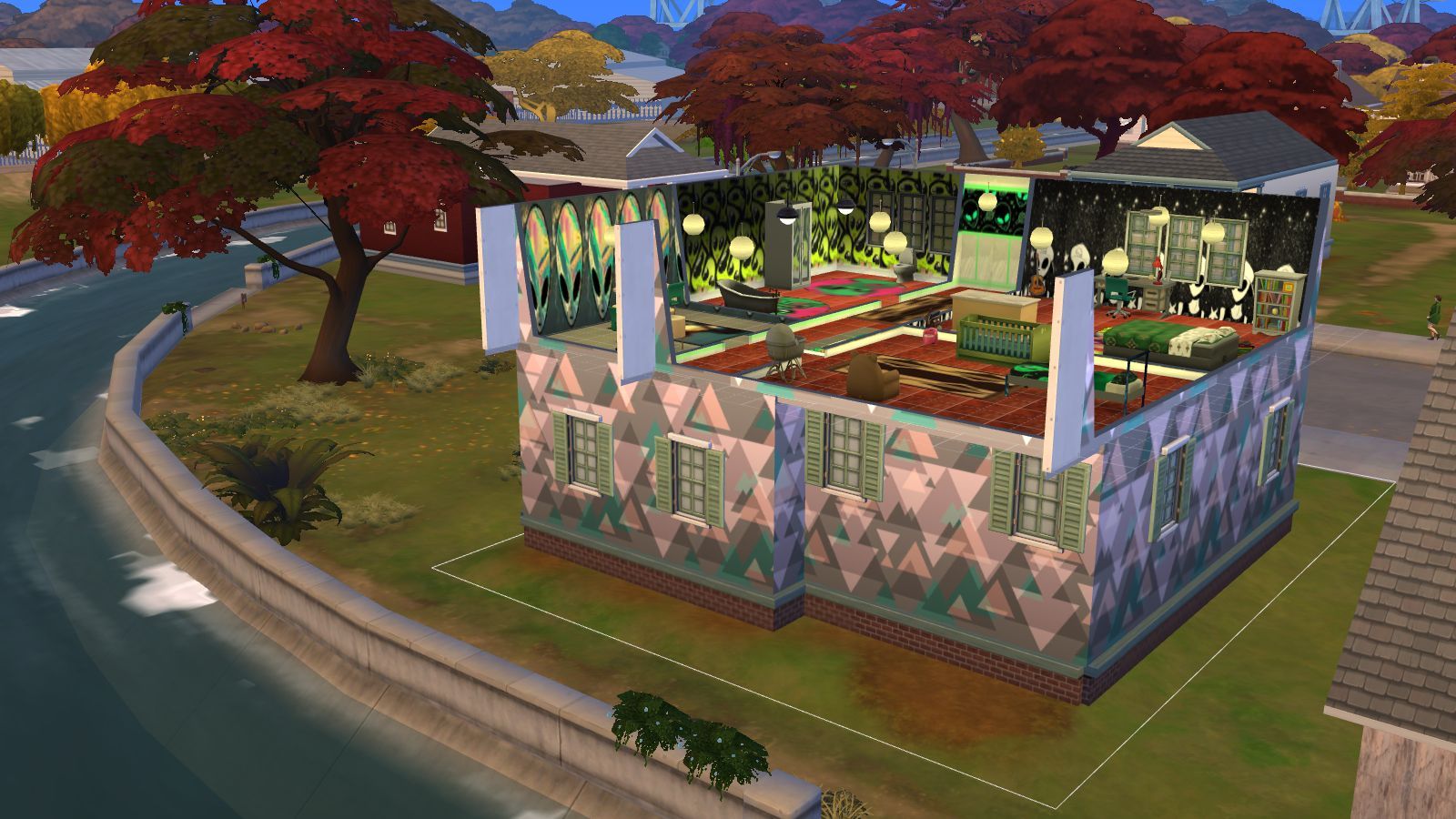
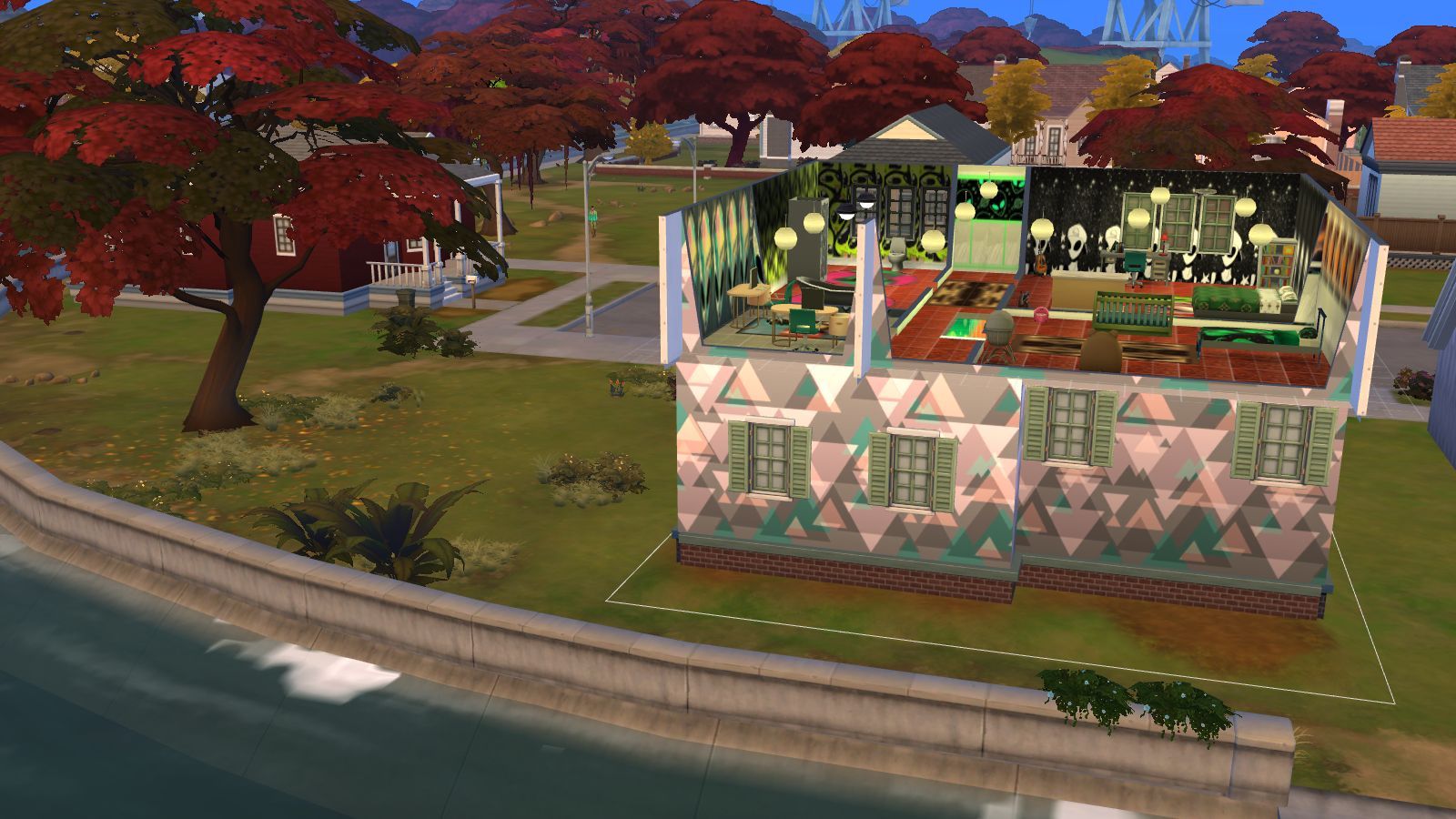
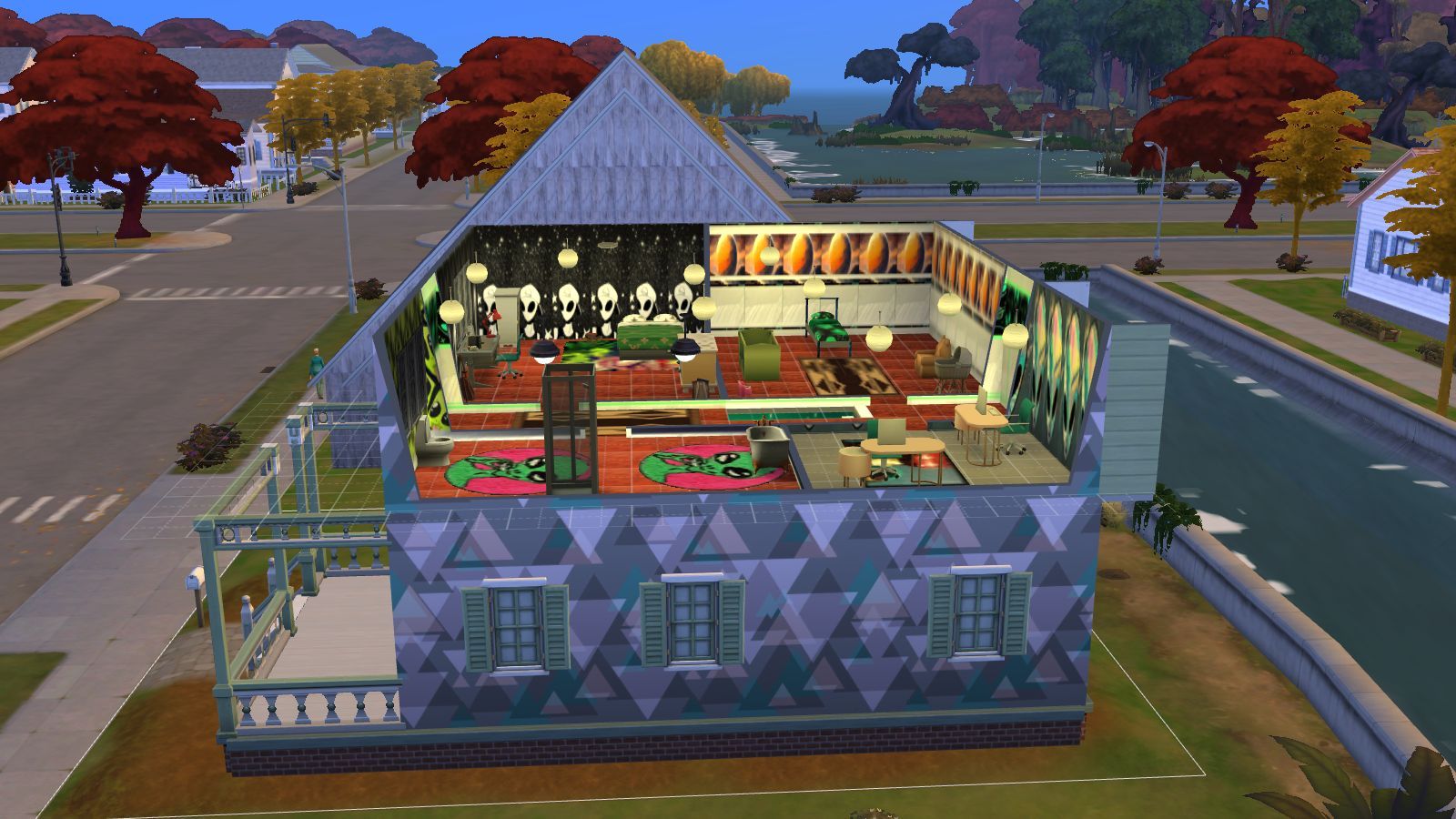
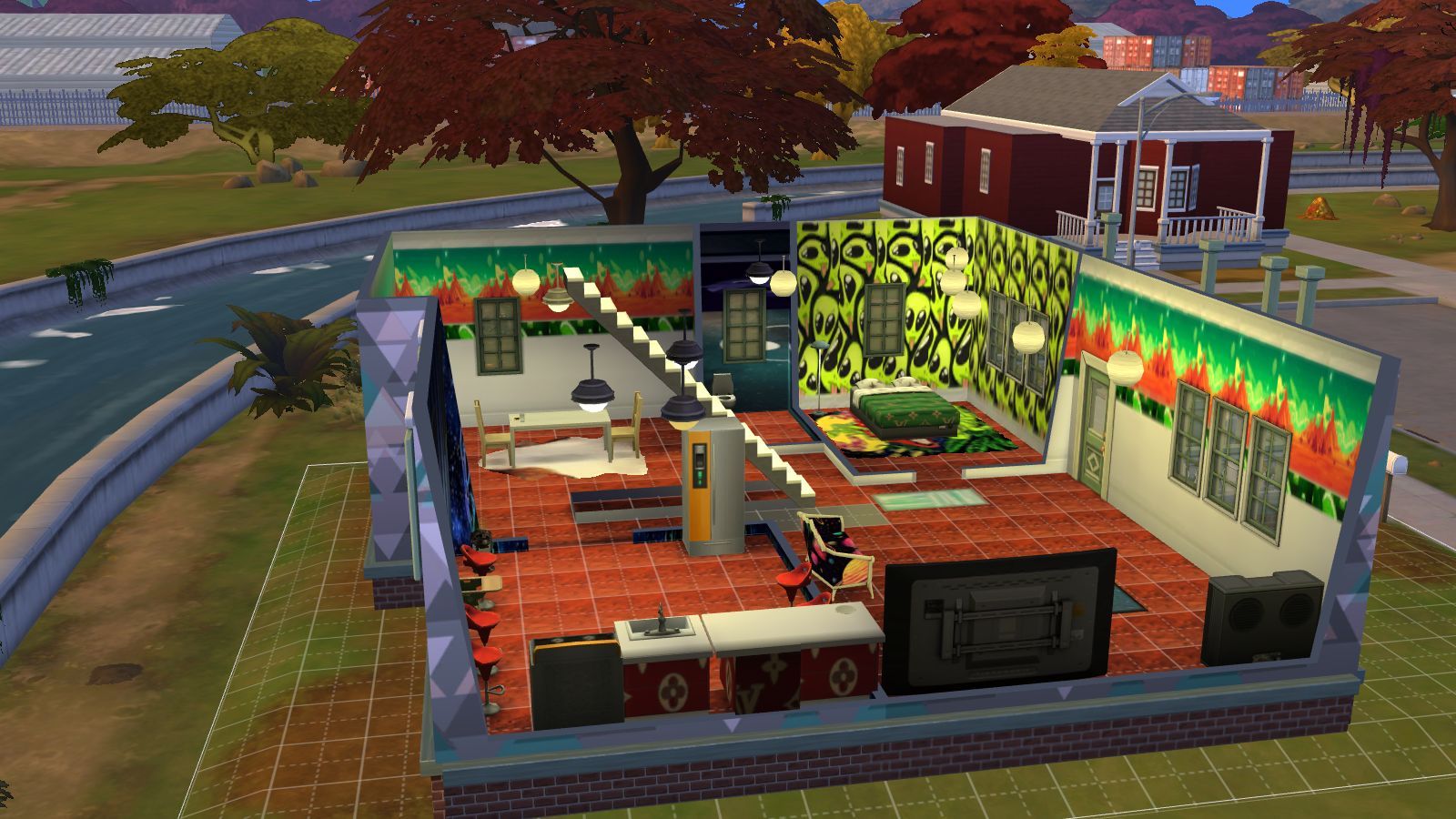
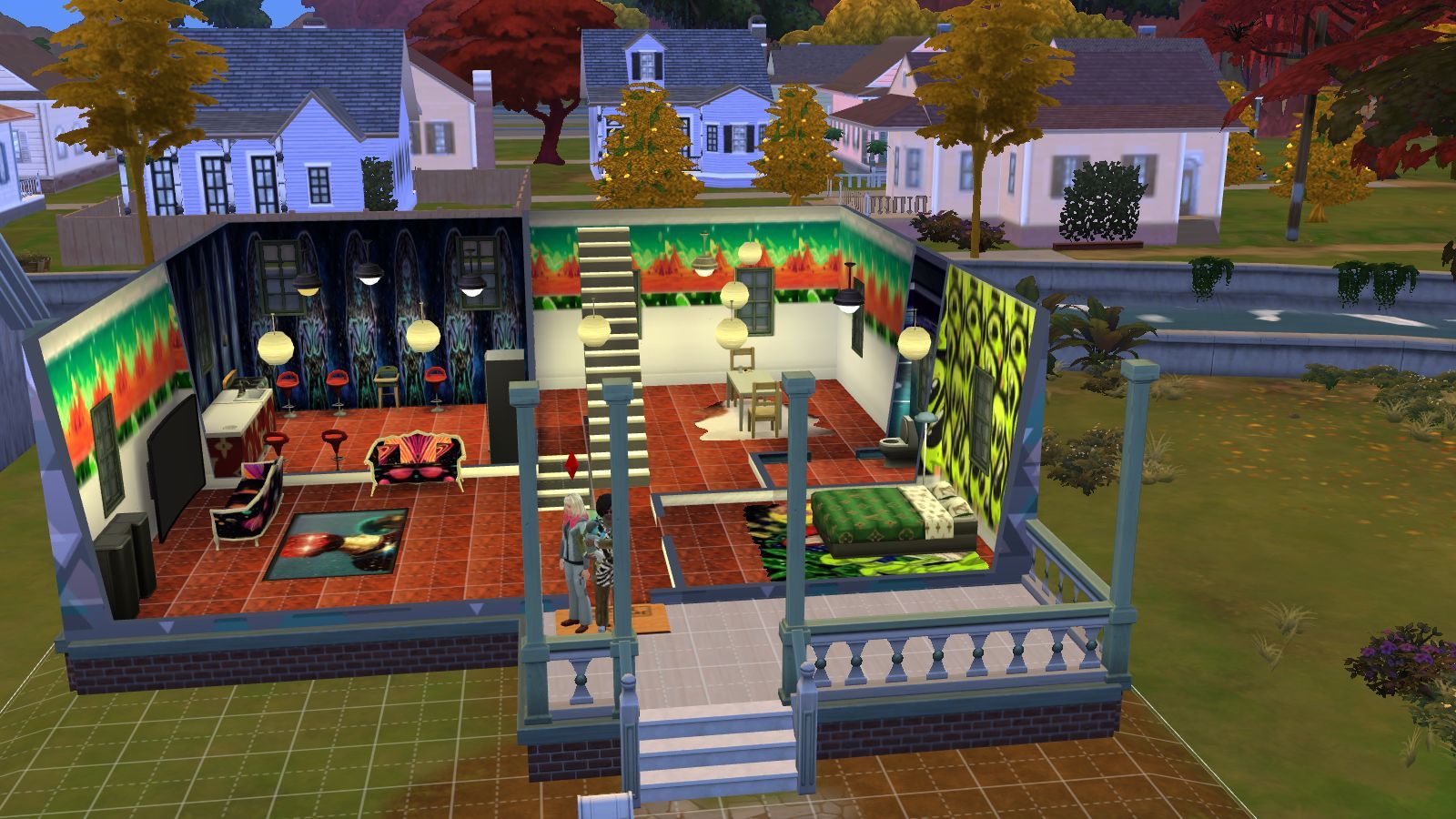
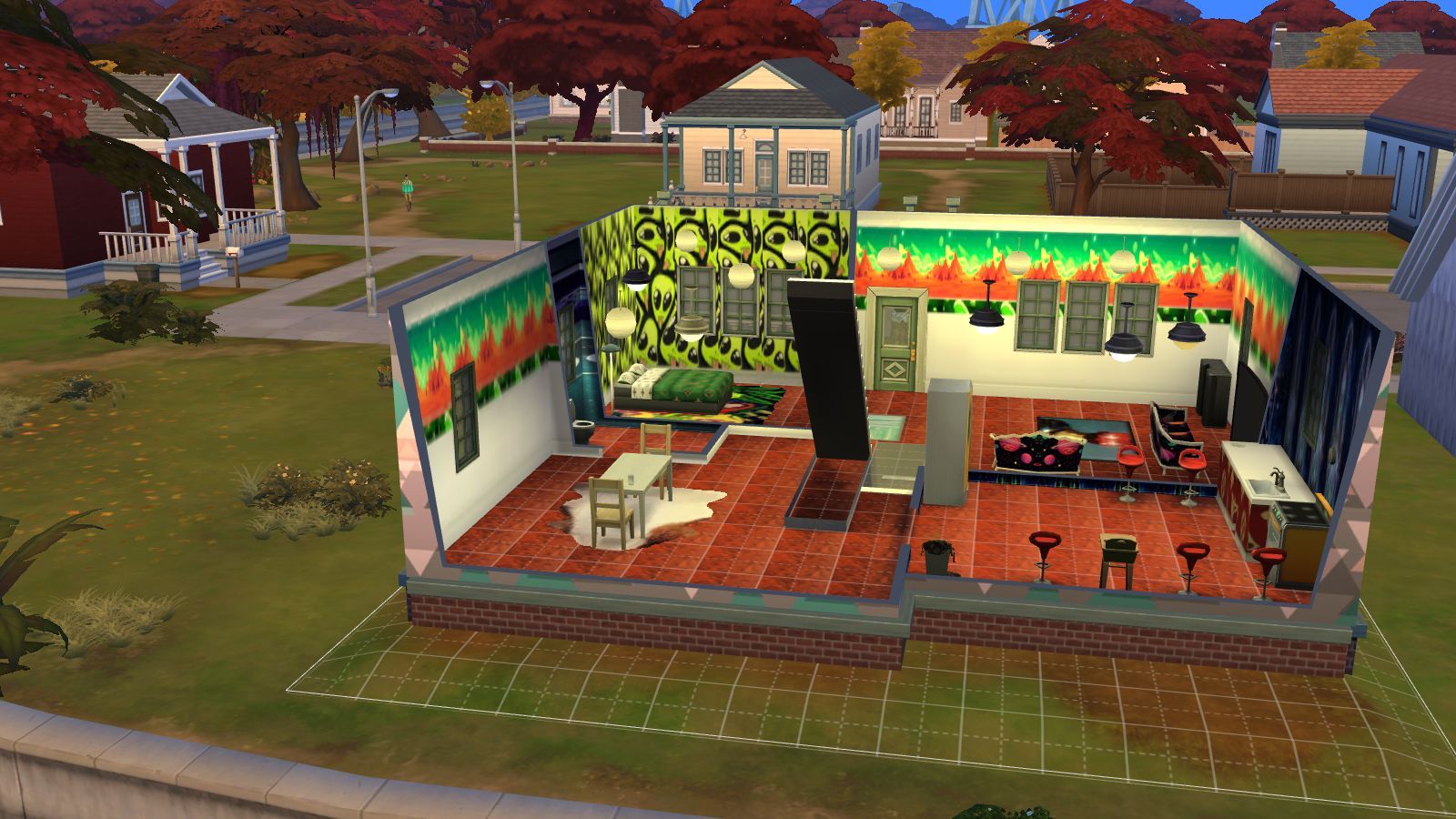
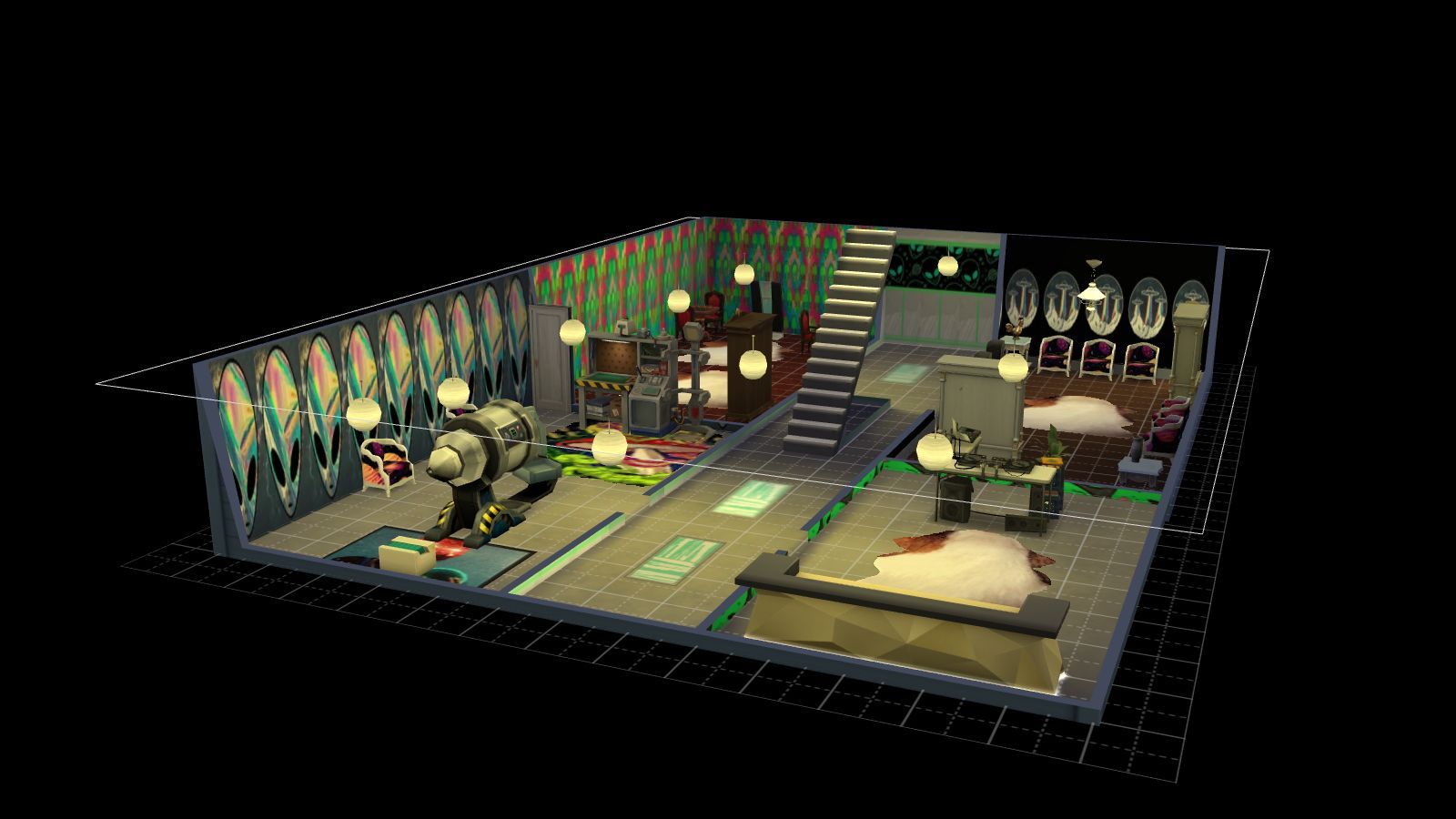
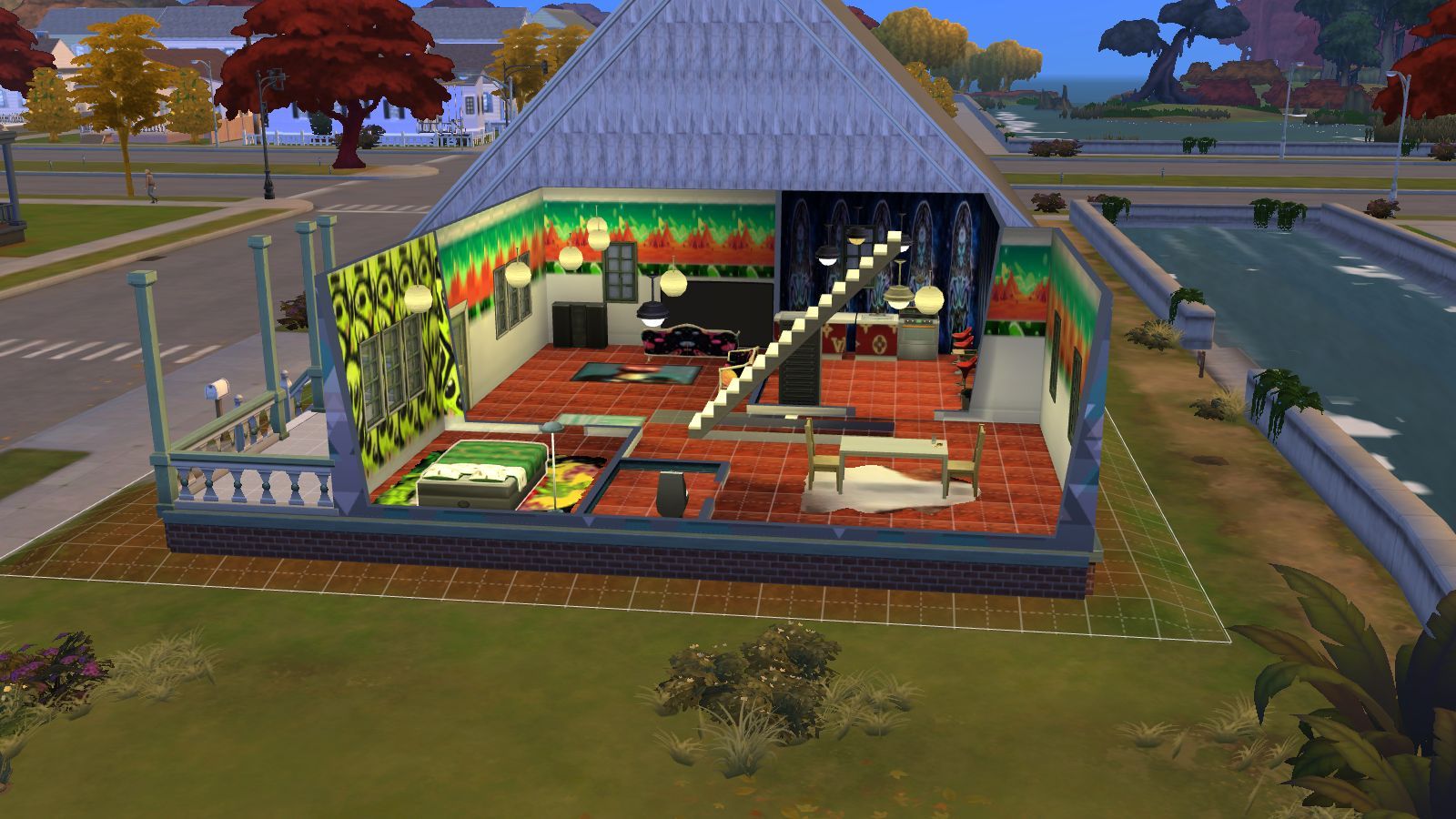
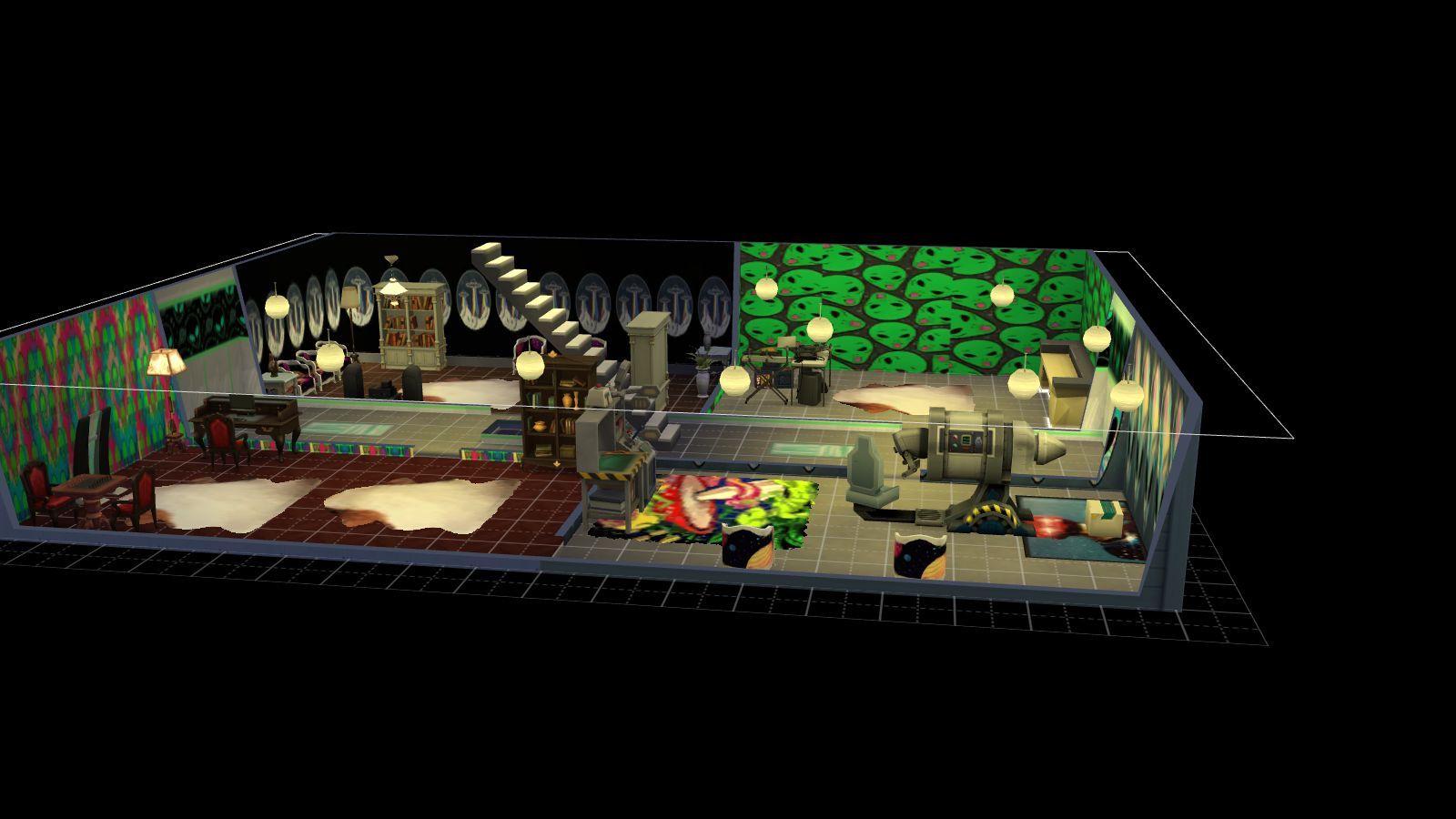
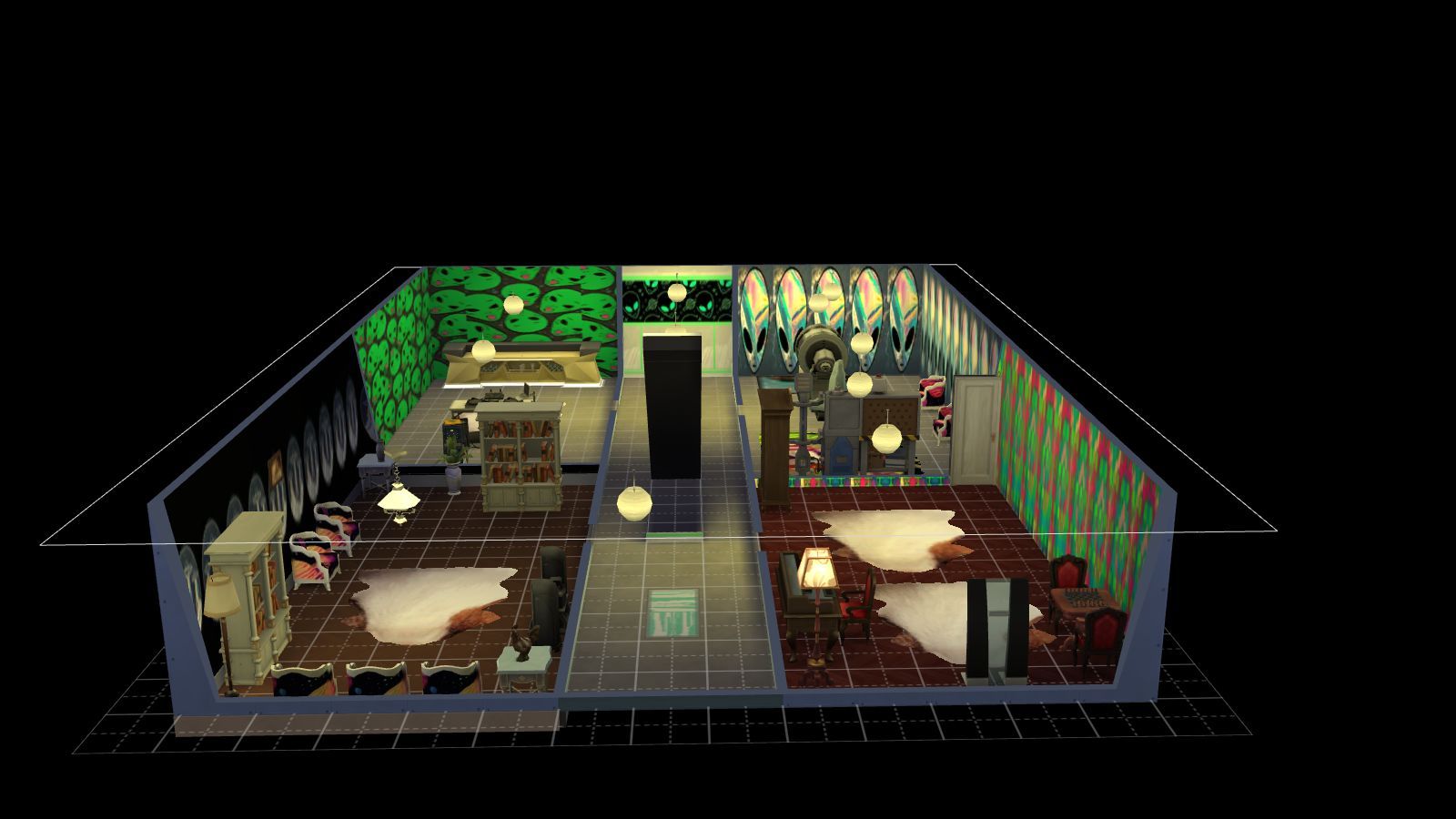
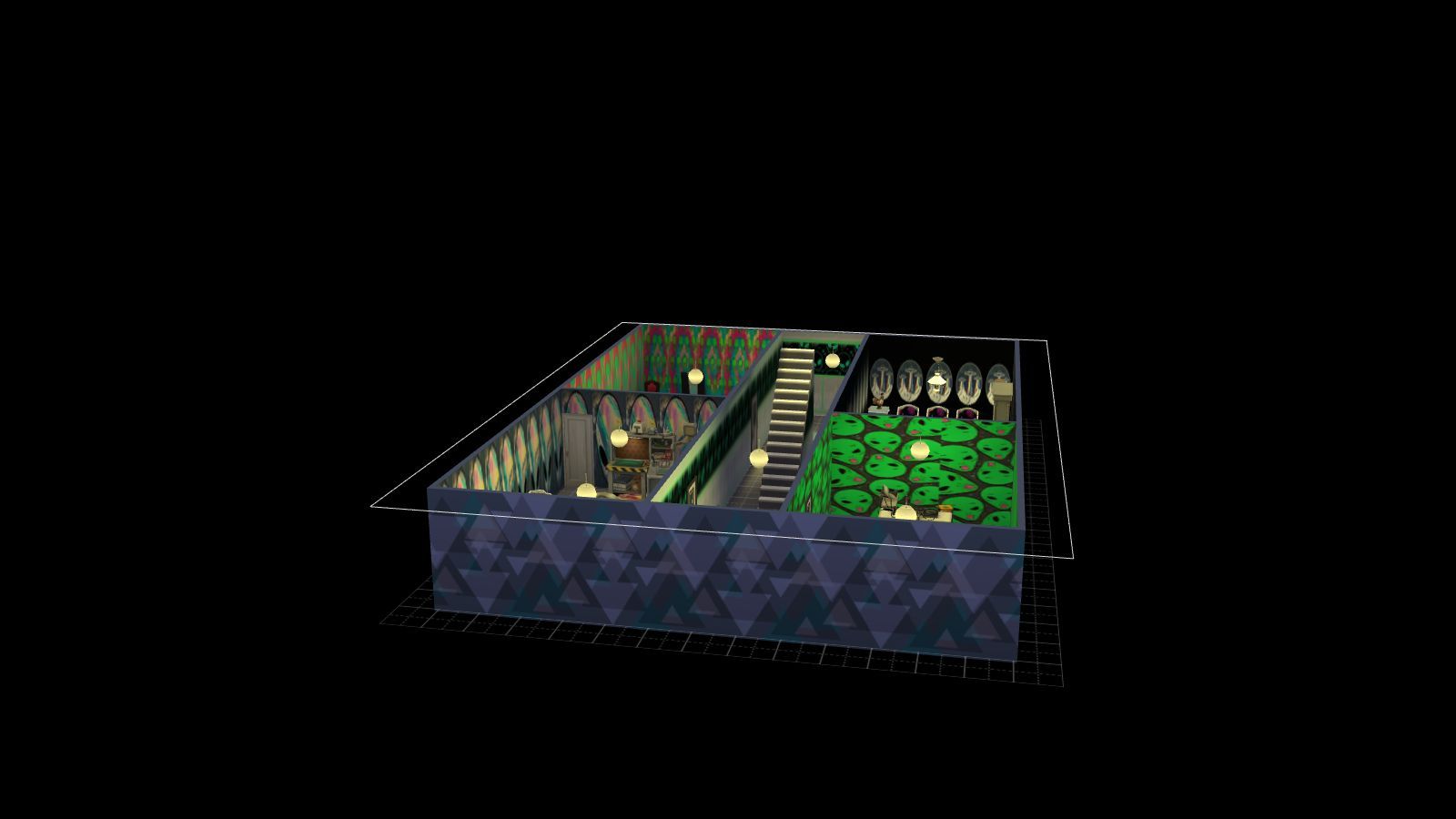
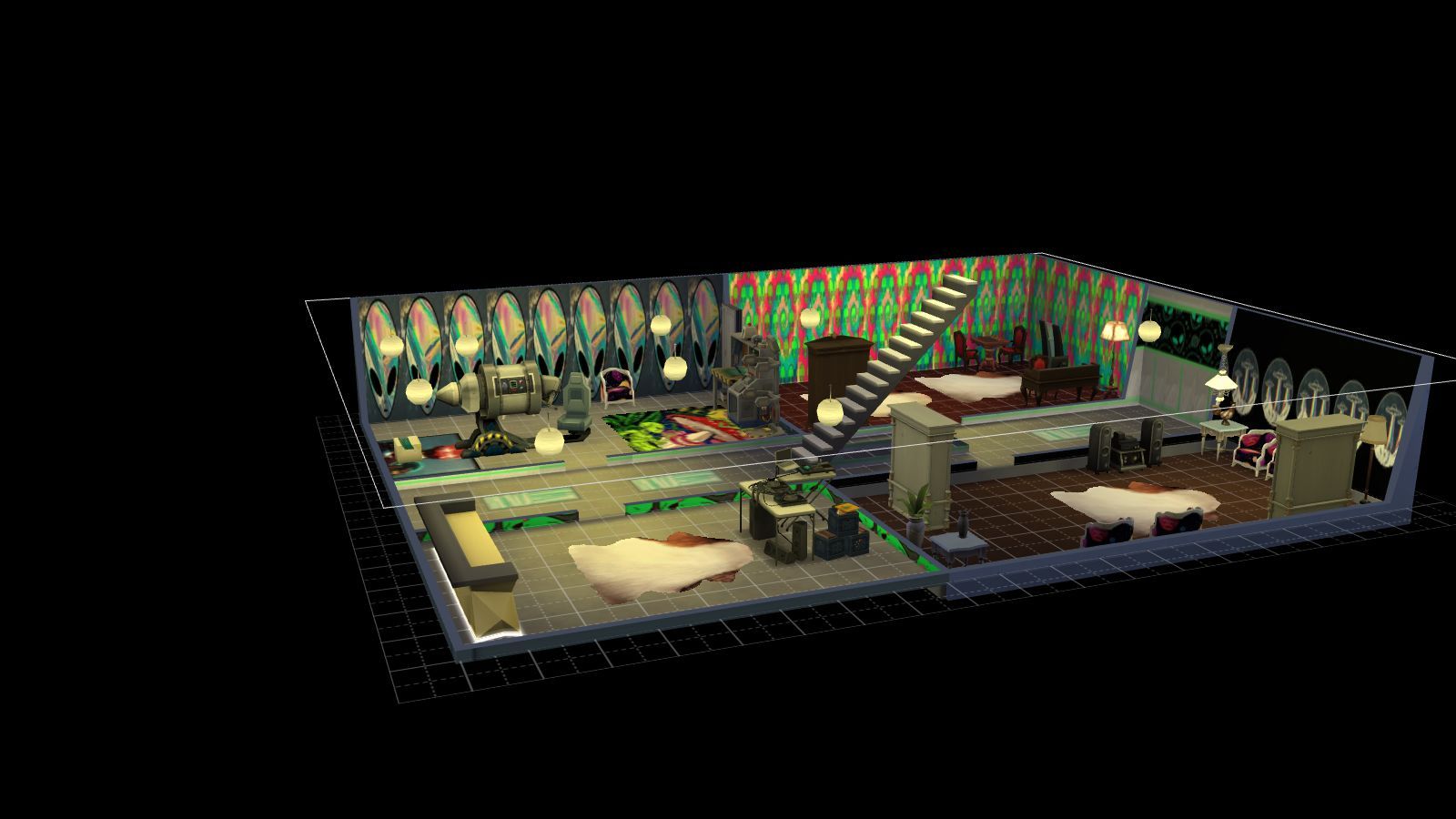
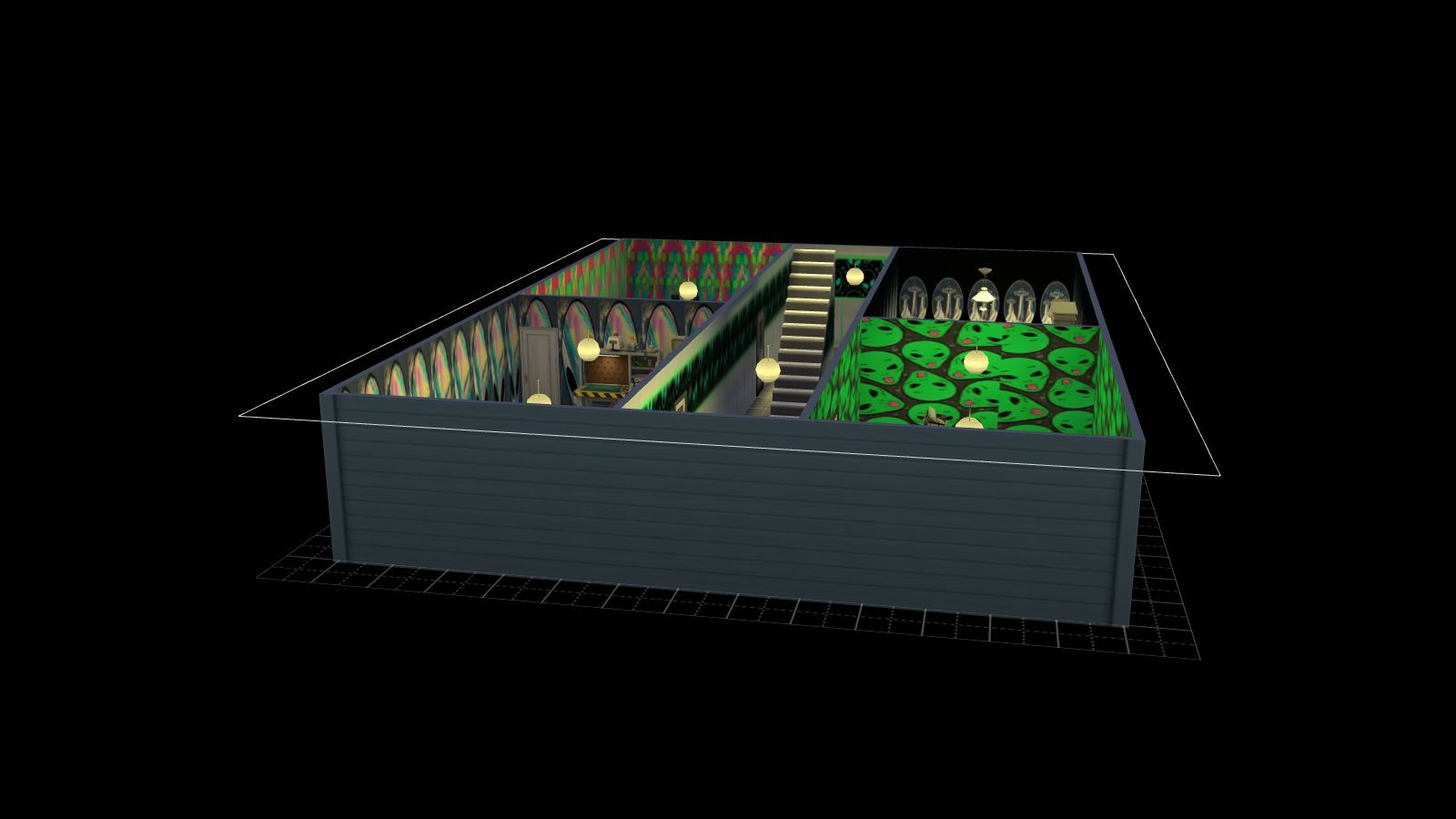
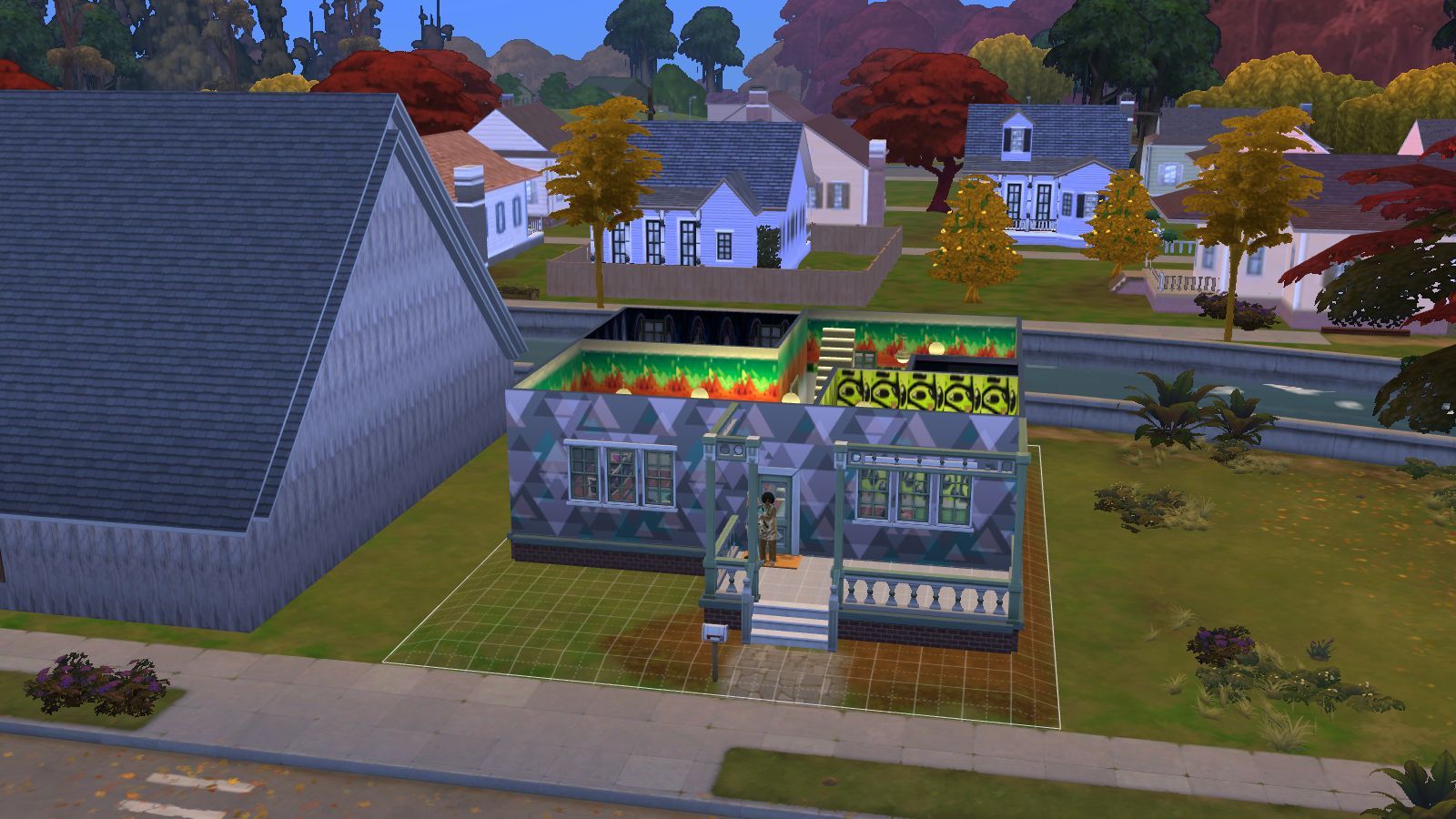
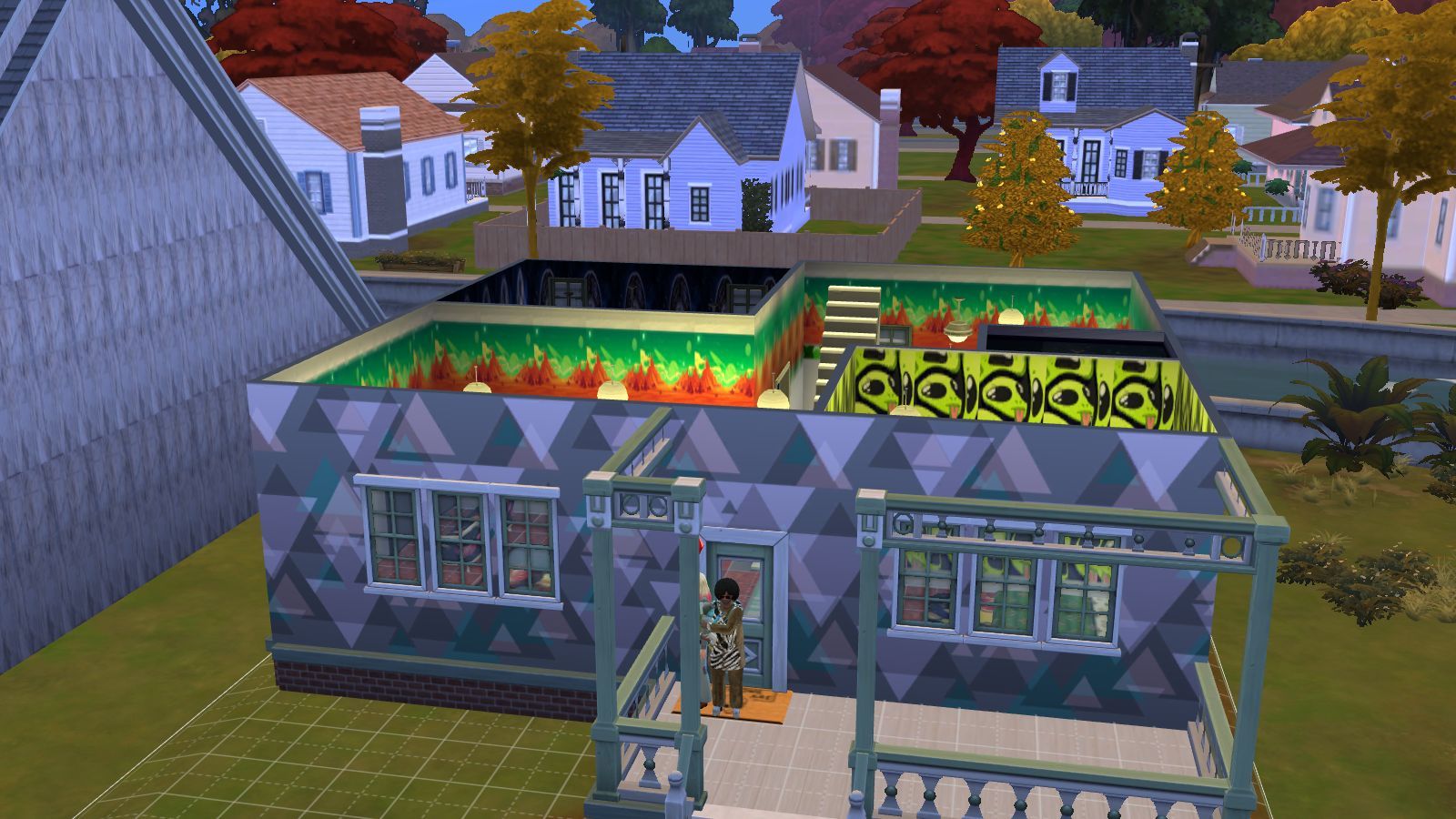
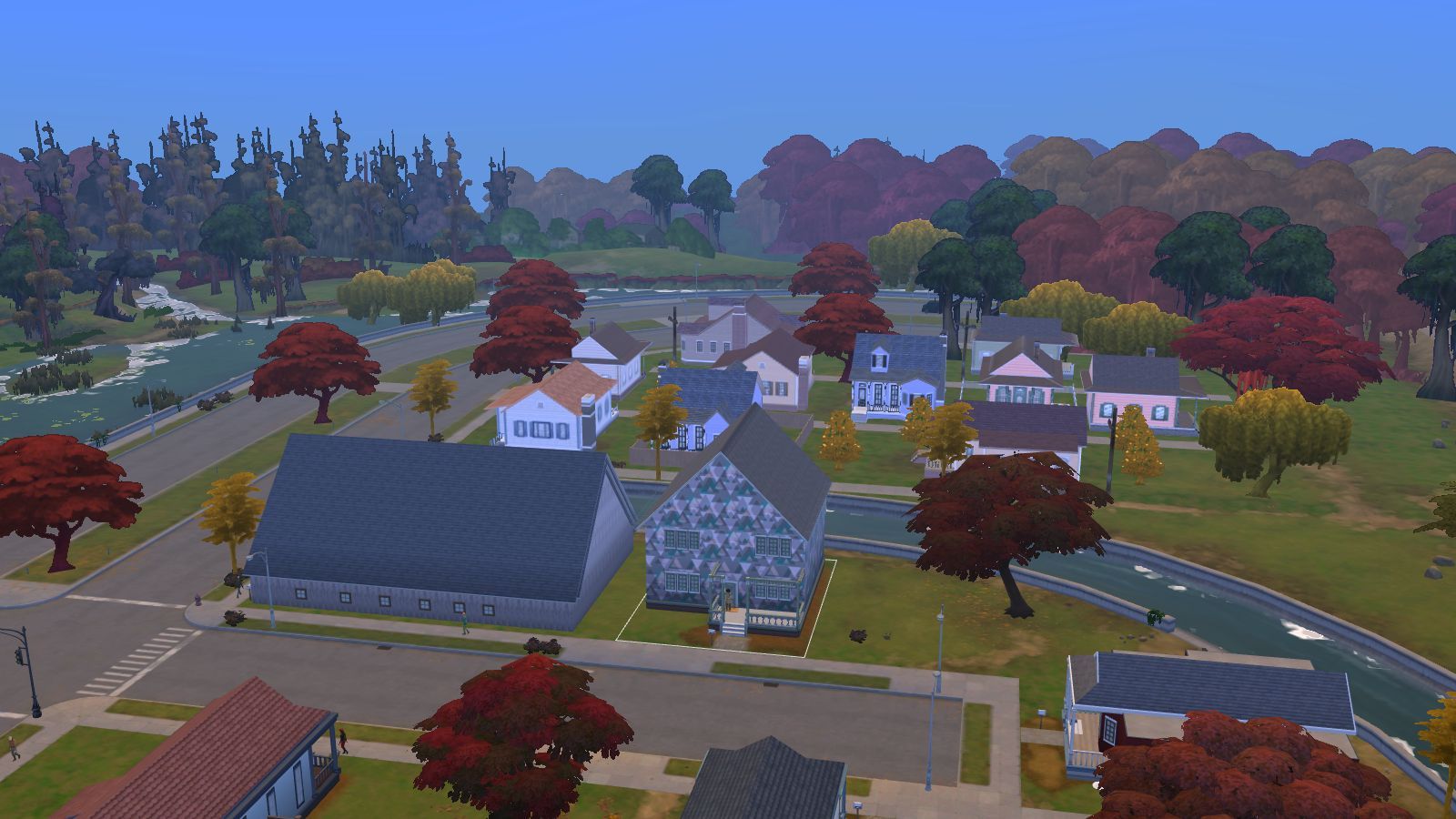
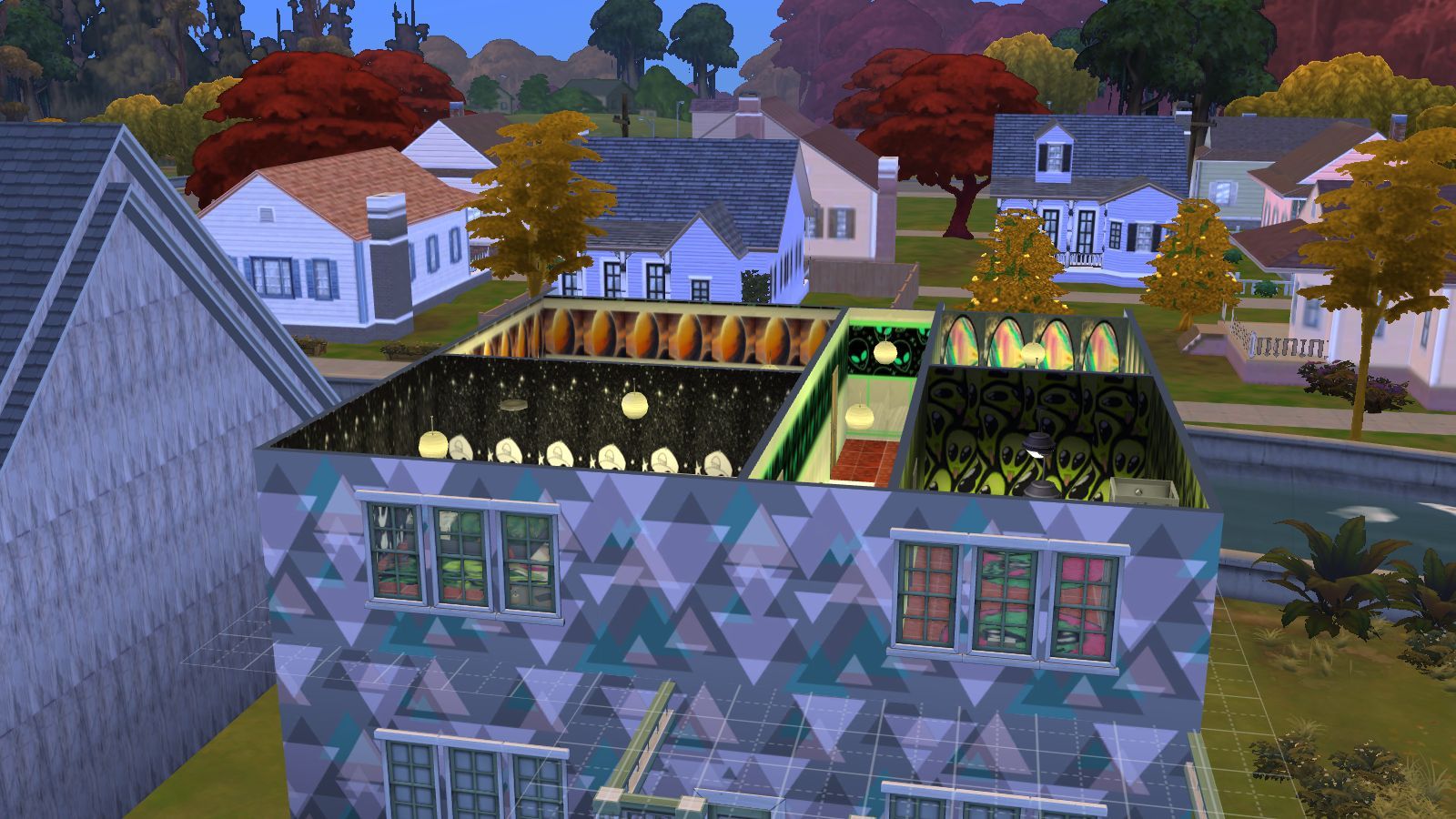
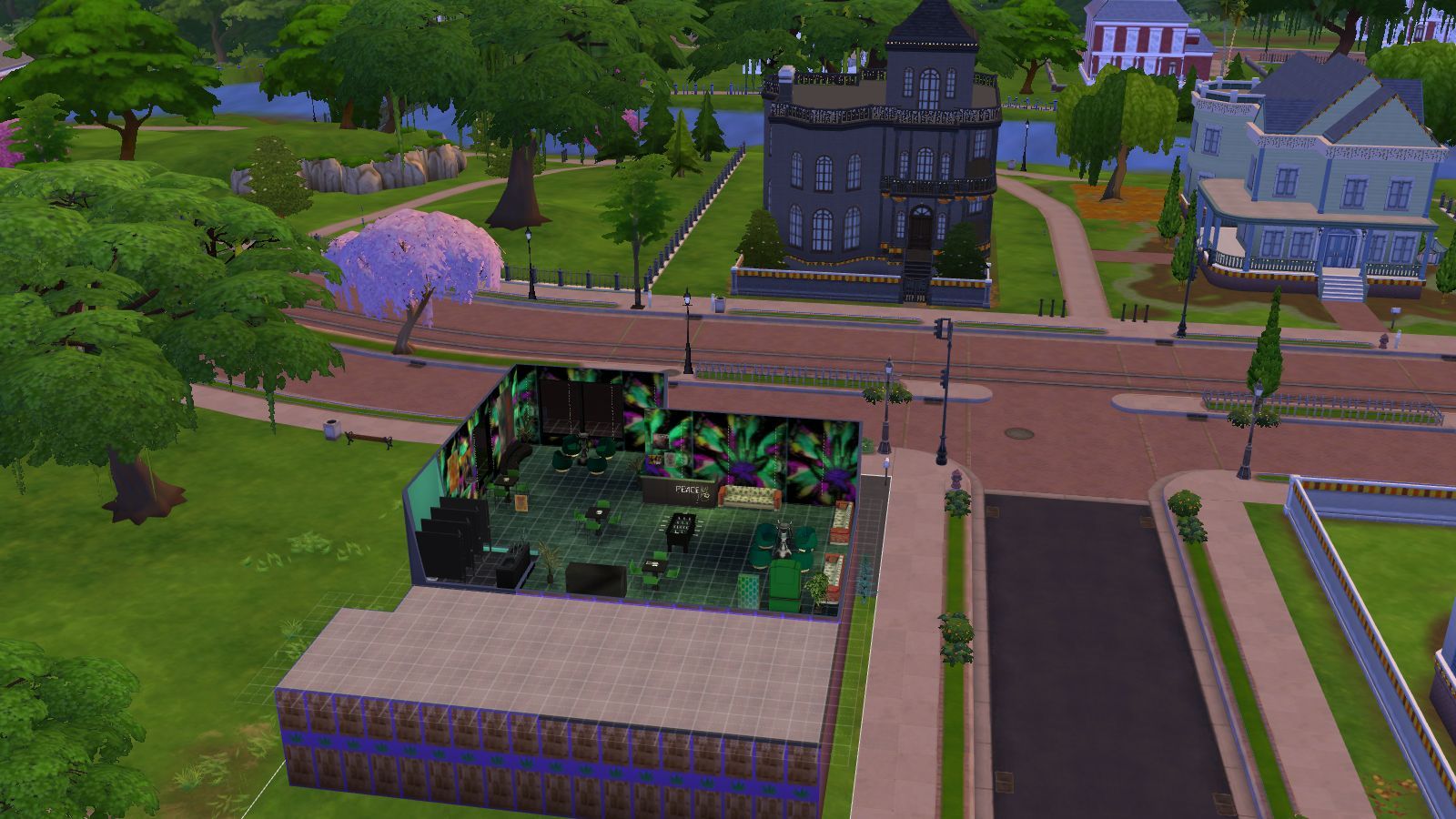
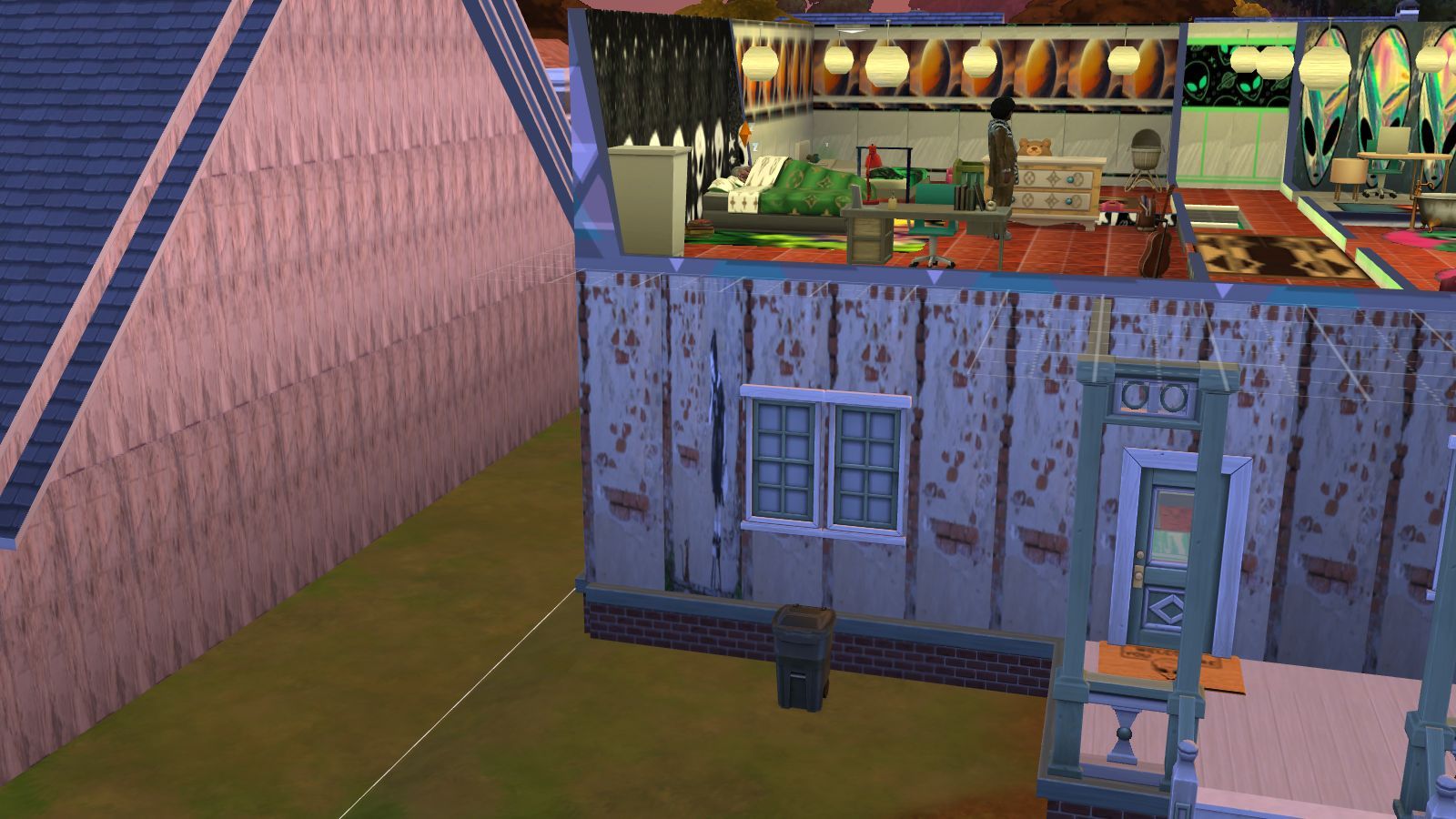
A three floor alien inspired lot with two bathrooms, three bedrooms, a study, a kitchen, a music room and various other room. My Sims are inspiring musicians so it's idea for the entertainer who wants to go down the music path or a alien family or a alien obsessed person but it's your game.  
 
PLEASE NOTE 
 
I built the game with custom content and I have all the main expansion packs, stuff and game packs so if you want the rooms looking like what you see in the pictures then please download The Cult Bunker Bundle Pack with all the content including the lot and other stuff like objects and outfits. It can be found on the Sims 4 Downloads main page in the main menu under Other Stuff>Game Lounge>Sims 4 Downloads>Bundle Packs on this website or the link below. Also have most of the expansions packs and stuff by Electronic Arts.
 
Gray's Bundle Pack

Sims 4 Custom Content – The Gray’s Bundle Pack – Game For Experimentation

INSTRUCTIONS

You will get a tray folder that needs to be extracted and put in the right place.

WHERE TO PUT TRAY FILES

Sims 4 tray folder needs to be extracted and the files should go in Documents>Electronic Arts>Sims 4>Tray. It makes up the lot and household and doesn't come with the patterns. If you want the lot as seen on the photos and video please read the note in the about section of this page. 

GRAYS-PATTERNS-AND-FLOORS (1)

Sims 4 Custom Content – Gray’s Patterns & Floor

About
Downloads
Gallery
Instructions

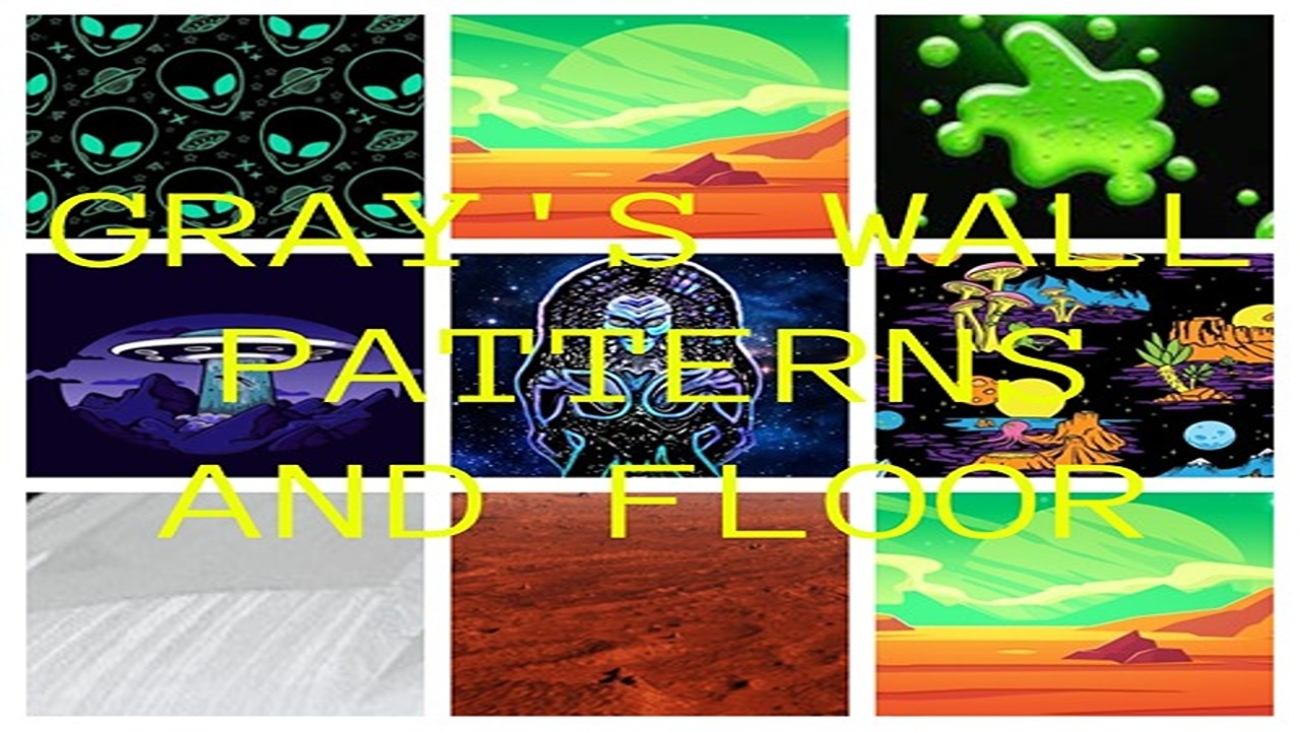
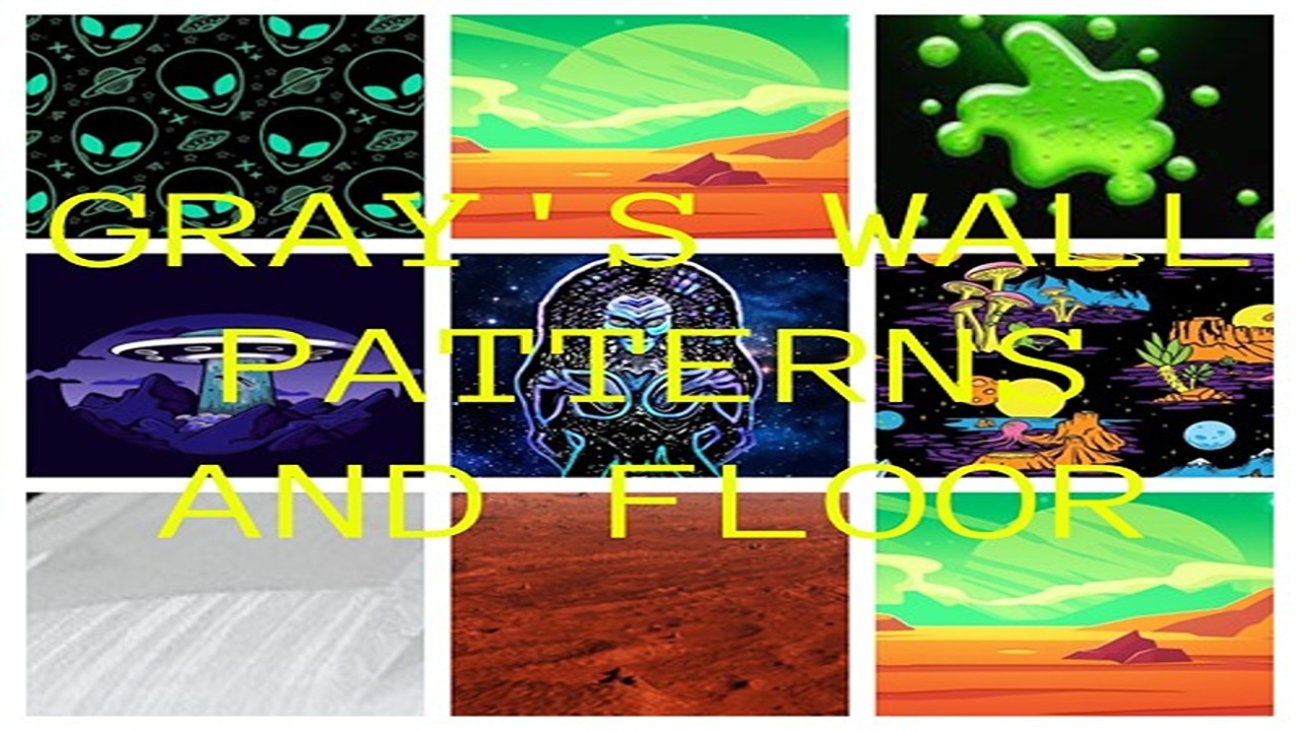
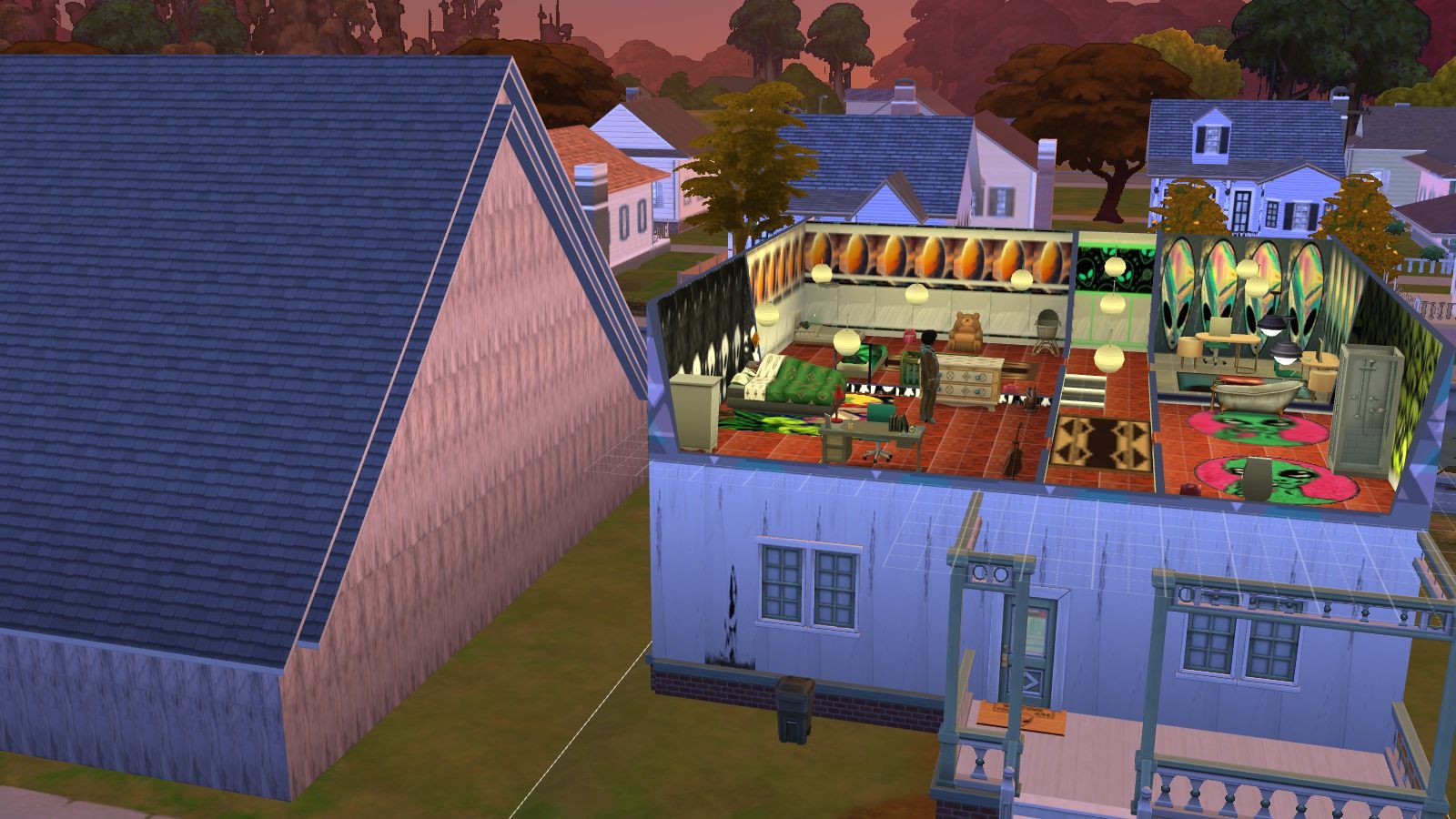
Various alien inspired wallpapers and a floor which I found the pictures online. I made enough to decorate the whole lot and went for spacey and alien pictures. Maybe you have a alien obsessed sim or you just like to decorate your lot it's your game.
INSTRUCTIONS

You will get a Sims 4 Package files in the folder. 

WHERE TO PUT SIMS 4 PACKAGE FILES

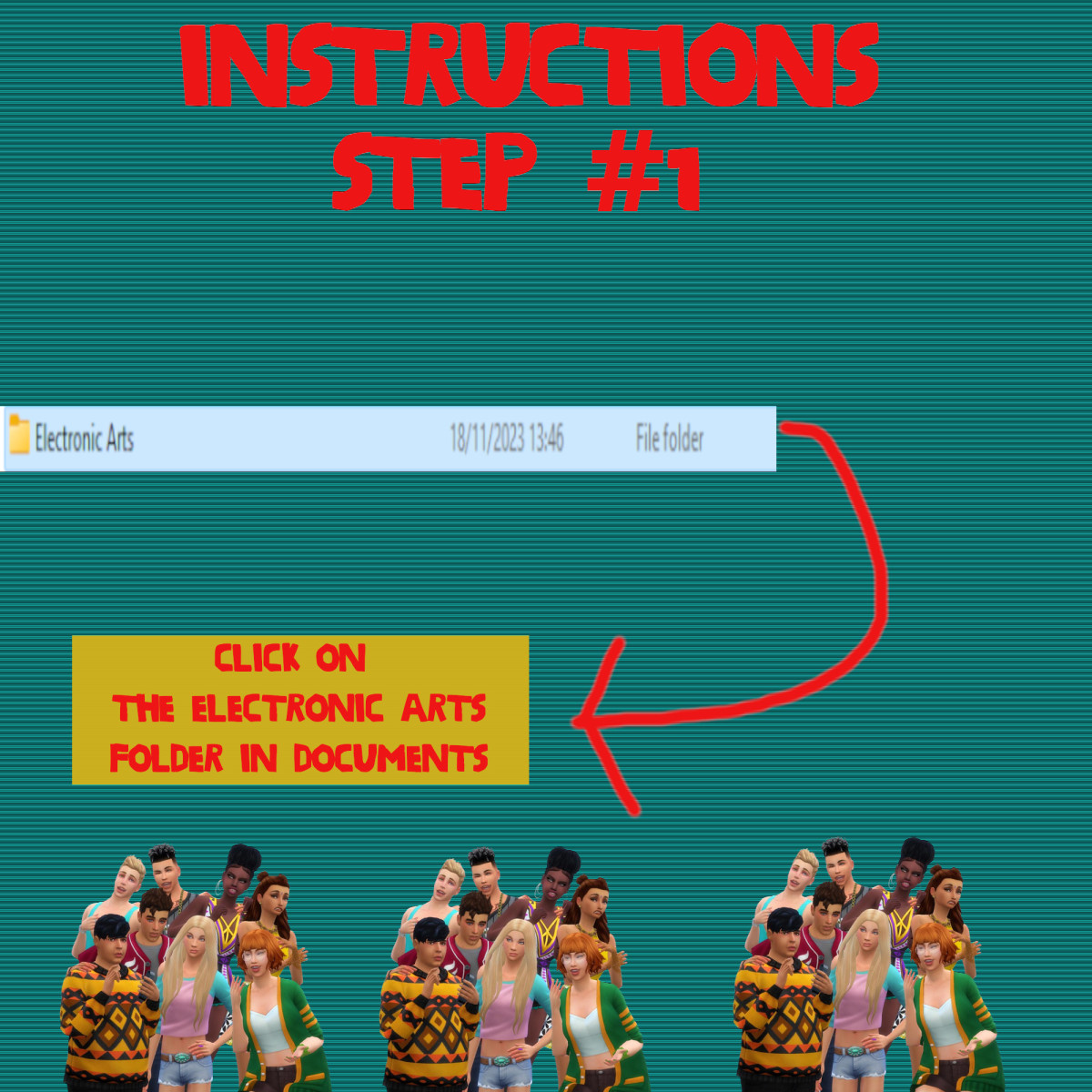
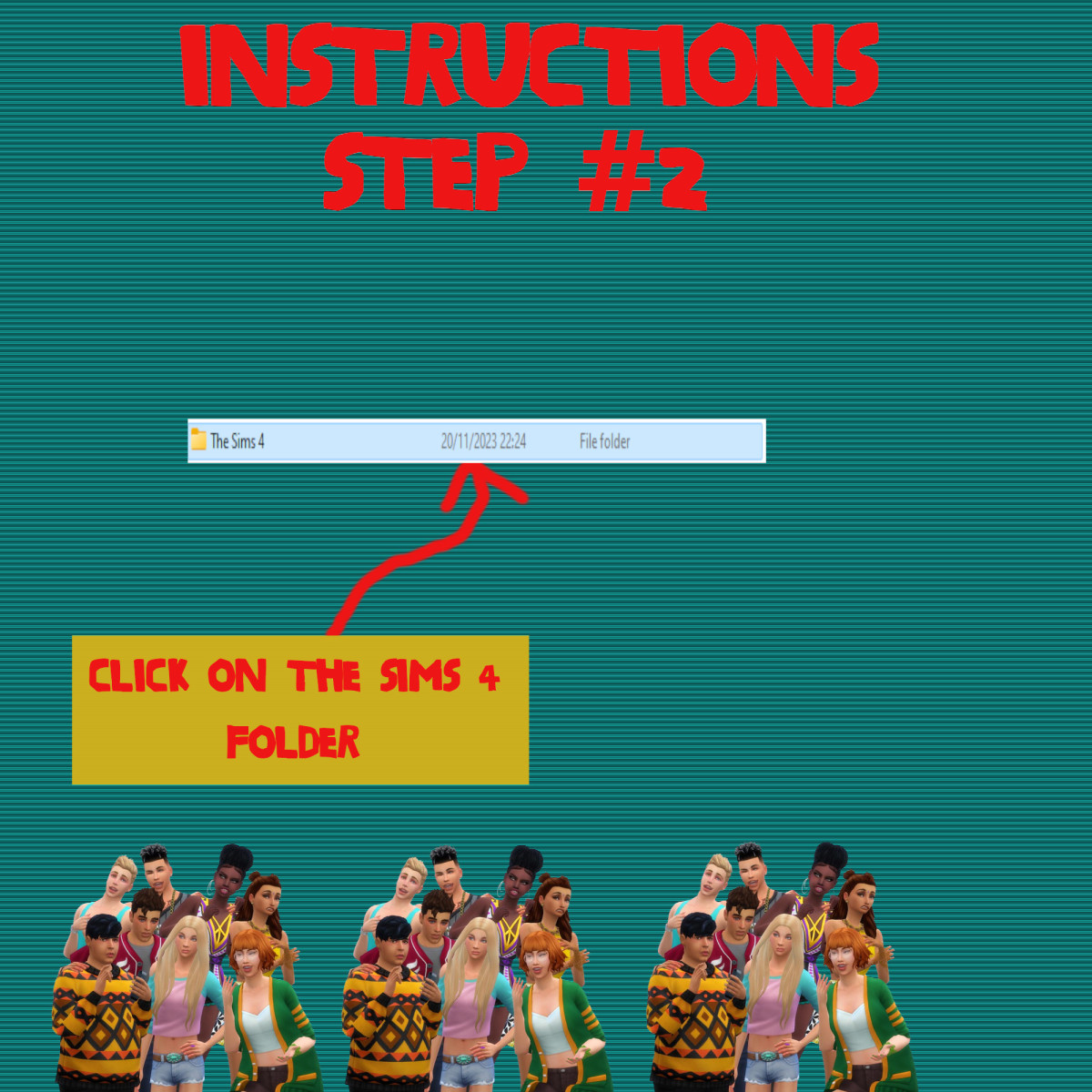
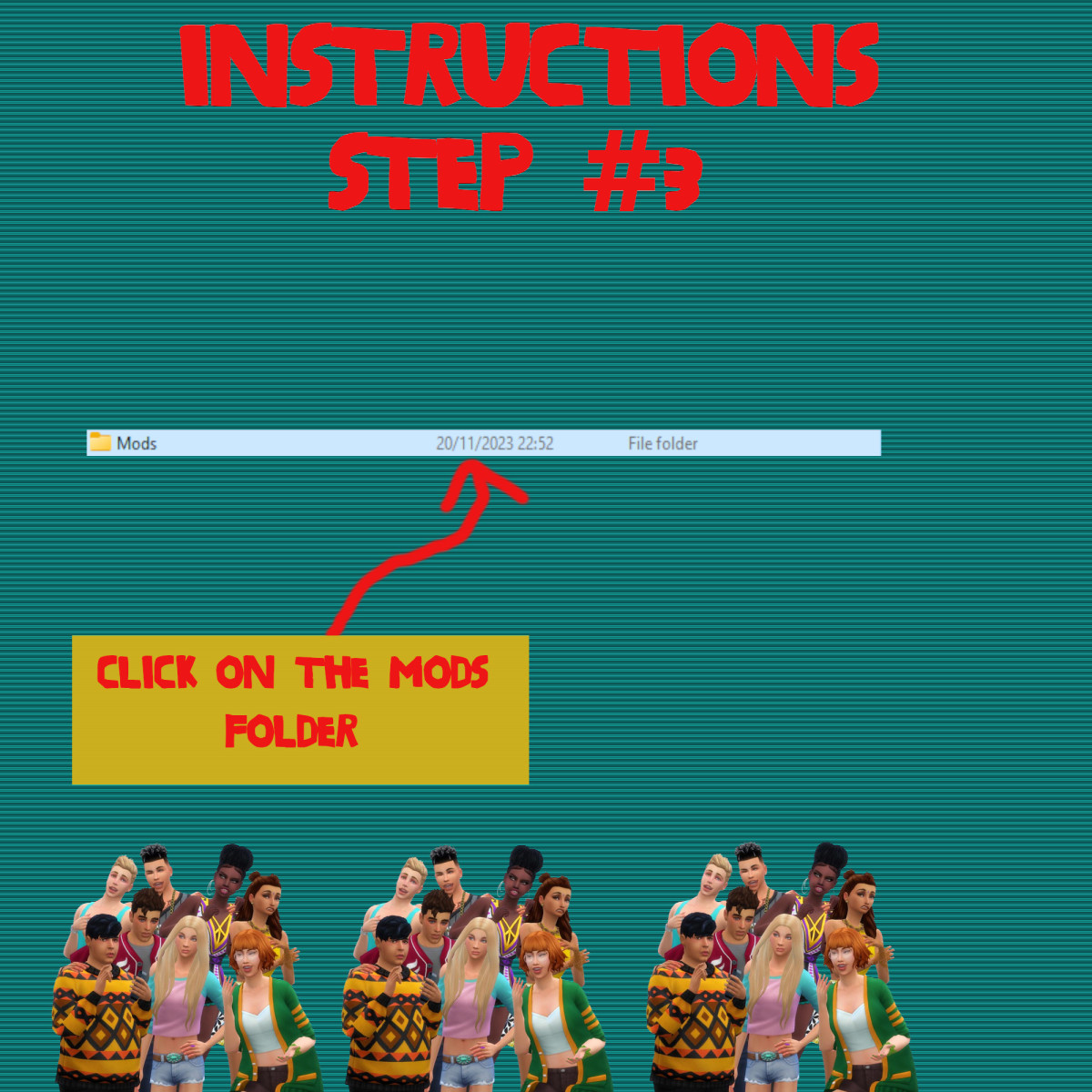
Sims 4 Packages goes in the following place. 

Documents>Electronic Arts>Sims 4>Mods>Packages

Please note if you haven't got a Mods folder then make one and place it in the Electronic Arts folder in Documents. Copy and paste or move Package files in the Mods folder.
GRAYS-OUTFITS (1)

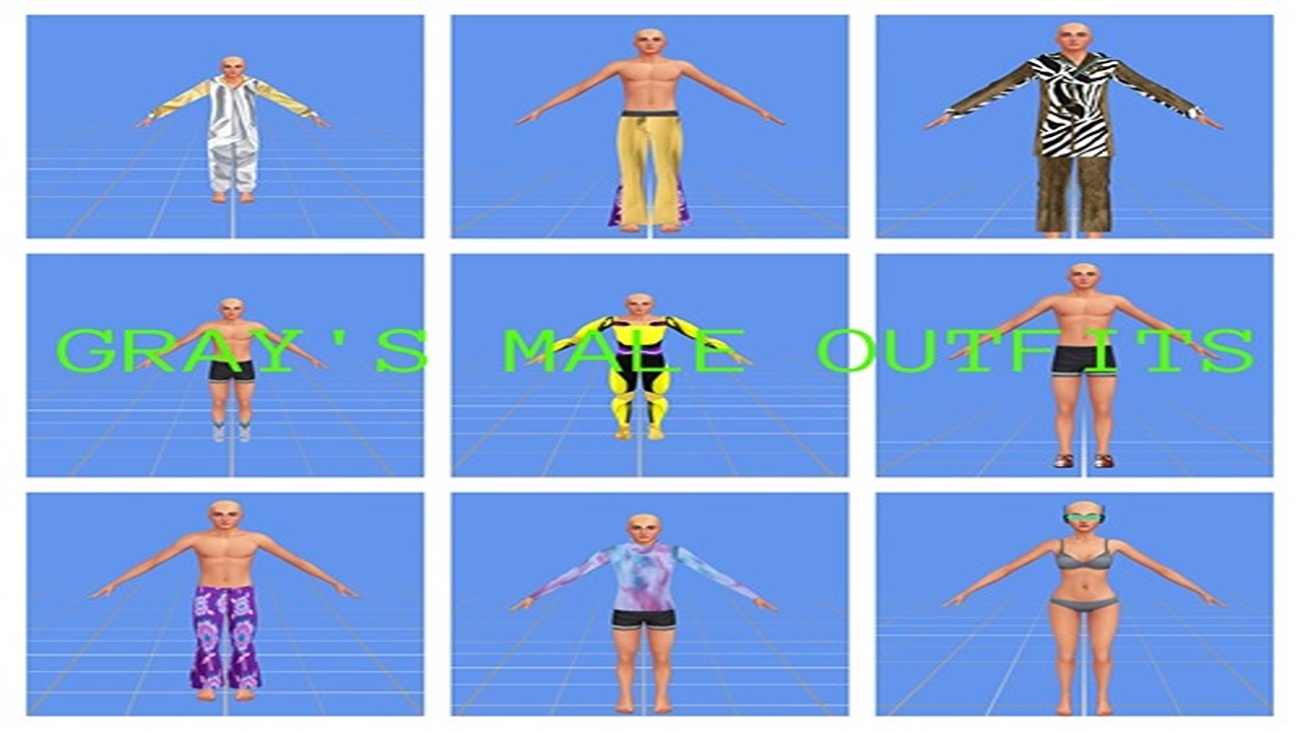
Sims 4 Custom Content – Gray’s Male Outfits

About
Downloads
Gallery
Instructions
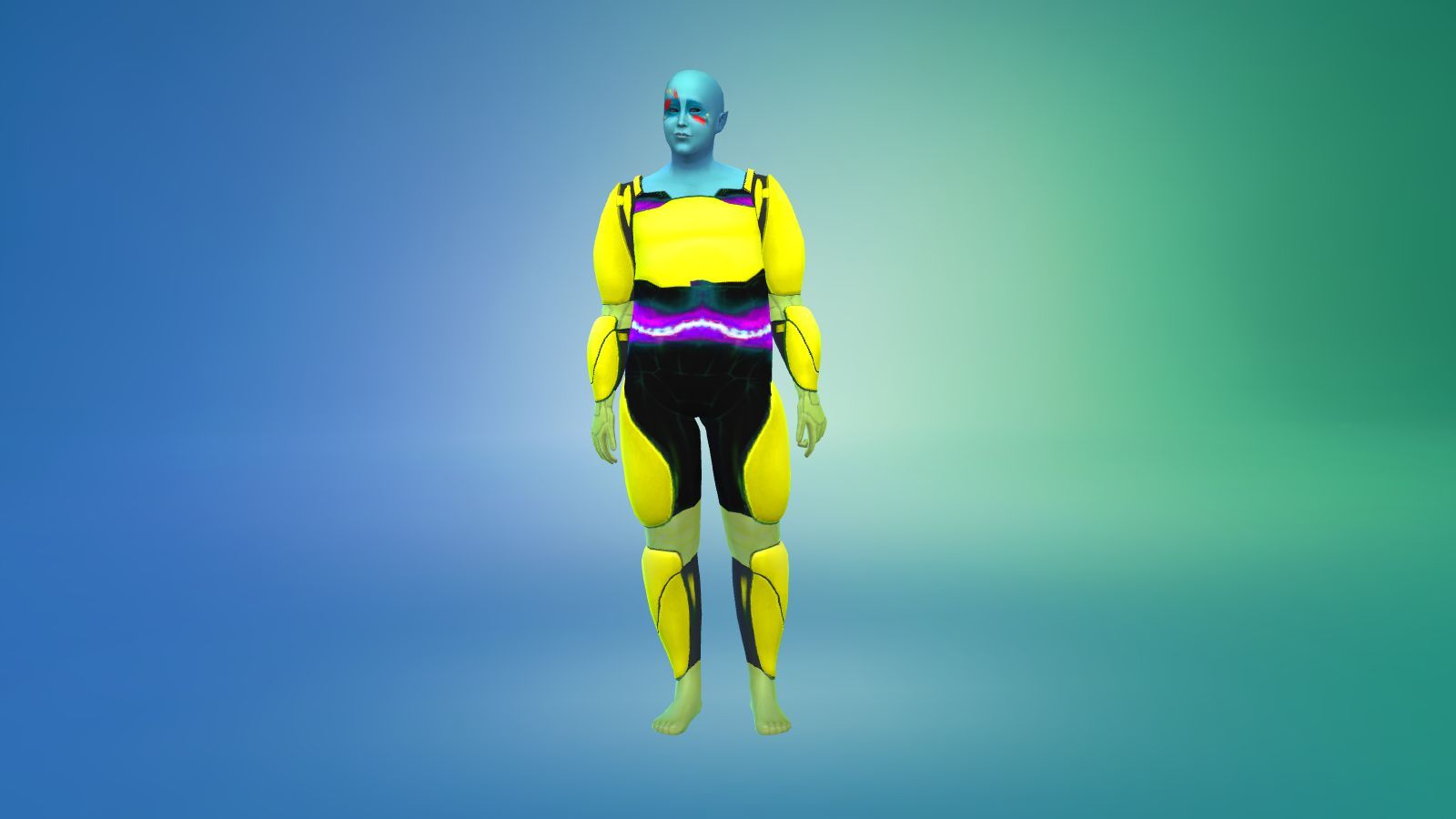
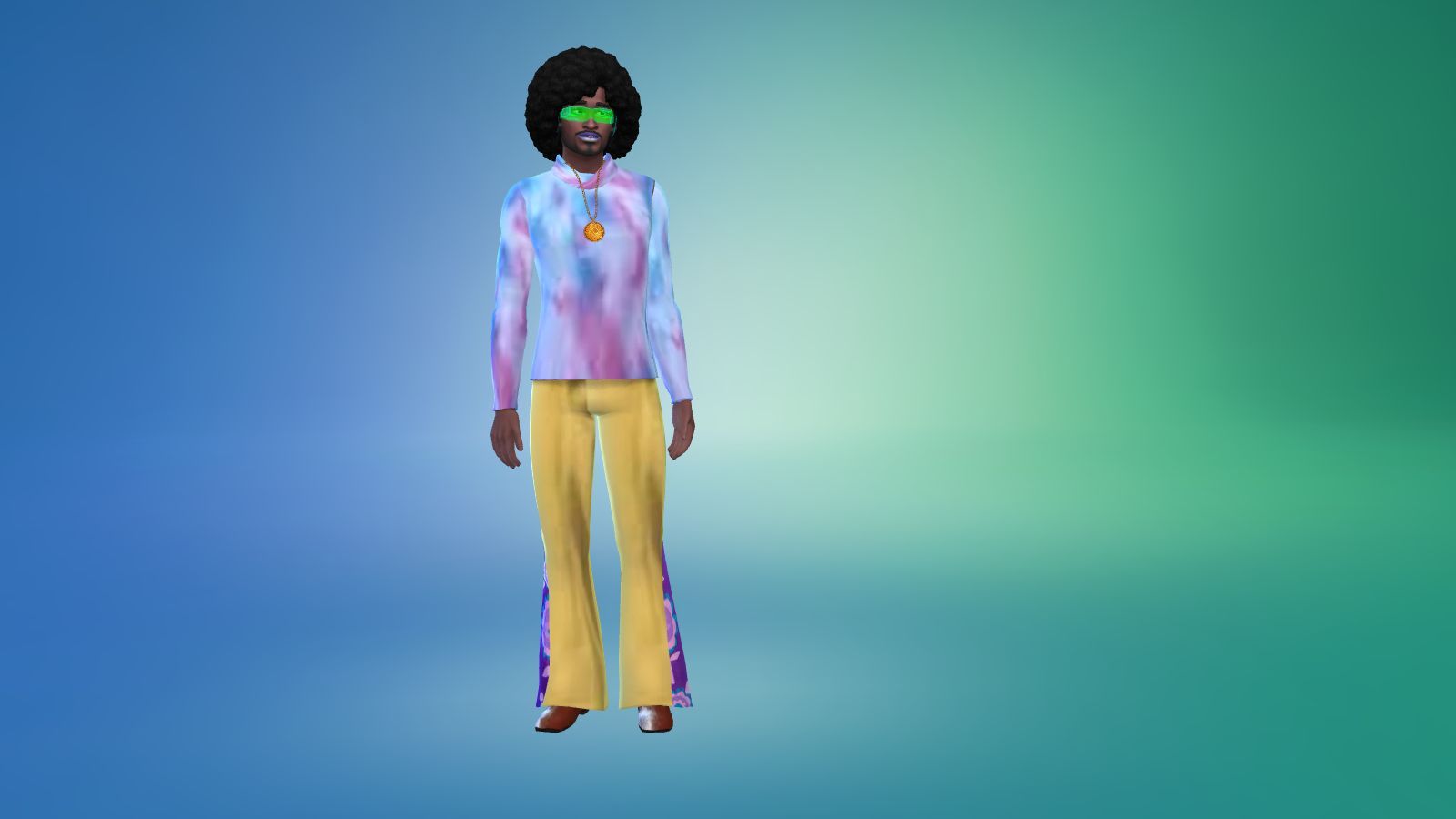
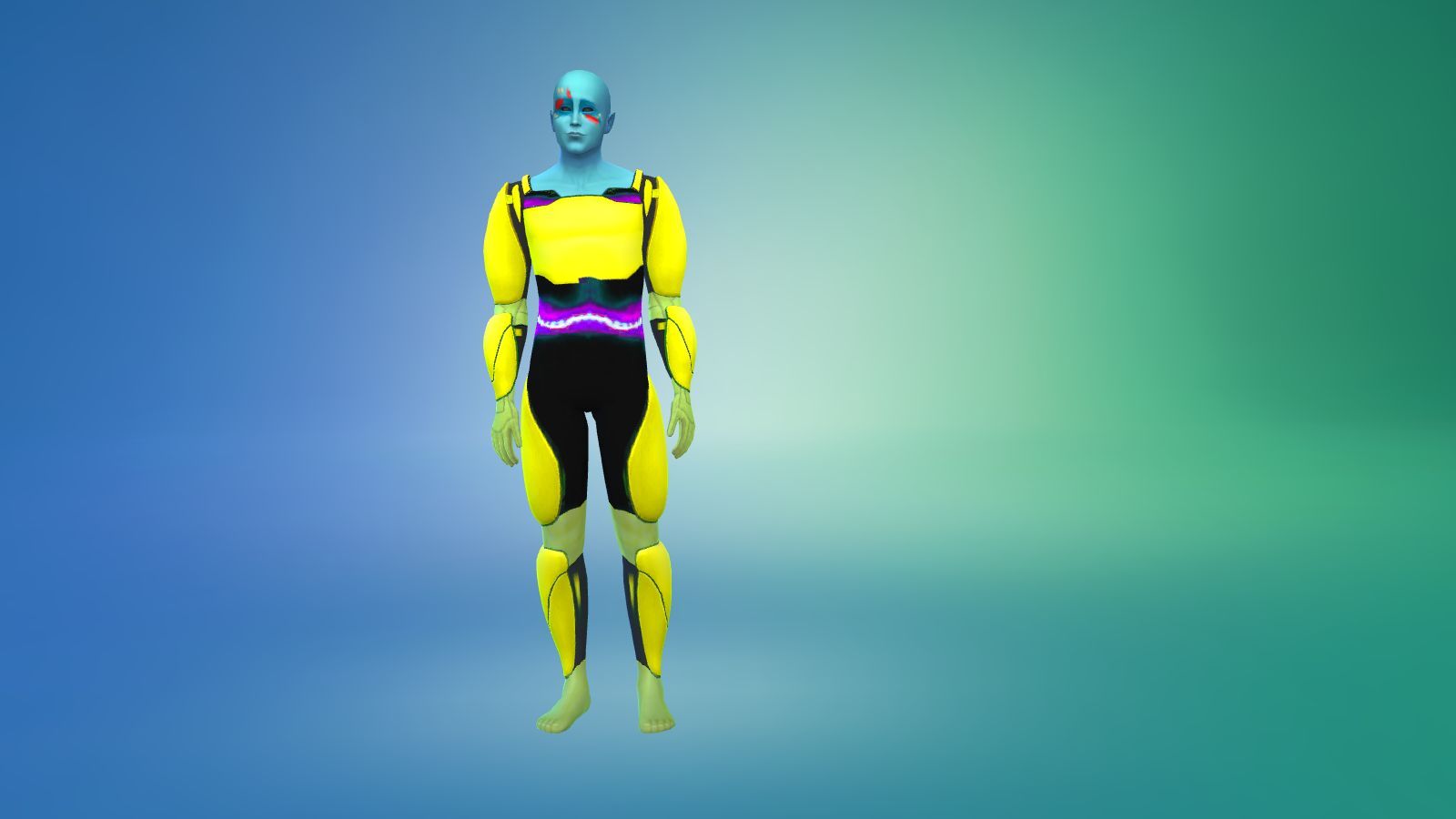
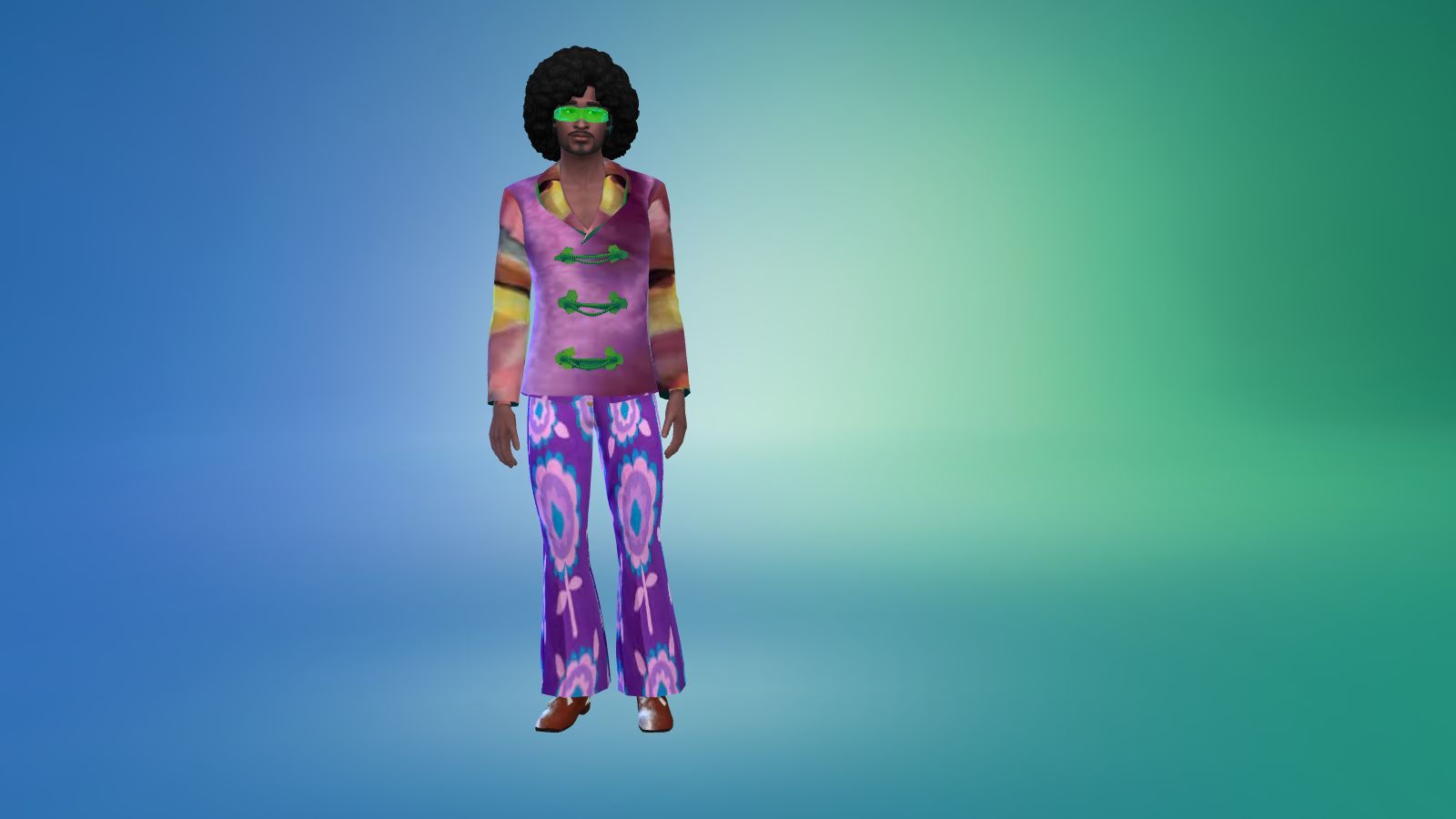
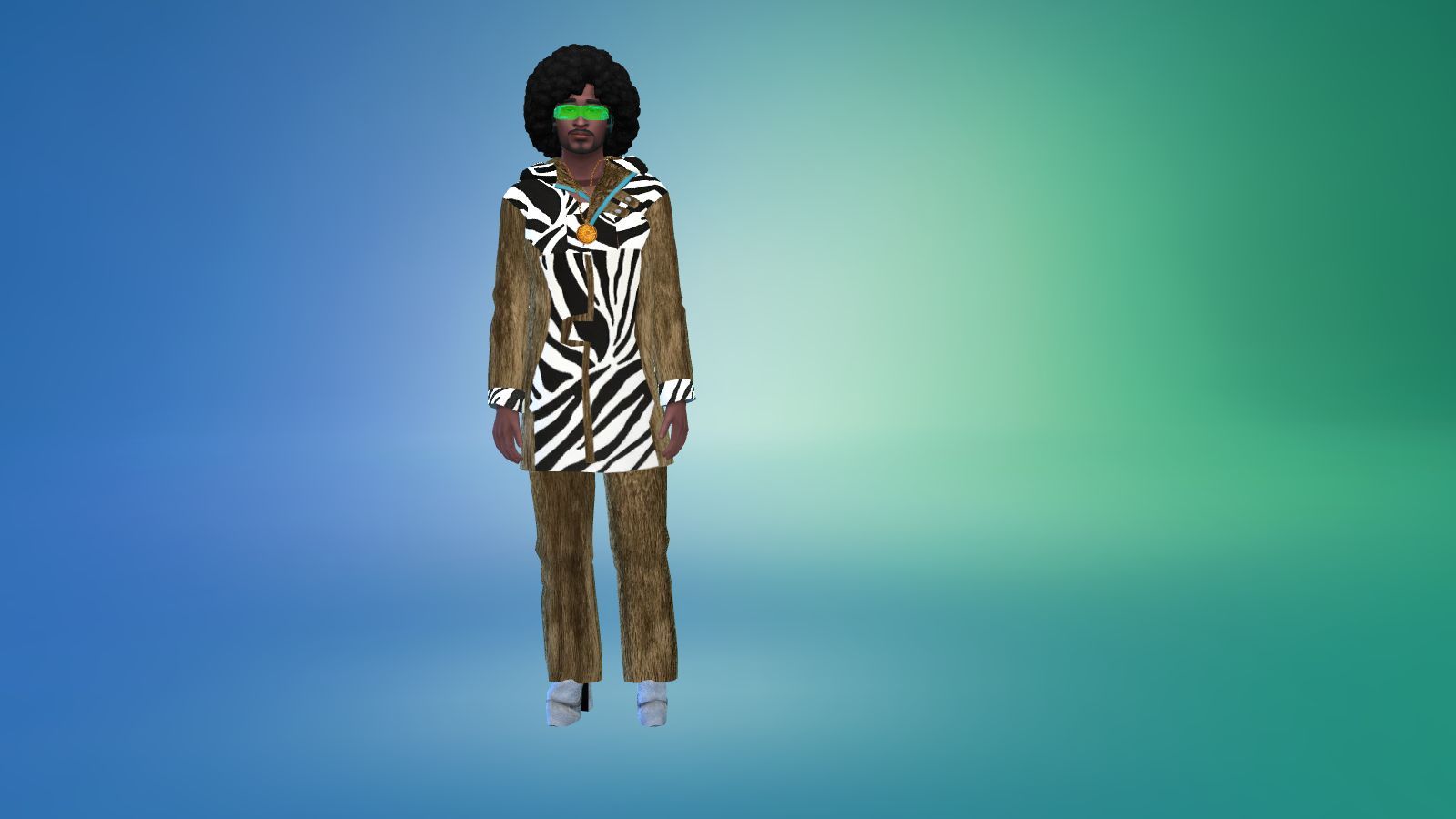
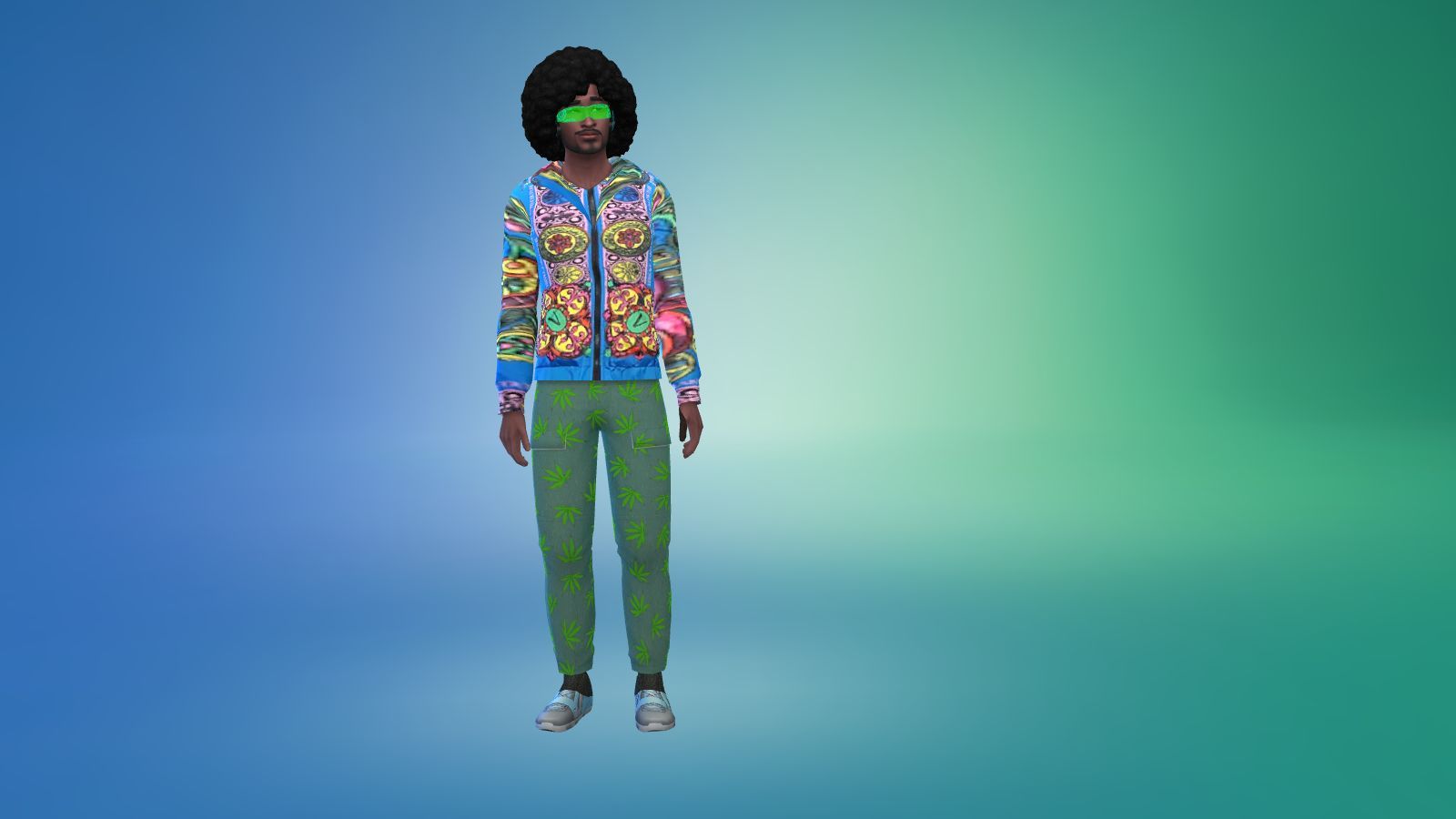
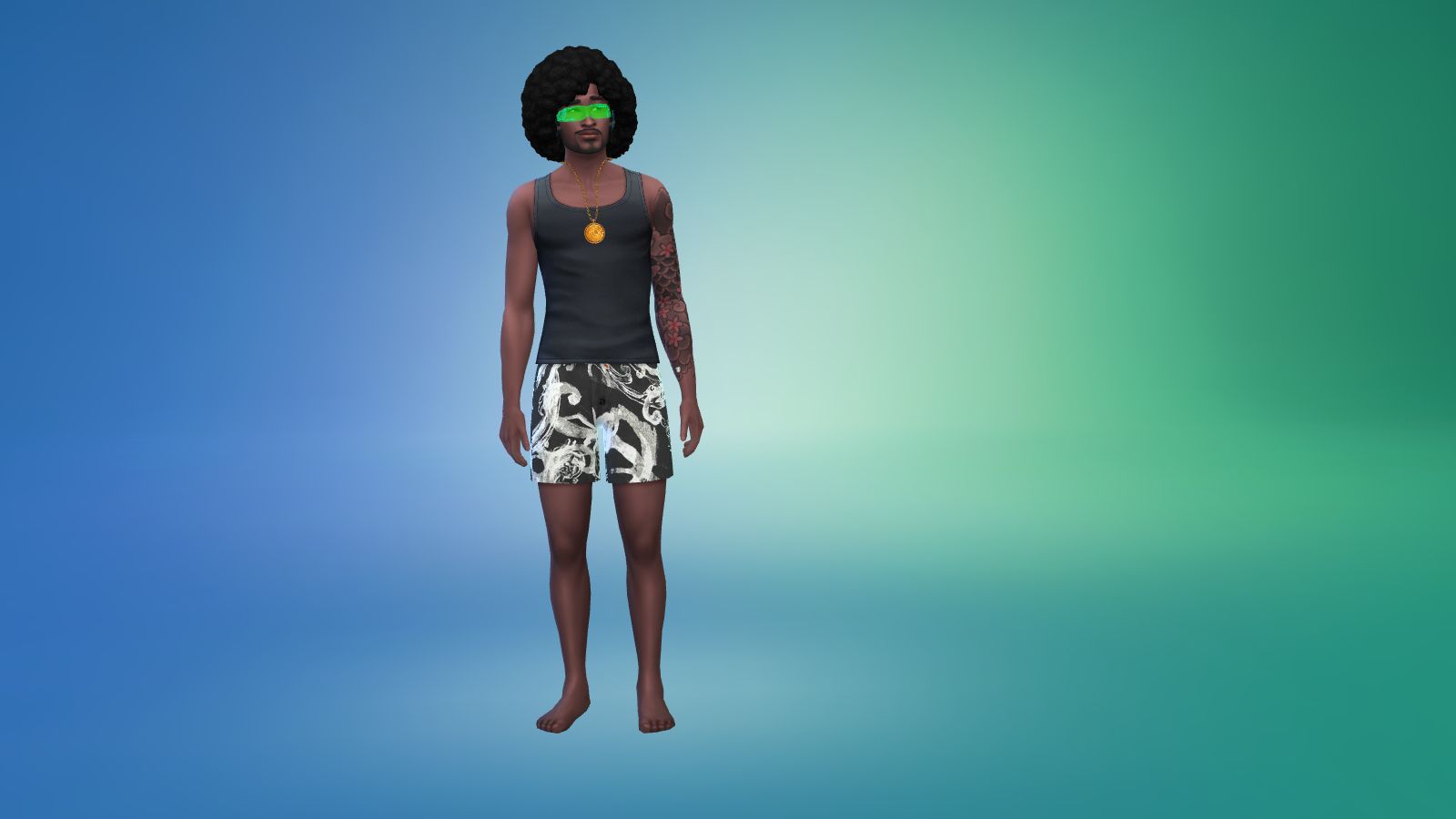
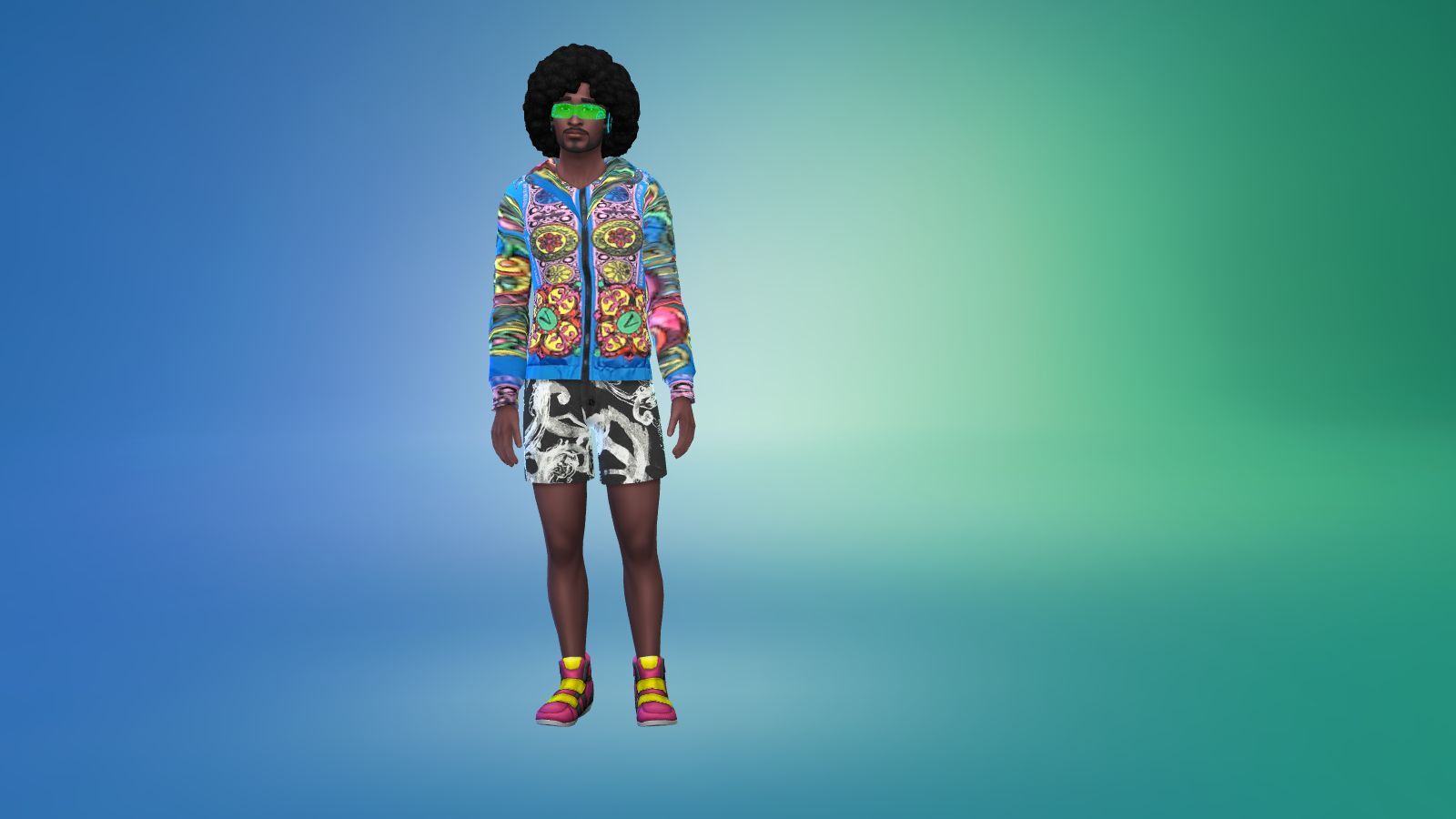
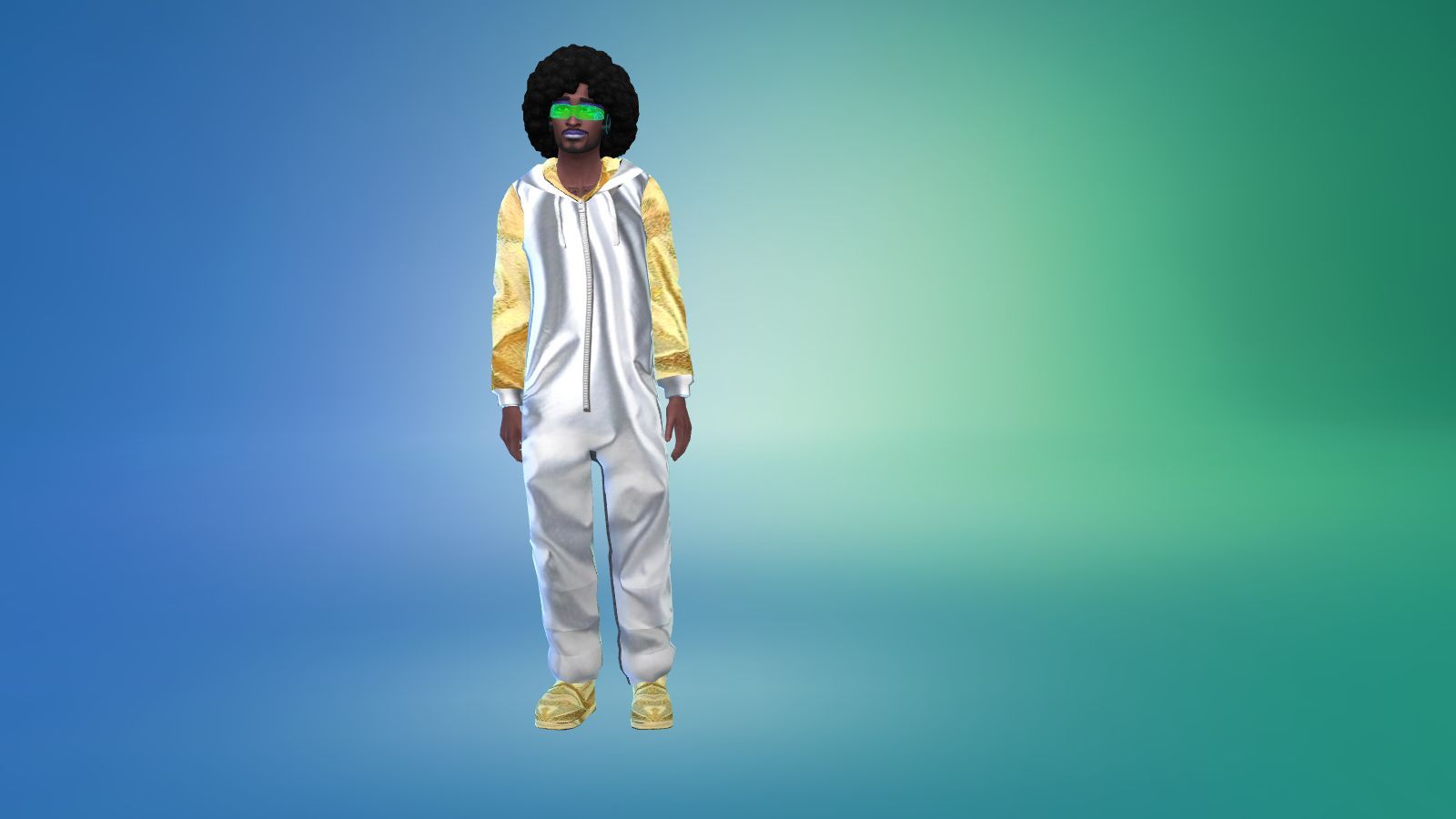
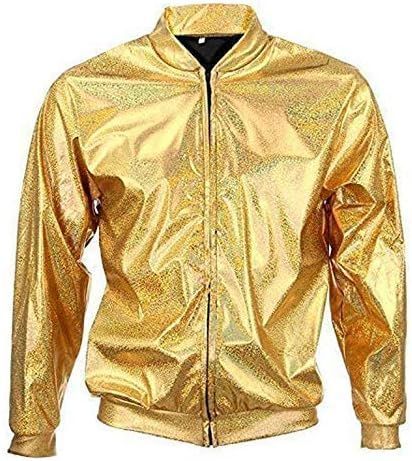
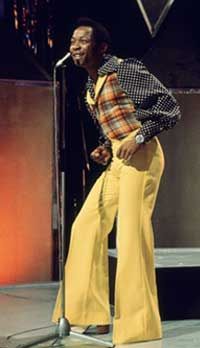
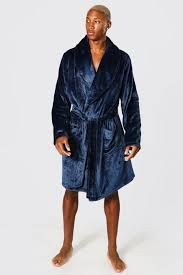
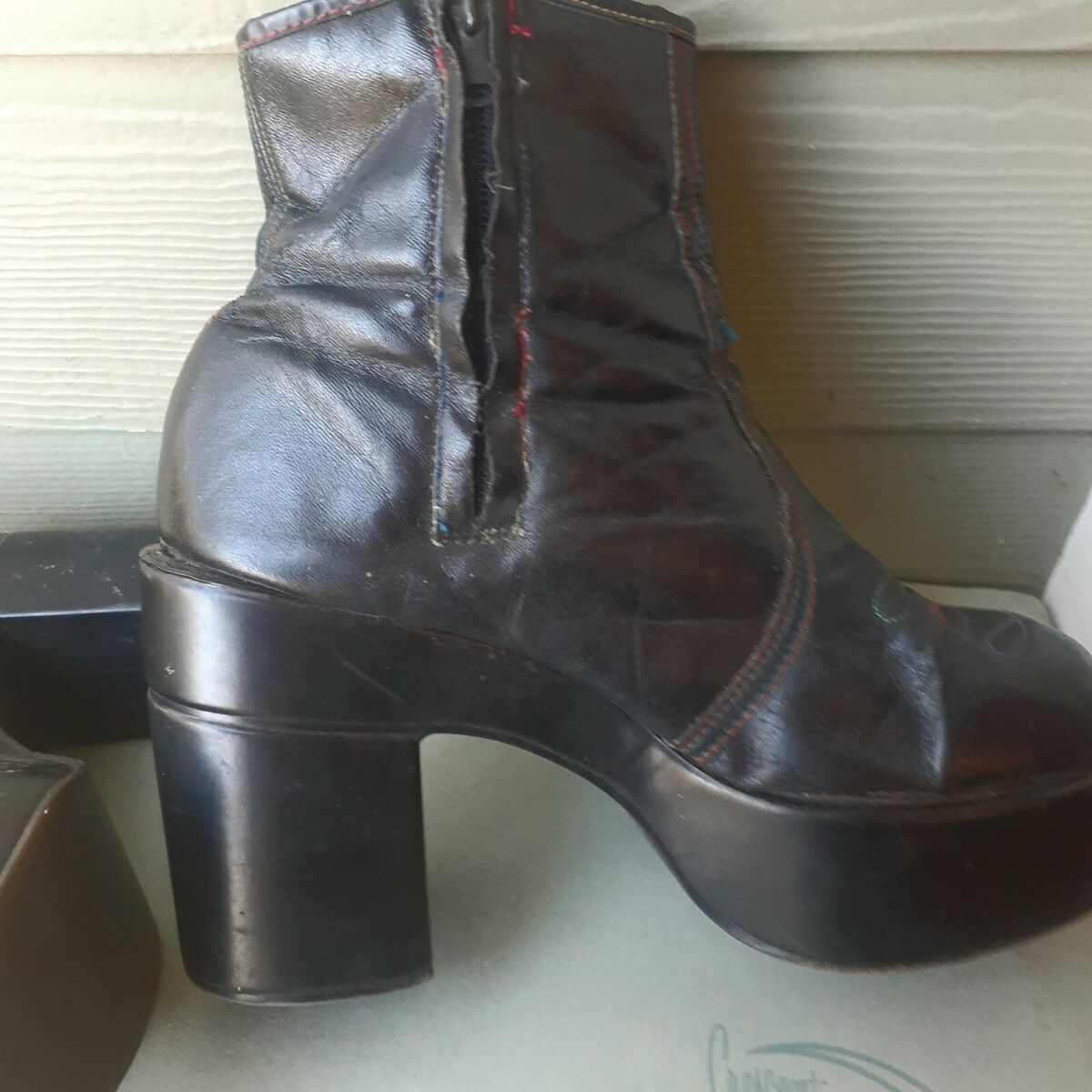
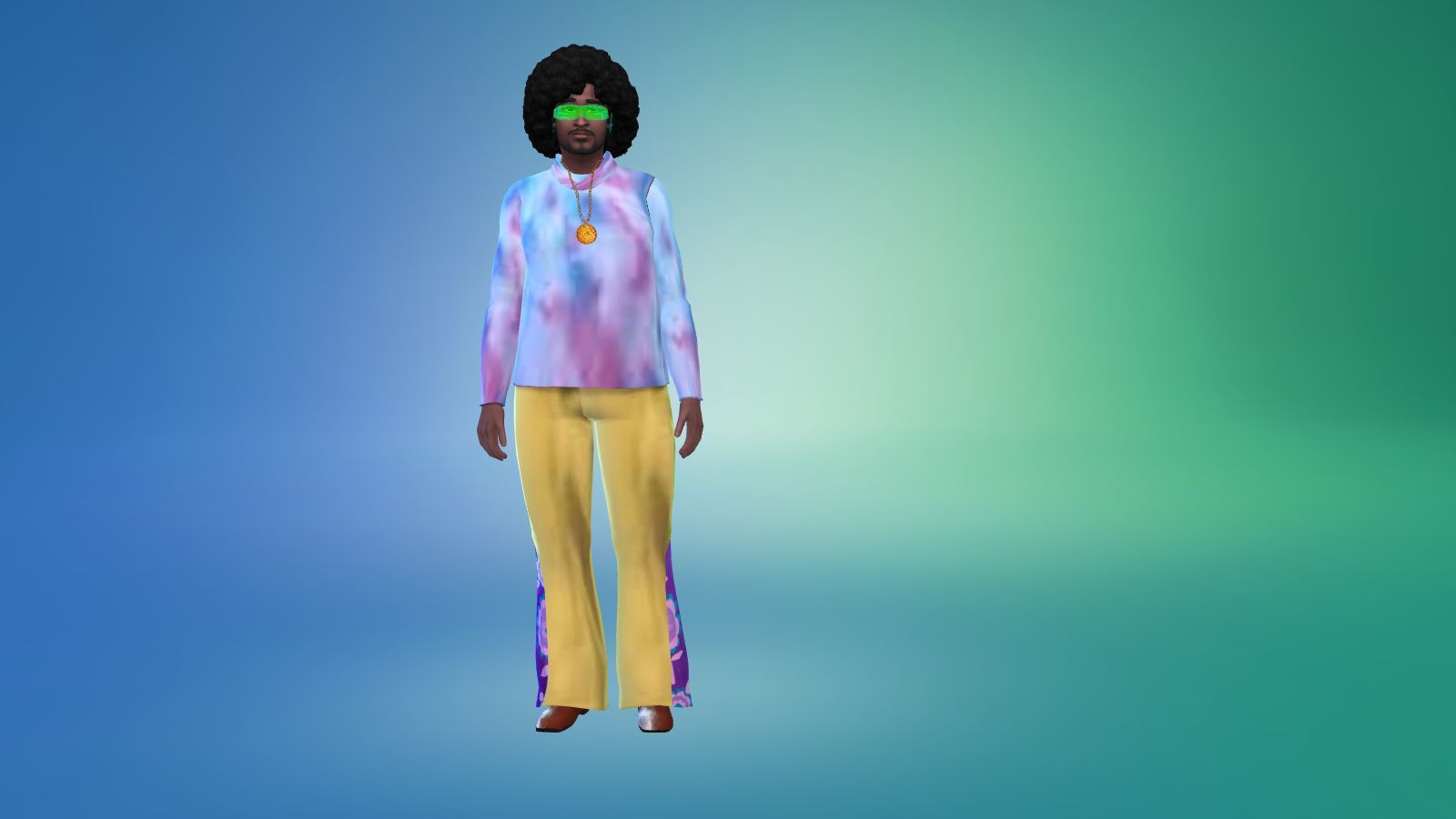
A collection of alien or retro 70s based outfits from everyday to winter I did all of them but I did miss out athletic wear out by accident but it does cover most of the events you have in the game. My charter is a alien so there is also a yellow alien outfit too with all the other acid infused outfits.
 
PLEASE NOTE 
 
I built the game with custom content and I have all the main expansion packs, stuff and game packs.
 
<<<<CREDITS>>>>

Platforms - Oranostr

Moon Boots - MermadeSimmer

Jumpsuit - MclayneSims

Sims 4 Studio


INSTRUCTIONS

You will get a Sims 4 Package files in the folder. 

WHERE TO PUT SIMS 4 PACKAGE FILES

Sims 4 Packages goes in the following place. 

Documents>Electronic Arts>Sims 4>Mods>Packages

Please note if you haven't got a Mods folder then make one and place it in the Electronic Arts folder in Documents. Copy and paste or move Package files in the Mods folder.
GRAYS-OBJECTS (1)

Sims 4 Custom Content – Gray’s Objects

About
Downloads
Gallery
Instructions
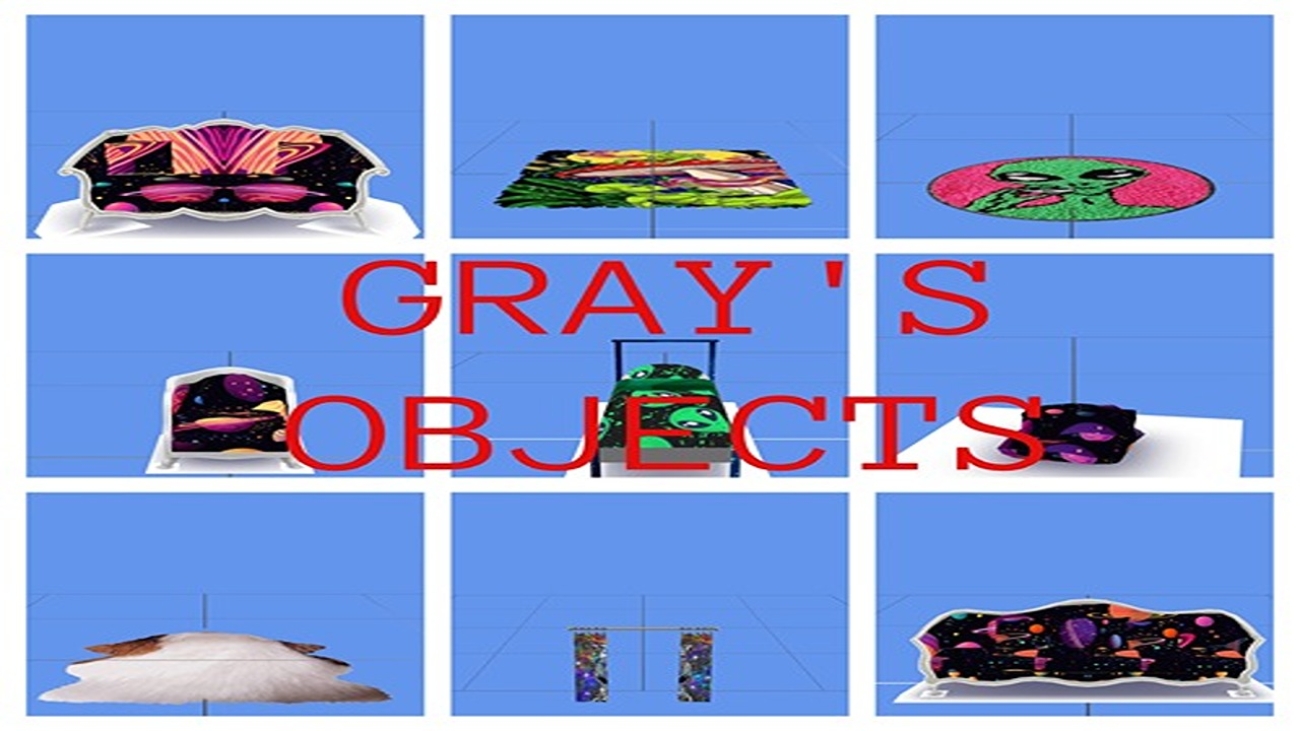
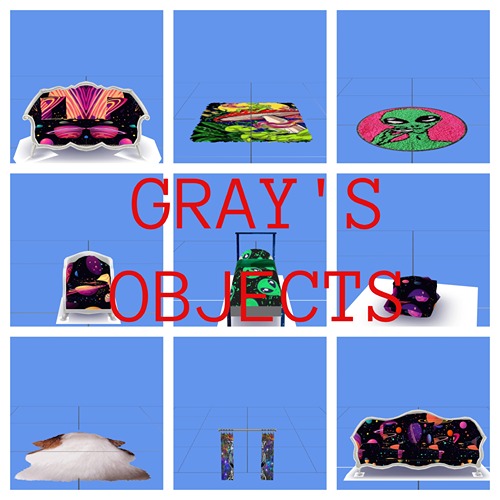
Some custom made alien inspired objects and only around nine objects there were more but some didn't come out guess there isn't any shortcuts when it comes to making in Sims 4 Studio. The objects that did come out are sofa's, a bed, curtains and a rug which is genuine Gremlin fur as I thought it was what the aliens would use to decorate their houses or pods as I believe.
 
PLEASE NOTE 
 
I built the game with custom content and I have all the main expansion packs, stuff and game packs.
 
<<<<CREDITS>>>>

Sims 4 Studio


INSTRUCTIONS

You will get a Sims 4 Package files in the folder. 

WHERE TO PUT SIMS 4 PACKAGE FILES

Sims 4 Packages goes in the following place. 

Documents>Electronic Arts>Sims 4>Mods>Packages

Please note if you haven't got a Mods folder then make one and place it in the Electronic Arts folder in Documents. Copy and paste or move Package files in the Mods folder.
GRAYS-PATTERNS-AND-FLOORS (1)

Sims 4 Custom Content – Gray’s Stuff

About
Downloads
Gallery
Instructions
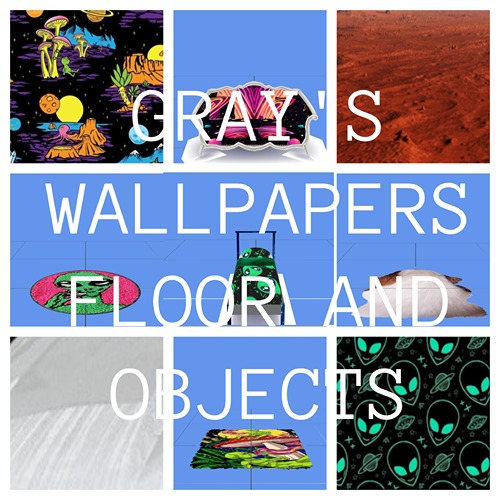
Alien inspired wallpapers objects and a floor all from photos I found online. It did have some more objects but they didn't come out guess there isn't any shortcuts when making in Sims 4 Studio. It comes with some alien wallpapers, a mars sample which I used for the floor and also some objects like a bed, rugs and sofas for somewhere to sit. Also some rugs which I used Gremlin fur cos I figured there good rugs to the aliens. 
 
PLEASE NOTE 
 
I built the game with custom content and I have all the main expansion packs, stuff and game packs.
 
<<<<CREDITS>>>>

Sims 4 Studio


INSTRUCTIONS

You will get a Sims 4 Package files in the folder. 

WHERE TO PUT SIMS 4 PACKAGE FILES

Sims 4 Packages goes in the following place. 

Documents>Electronic Arts>Sims 4>Mods>Packages

Please note if you haven't got a Mods folder then make one and place it in the Electronic Arts folder in Documents. Copy and paste or move Package files in the Mods folder.
THE-GRAYS-BUNDLE-PACK (1)

Sims 4 Custom Content – The Gray’s Bundle Pack

About
Downloads
Gallery
Instructions
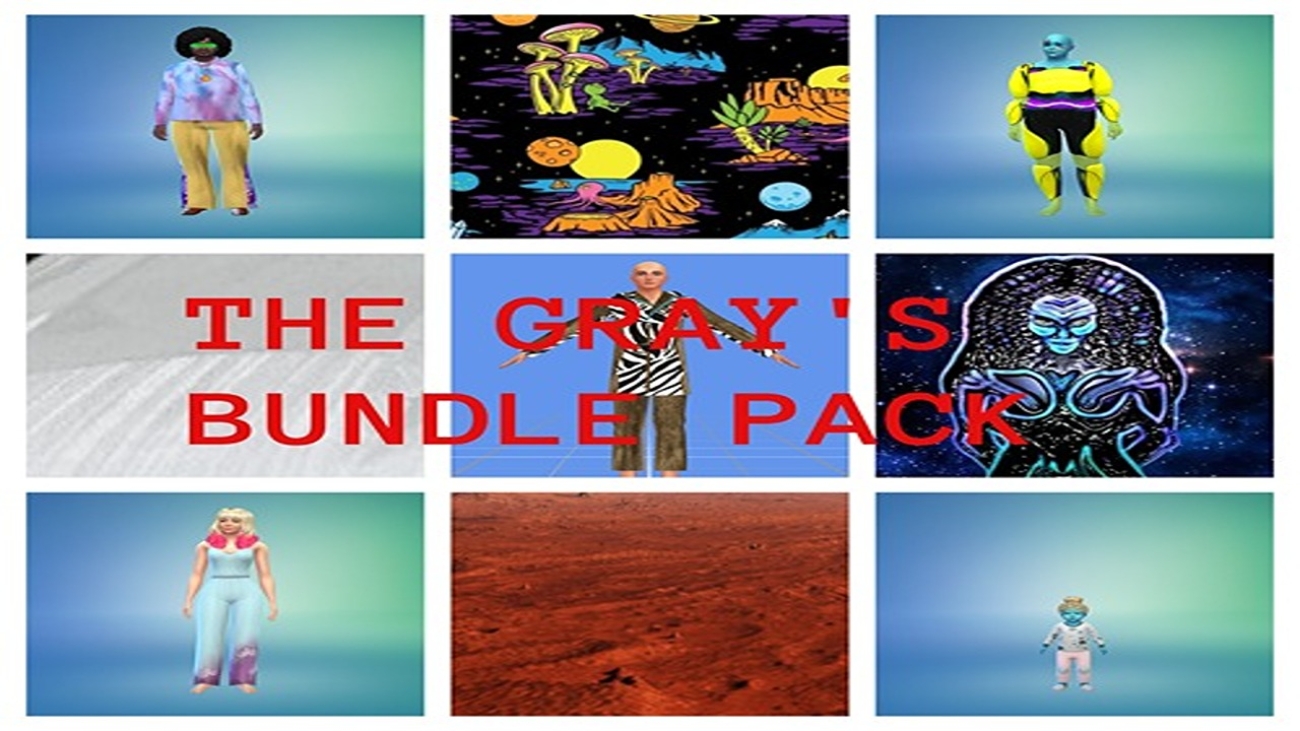
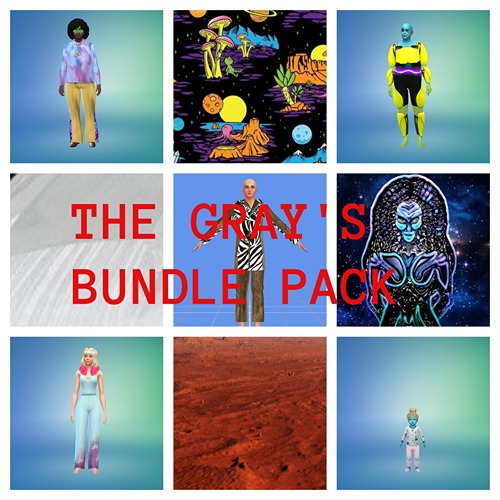
A alien starter pack with wallpaper and floors, sims including a human wife, a alien and a alien baby they are married and work as musicians in the music world and have high skills in music. Also there are outfits for the male alien or whoever you choose to wear them on and also some objects like custom rugs, beds and curtains.   
 
PLEASE NOTE 
 
I built the game with custom content and I have all the main expansion packs, stuff and game packs so if you want the rooms looking like what you see in the pictures then please download this pack with all the content including the lot and other stuff like objects and outfits. It can be found on the Sims 4 Downloads main page in the main menu under Other Stuff>Game Lounge>Sims 4 Downloads>Bundle Packs on this website or the link below. Also have most of the expansions packs and stuff by Electronic Arts.
 
<<<<CREDITS>>>>

Single Bed Mesh - WondyMoon

Rug Mesh - PralinSims

Platform Shoes Mesh - Oranostr

Medallion - Blue Crawlings

Moon Boots - MermaladeSimer

Jump Suit - Mclaynesims 

Sims 4 Studio

INSTRUCTIONS

You will get a tray folder and packages folders that need to be put in a certain place.

WHERE TO PUT TRAY FILES

Sims 4 tray folder needs to be extracted and the files should go in Documents>Electronic Arts>Sims 4>Tray. It makes up the lot and household and doesn't come with the patterns. If you want the lot as seen on the photos and video please read the note in the about section of this page.

WHERE TO PUT SIMS 4 PACKAGE FILES

Sims 4 Packages goes in the following place. 

Documents>Electronic Arts>Sims 4>Mods>Packages

Please note if you haven't got a Mods folder then make one and place it in the Electronic Arts folder in Documents. Copy and paste or move Package files in the Mods folder.
 

BALENCIAGA-1-1 (1)

Sims 4 Custom Content – Balenciaga Men’s Outfits

About
Downloads
Gallery
Instructions
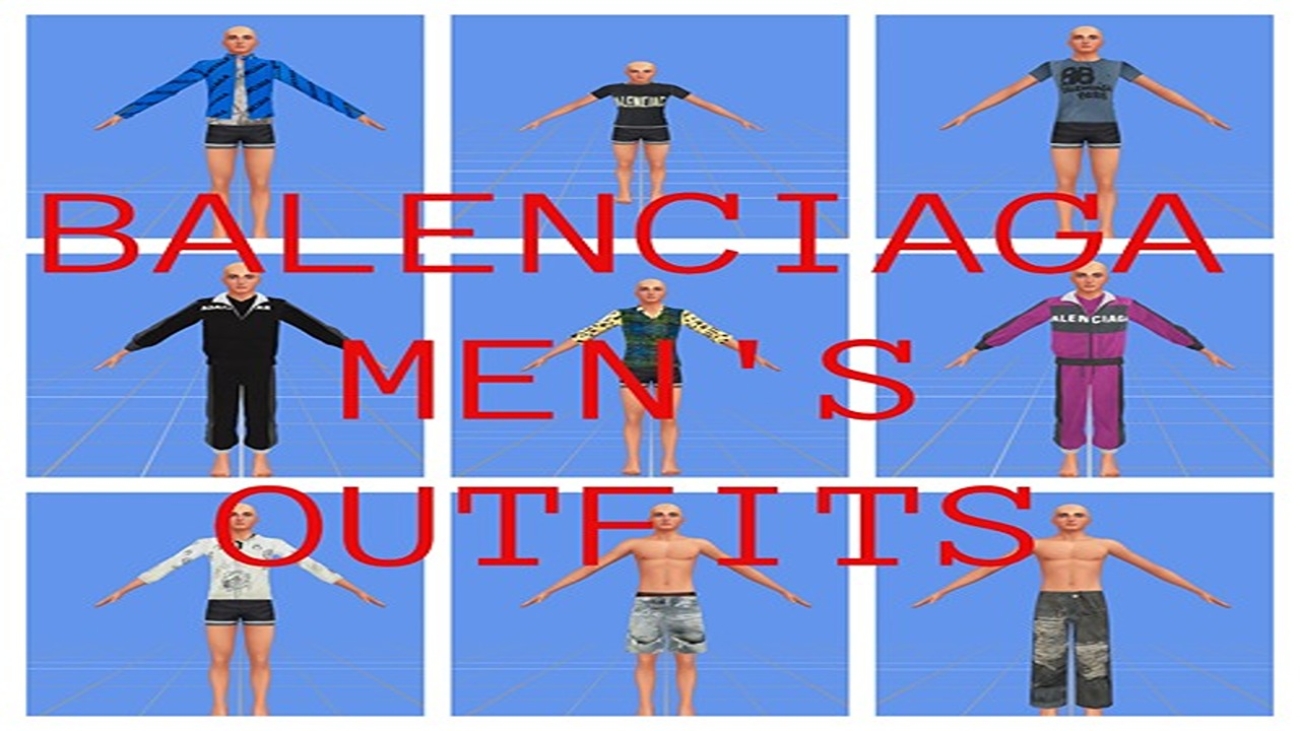
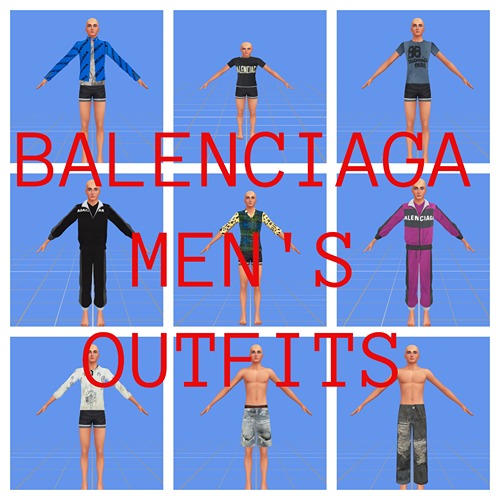
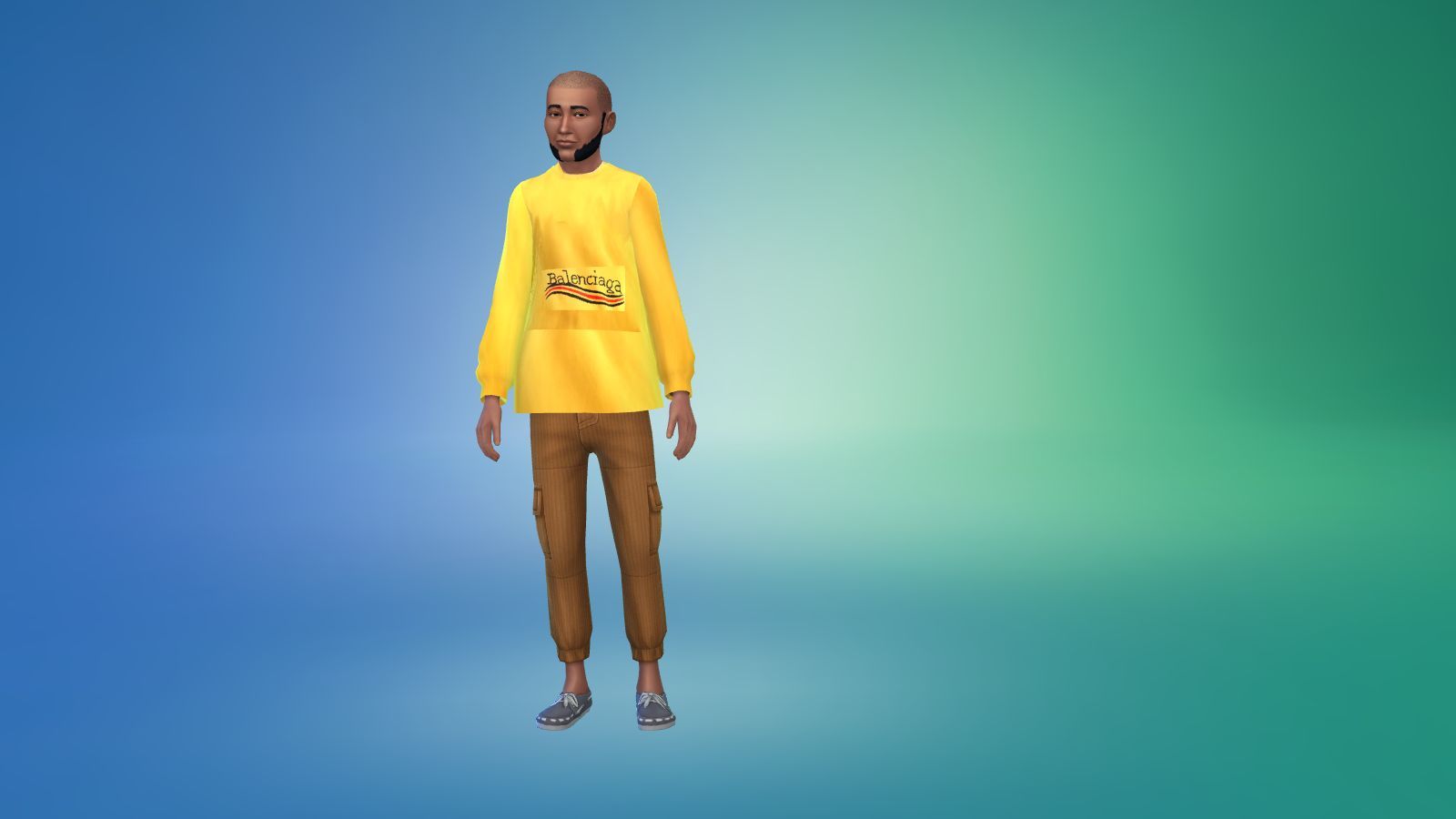
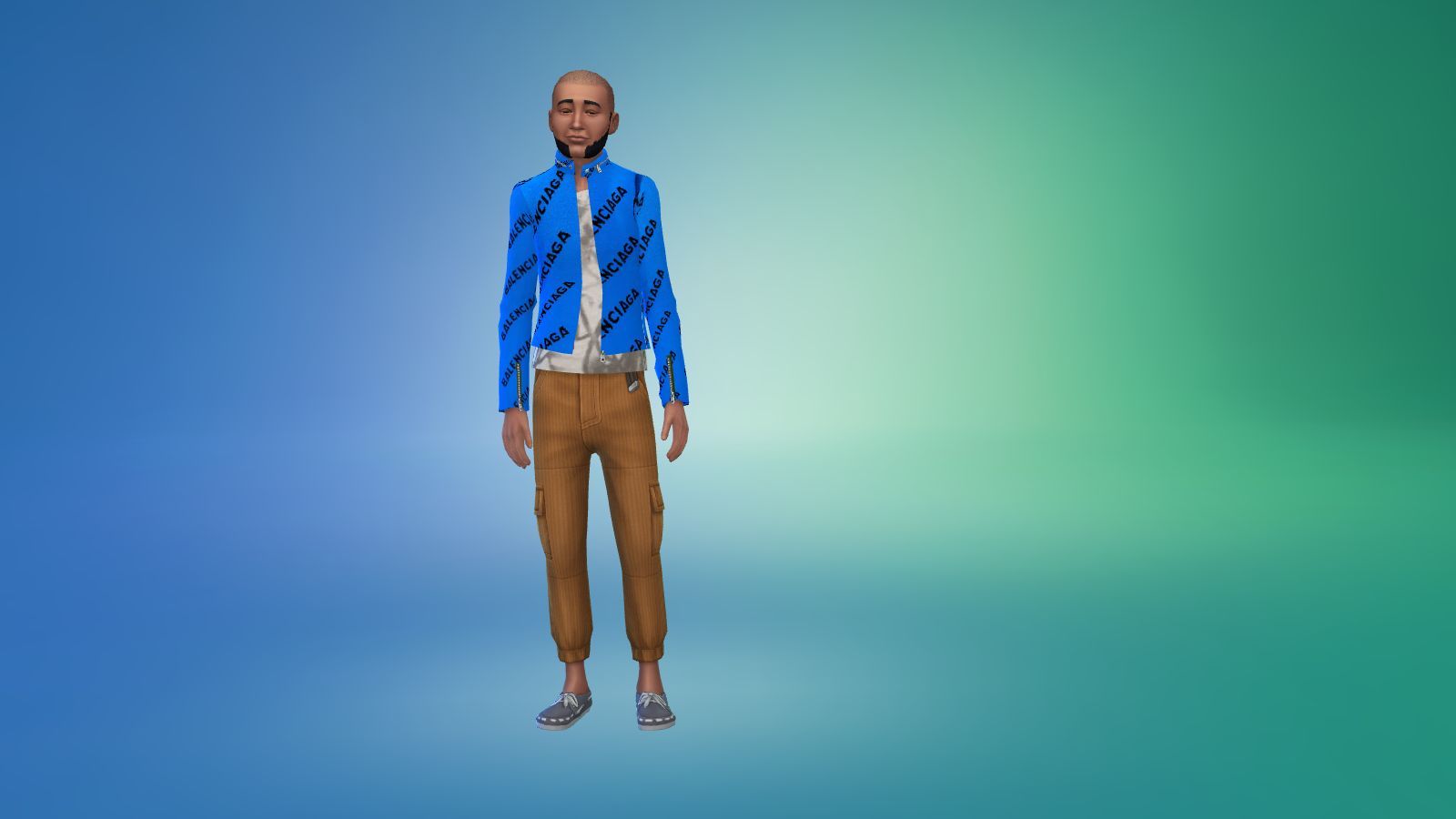
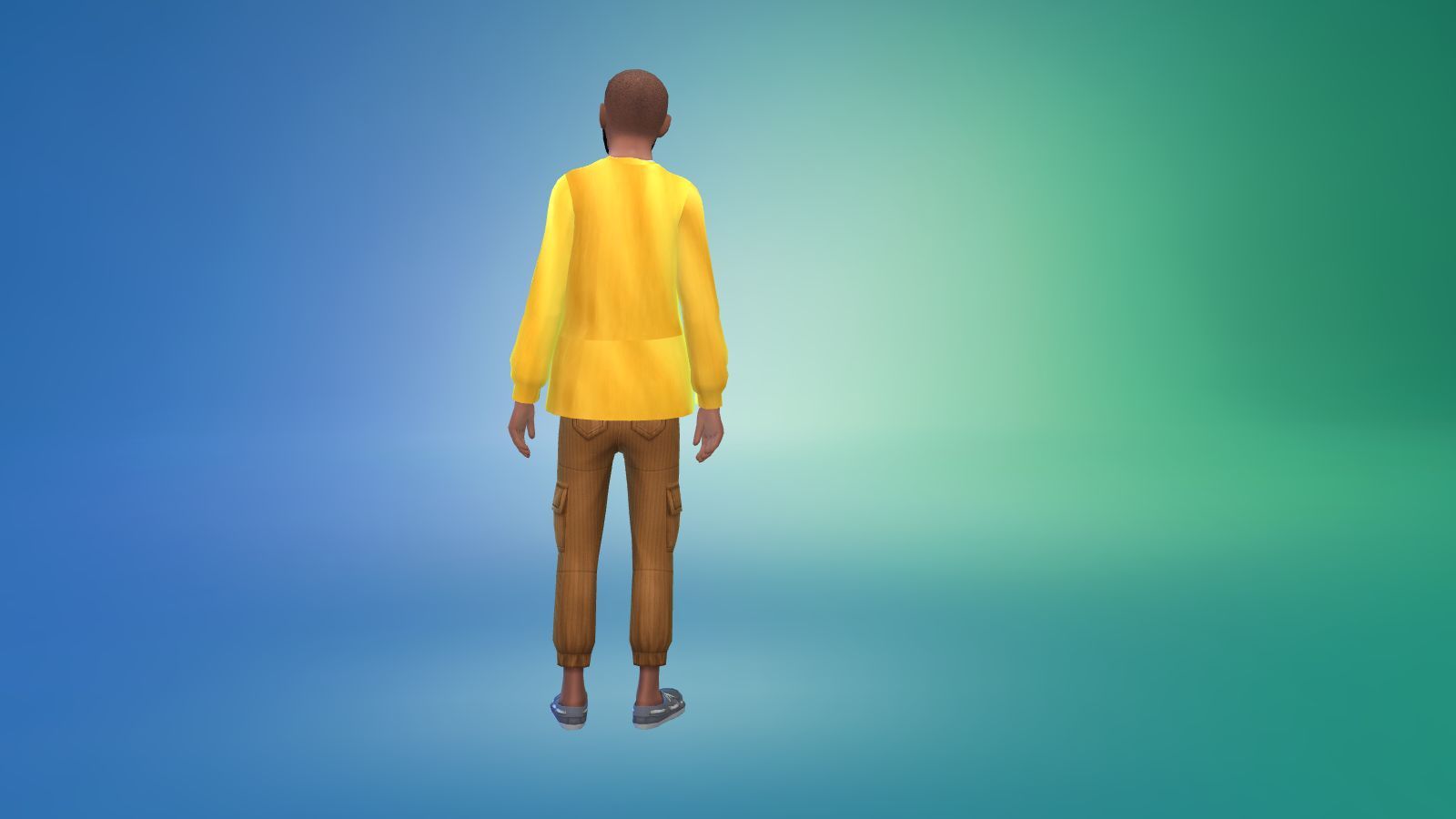
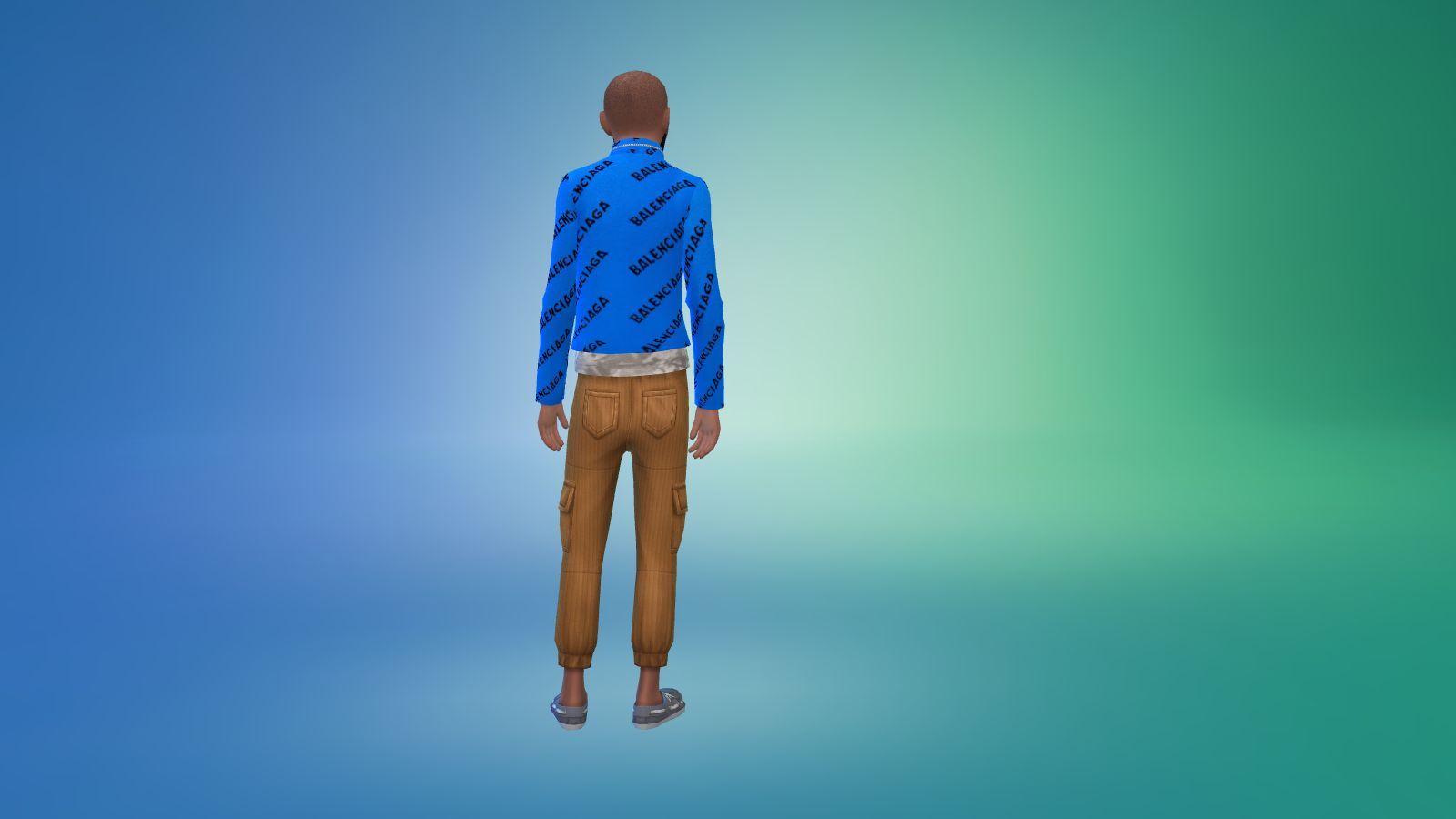
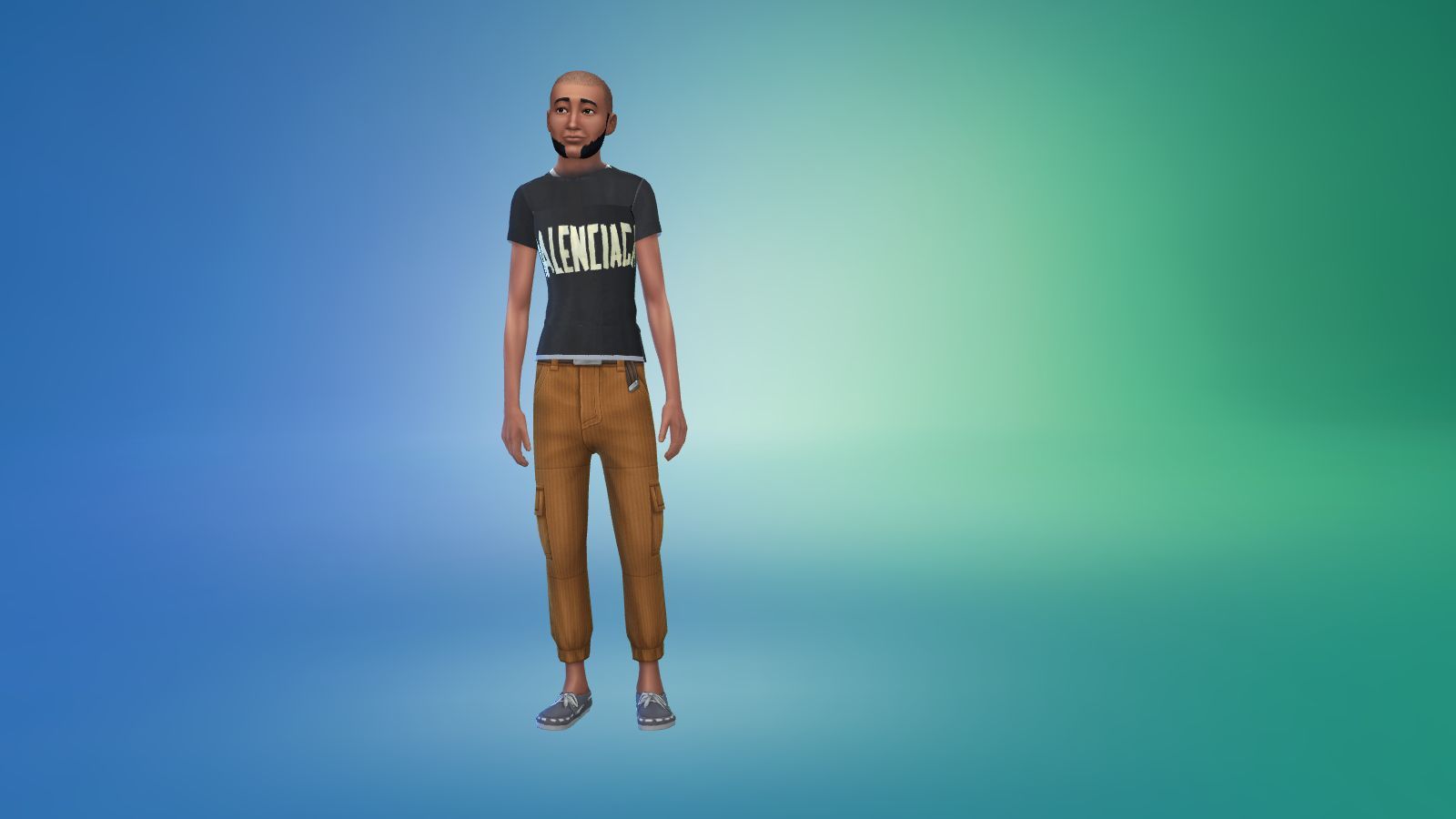
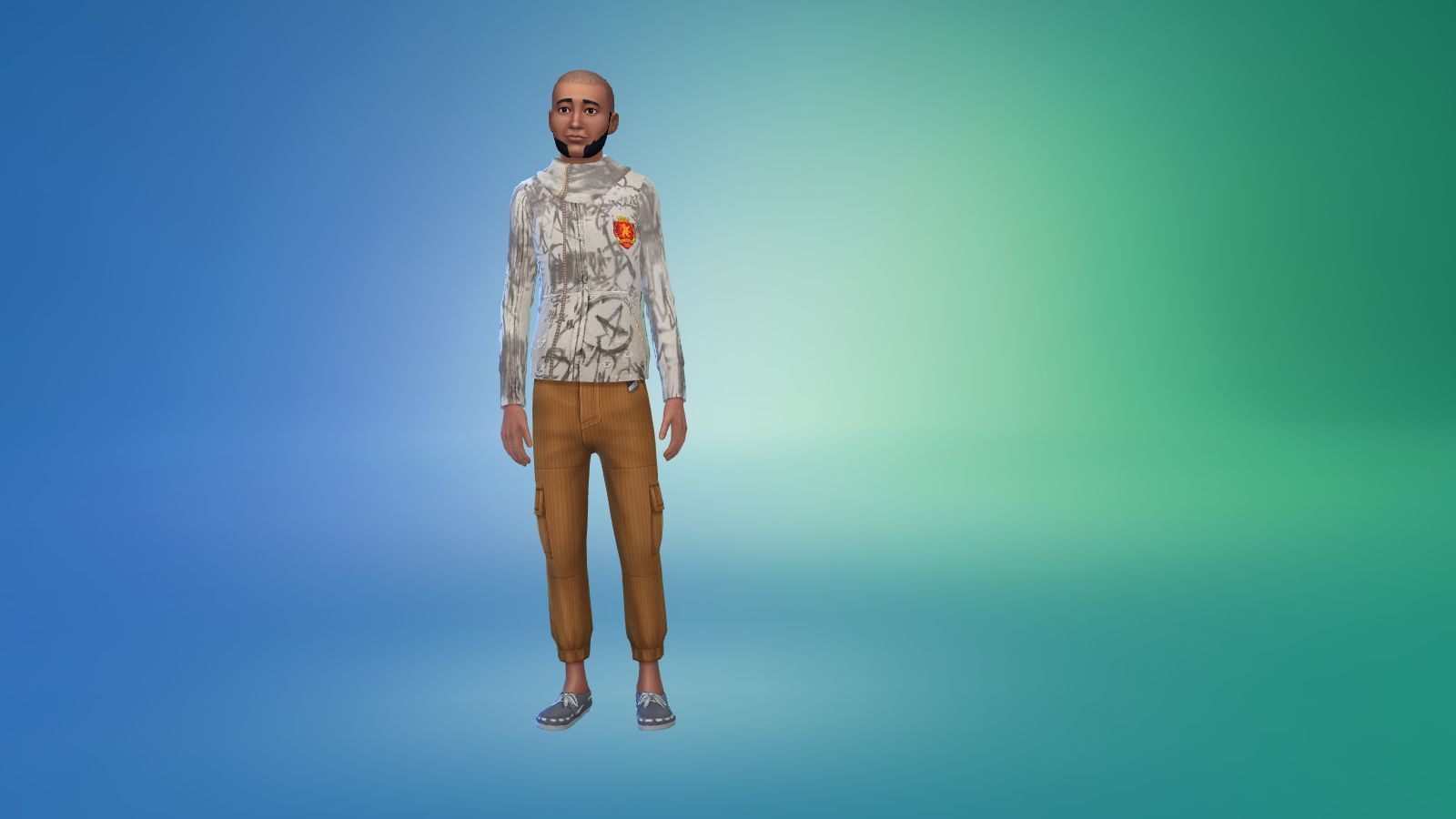
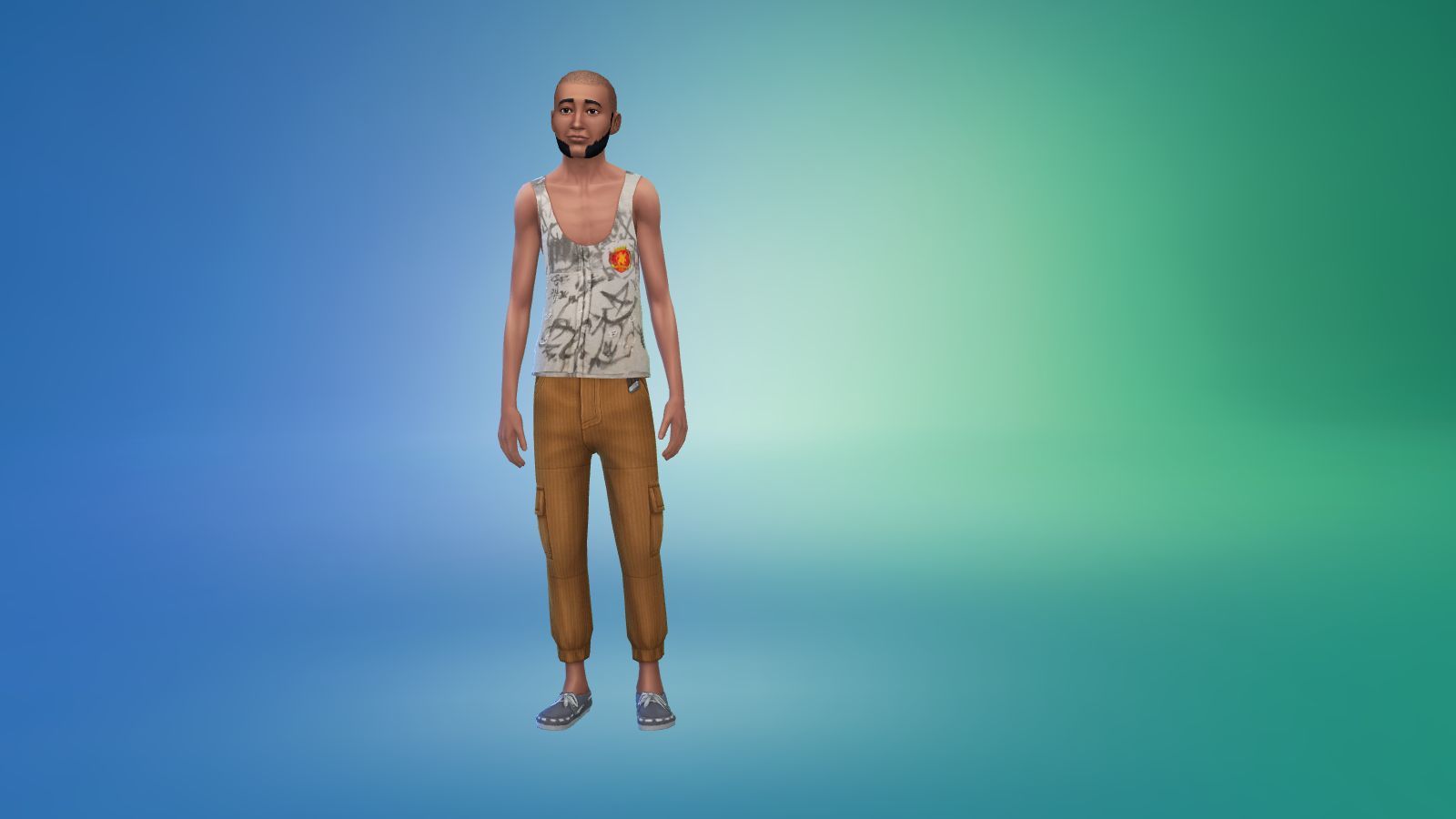
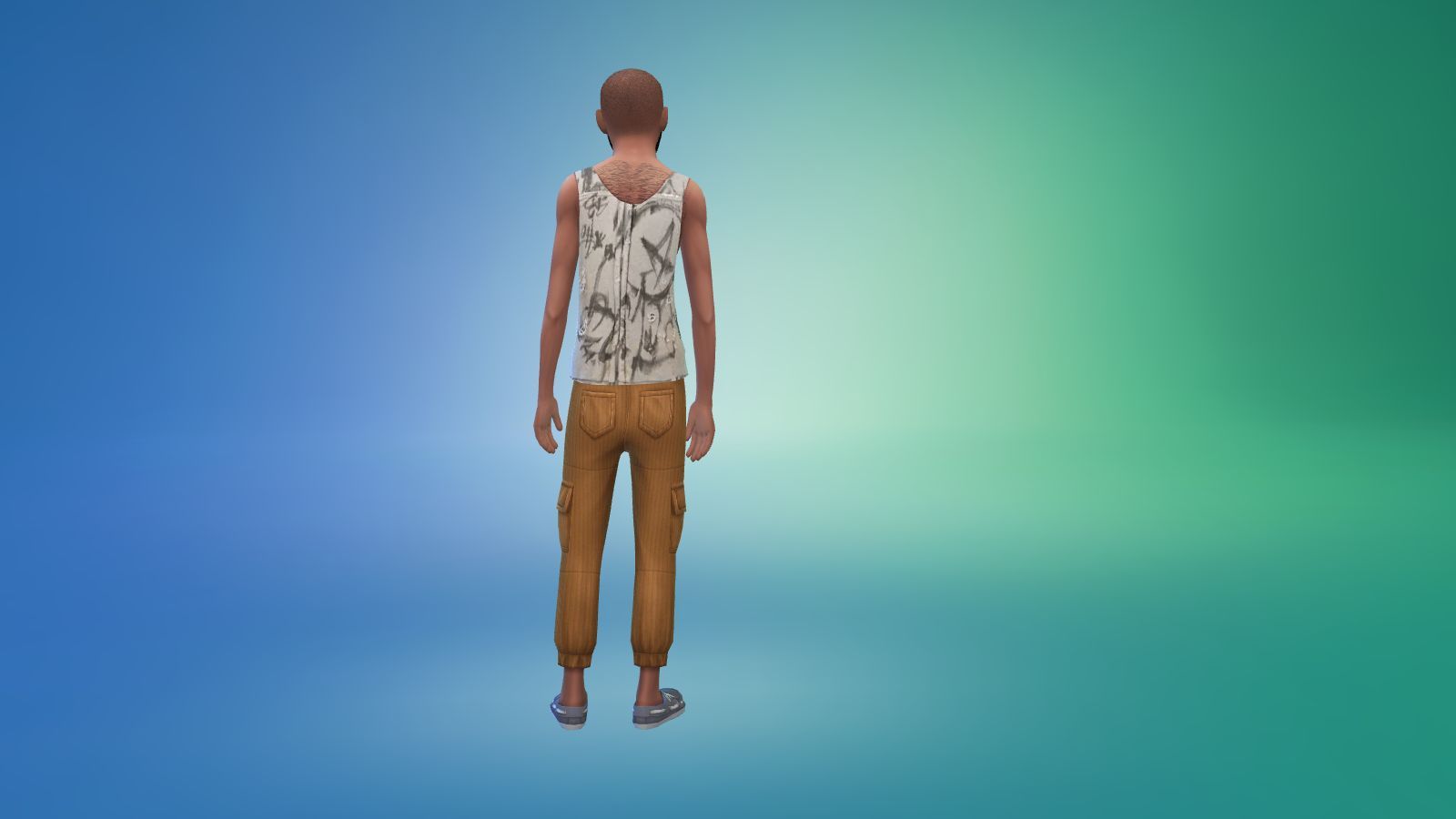
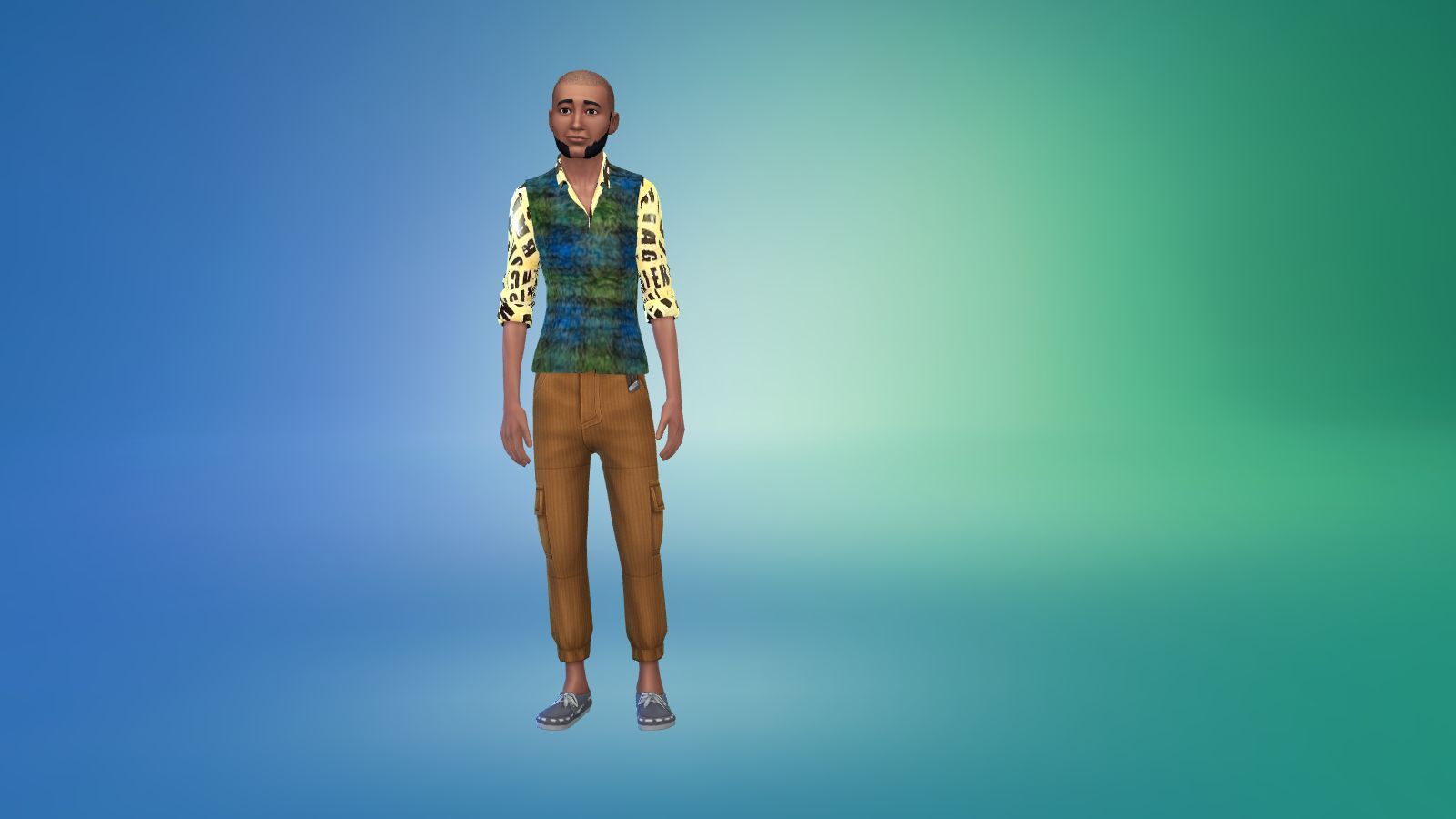
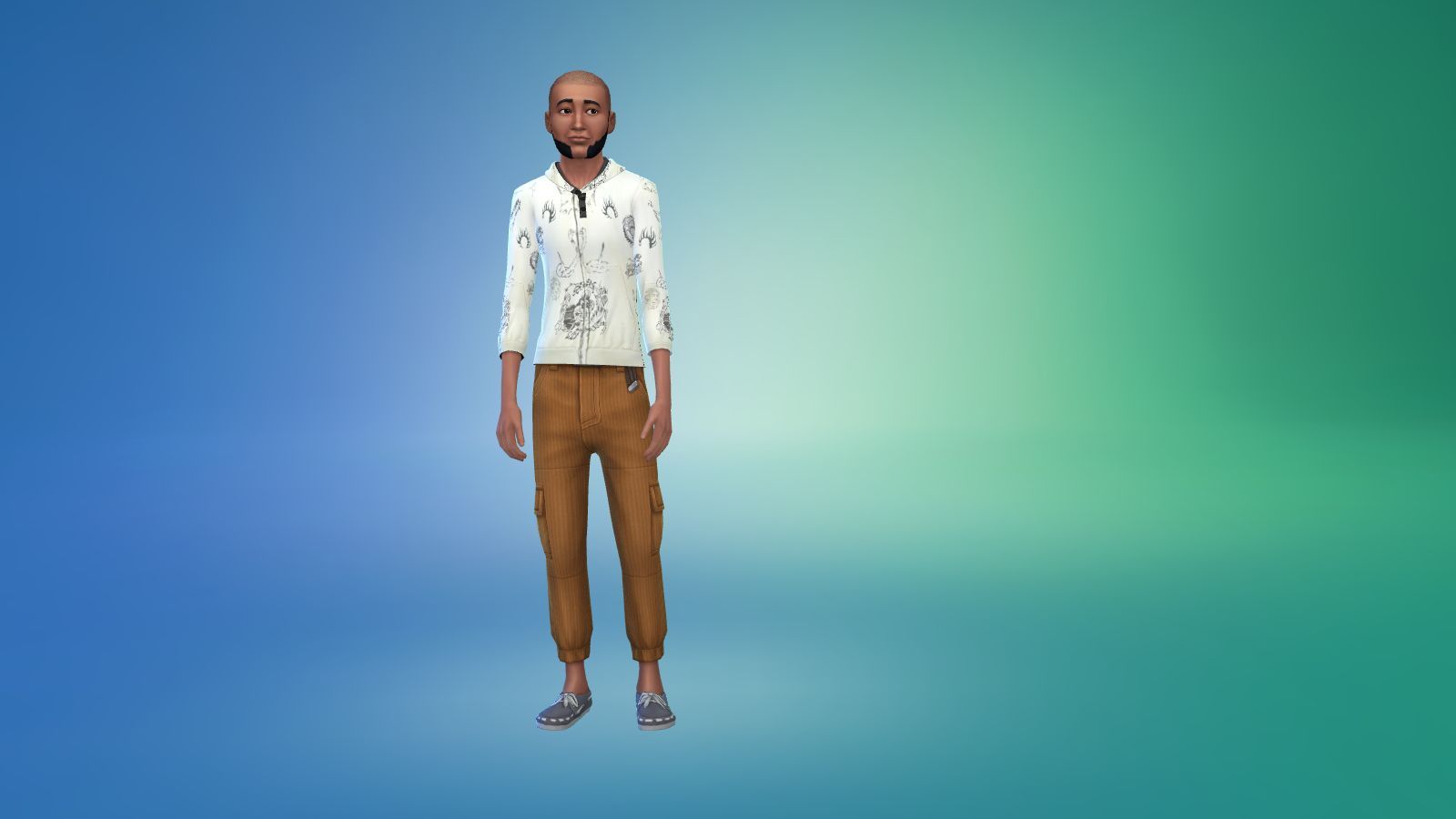
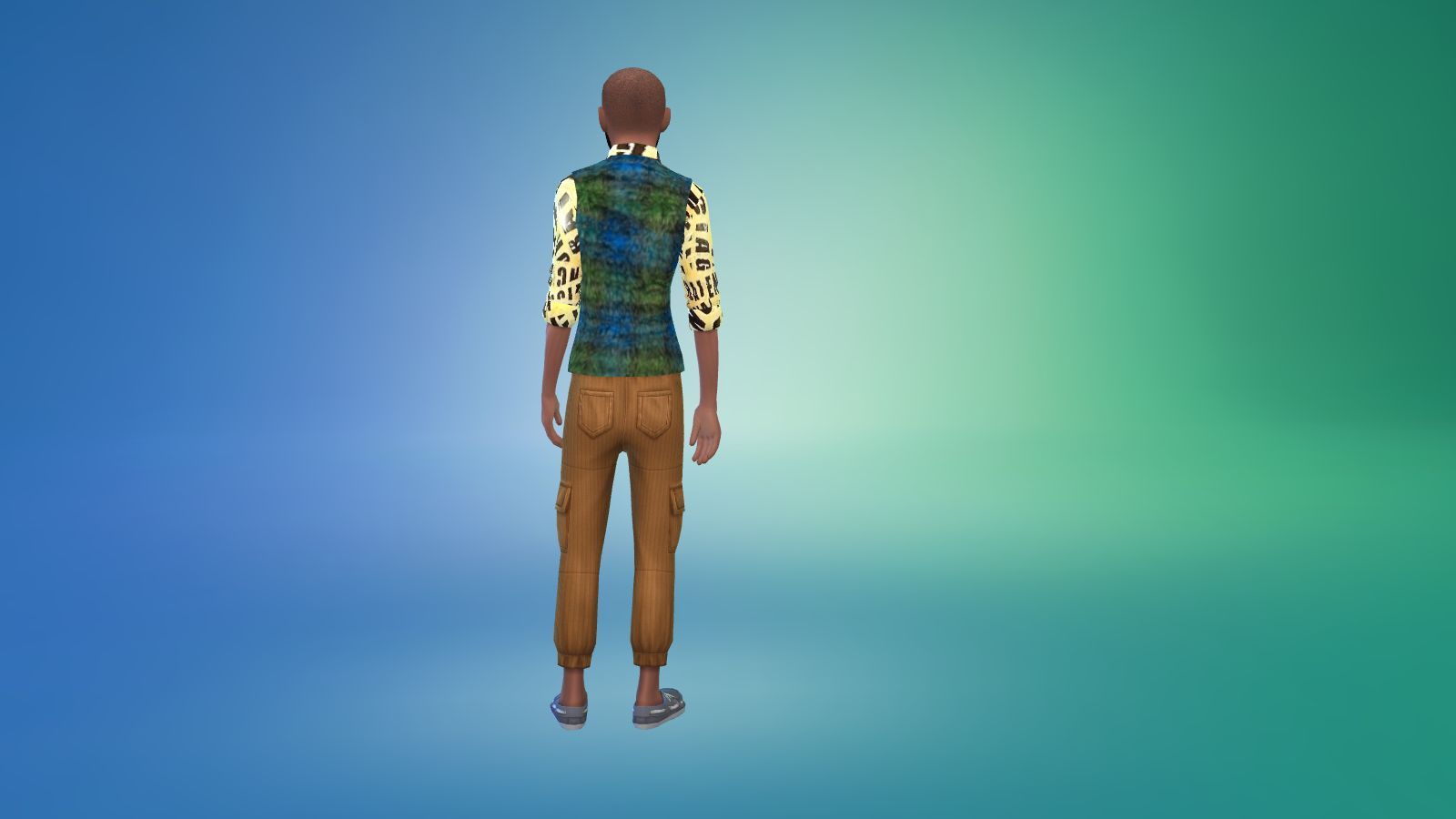
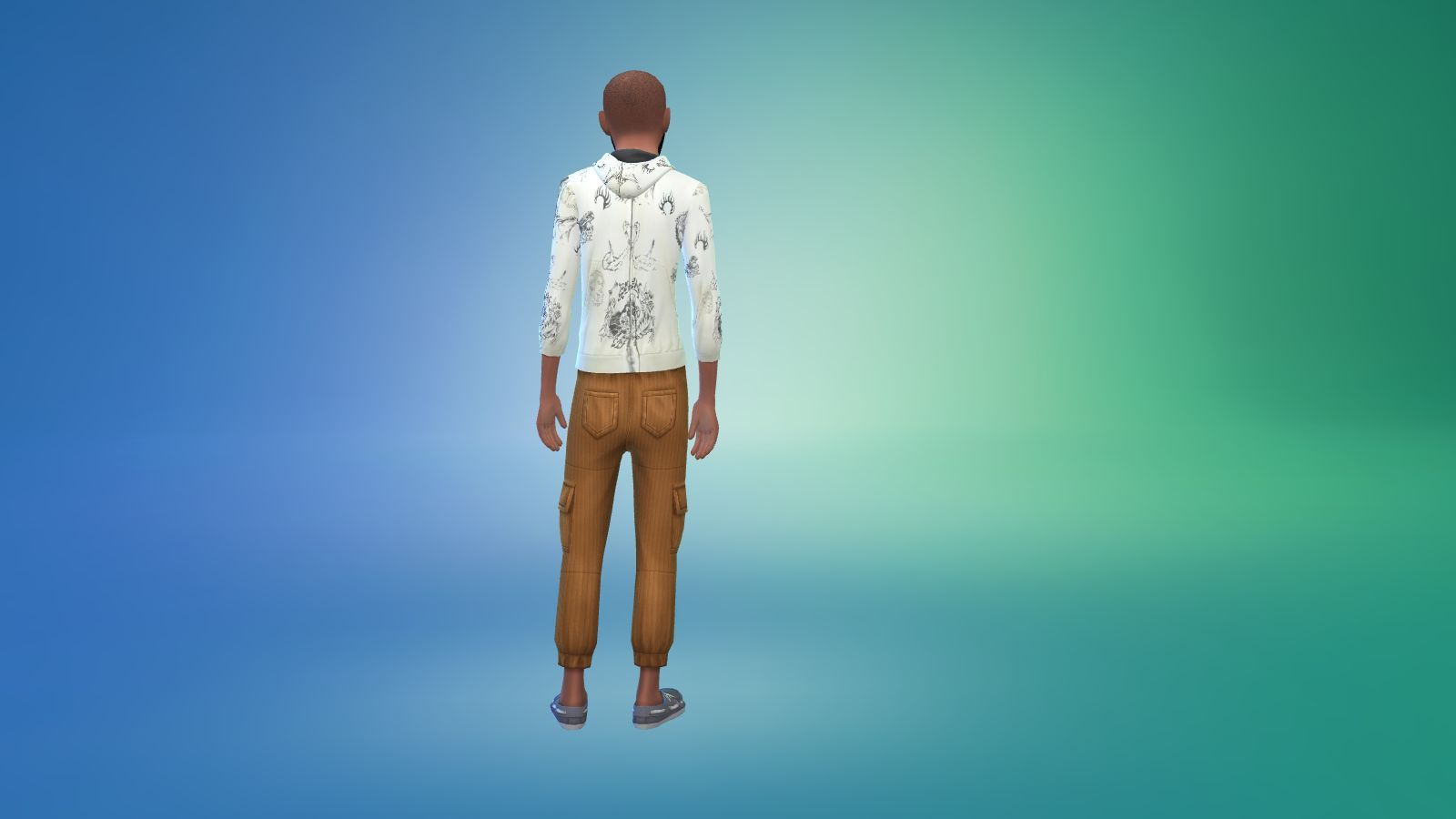
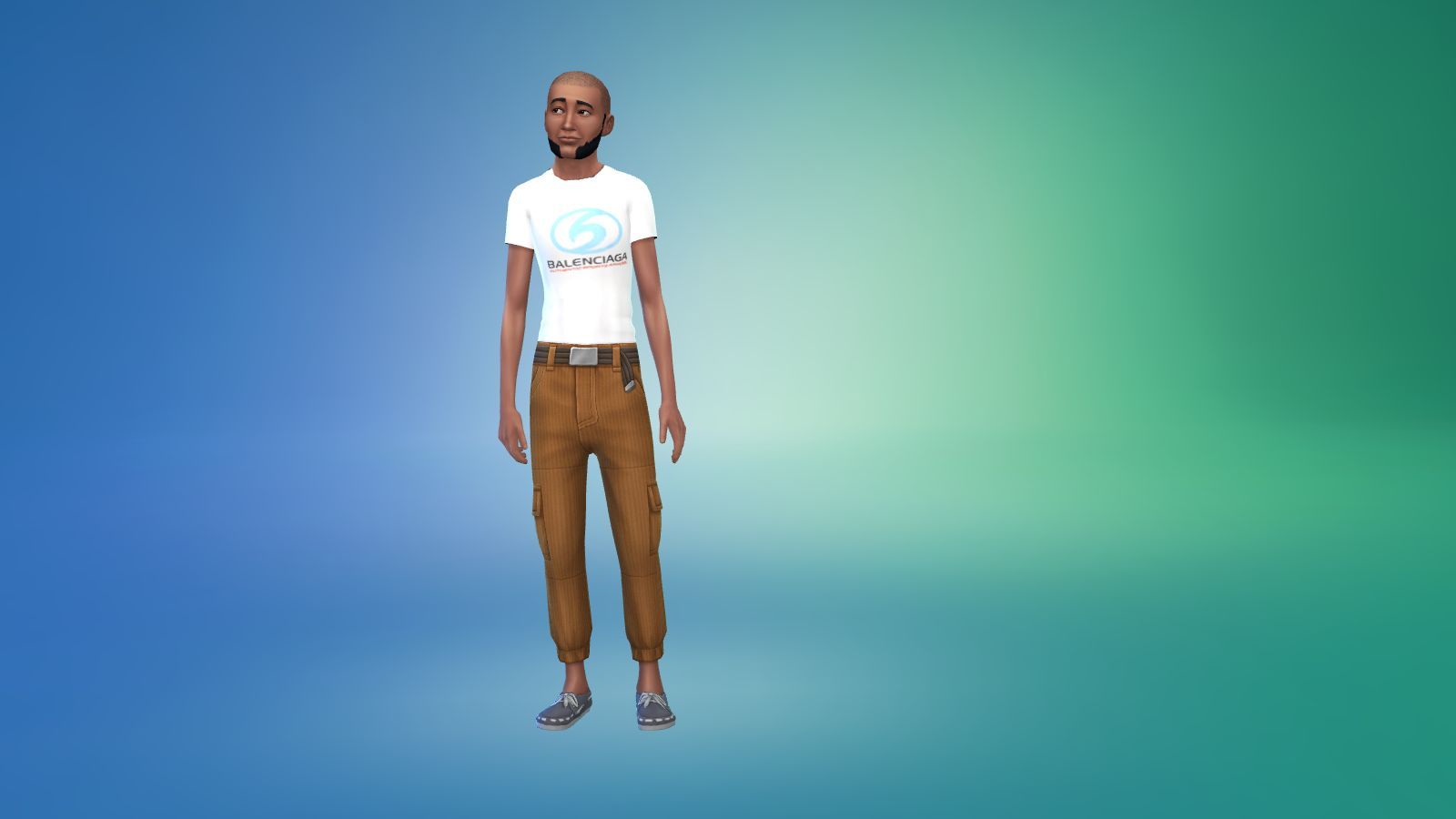
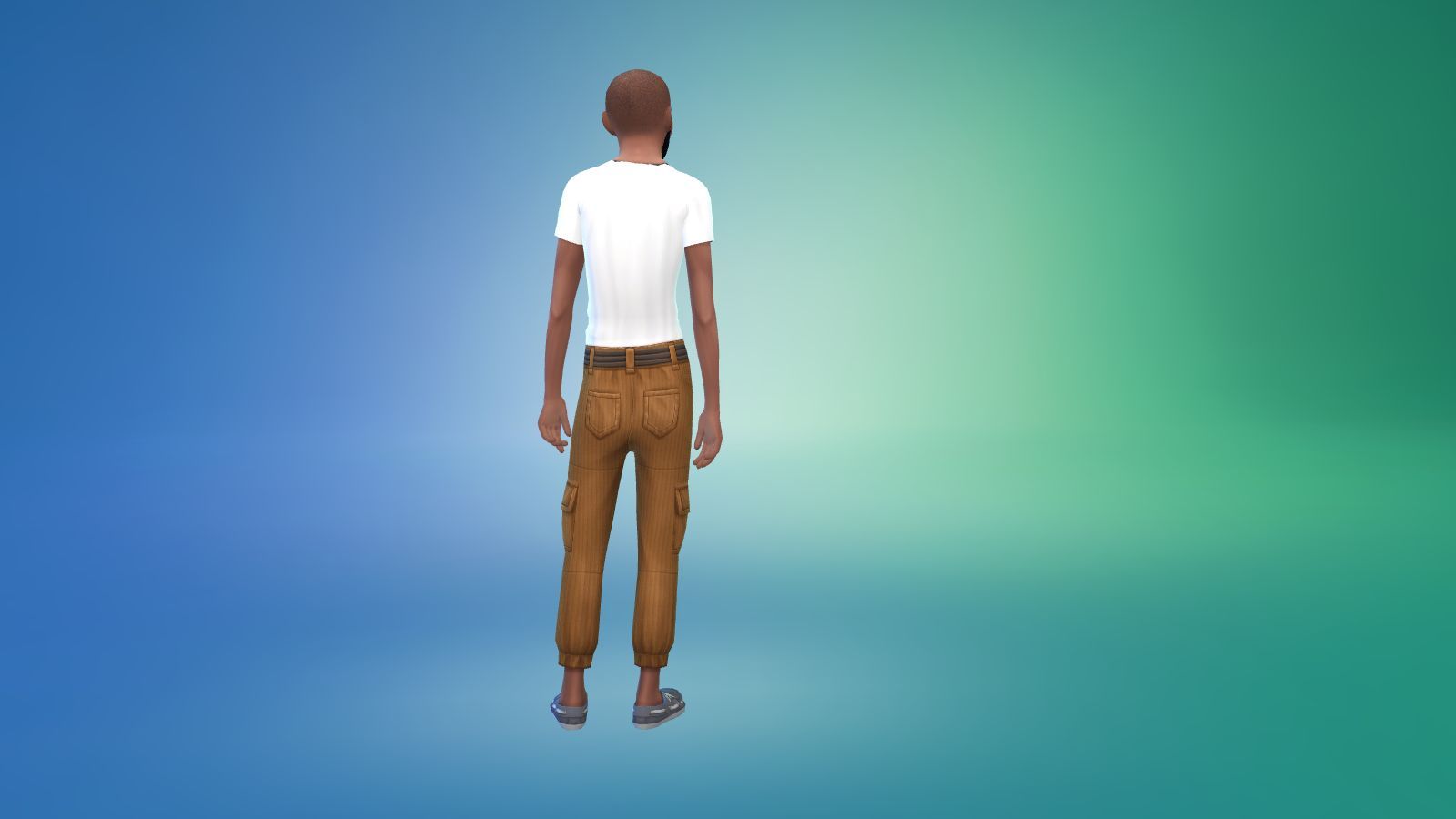
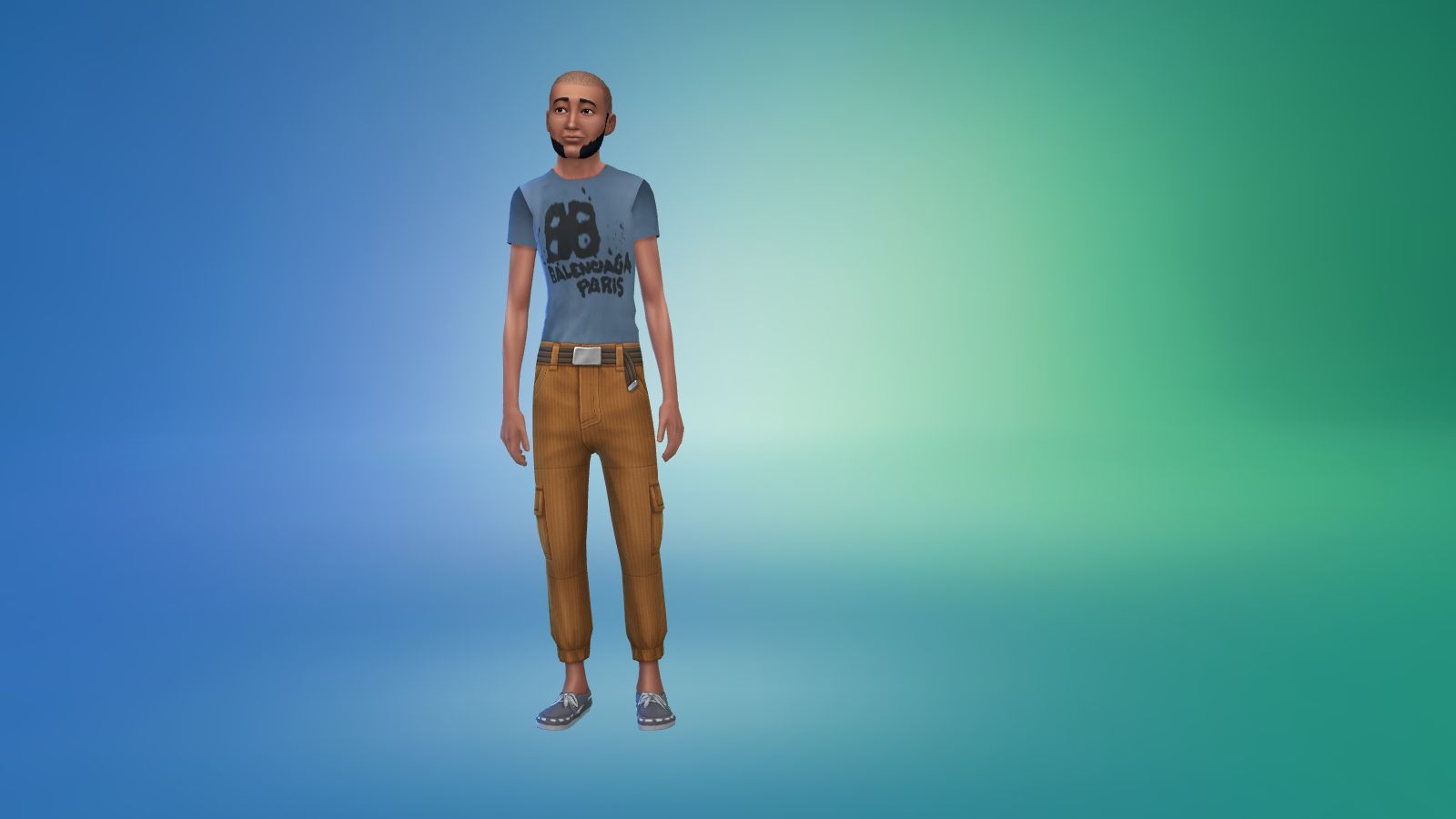
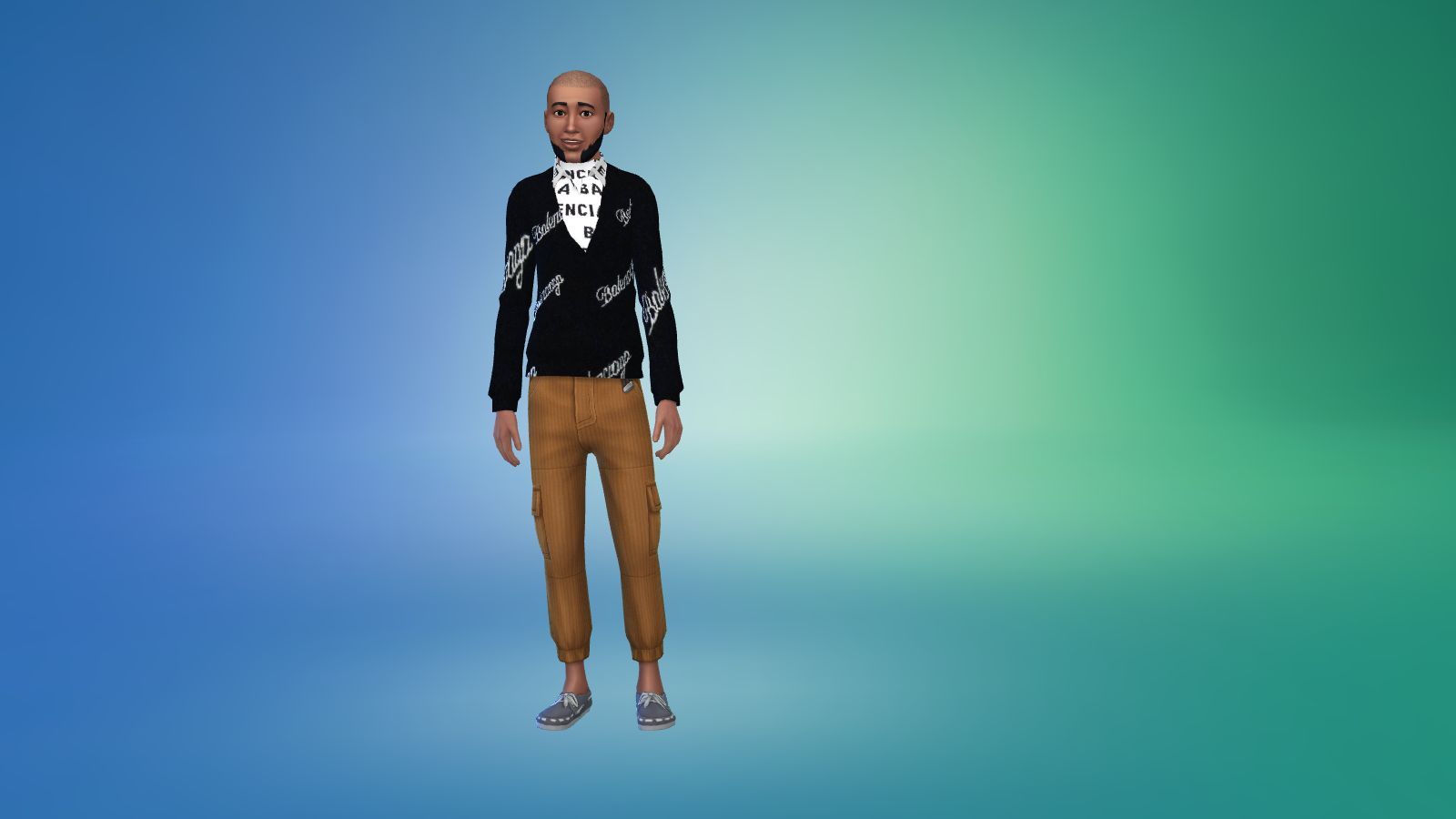
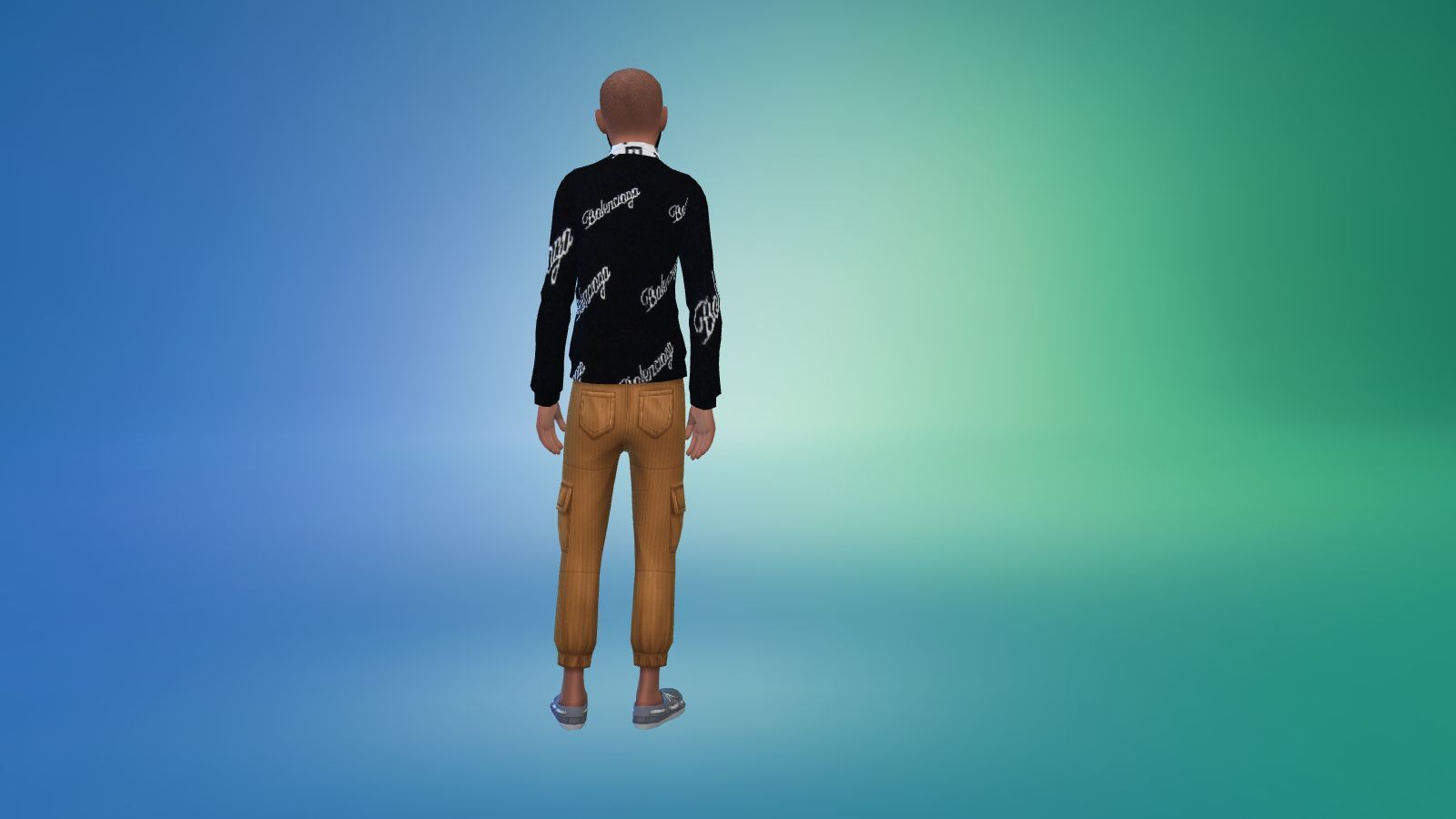
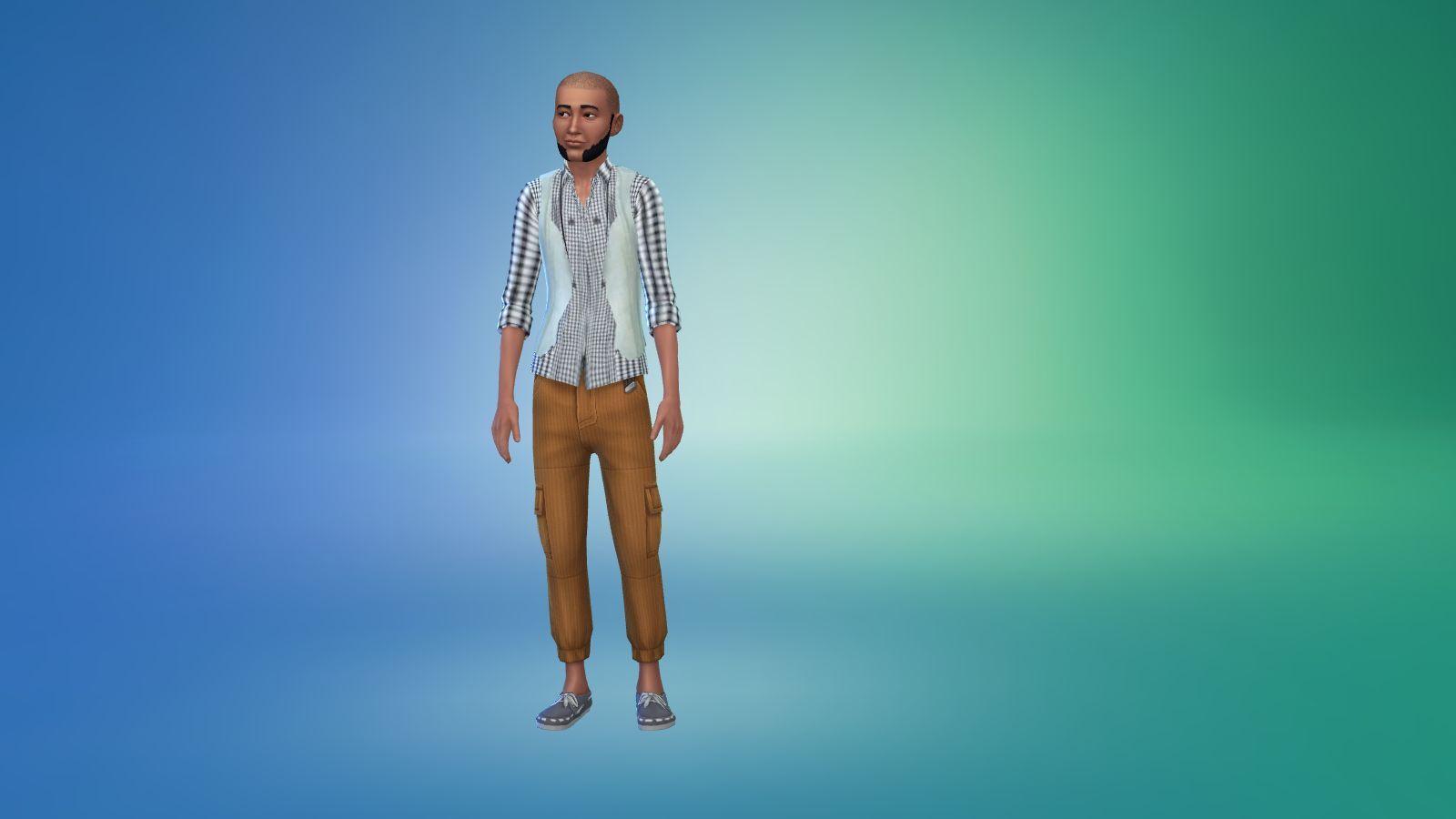
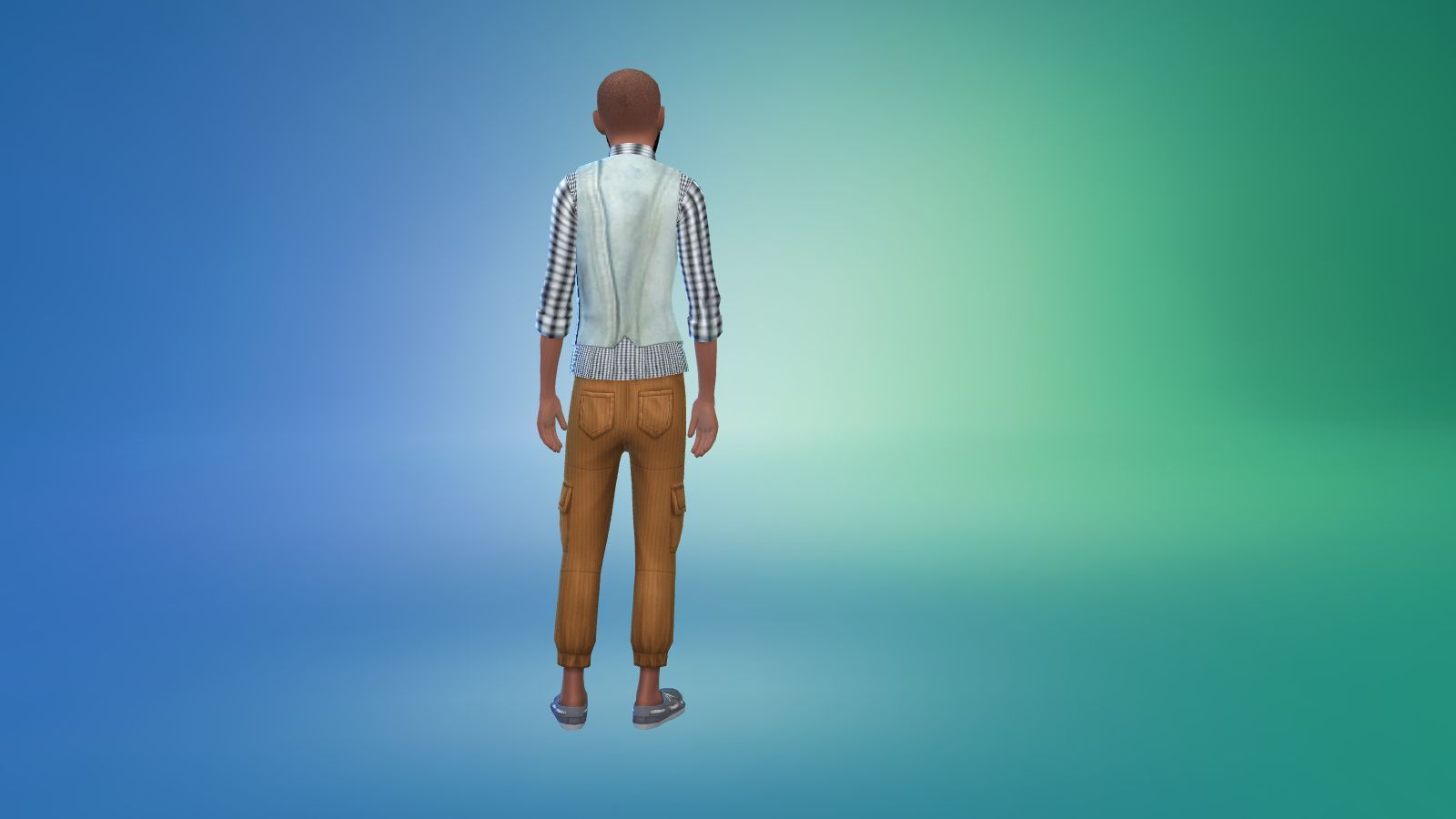
A collection of Balenciaga outfits I made and I picked the most expensive pieces so nothing cheap in this collection. I made thirty pieces and range from T Shirts, jeans, jogging bottoms, tops, jackets, shirts, shorts and a suit all for your male Sim and for your pleasure. I mainly went for the Distress collection as I like the washed out and ripped look even though I wouldn't wear the over ripped stuff.
 
PLEASE NOTE 
 
I built the game with custom content and I have all the main expansion packs, stuff and game packs.
 
<<<<CREDITS>>>>

Sims 4 Studio


INSTRUCTIONS

You will get a Sims 4 Package files in the folder. 

WHERE TO PUT SIMS 4 PACKAGE FILES

Sims 4 Packages goes in the following place. 

Documents>Electronic Arts>Sims 4>Mods>Packages

Please note if you haven't got a Mods folder then make one and place it in the Electronic Arts folder in Documents. Copy and paste or move Package files in the Mods folder.
cover-4-scaled

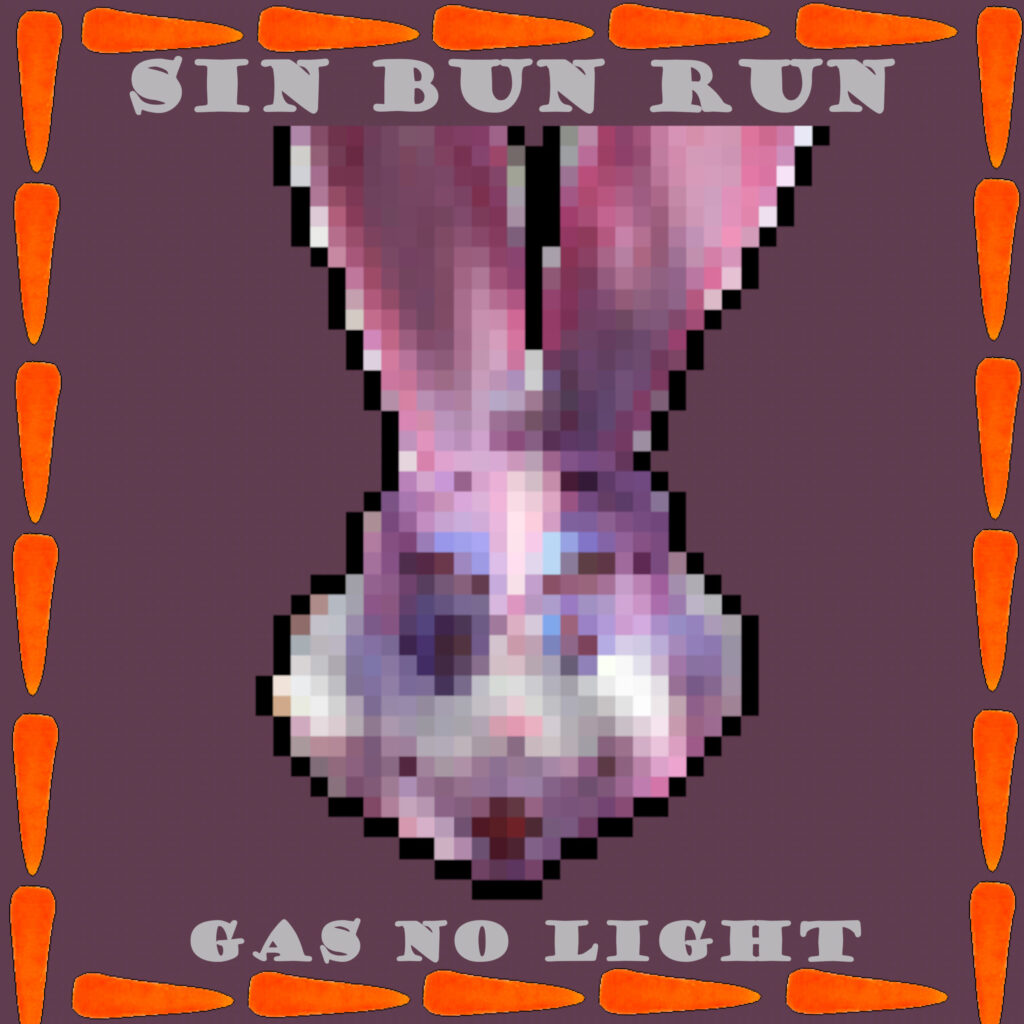
New Album Release; Sin Bun Run

18/01/2024 - New Album; Sin Bun Run

Other than making music I like to make games especially retro-like games the older the better but I like current games as well and made a few now. This is the music from the retro platform game I made called Sin Bun Run and was inspired by a mascot I saw whilst on holiday in Cornwall but it looked evil and a bit sinister which later gave me a good character for a game. The game has seven levels and they are all hard and pretty long it was actually a nightmare to finish the level both playing and making but each level is a new world or scene. I made all the stuff in the game apart from the backgrounds and I opted to find free backgrounds that would be better than what I had in mind which was a real-life picture but it wouldn’t have gone with the retro theme I had in mind and was making.  It’s quite a long album with thirty-six tracks that had six tracks on each level as I thought it would be annoying if you heard the same three tracks over so I went for six which I thought was a good number in the end and the best players won’t even get to the sixth track hopefully. I wasn’t going  to release the album as a major release and I was going to keep it unreleased but since I got my other name which is this name Game For Experimentation I thought it be perfect to have it on all the major platforms under that name. I should point out the mascot I saw on holiday was a pink rabbit and actually, it was a female rabbit. I didn’t see the gender of it at first until I read it on the Park Dean website which is the holiday camp I stayed at and saw the mascot to. All the music on this album are from my gaming synths and specialize in making Chiptune and 8 Bit music which reminds me the 8 Bit version of this album can be found on my paid Bandcamp page where I changed the settings to get the 8-Bit feel. This version on all the major platforms is 24 Bit and had to be, to be released or I would have released it as an 8 Bit album to get the proper feel of it but feel free to change it to taste. All you need is the free software Audacity to change  Bit or go to my paid Bandcamp page where it’s up and the only place to get the 8 Bit version.  I don’t have a favourite on the album I like them all and think they are all different feels. I tried to fit the feel of the level, for example, cave music or woodland music but all in Chiptune and 8 Bit music form. I also tried to think back to what old school Chiptune and 8 Bit music sounded like and tried to match it a little with all the drums and synths patterns I made using a drum sequencer and my keyboard to play the melodies. If you want to try the game Sin Bun Run it can be found in the Arcade section of this site under Gaming Lounge or the link which I’ll leave at the bottom of this page if you feel like killing a few hours and jumping around franticly you might enjoy it.