WEED-PATTERNS-OBJECTS-300x300-1 (1)

Sims 4 Custom Content – The Weed Head Patterns & Objects Stuff

About
Downloads
Gallery
Instructions
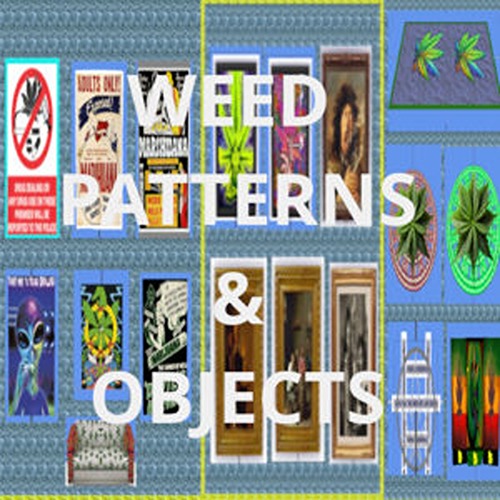
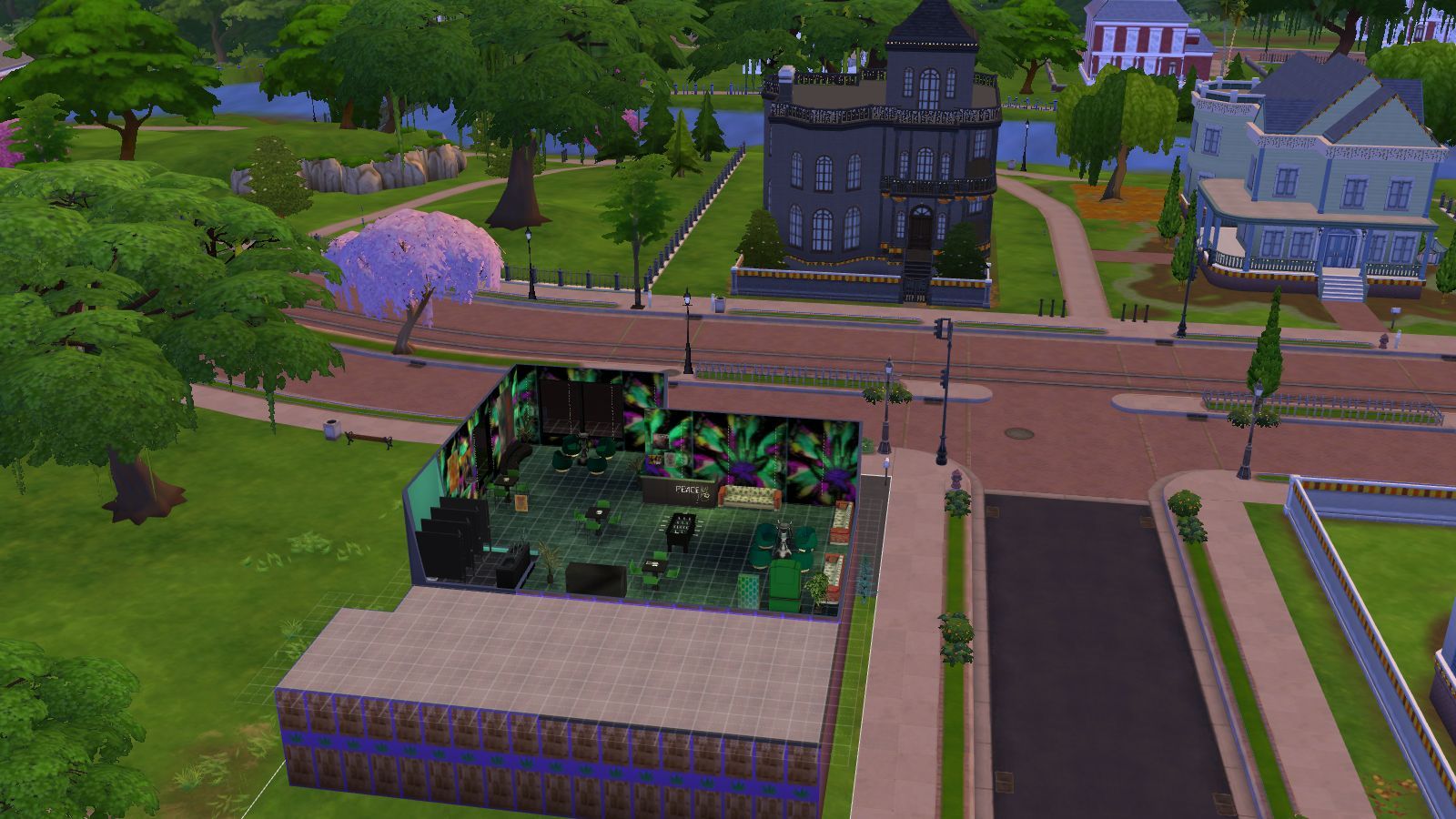
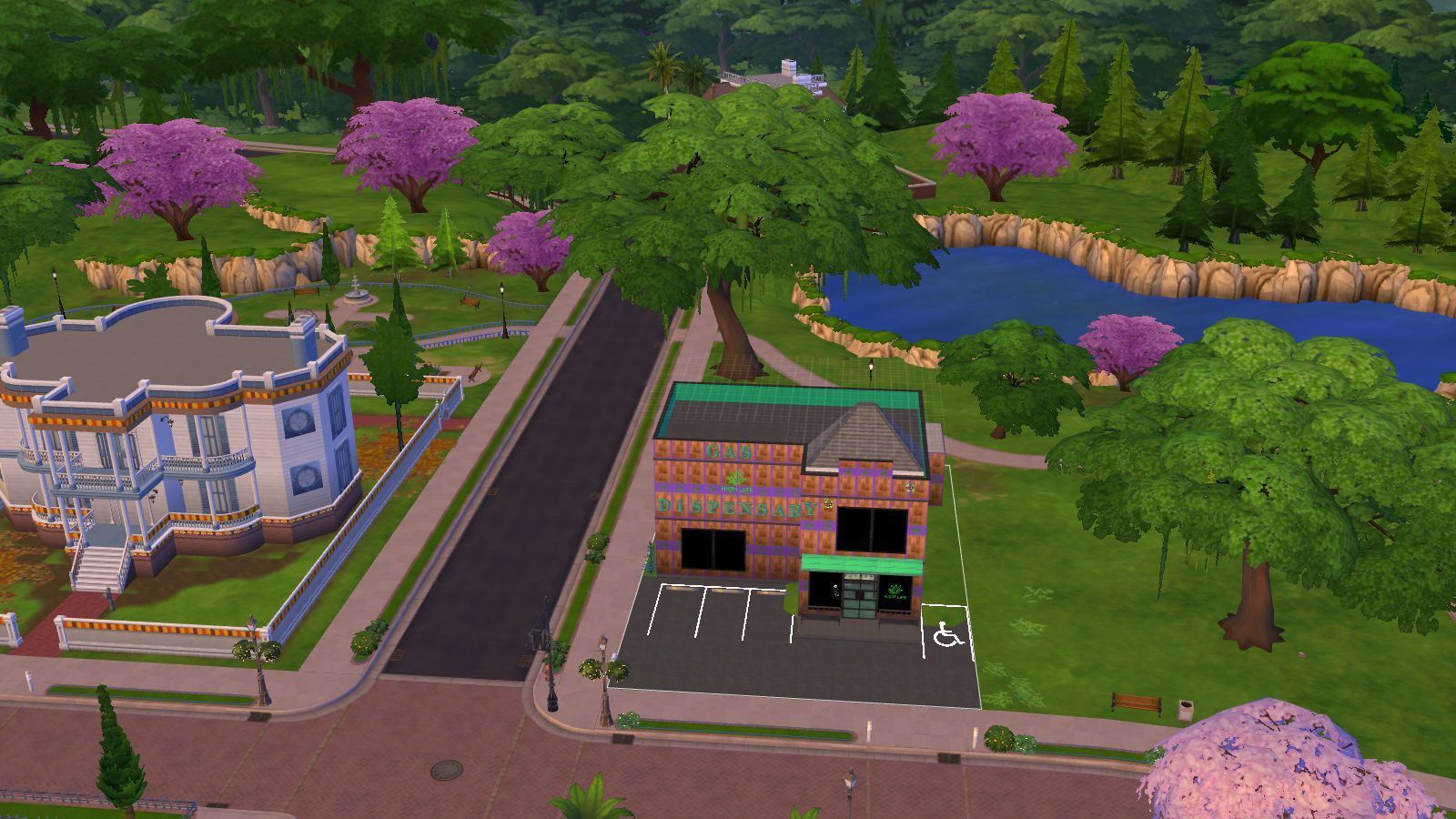
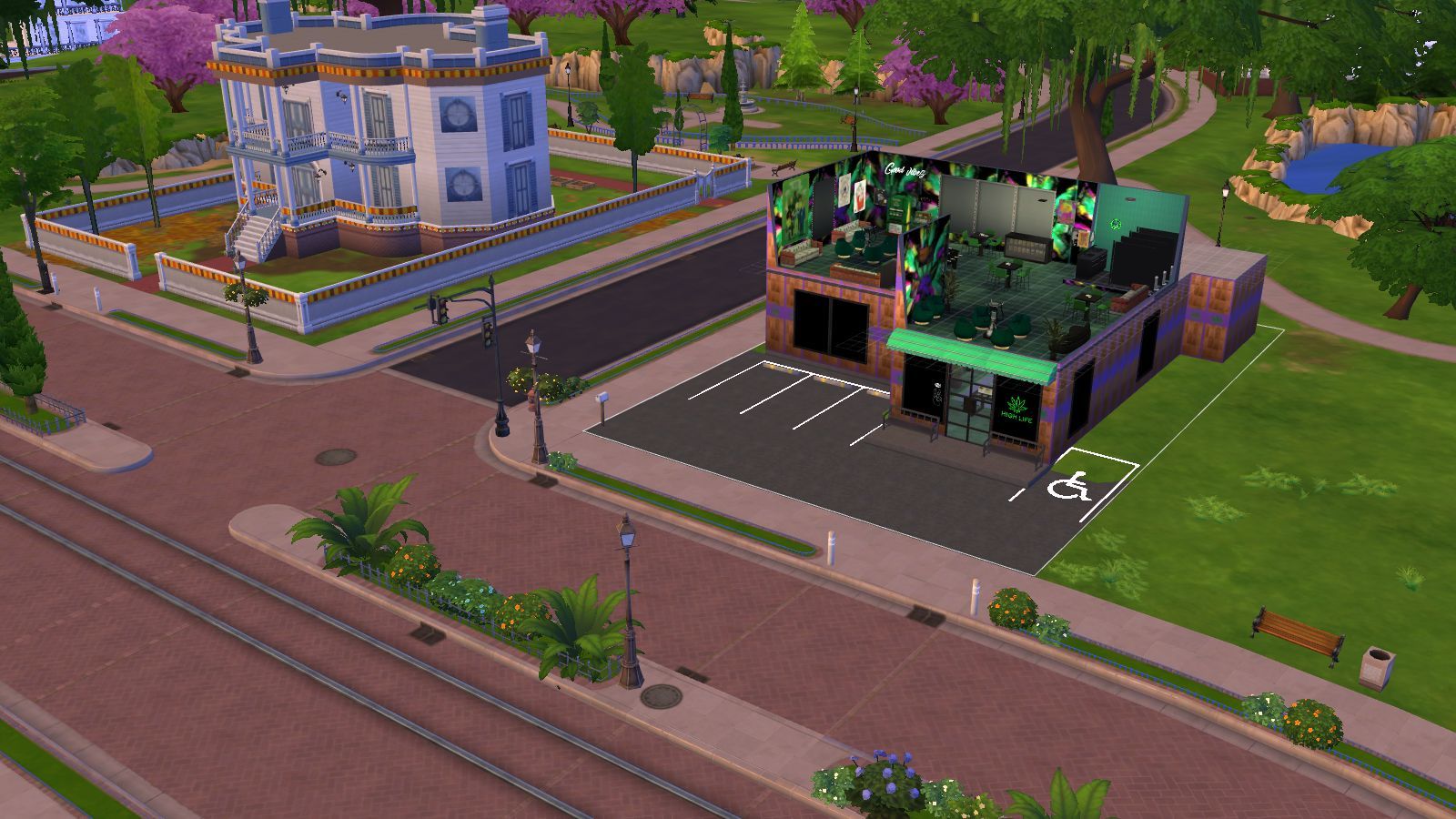
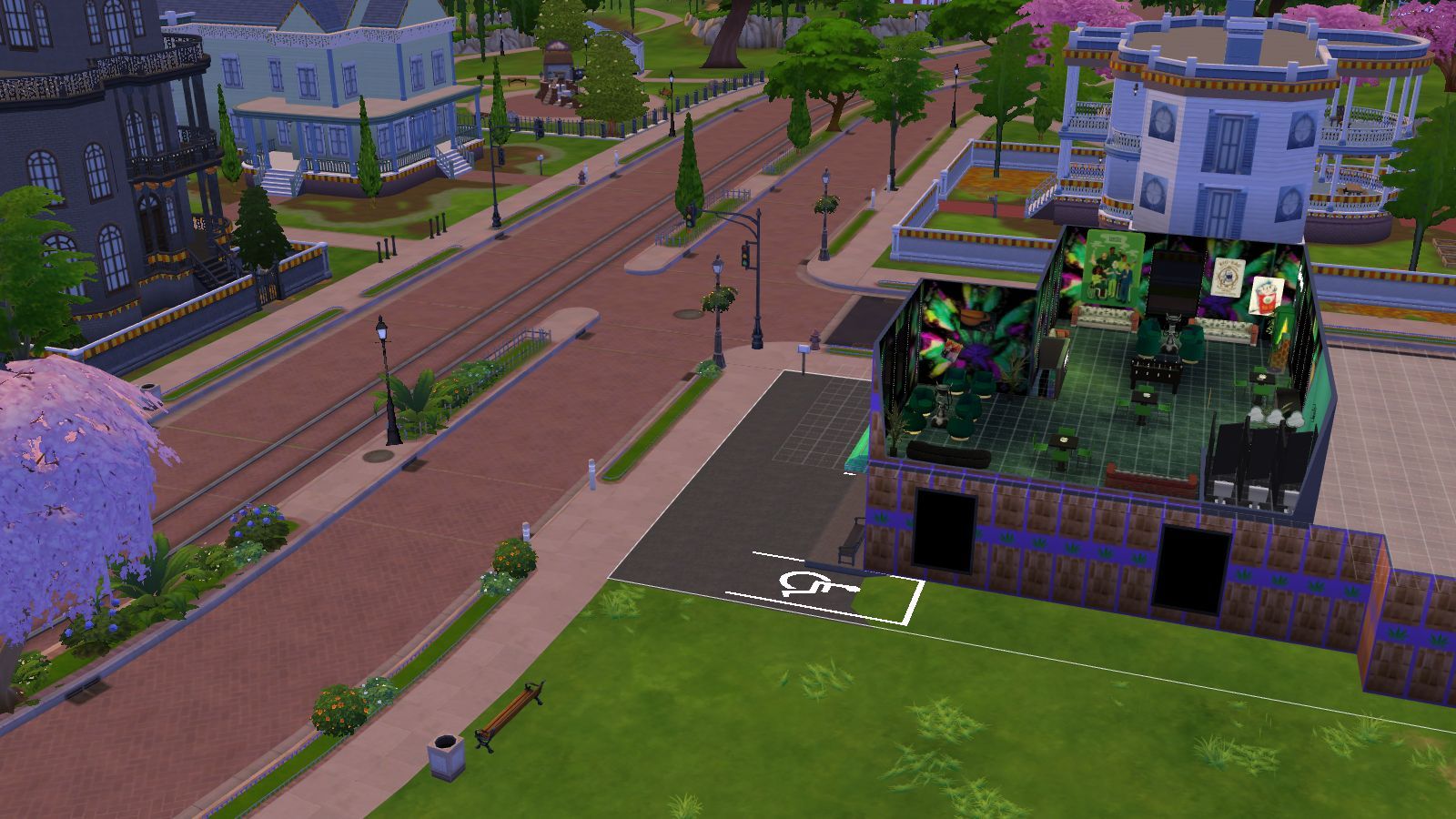
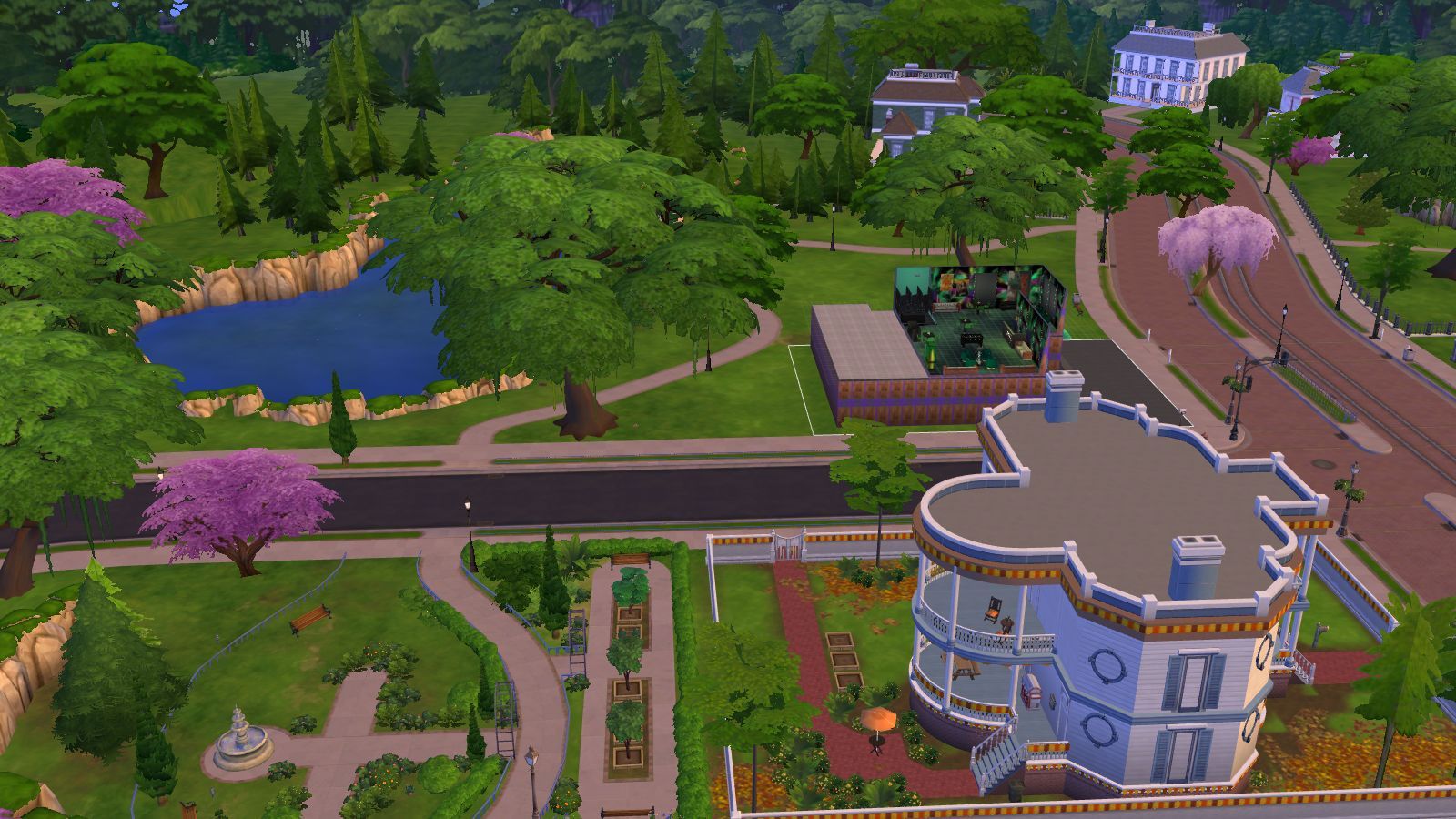
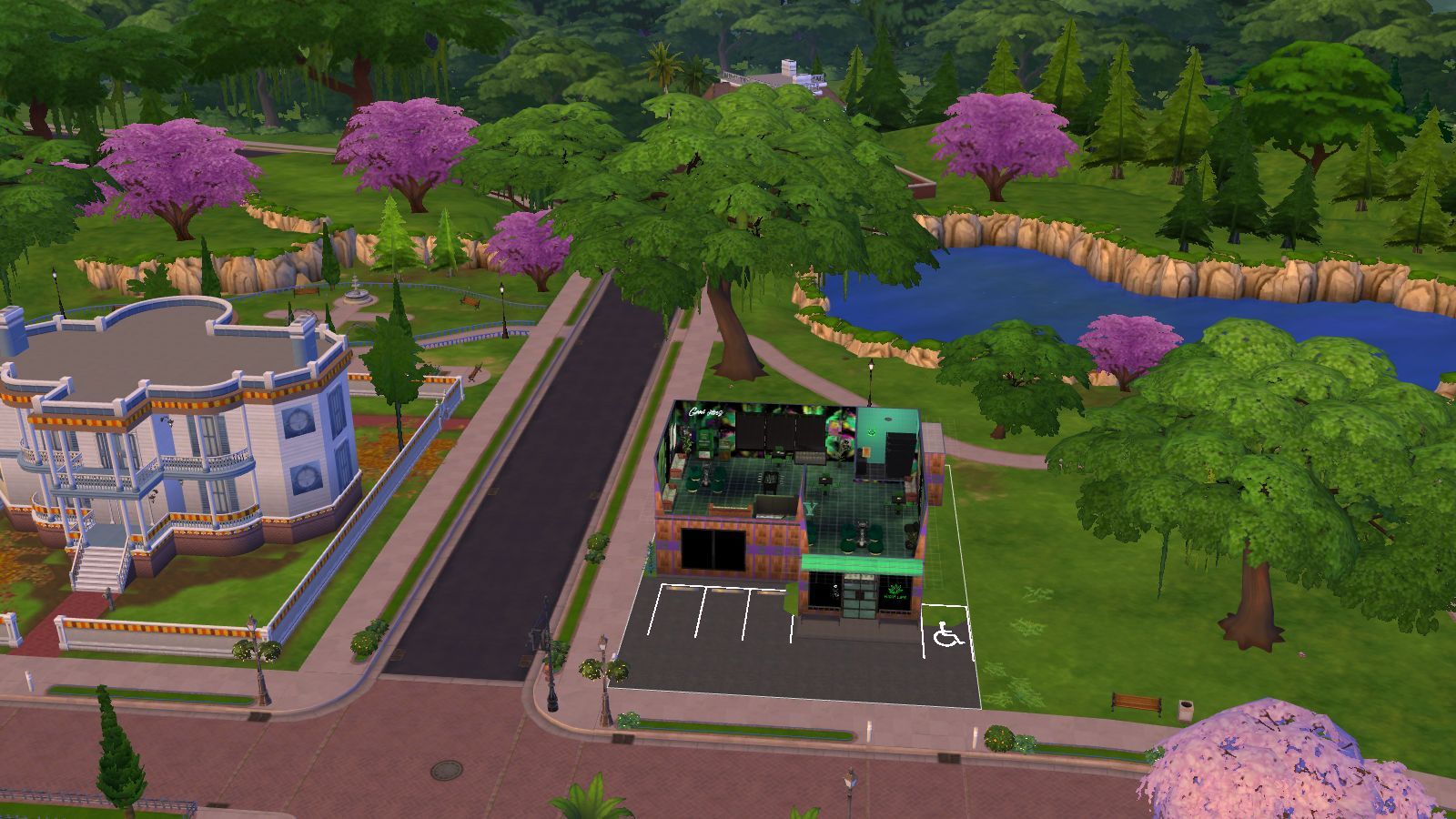
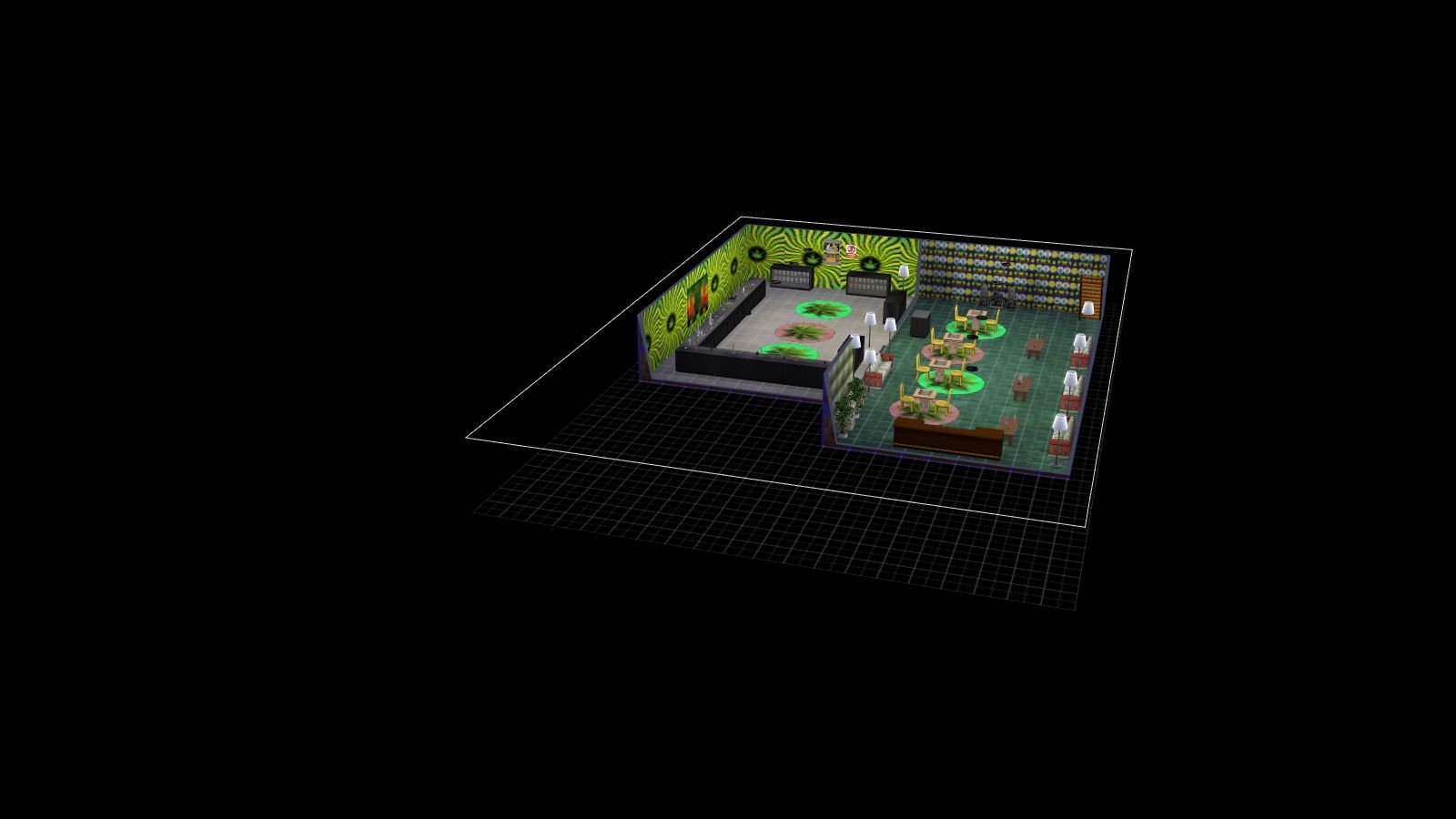
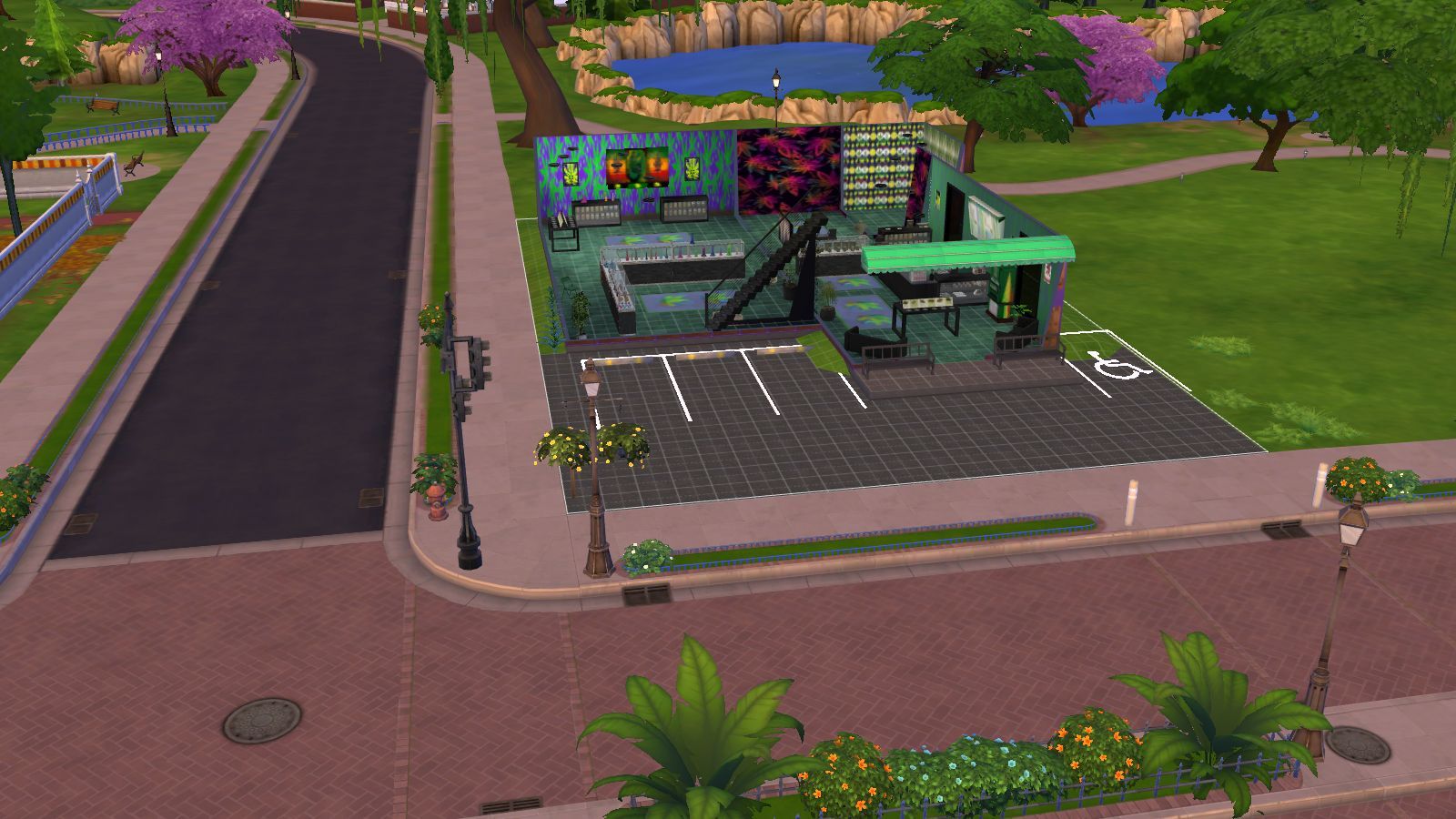
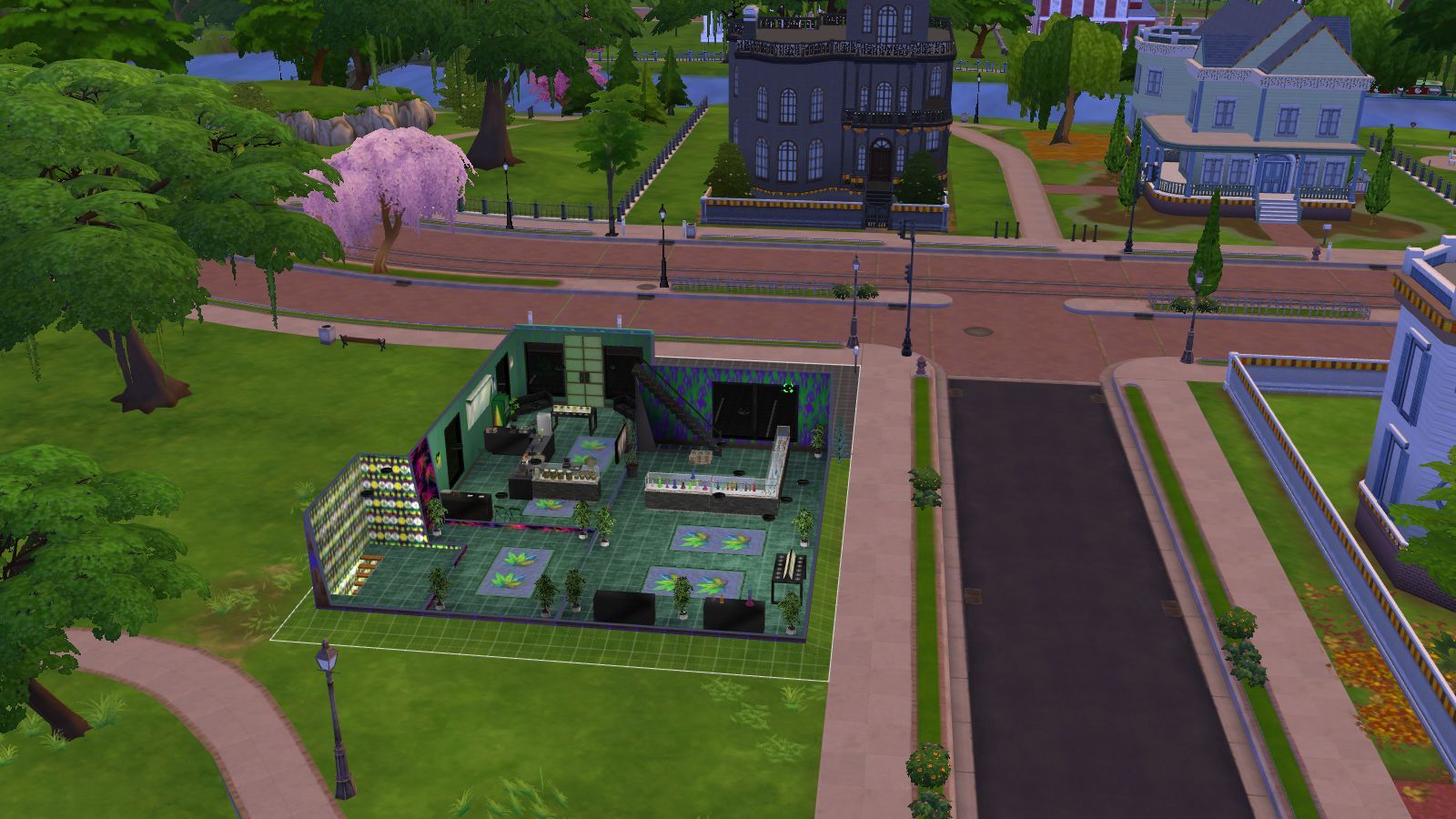
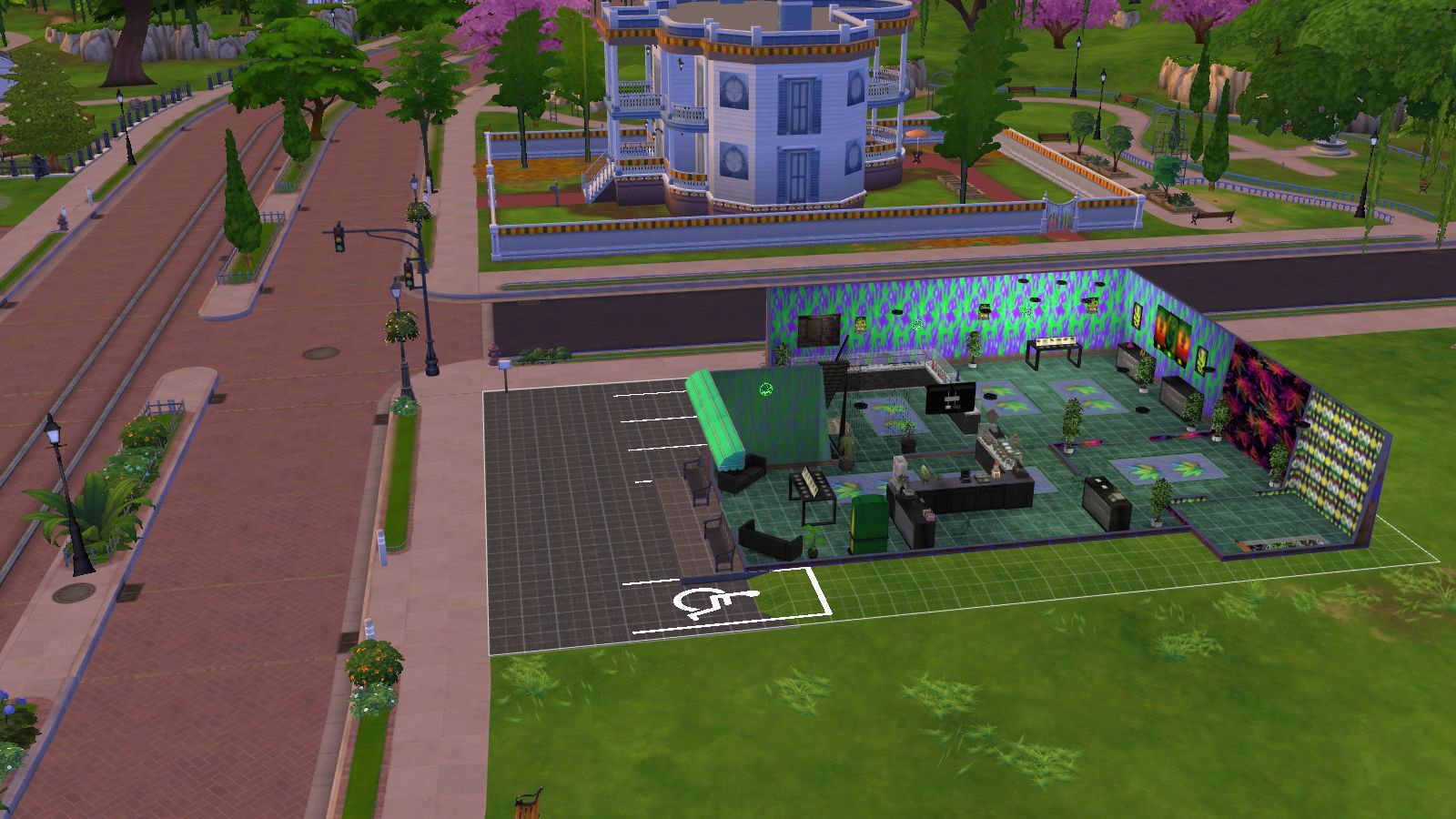
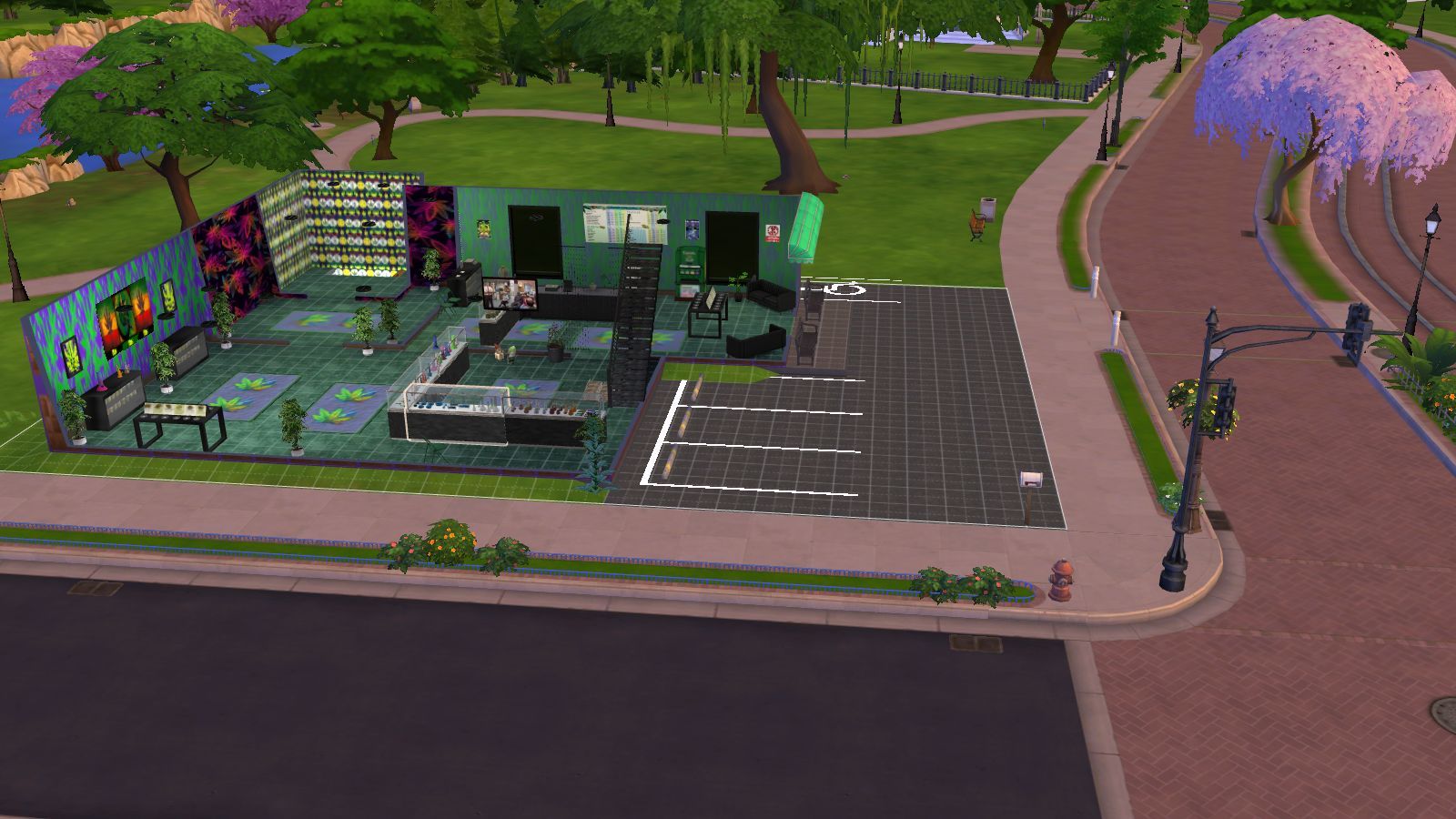
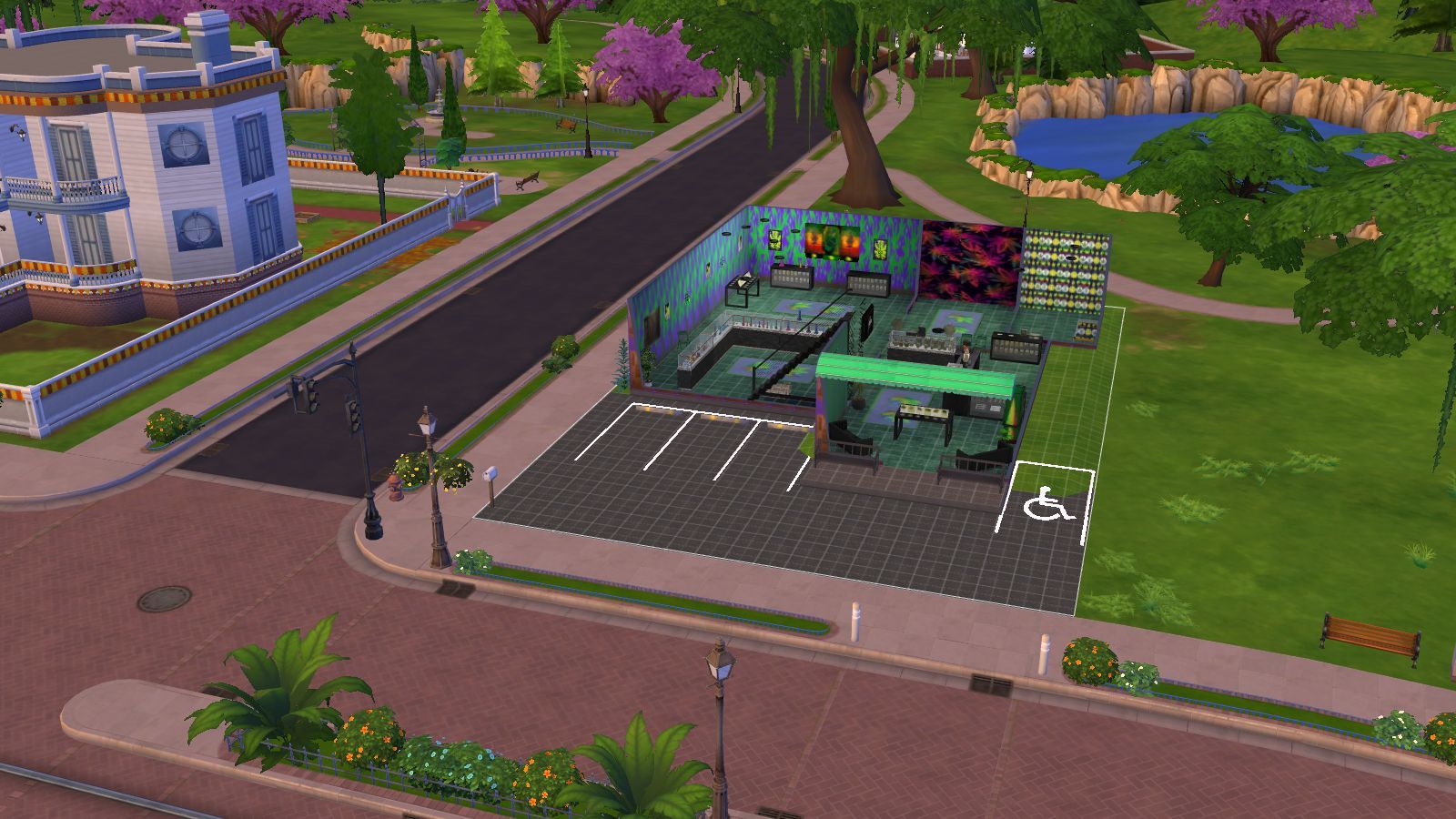
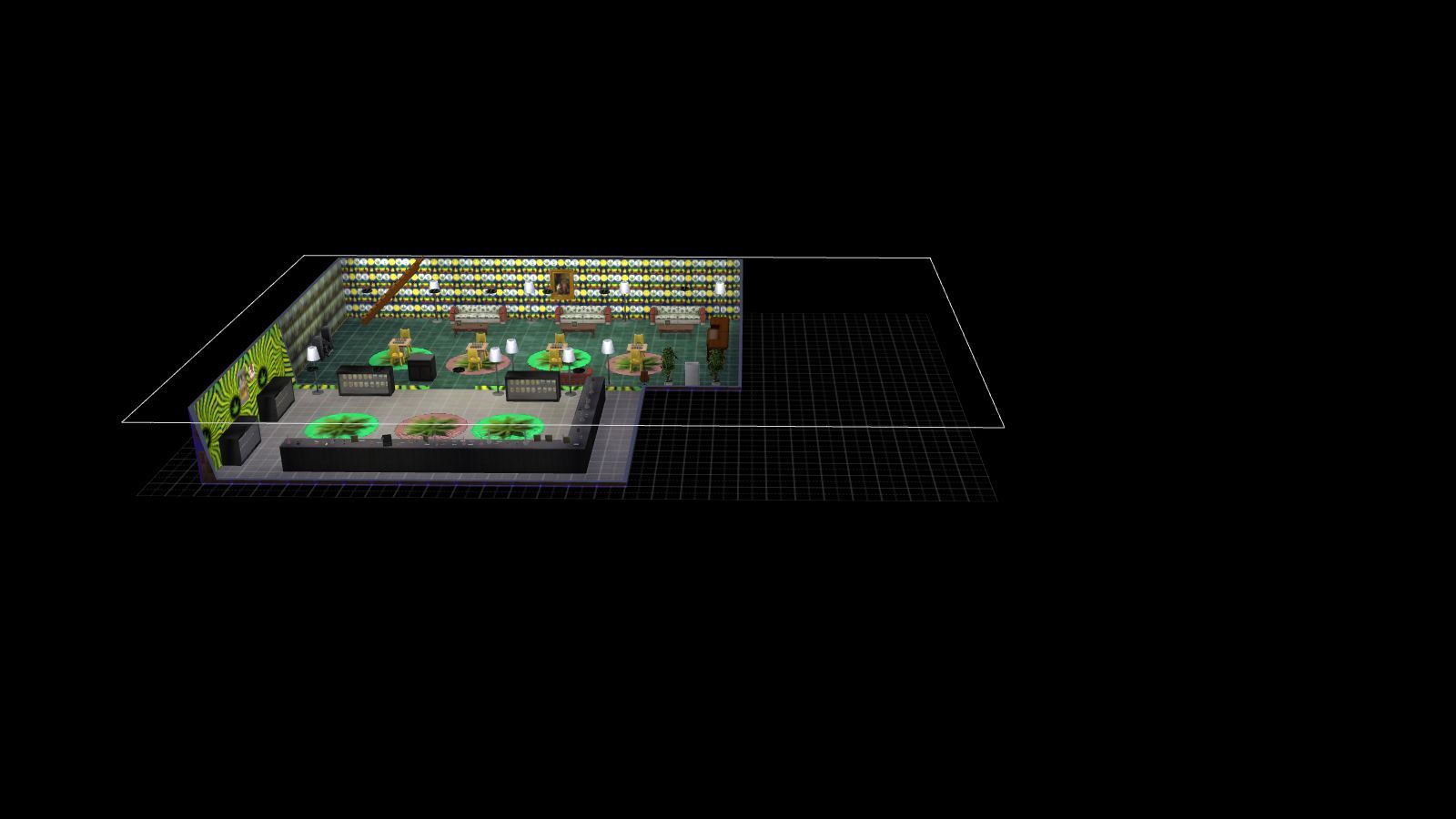
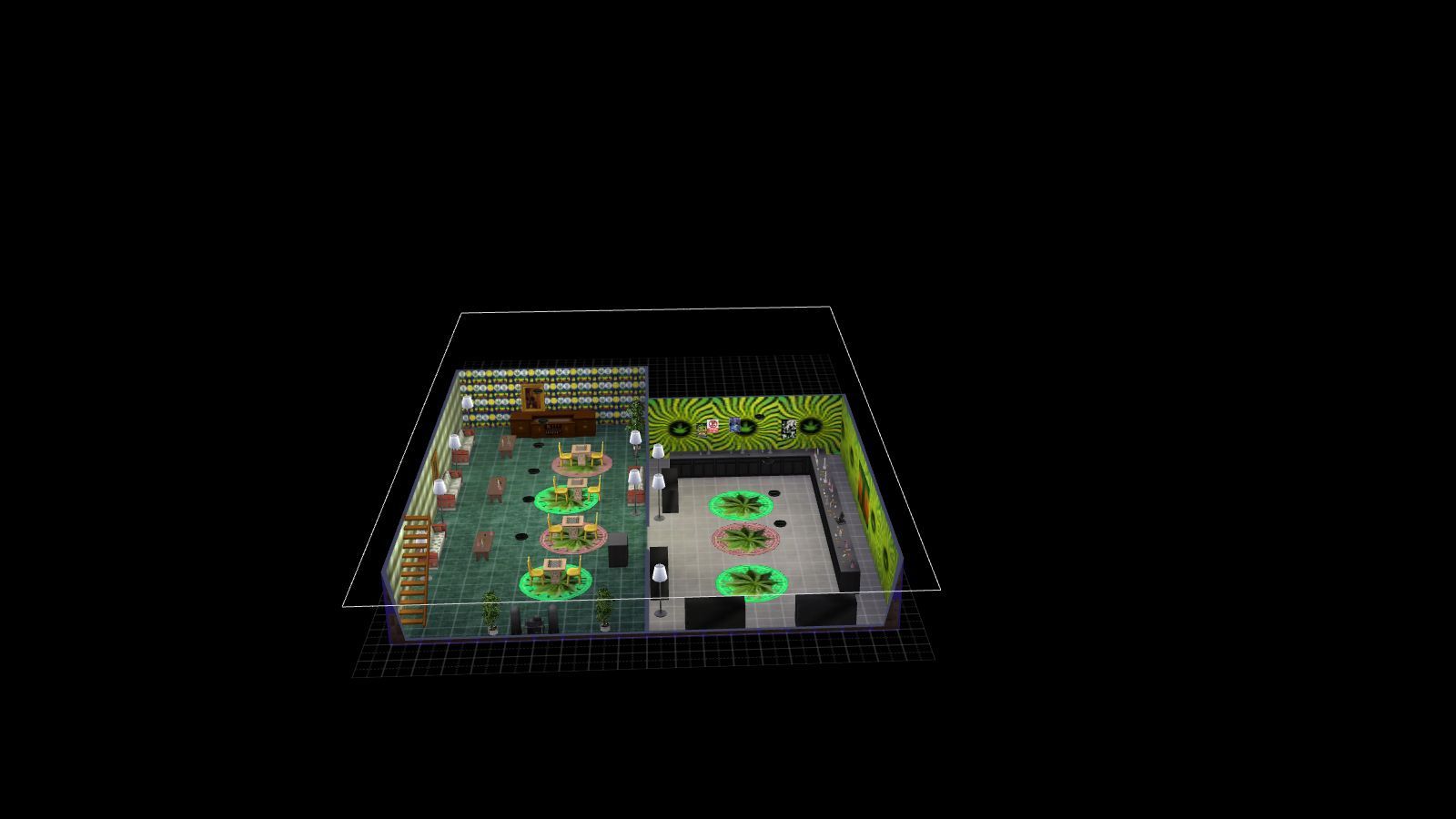
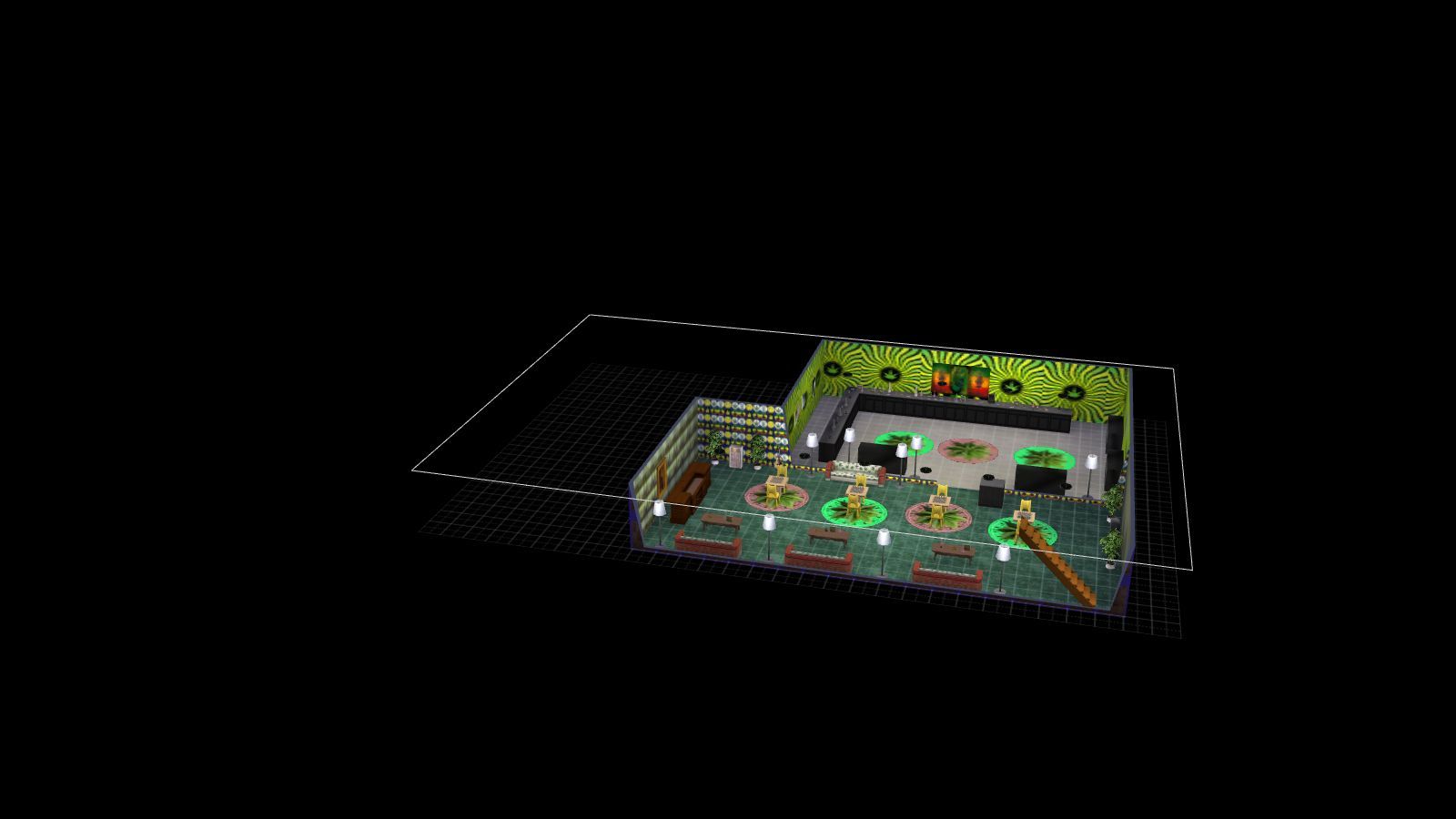
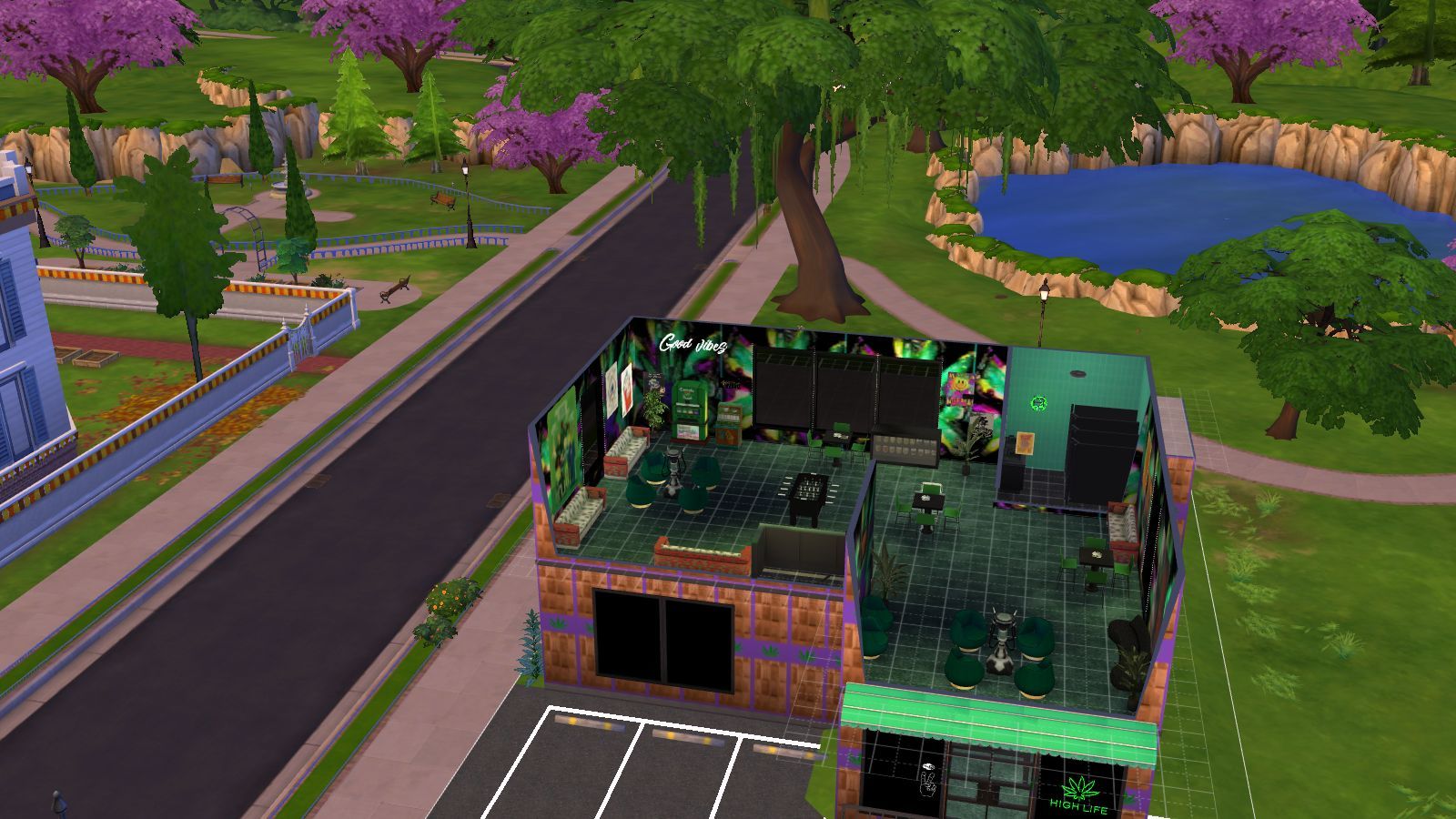
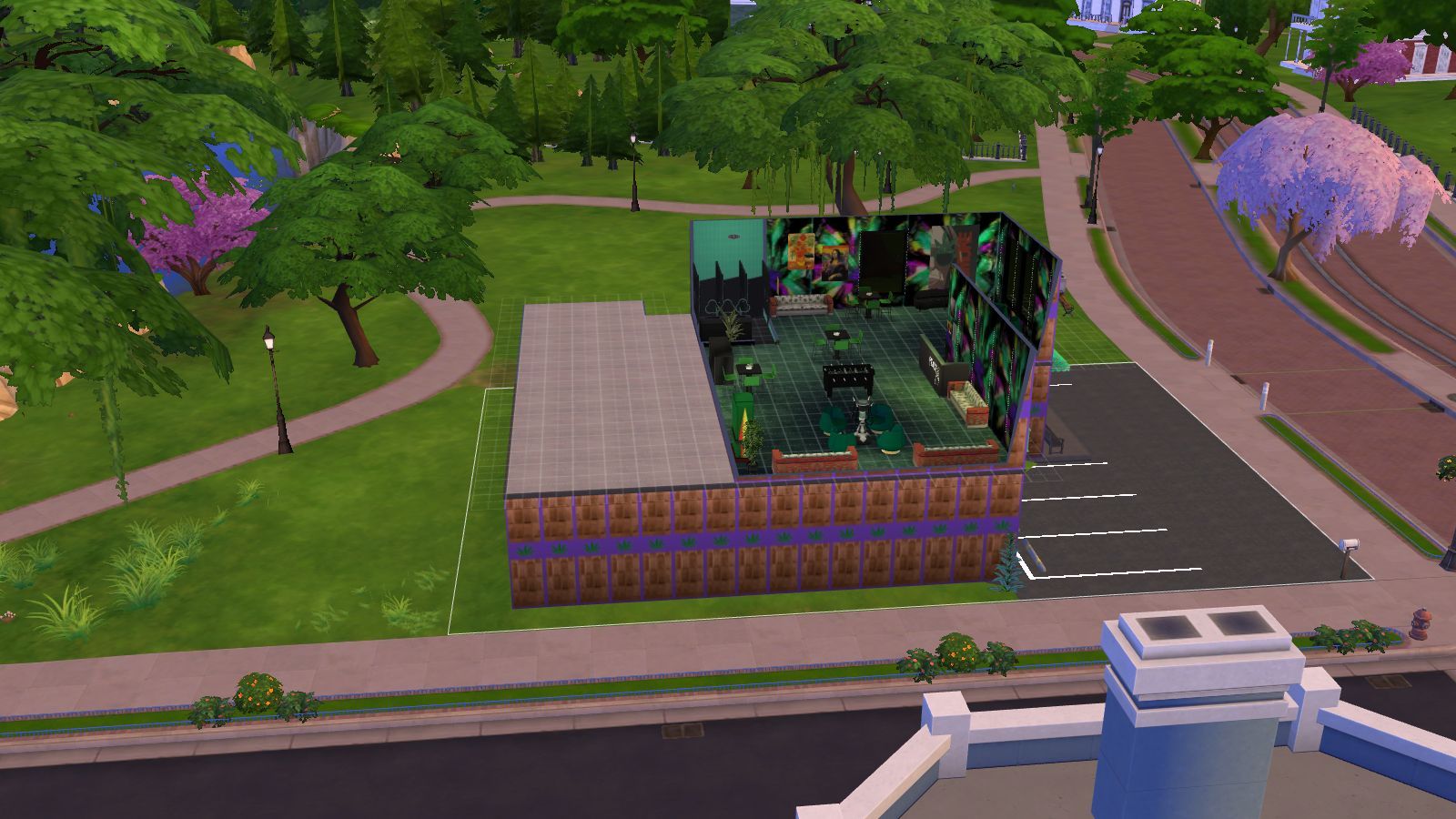
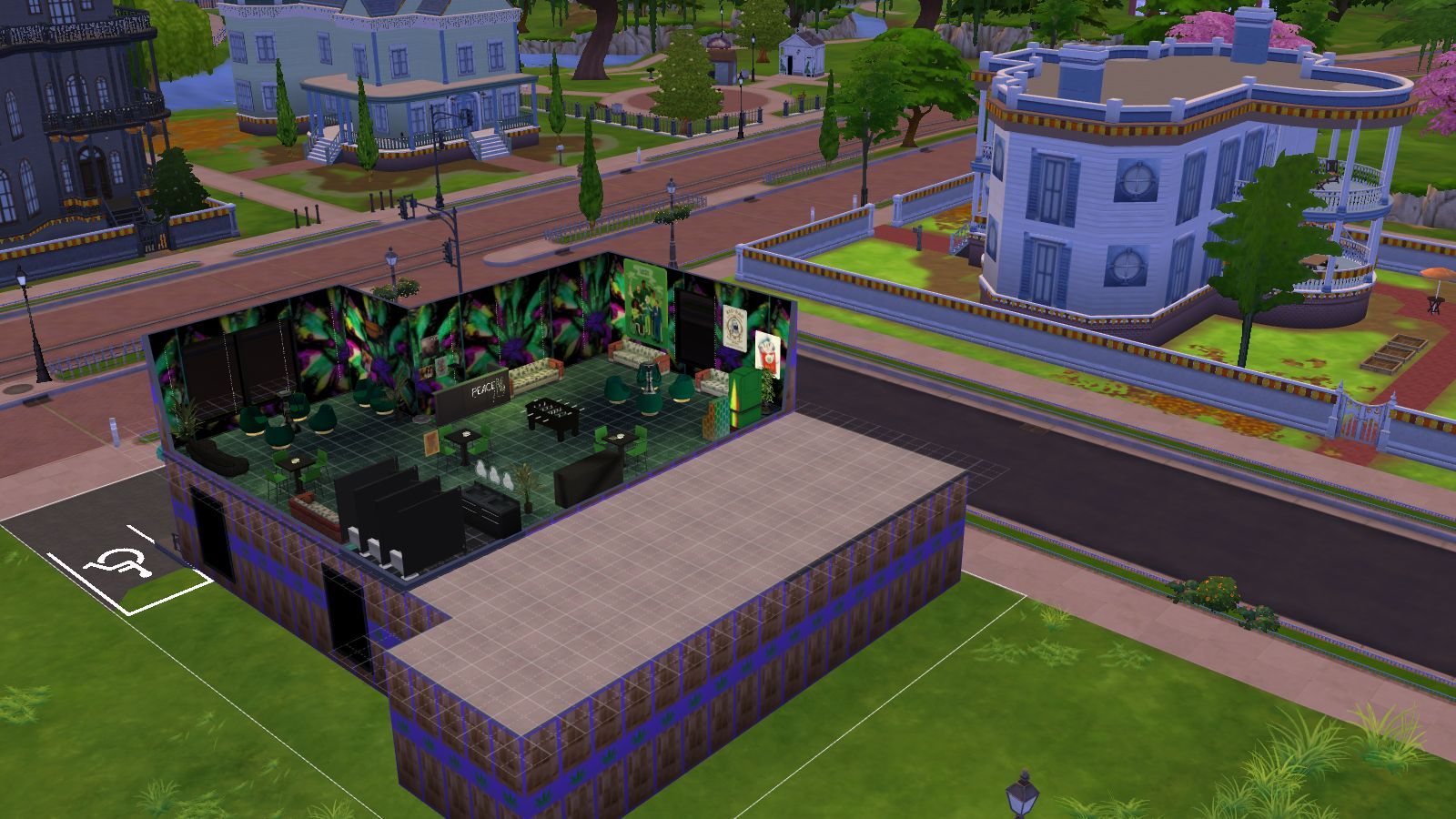
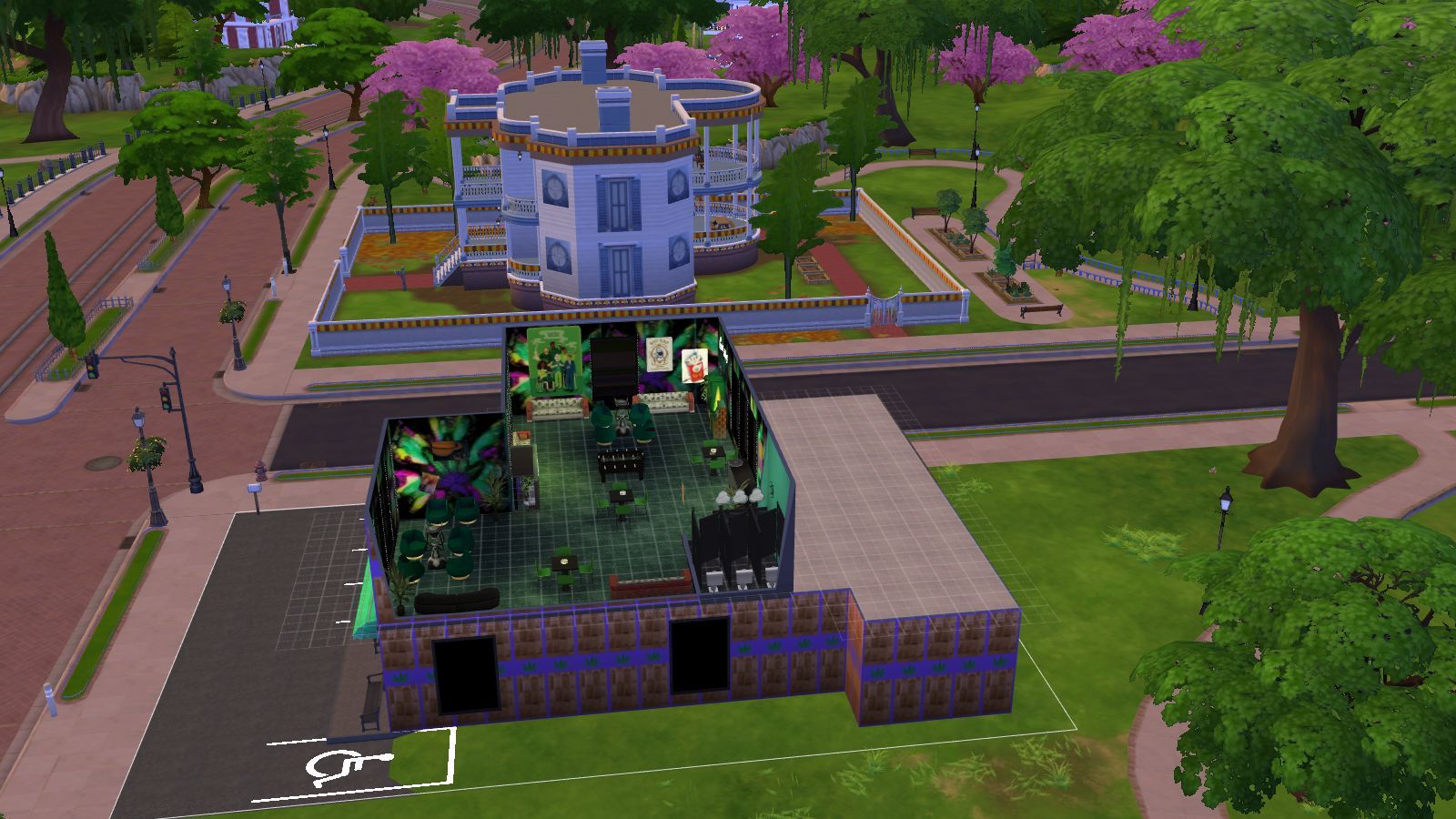
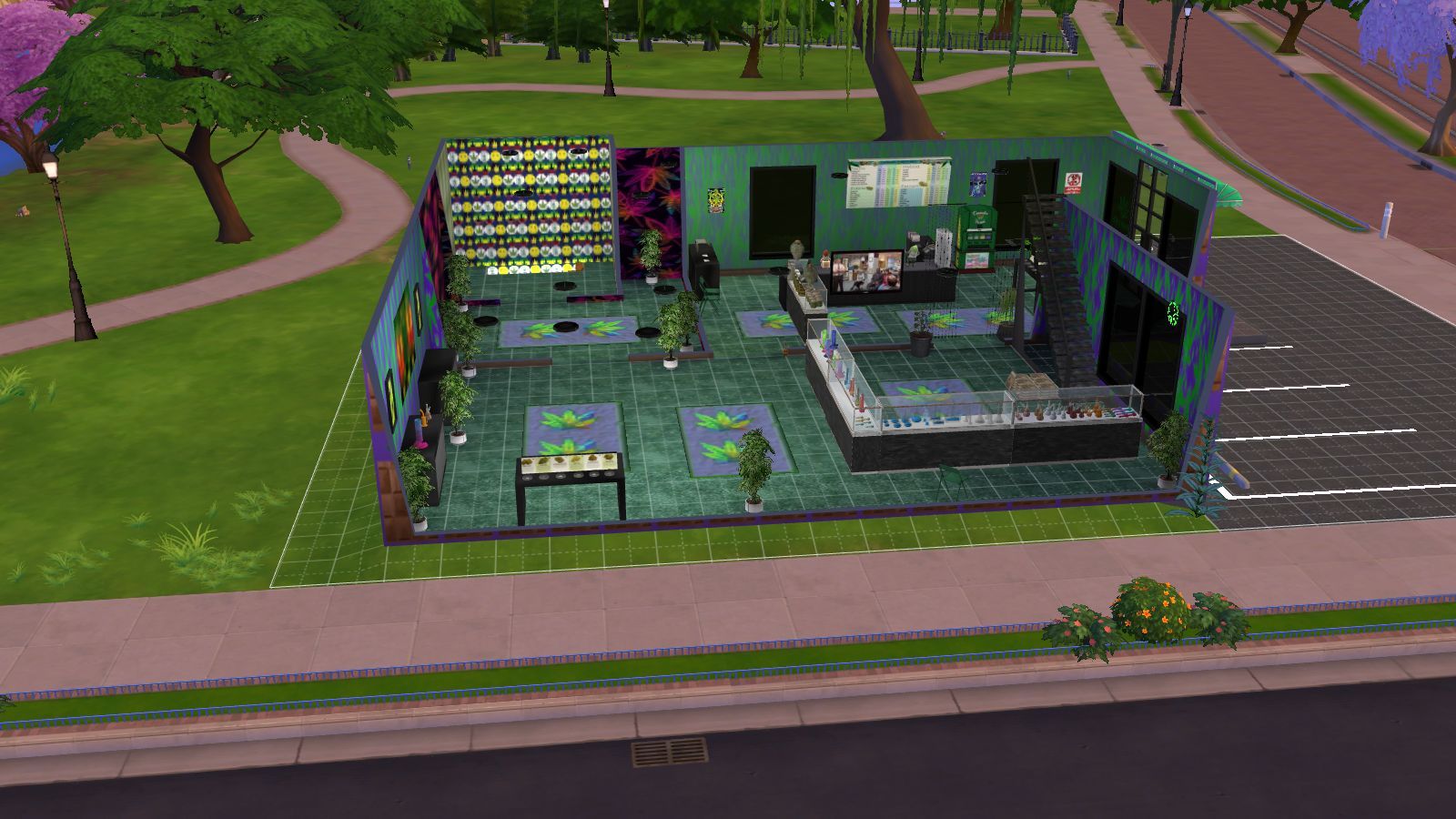
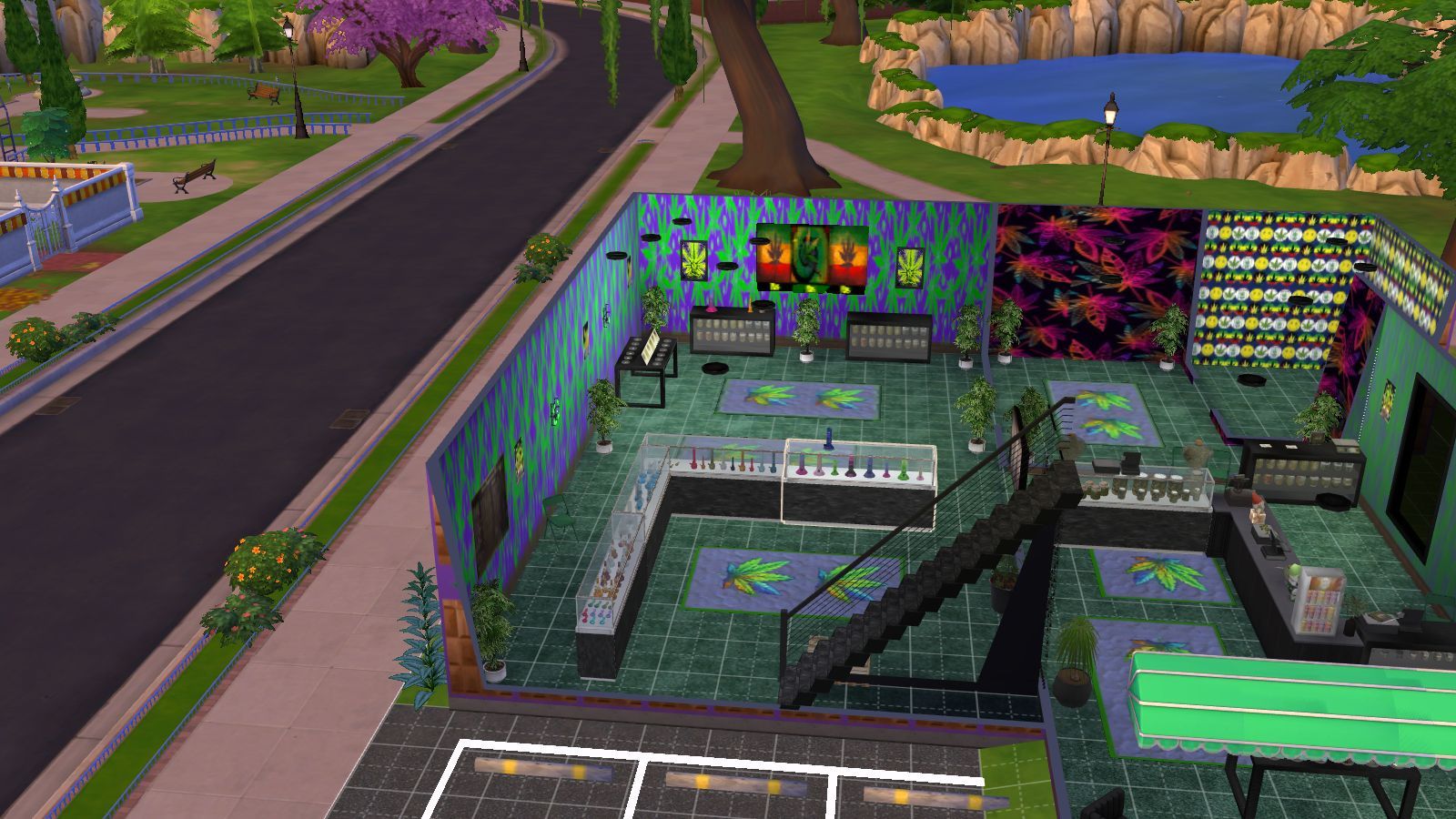
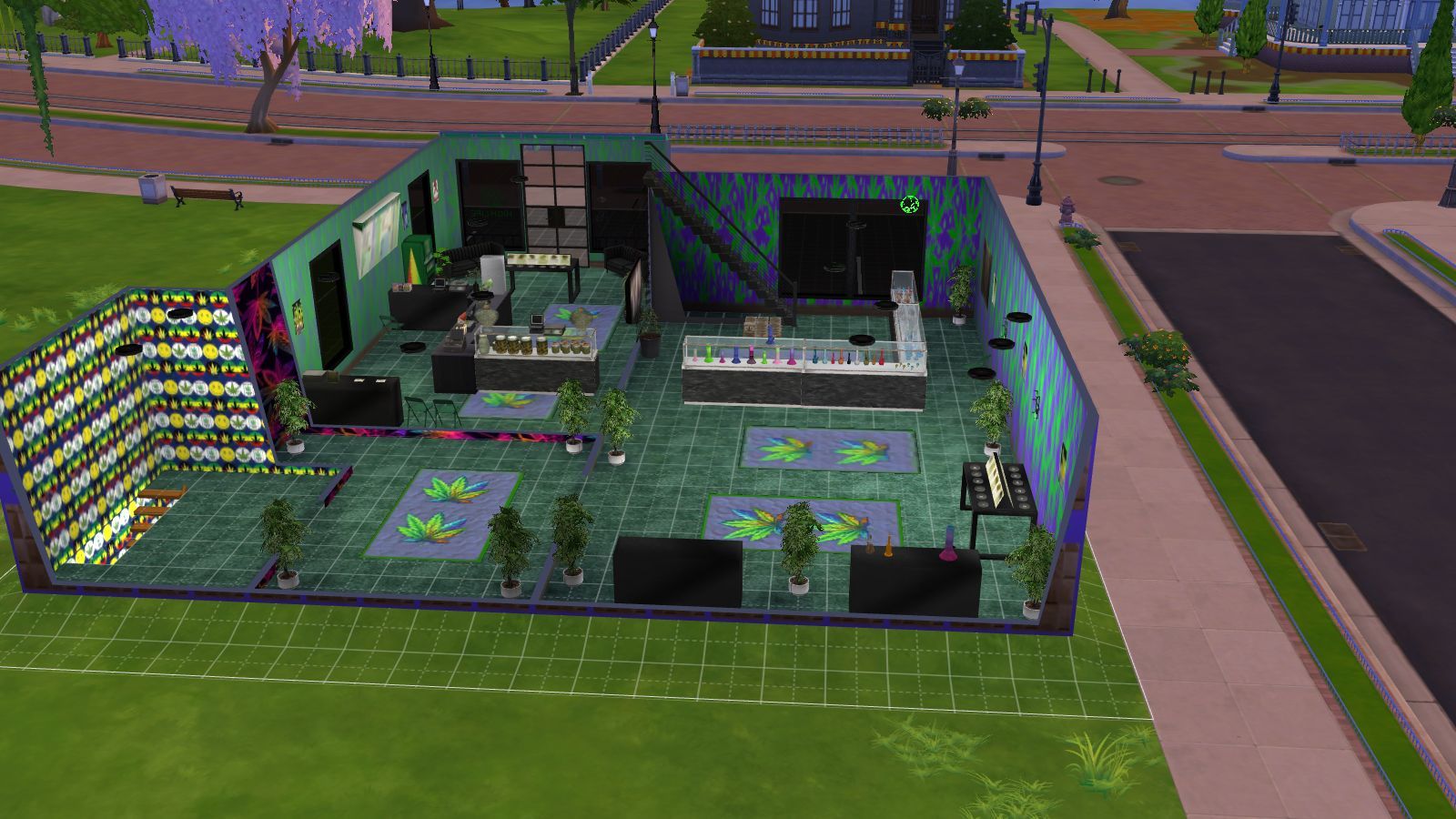
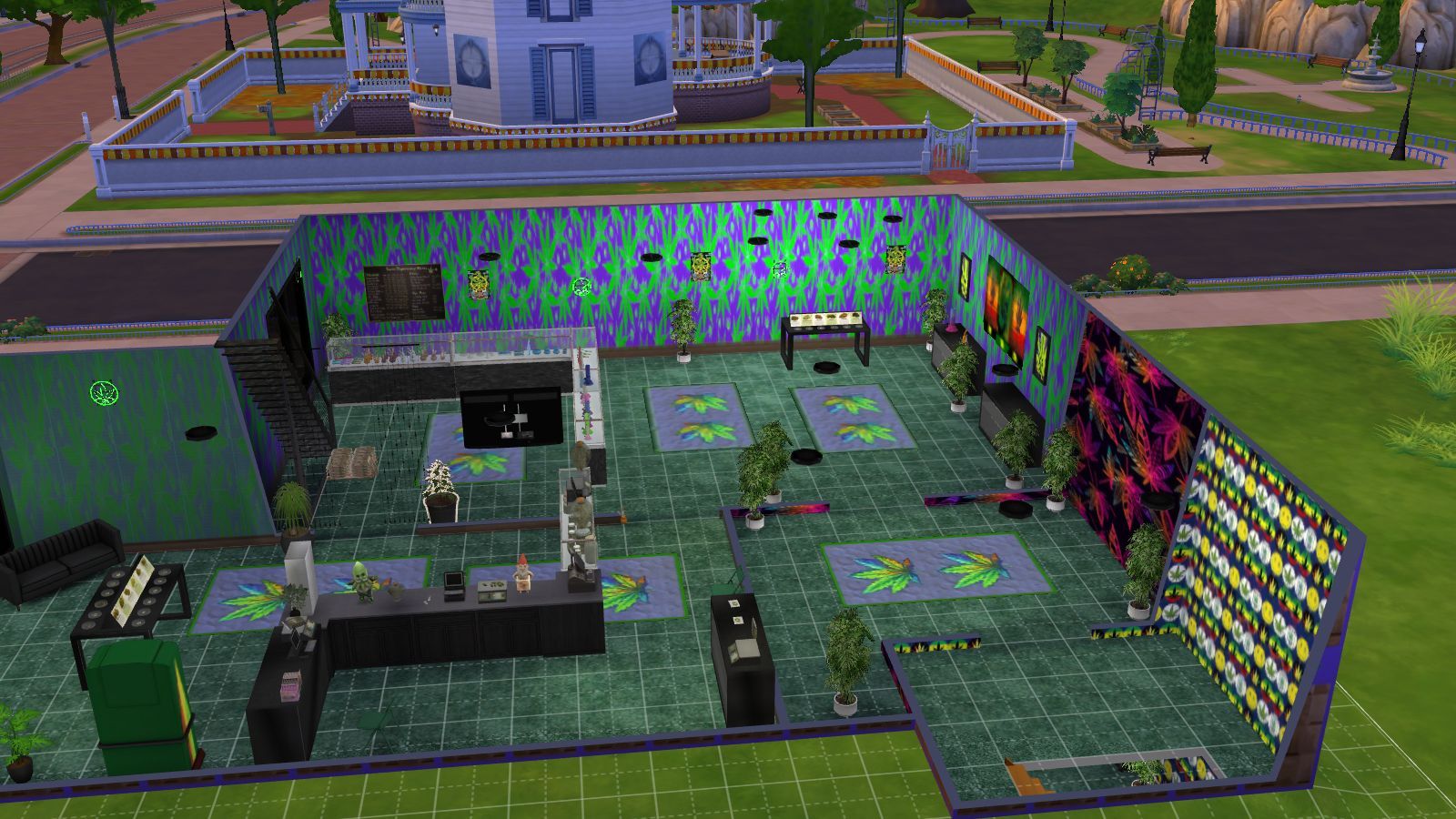
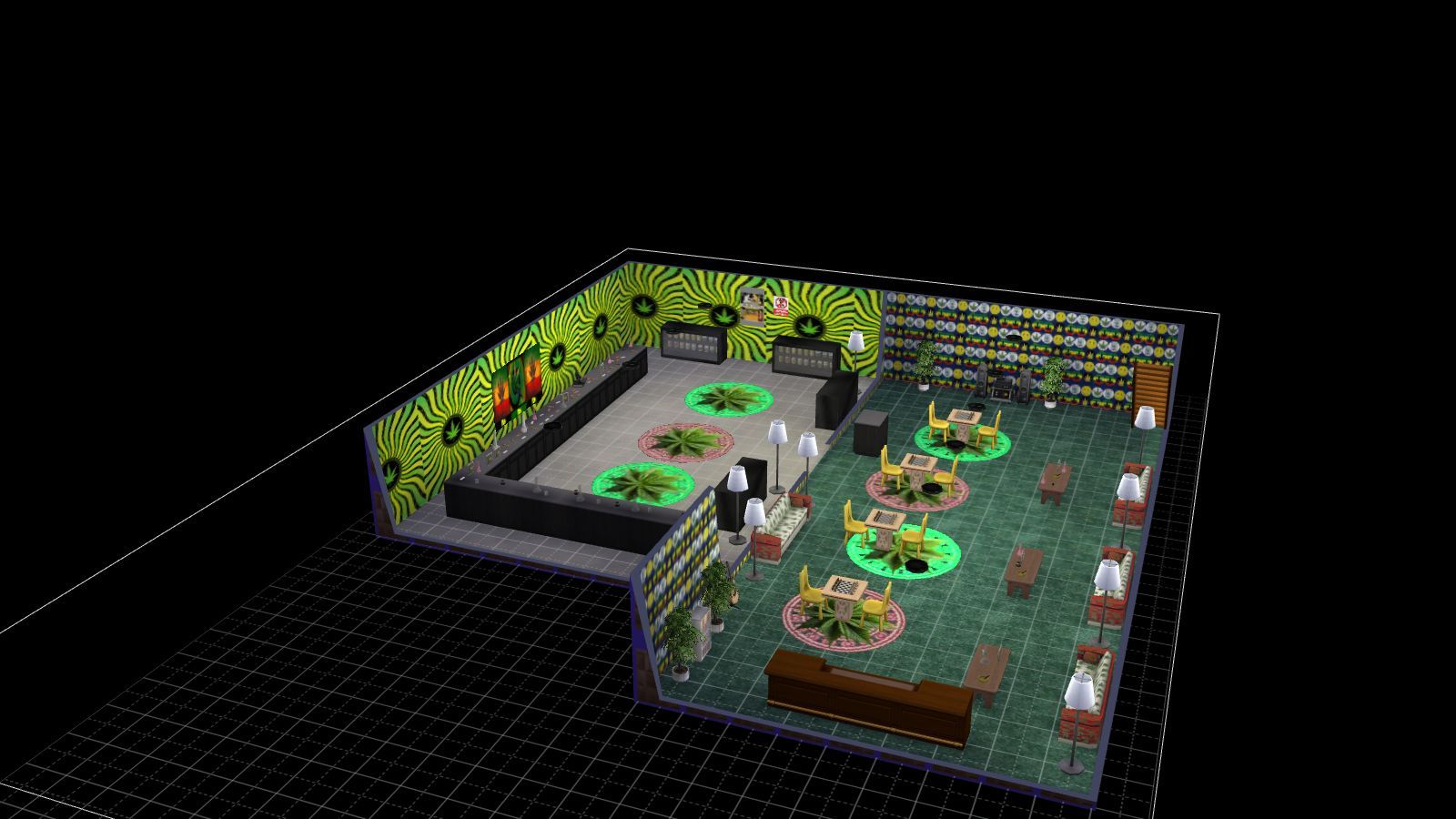
I remodelled a weed dispensary shop for my game  and made some posters, some paintings, some mats, a light and a sofa which I reused from the Sims 4 Catalogue using Sims 4 Studio and using photos I found online. The pack comes with six smoking paintings, six  weed posters, a weed pattern sofa, three weed mats and a weed light. Also there is some weed patterns for your walls which I found online. This is my first weed object stuff and I plan on doing more including something for the home but you can use this for whatever you like it's your game as they say.
 
PLEASE NOTE 
 
I built the game with custom content and I have all the main expansion packs, stuff and game packs.
 
<<<<CREDITS>>>>

Sims 4 Studio


INSTRUCTIONS

You will get a Sims 4 Package files in the folder. 

WHERE TO PUT SIMS 4 PACKAGE FILES

Sims 4 Packages goes in the following place. 

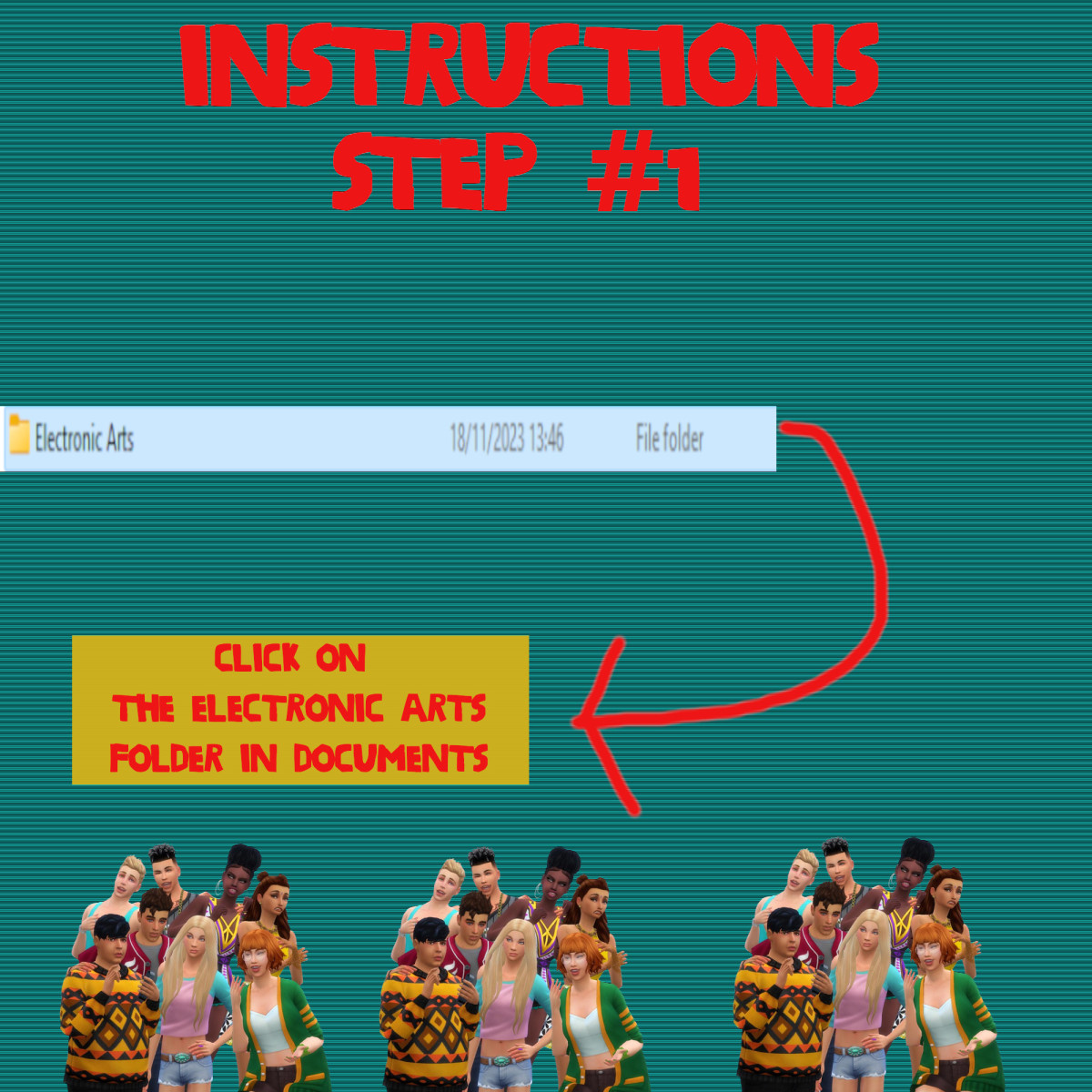
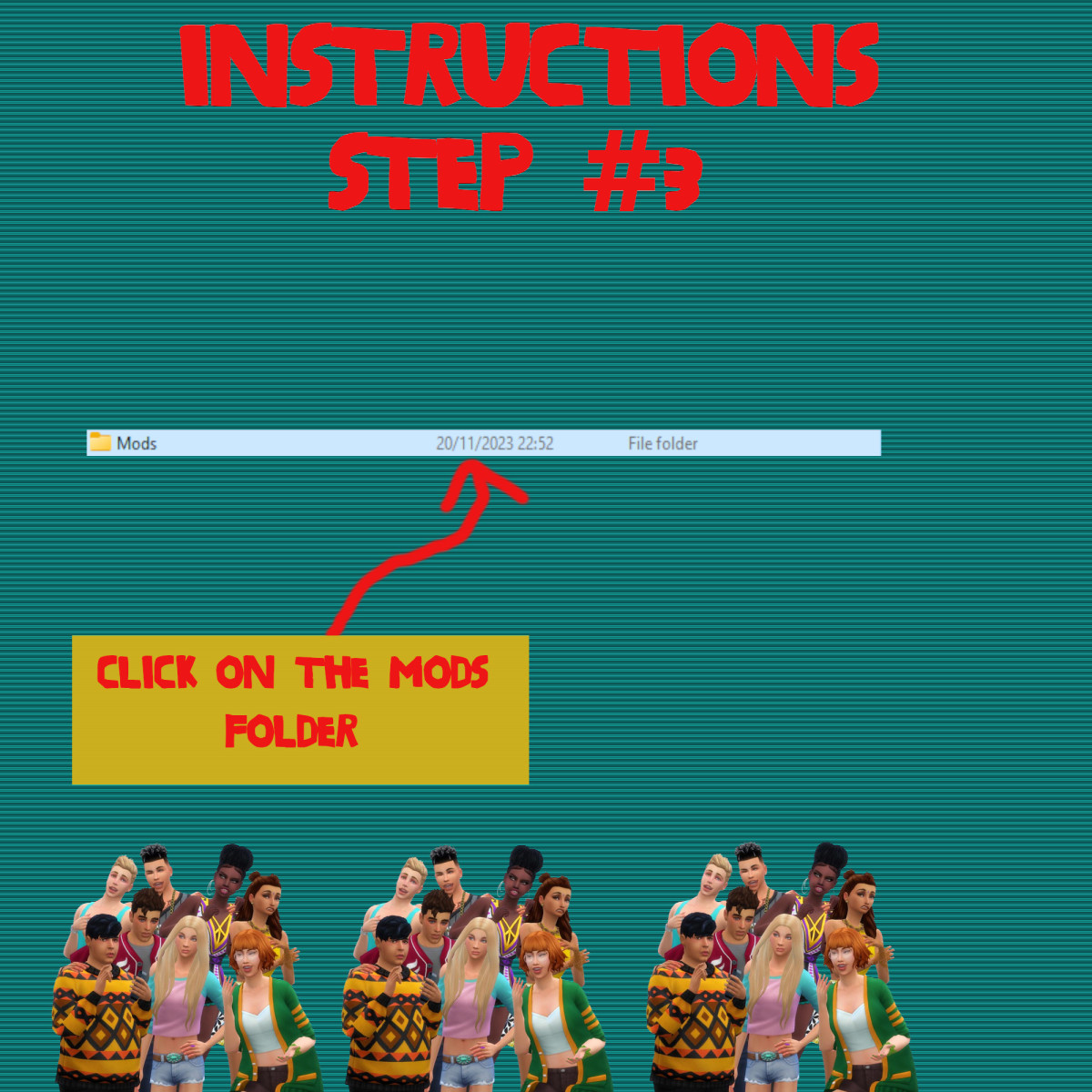
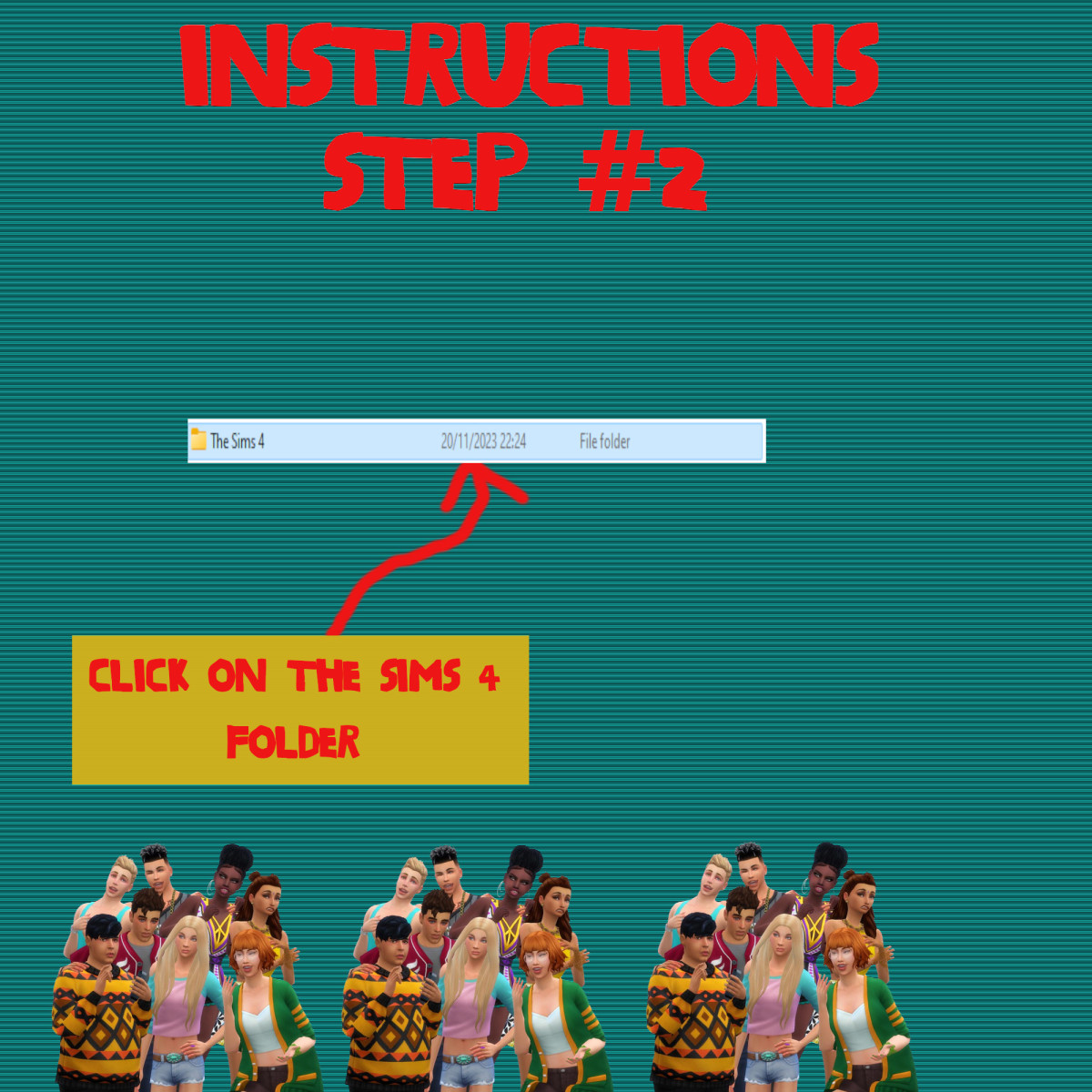
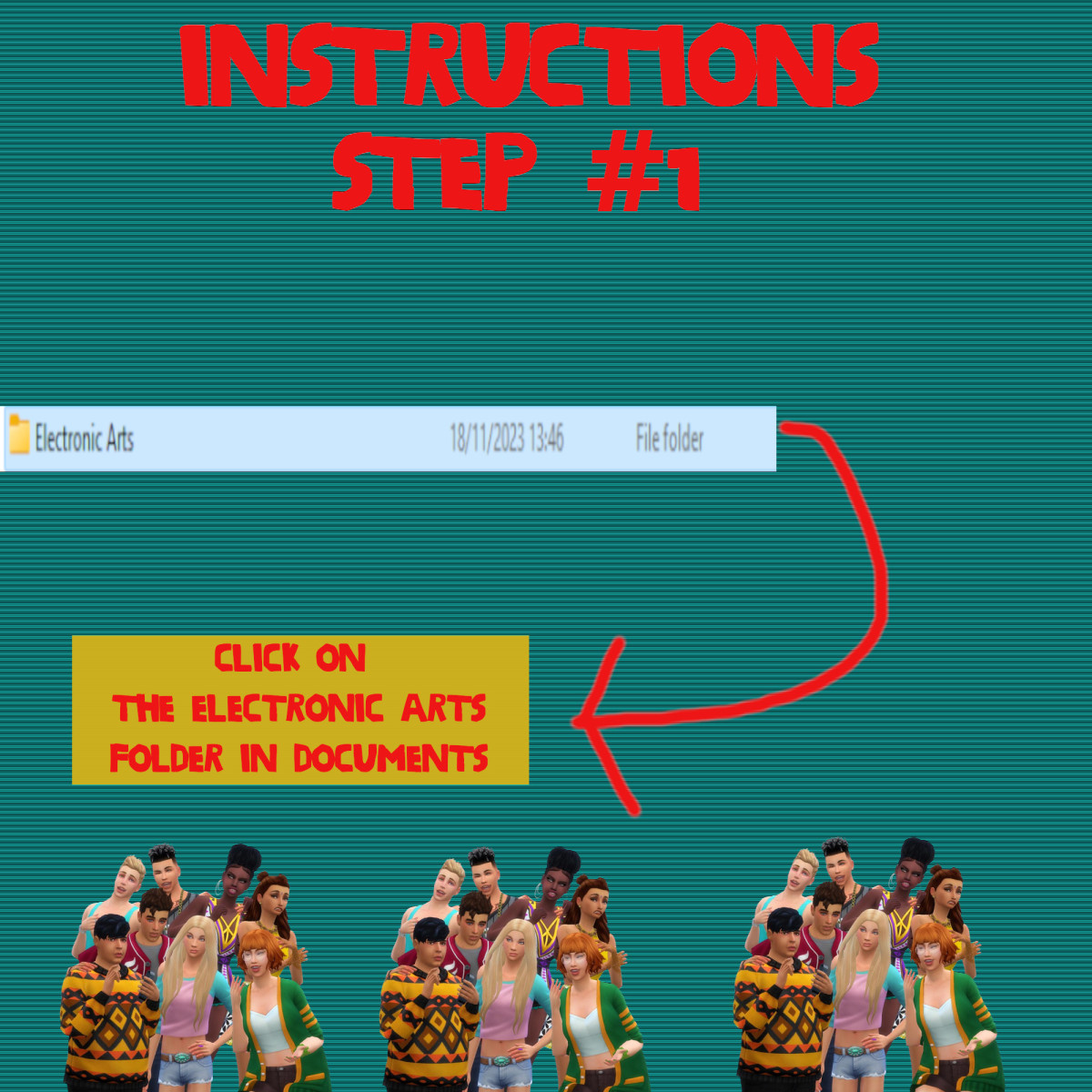
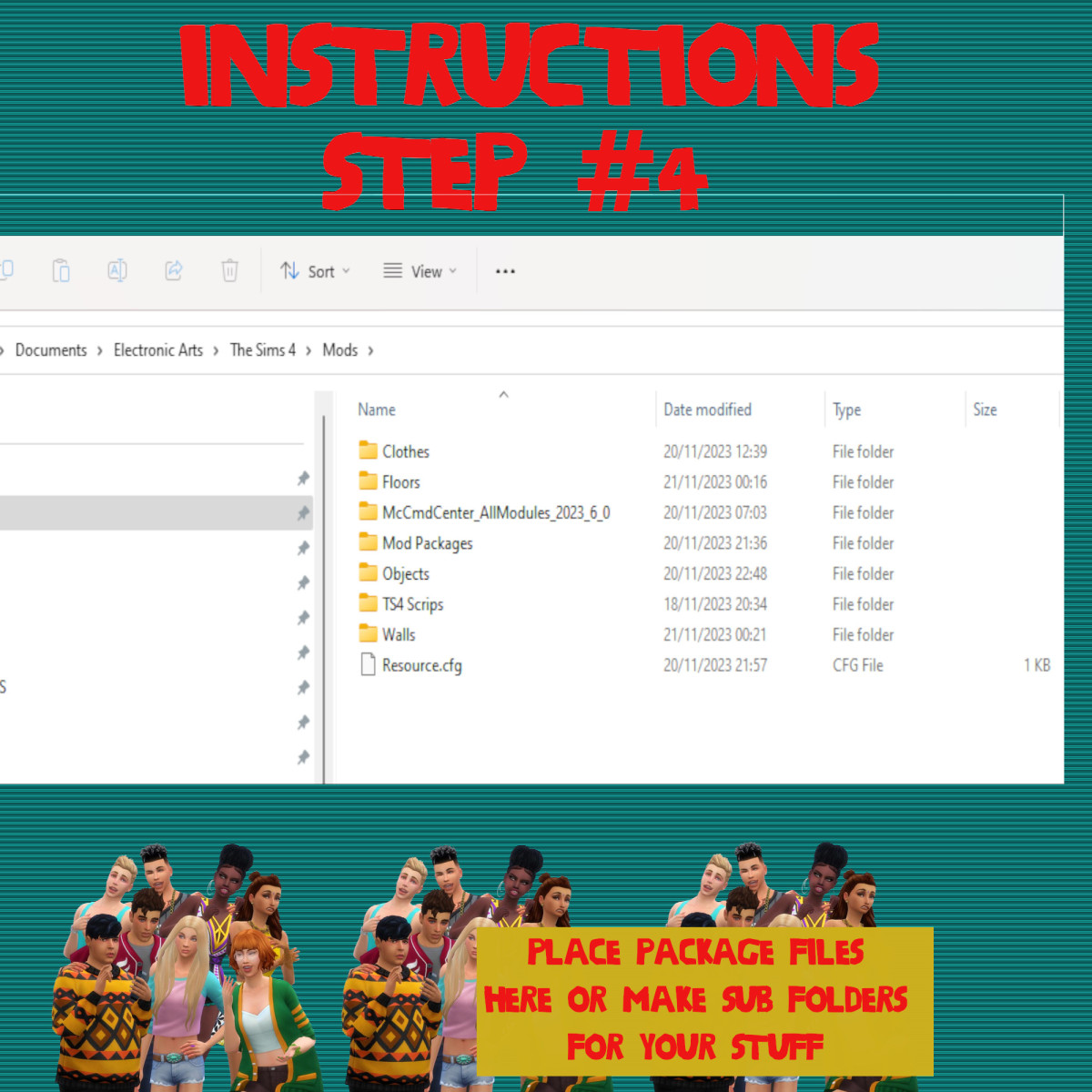
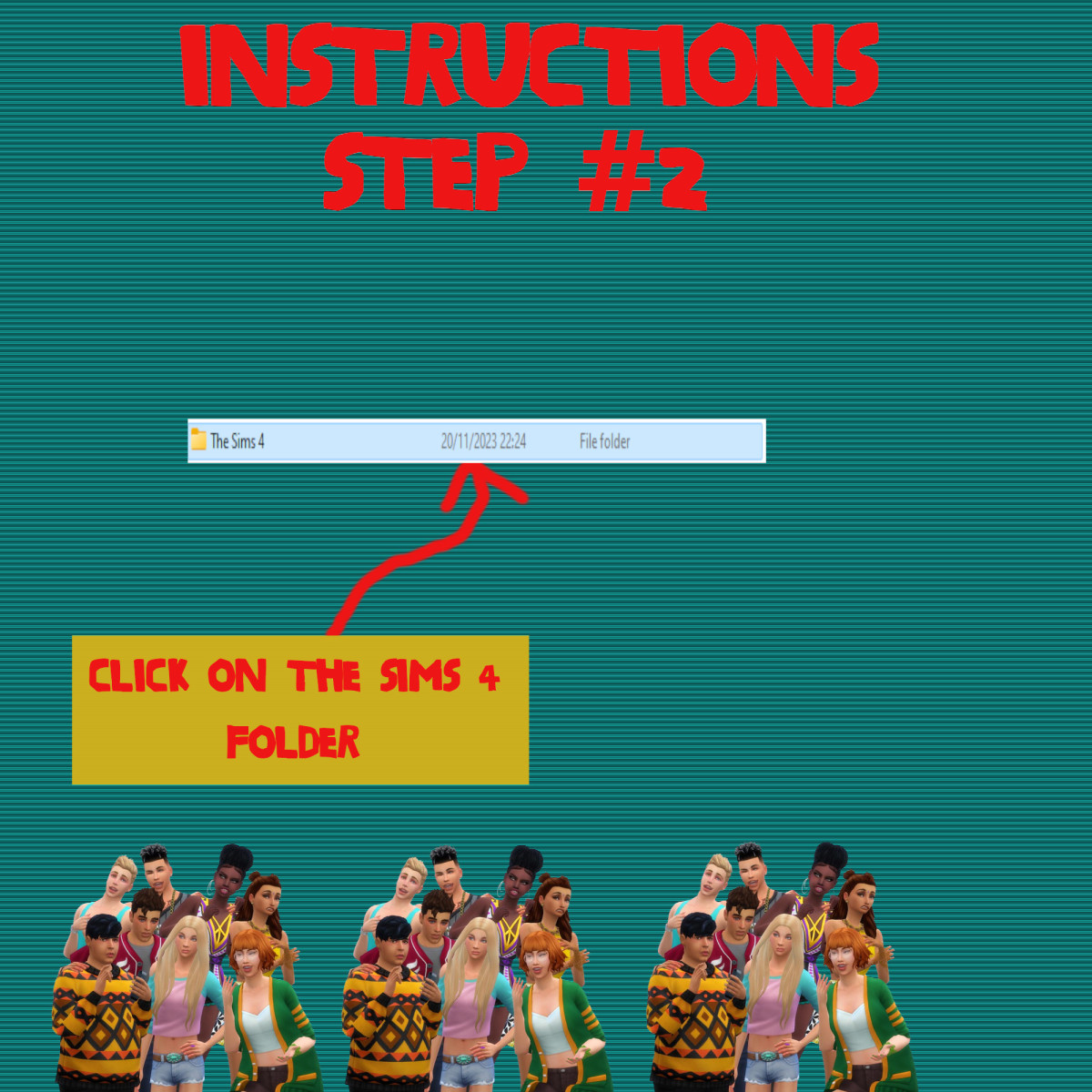
Documents>Electronic Arts>Sims 4>Mods>Packages

Please note if you haven't got a Mods folder then make one and place it in the Electronic Arts folder in Documents. Copy and paste or move Package files in the Mods folder.
VAMPIRE-PATTERNS-1-300x300-1 (1)

Sims 4 Custom Content – The Cult Bunker Bundle Pack

About
Downloads
Gallery
Instructions
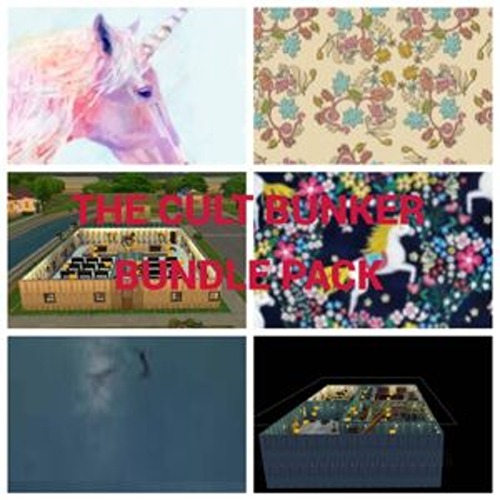
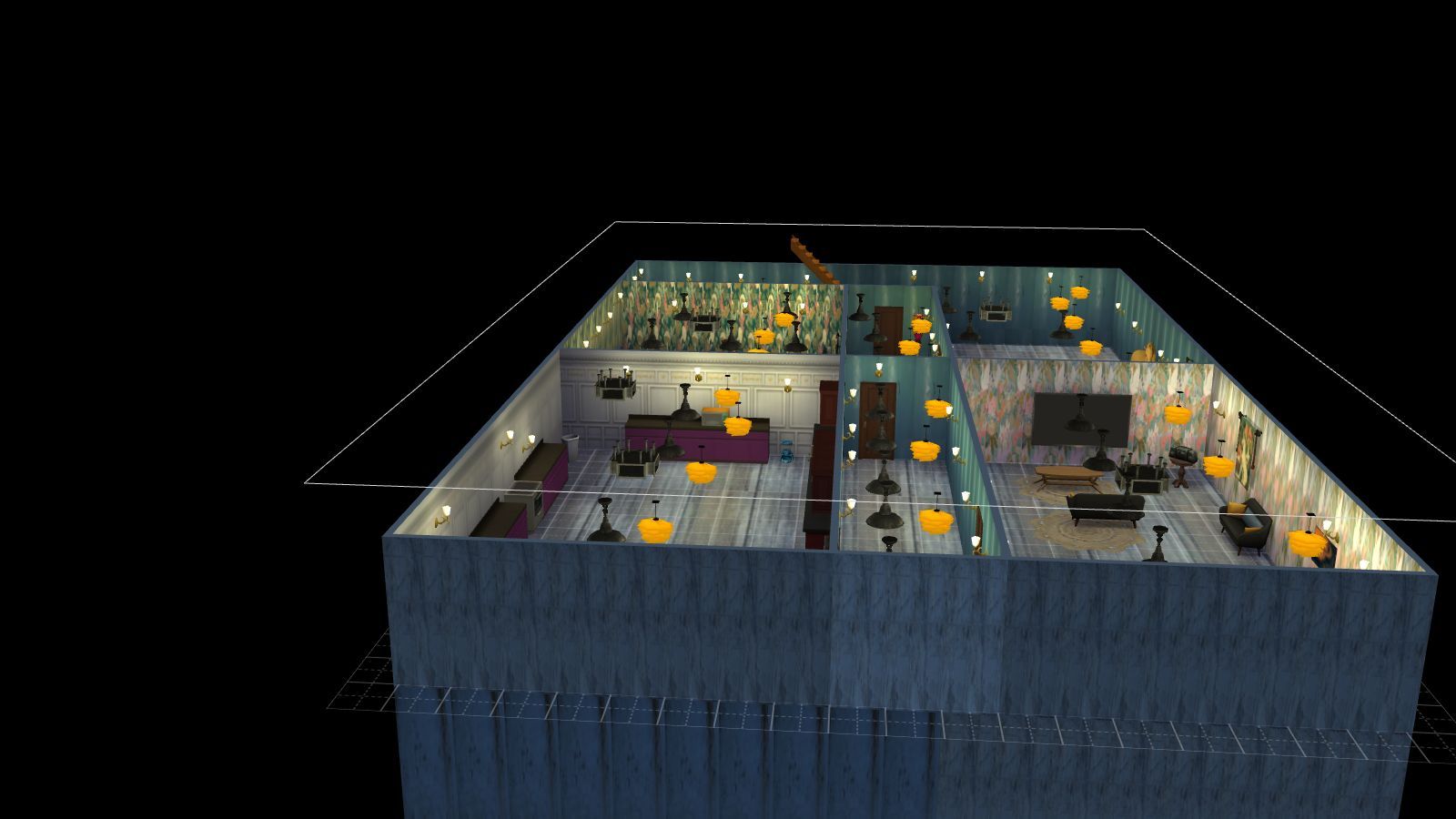
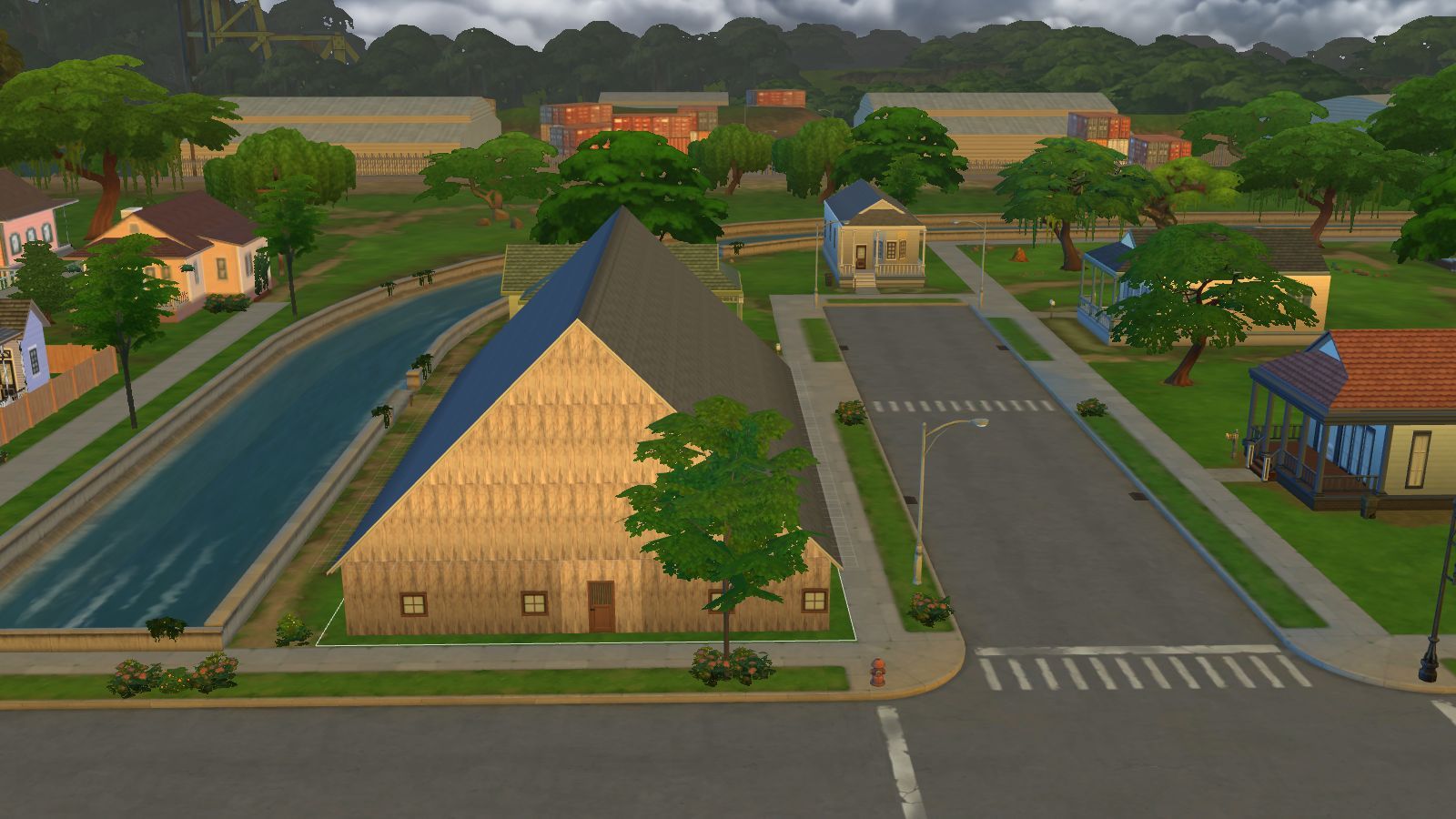
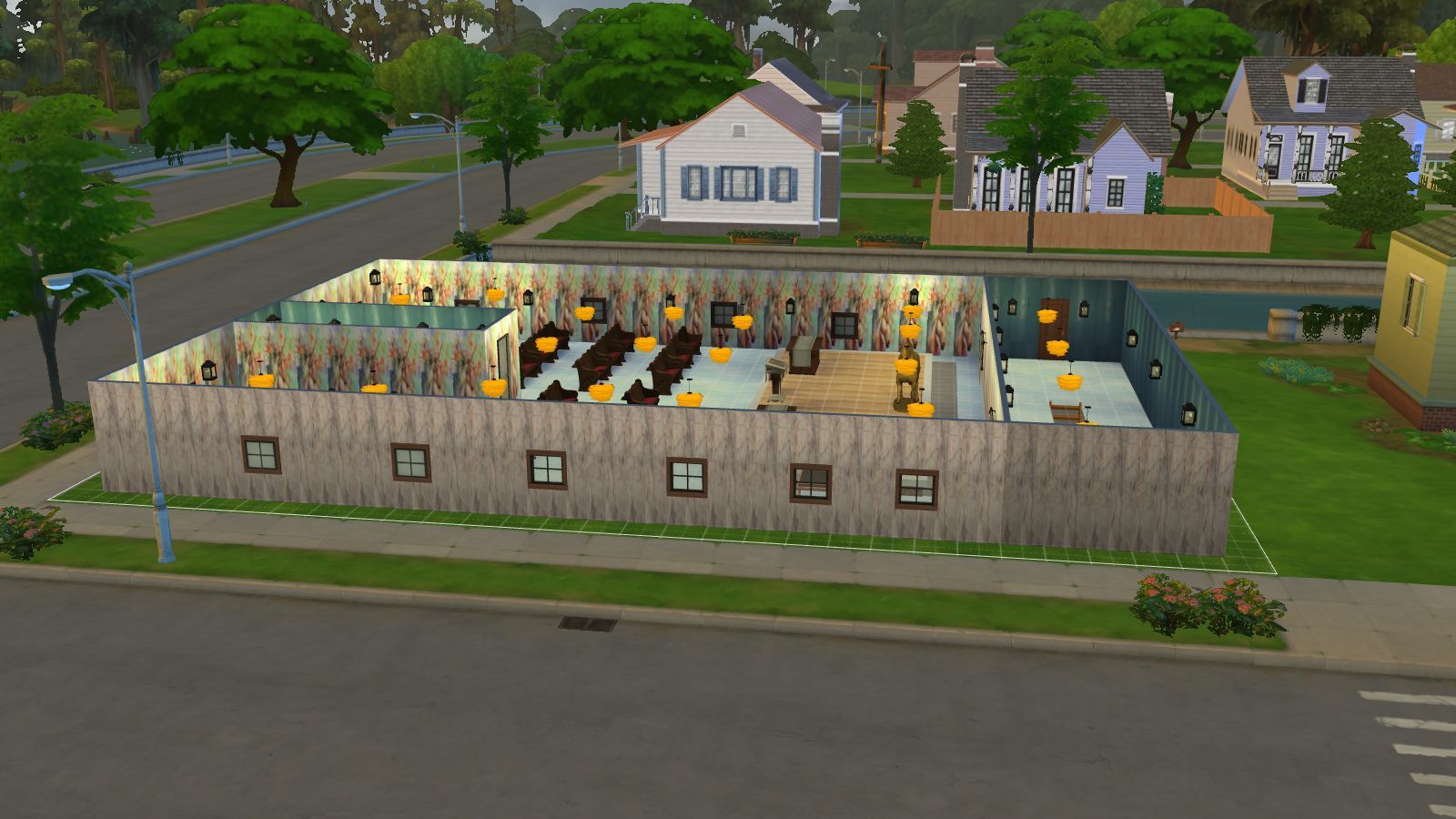
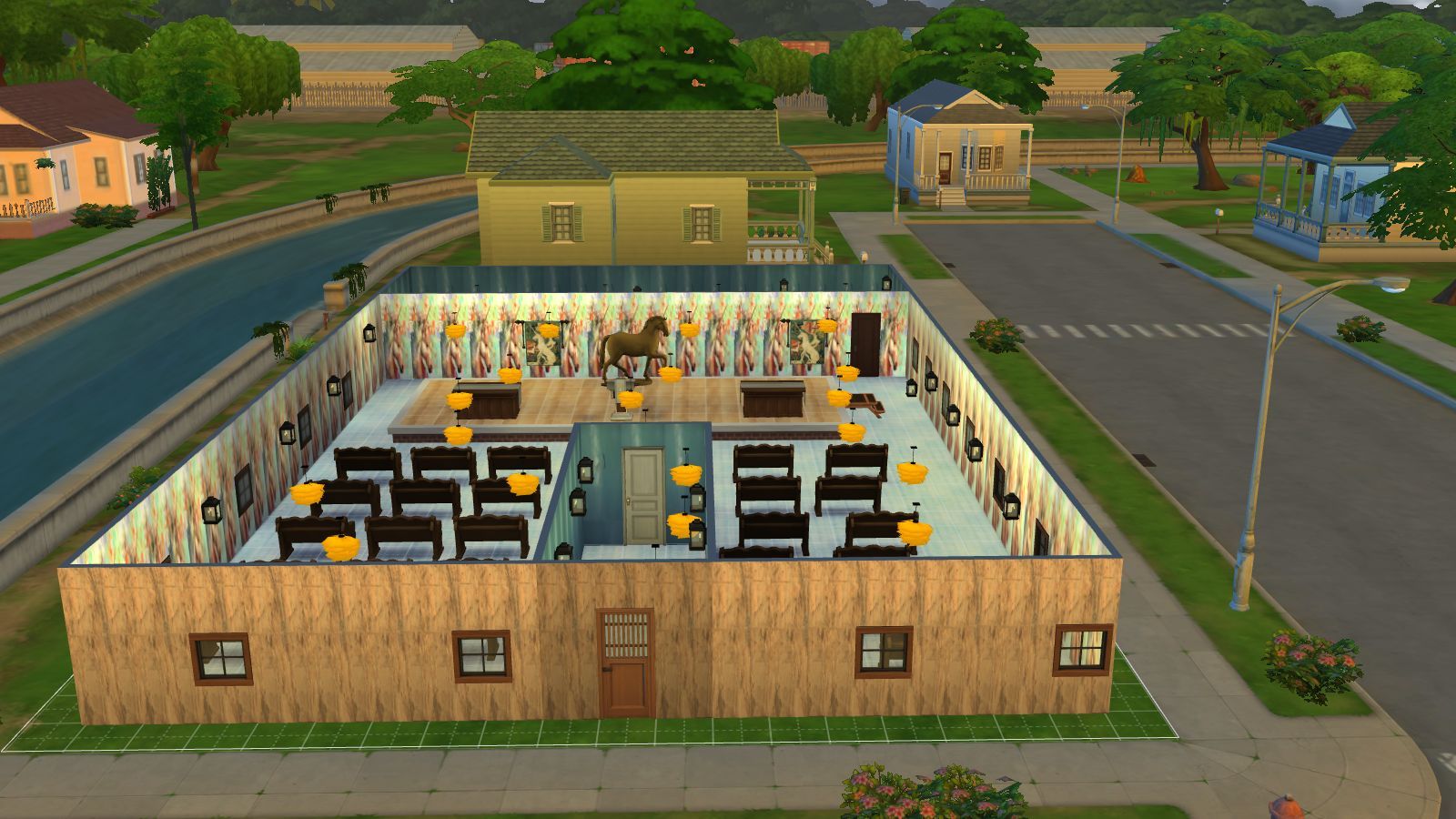
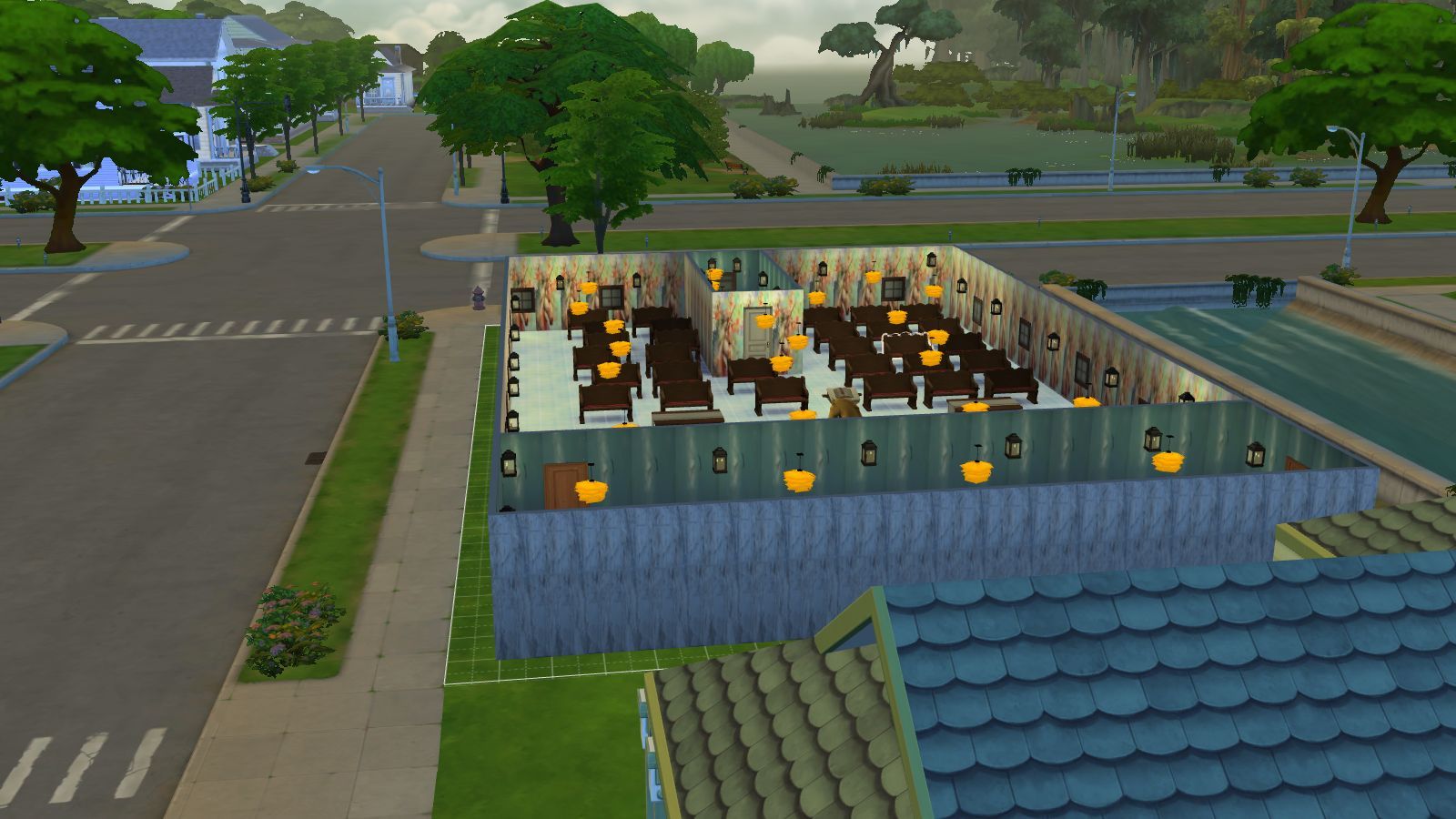
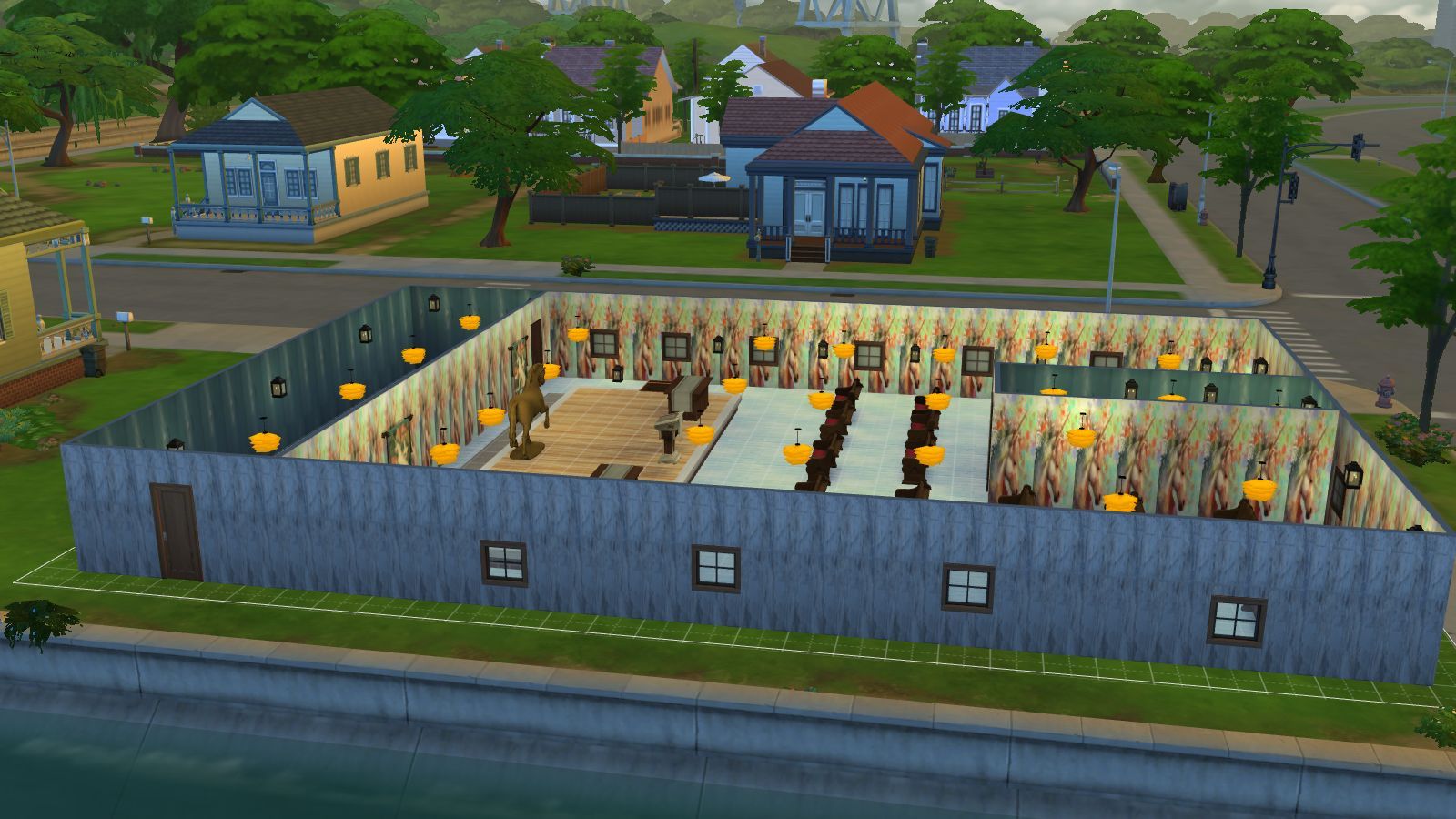
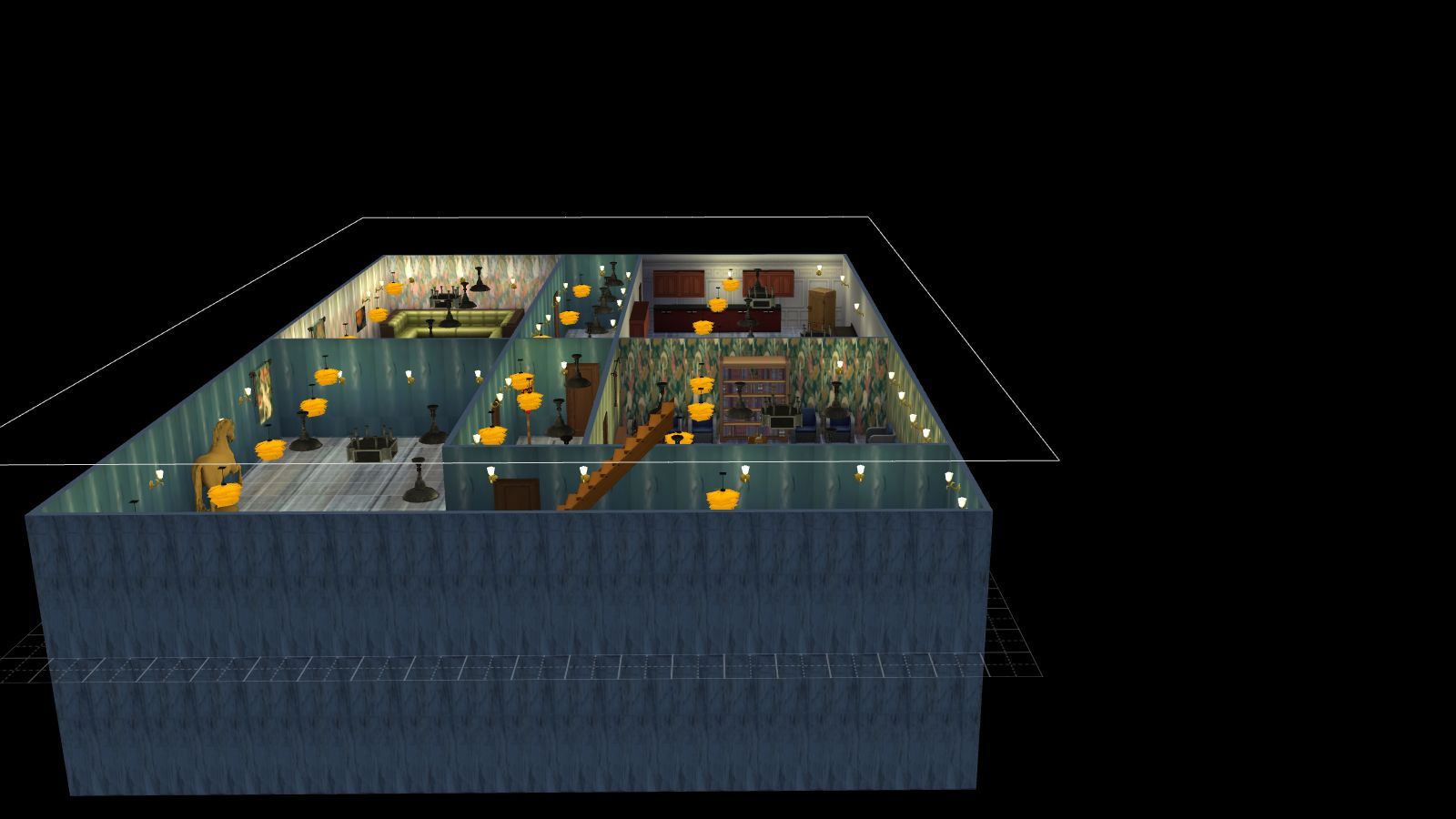
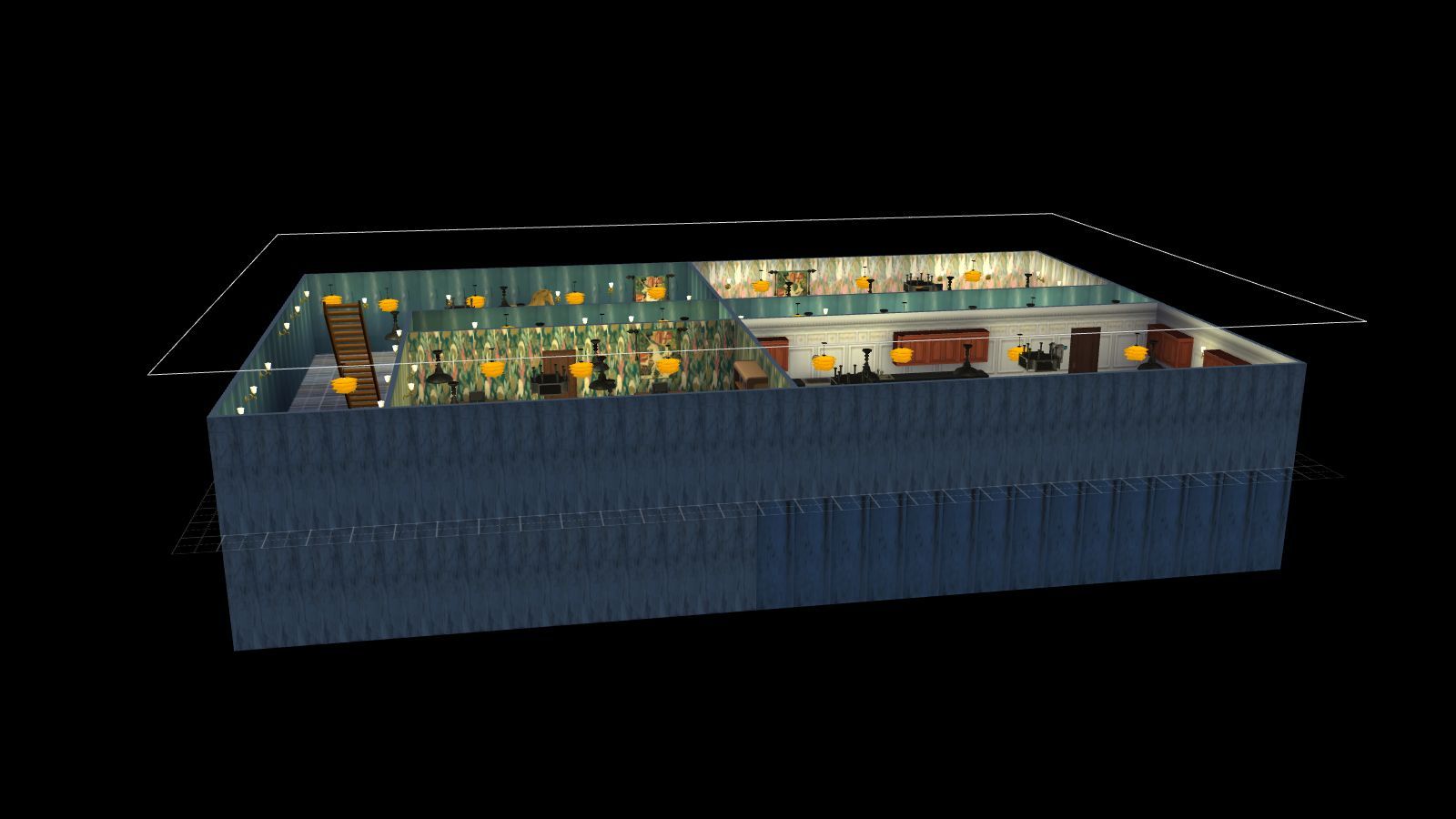
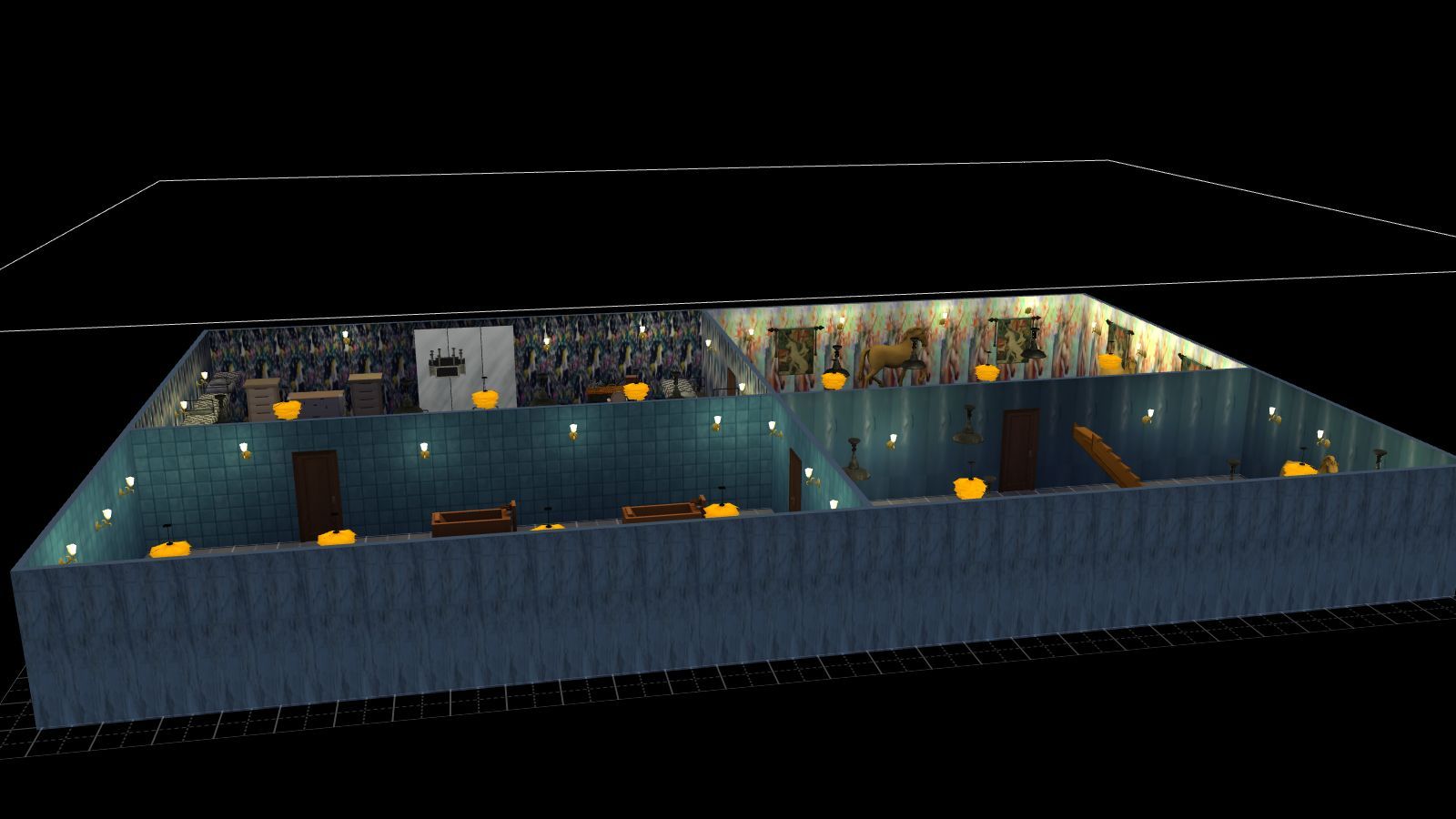
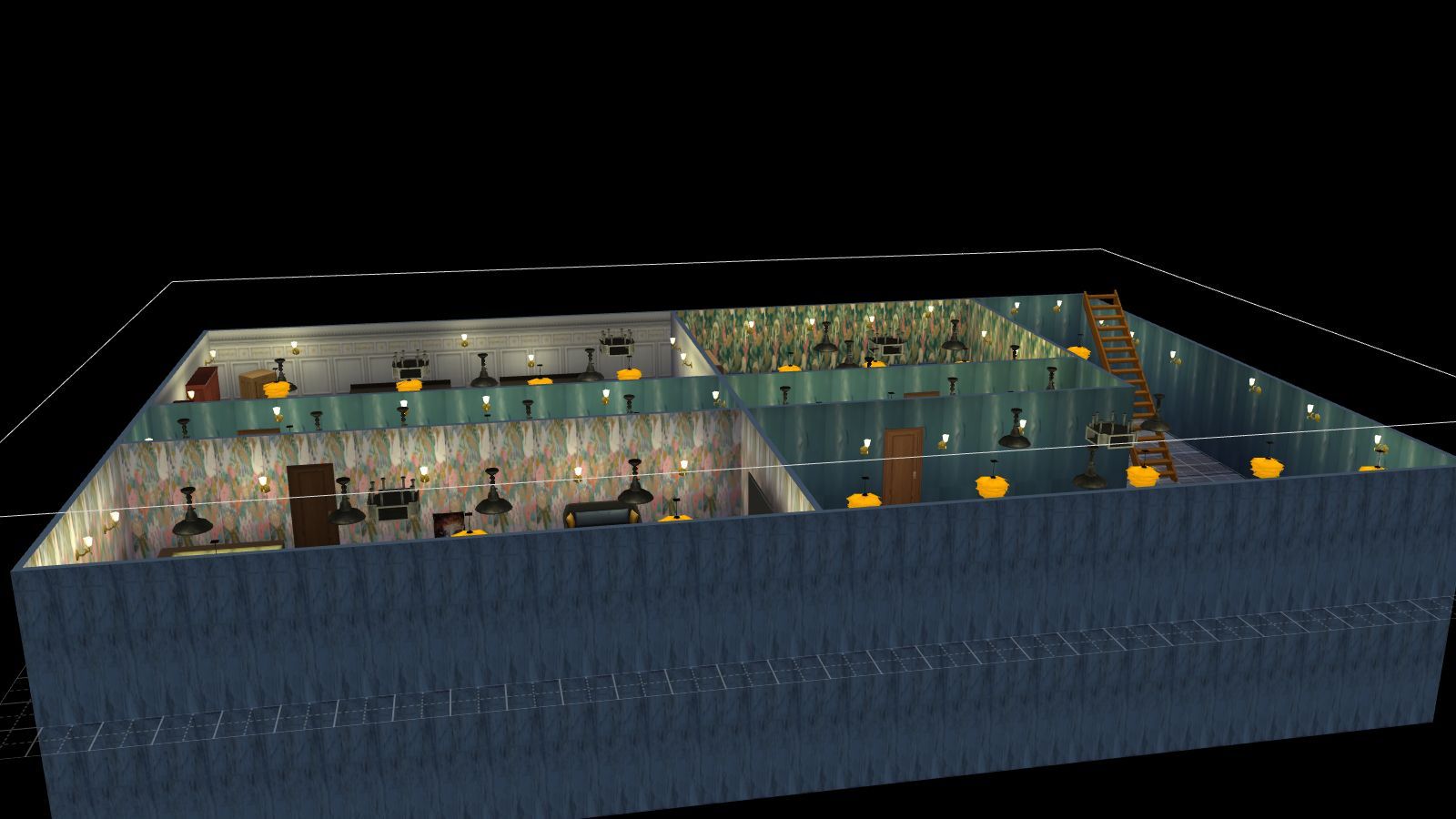
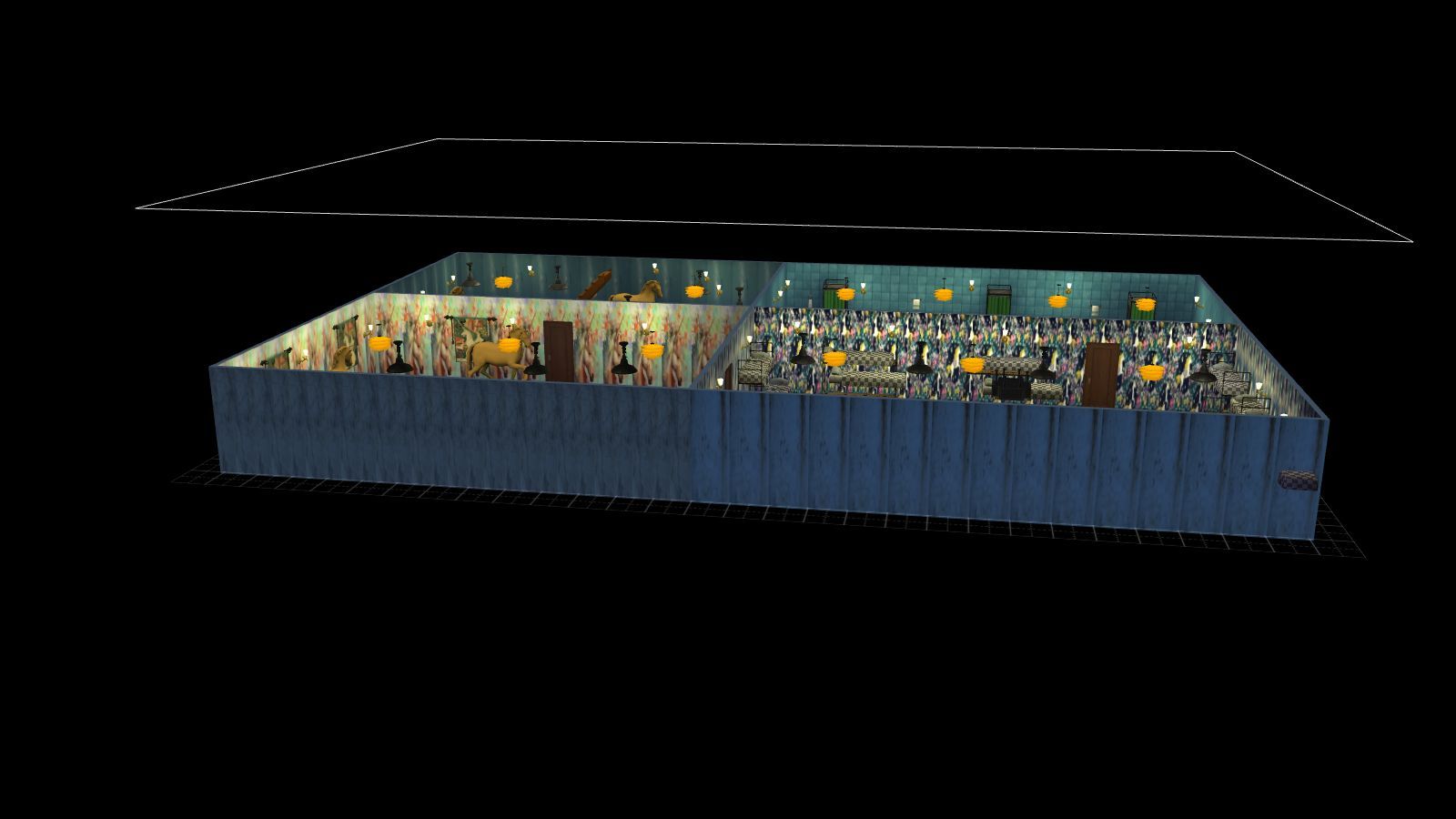
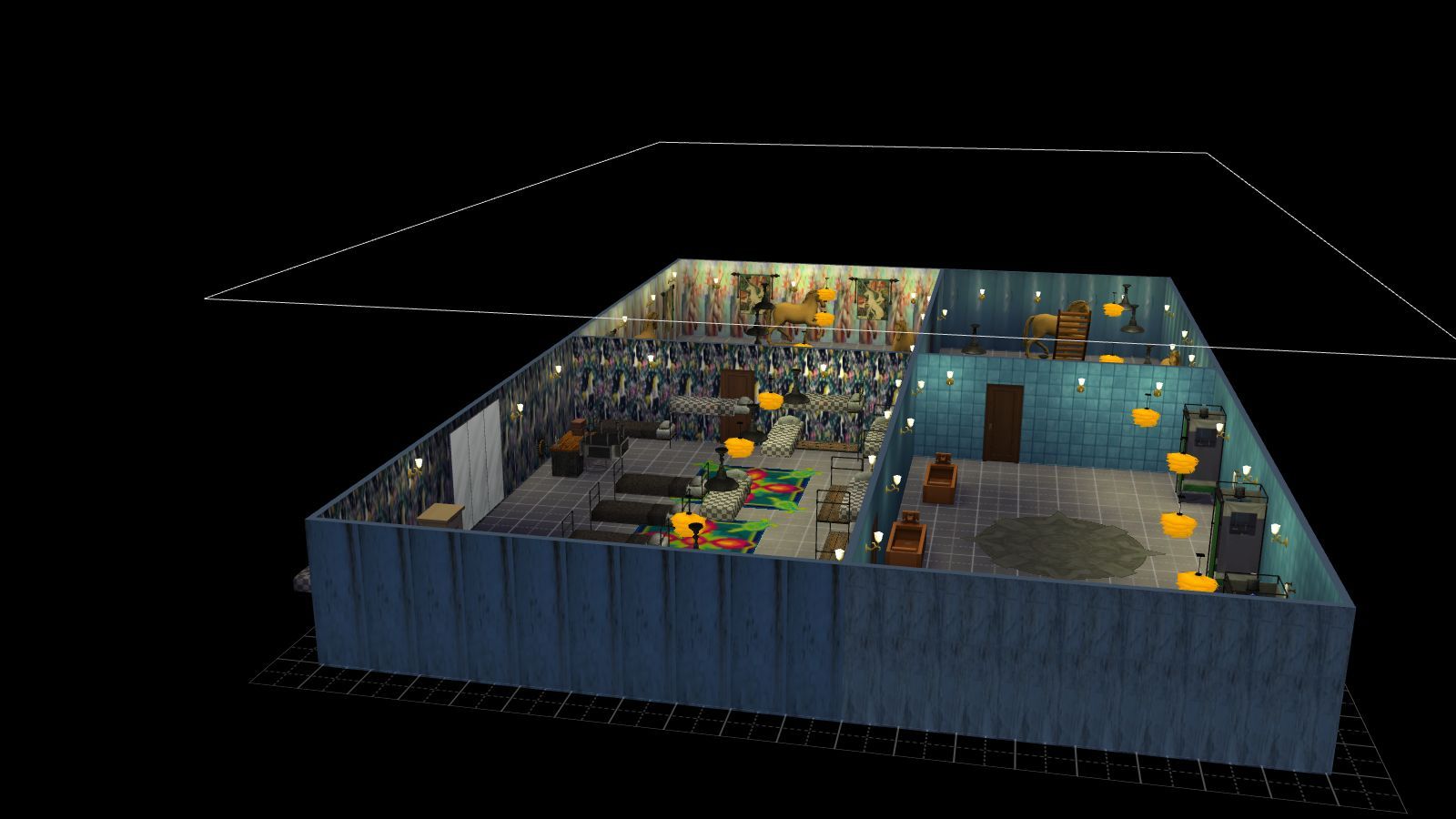
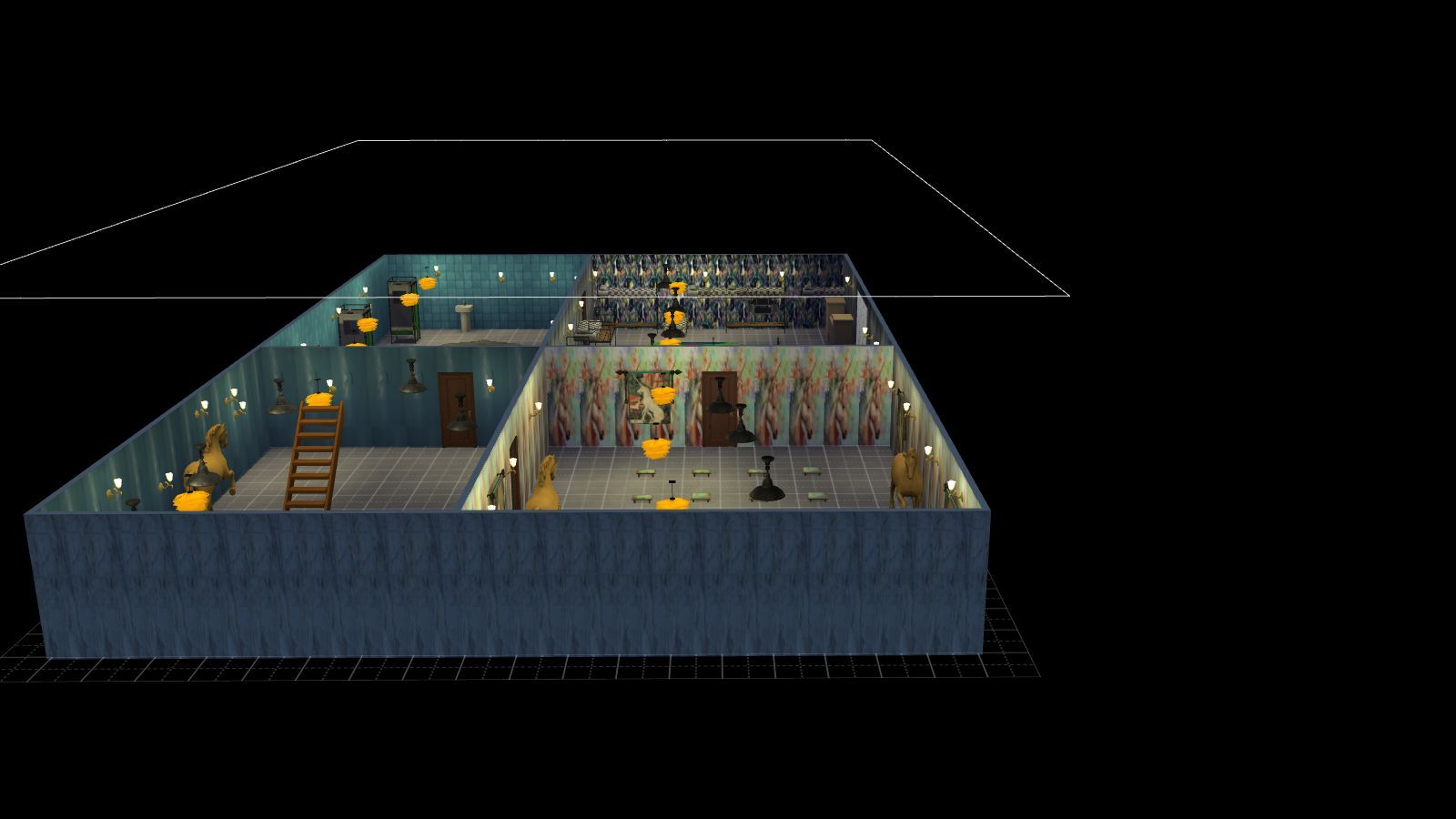
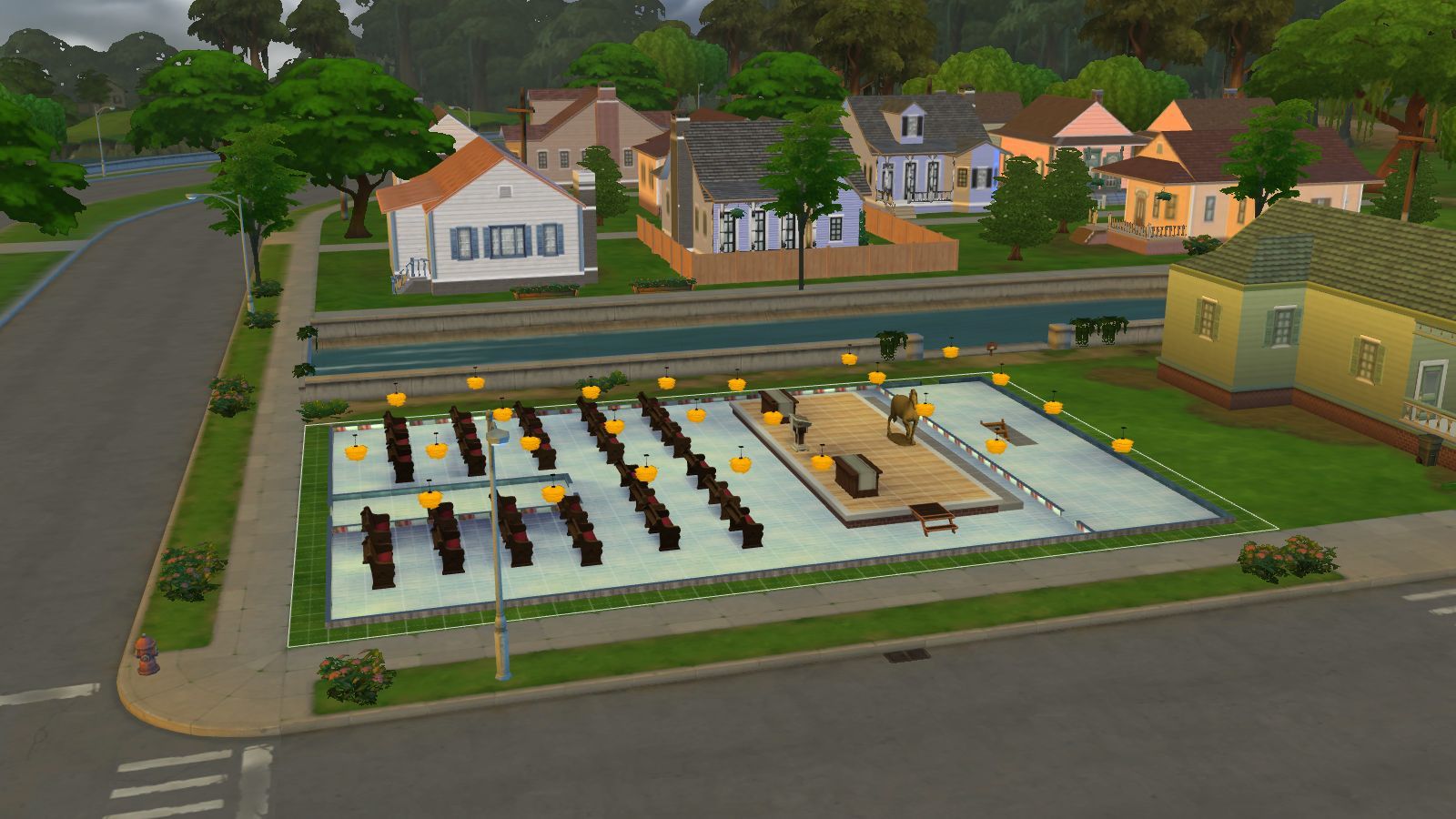
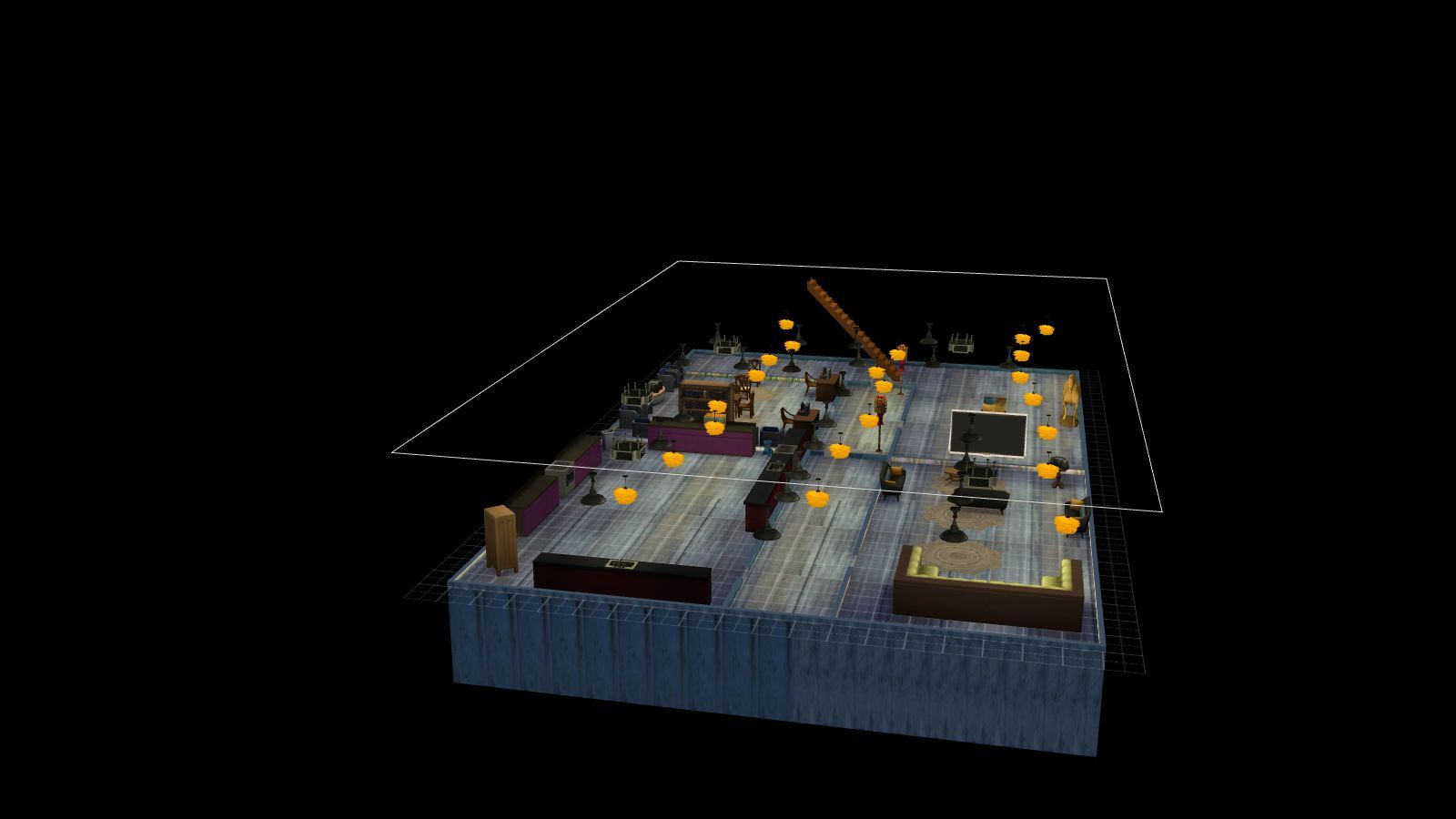
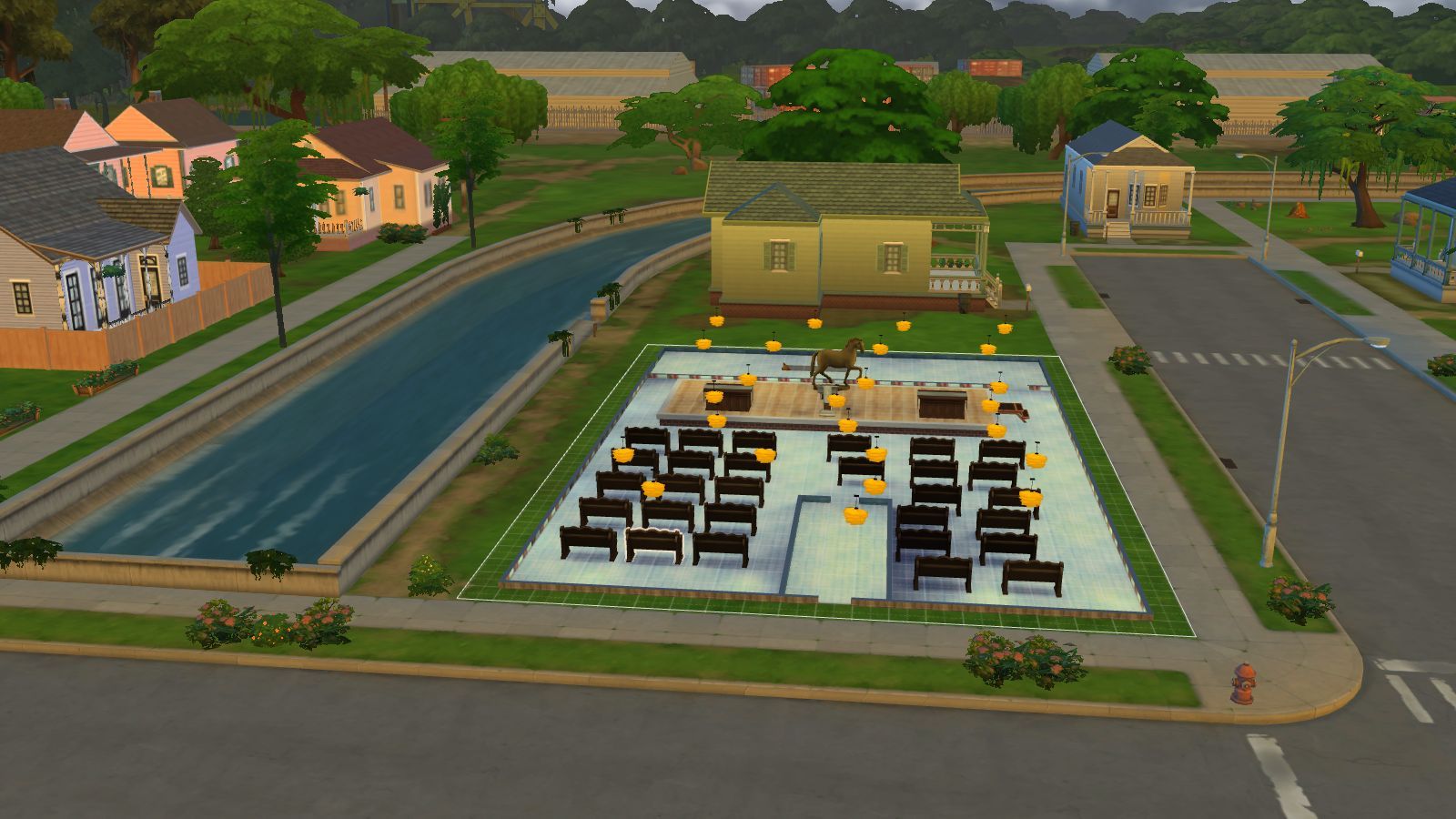
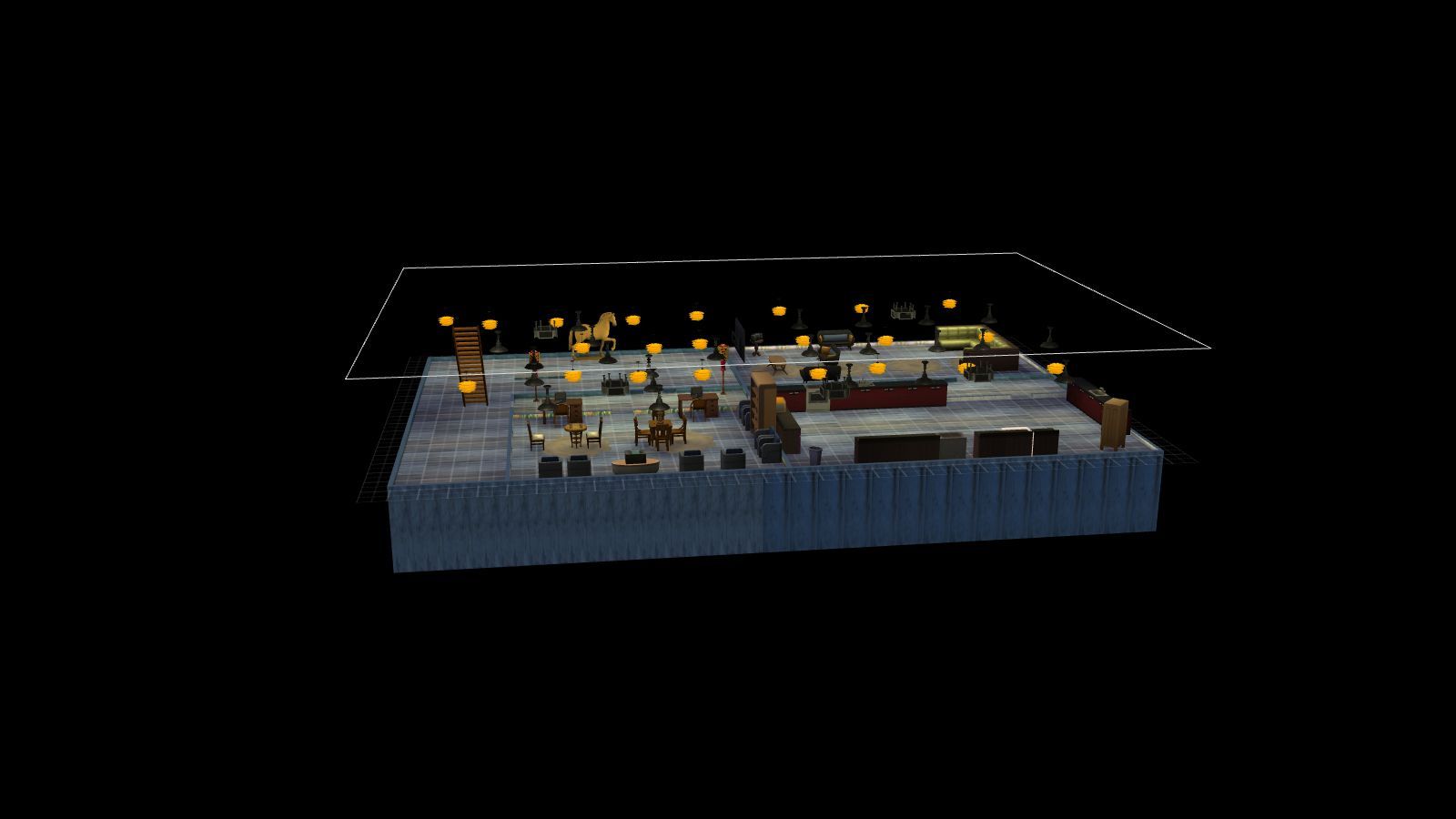
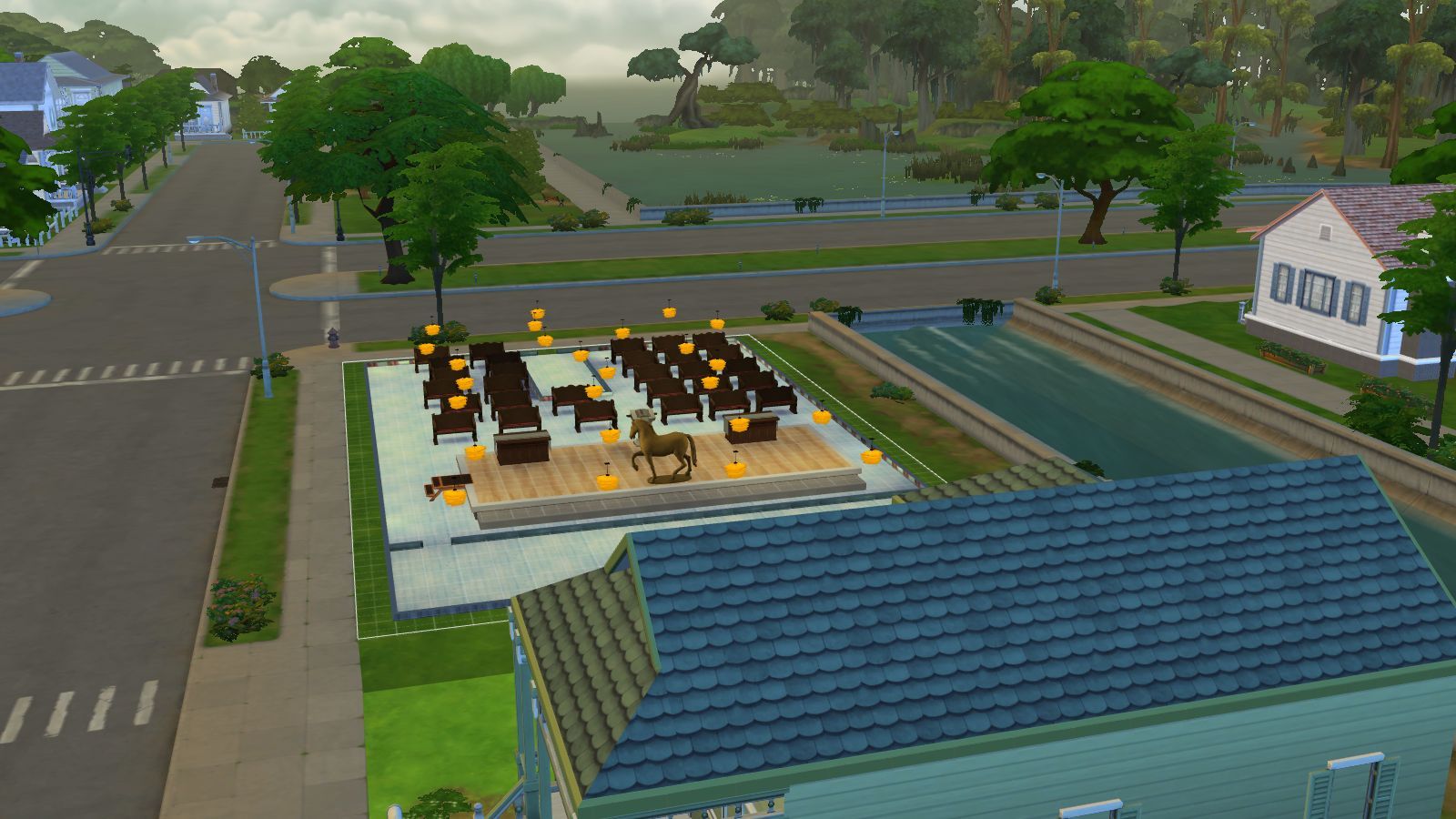
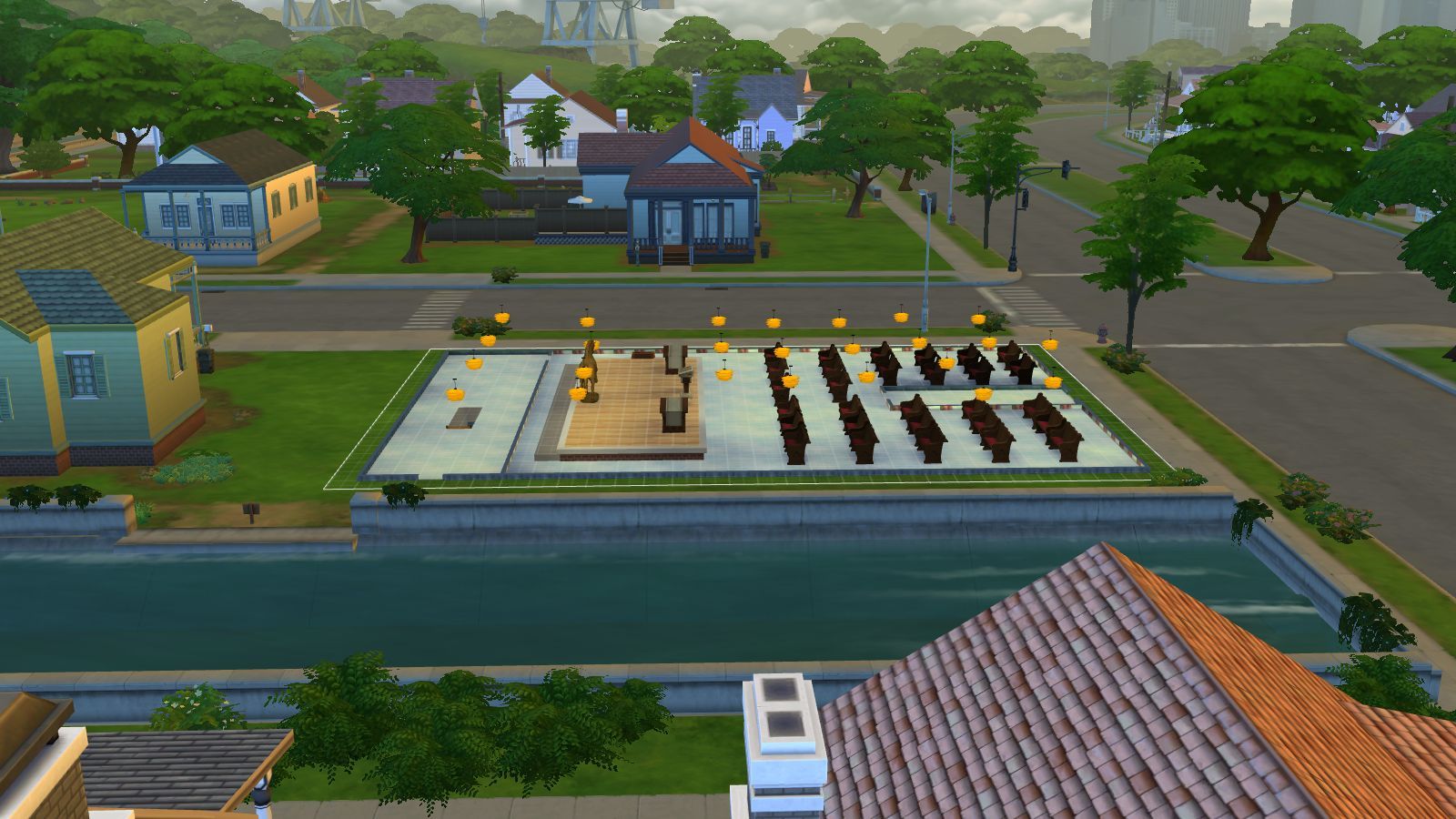
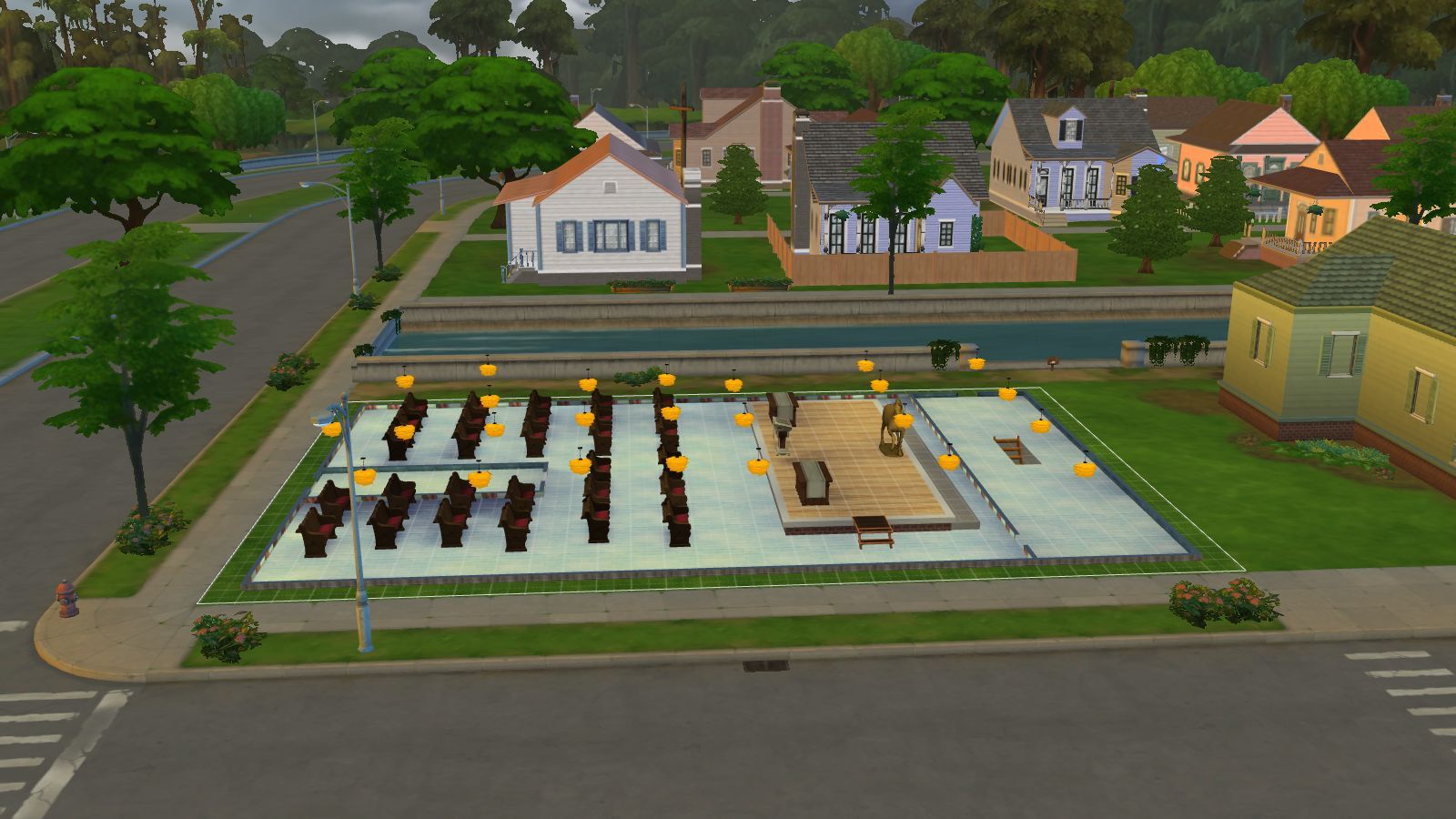
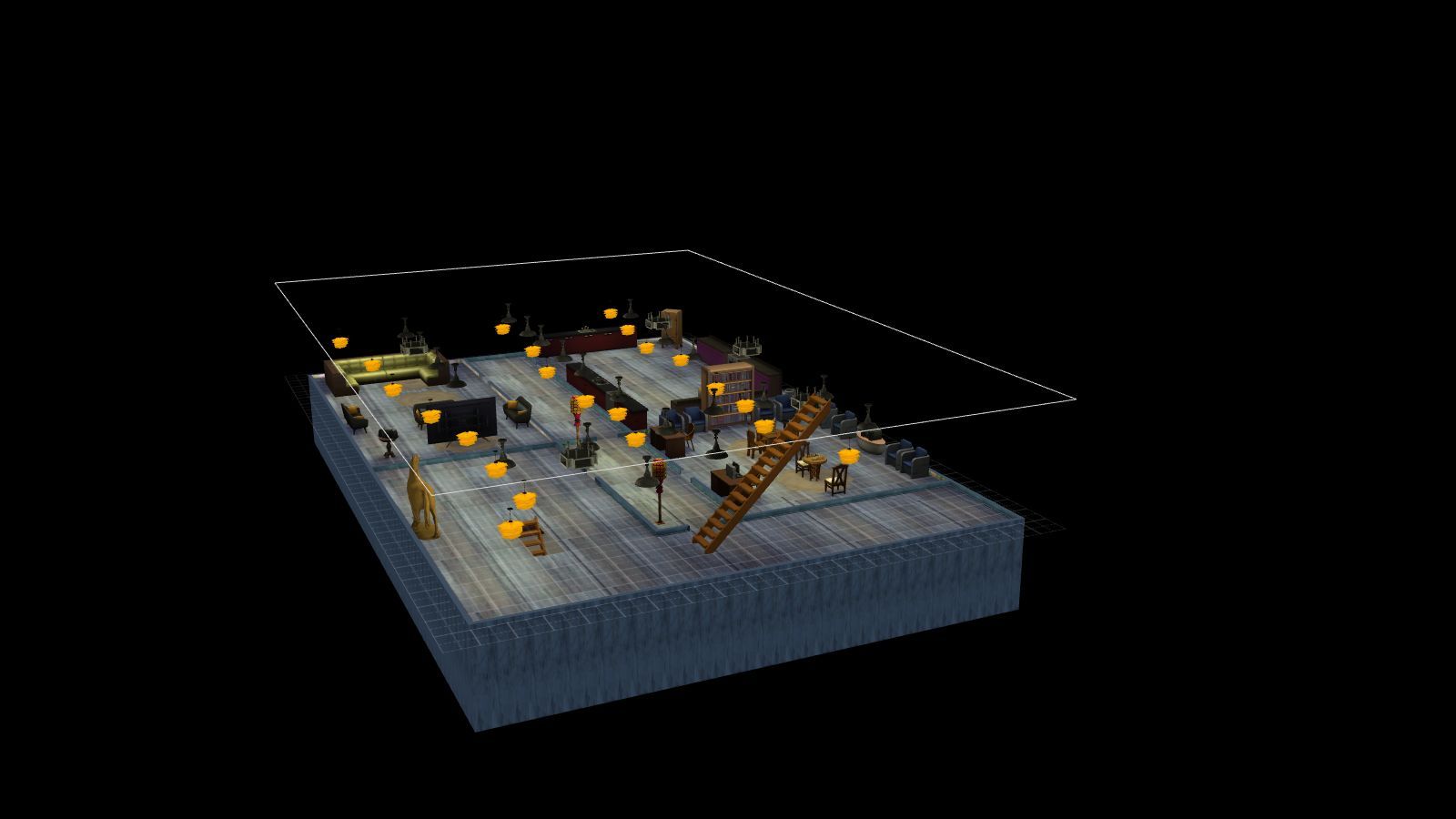
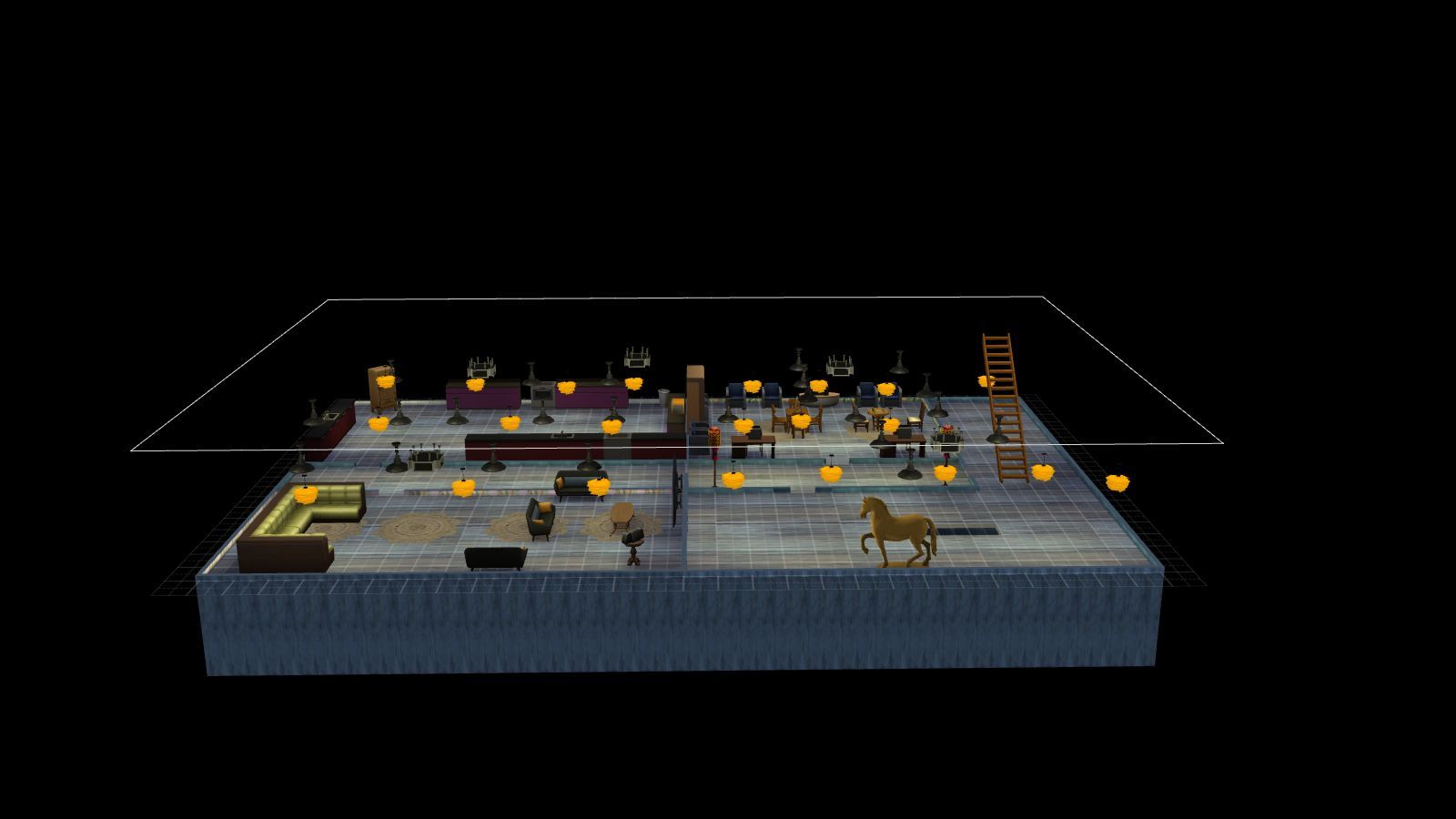
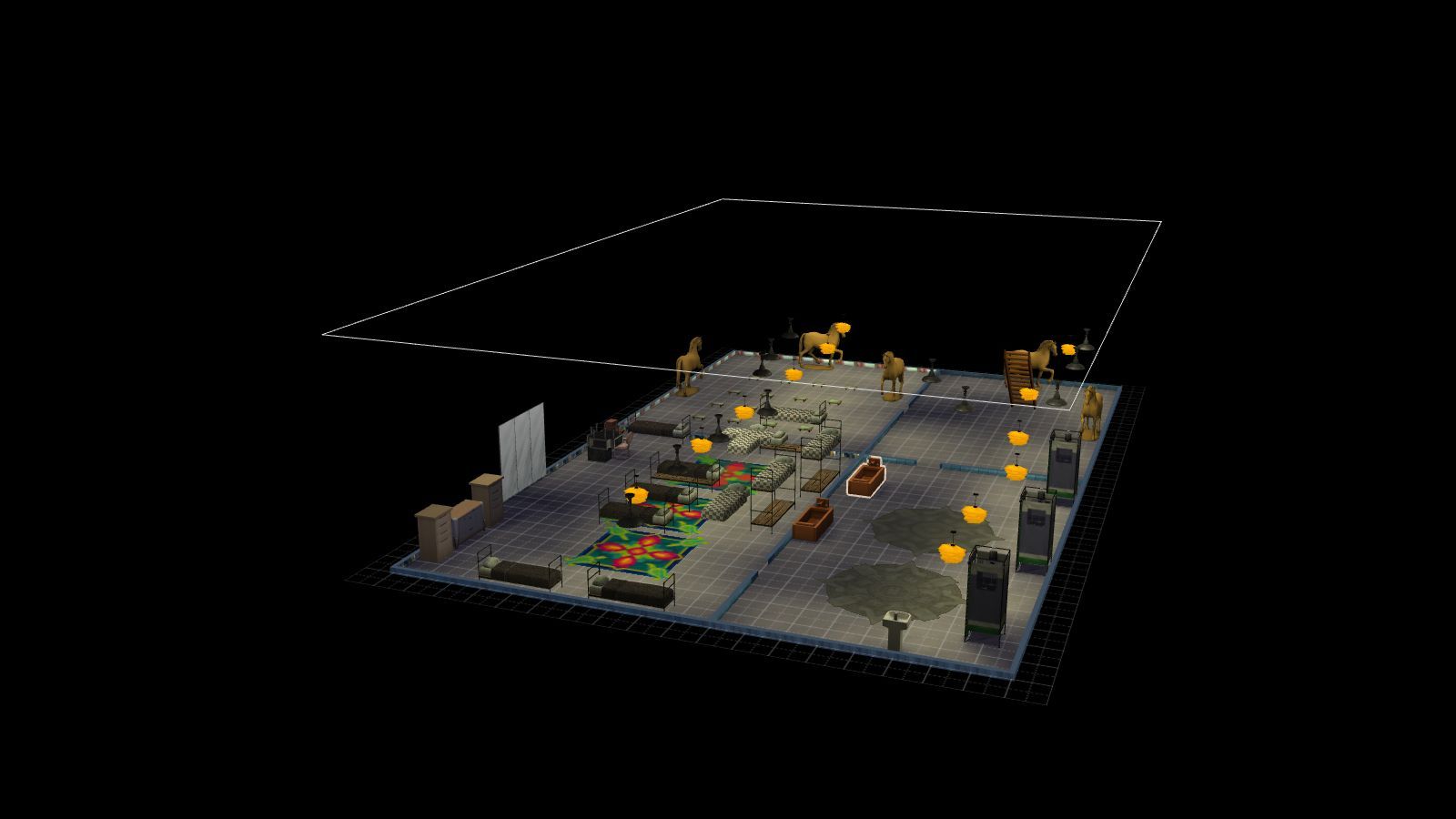
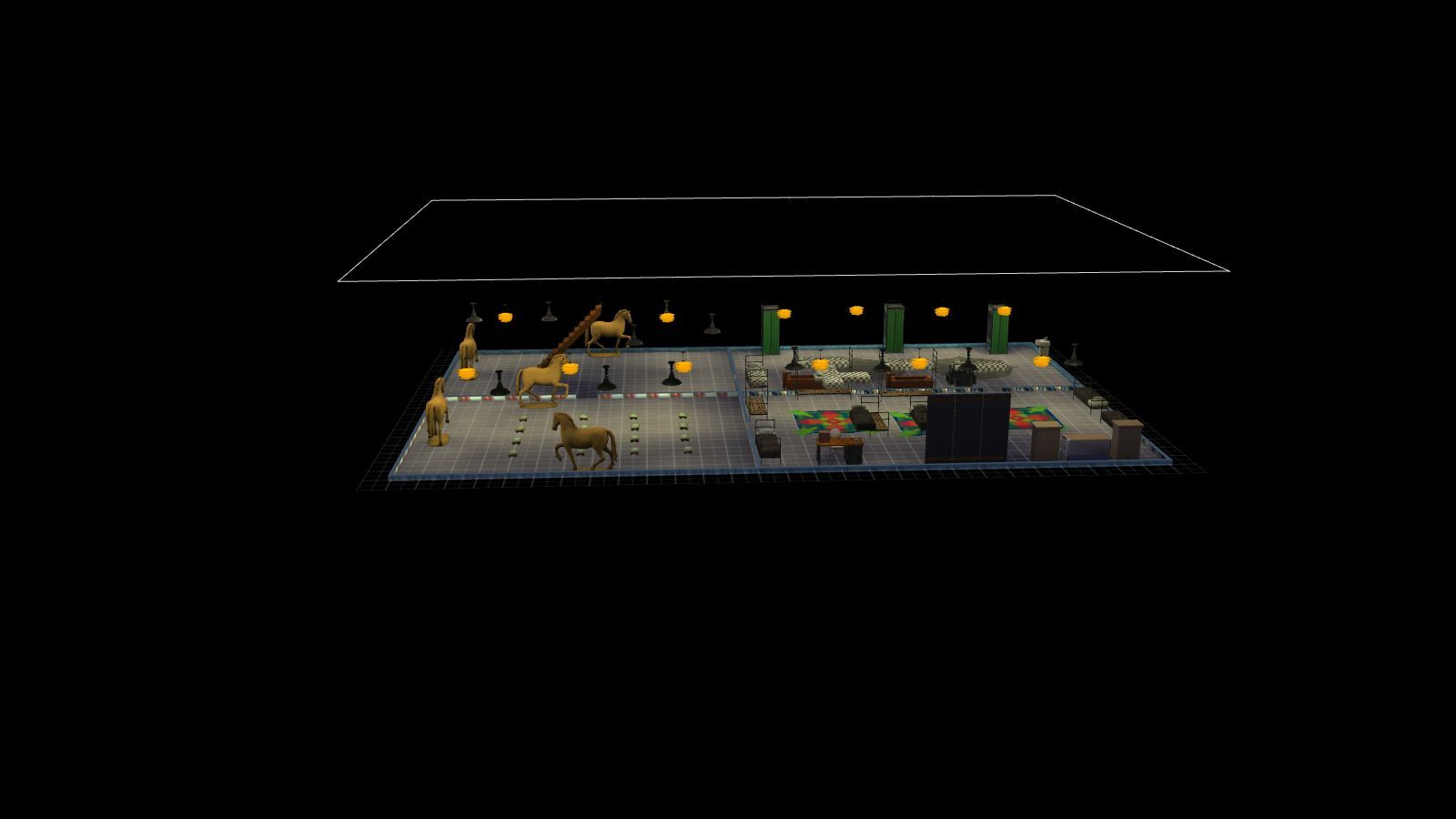
The cult bundle pack which comes with the lot, patterns, and objects like place of worship objects and bunker stuff which I found on the internet. The pattern stuff was originally from Sims 3 which I made but decided to jump ship and move on to Sims 4 after not getting on with the CC attachment to lots once finished so I remaking all the Sims 3 content I made.  The patterns are mainly wallpapers and outside and inside bunker exterior which I sampled from online photos and as I had a unicorn cult there is one unicorn wall print and unicorn wallpaper too.
 
PLEASE NOTE 
 
I built the game with custom content and I have all the main expansion packs, stuff and game packs so if you want the rooms looking like what you see in the pictures then please download The Cult Bunker Bundle Pack with all the content including the lot and other stuff like objects and outfits. It can be found on the Sims 4 Downloads main page in the main menu under Other Stuff>Game Lounge>Sims 4 Downloads>Bundle Packs on this website or the link below. Also have most of the expansions packs and stuff by Electronic Arts.
 
<<<<CREDITS>>>>

Get to Church Stuff Pack by Pandorasimbox

Bunker Furniture by Severinka


INSTRUCTIONS

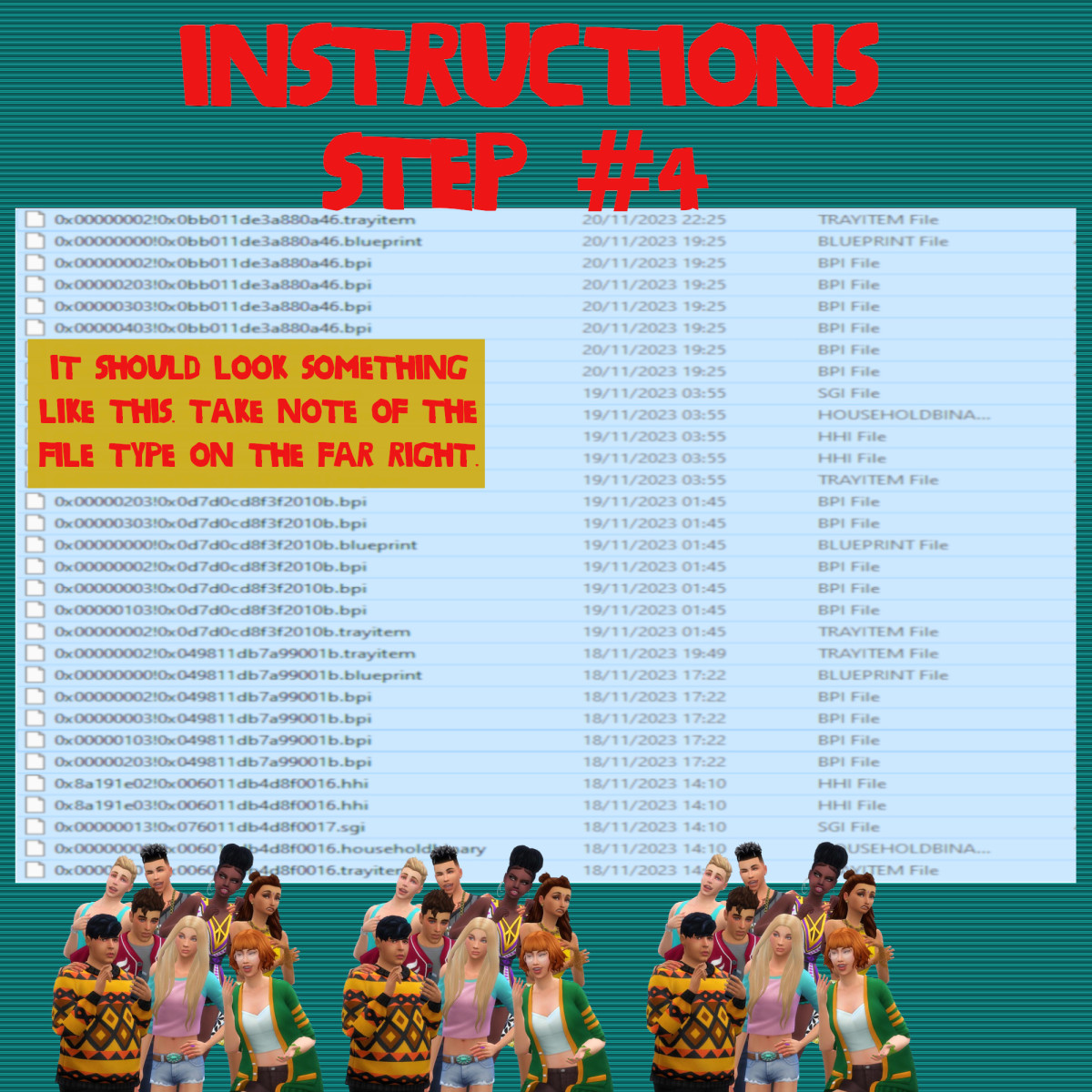
You will get a tray folder and packages folders that need to be put in a certain place.

WHERE TO PUT TRAY FILES

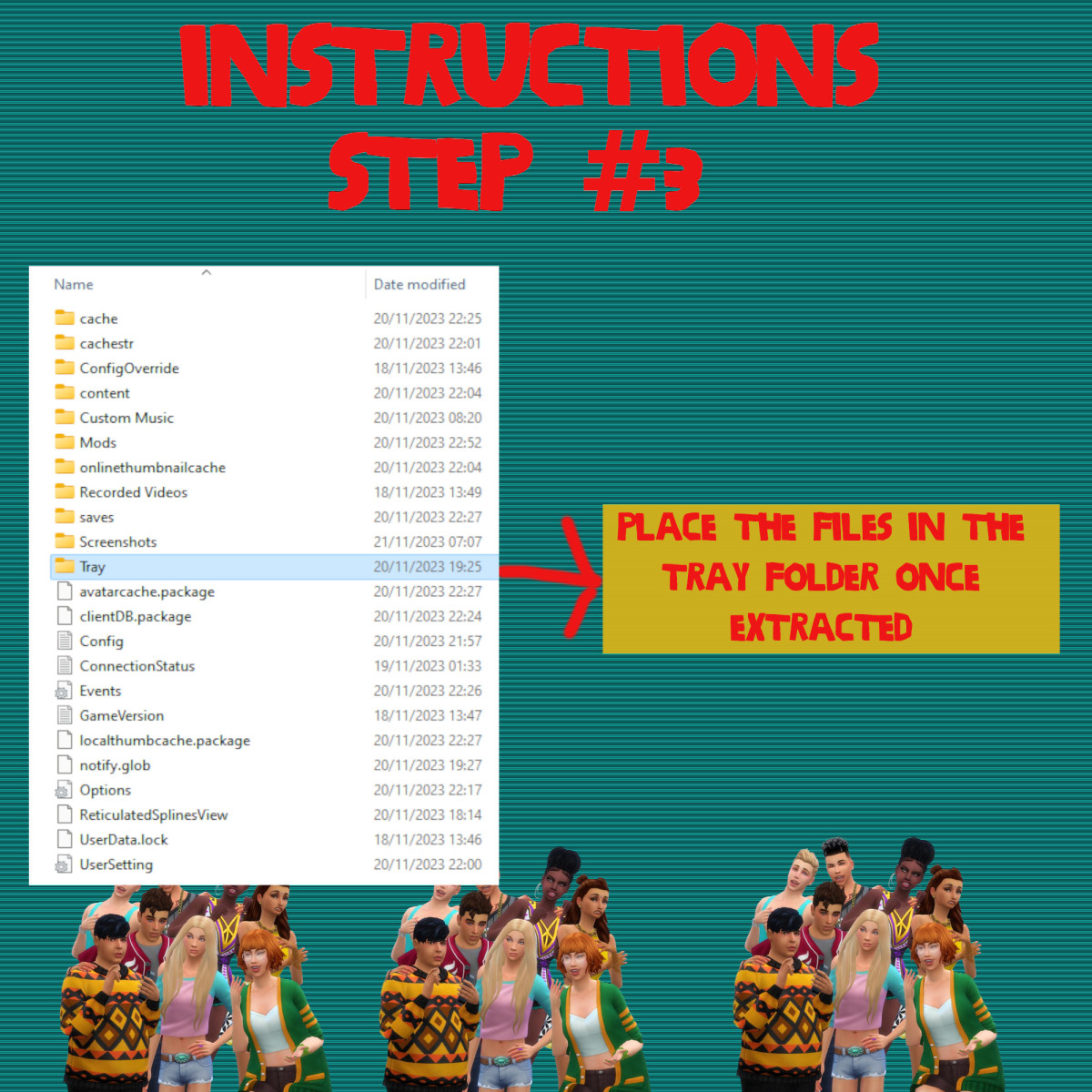
Sims 4 tray folder needs to be extracted and the files should go in Documents>Electronic Arts>Sims 4>Tray. It makes up the lot and household and doesn't come with the patterns. If you want the lot as seen on the photos and video please read the note in the about section of this page.

WHERE TO PUT SIMS 4 PACKAGE FILES

Sims 4 Packages goes in the following place. 

Documents>Electronic Arts>Sims 4>Mods>Packages

Please note if you haven't got a Mods folder then make one and place it in the Electronic Arts folder in Documents. Copy and paste or move Package files in the Mods folder.